Unlock code for Yota Wi-Fi modem IMEI 35561106
- Price in currencies:
- 6.08 $ · 582 RUB · 5.53 €
- Category:
- Cell phone unlock
- Sales:
- -1
- Refunds:
- -1
- Seller:
- zzzepr · about the seller and their products
DESCRIPTION
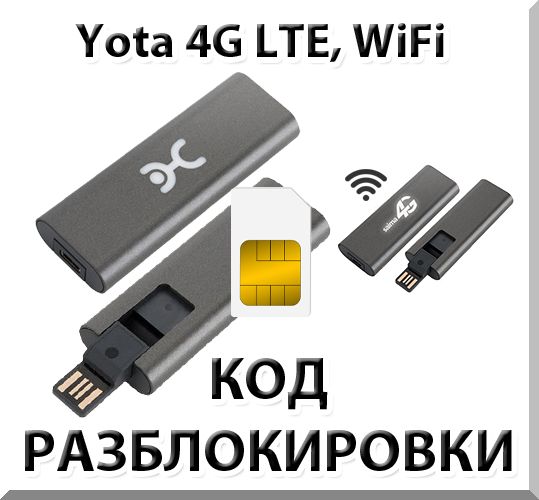
Unlock code for Yota Wi-Fi modem IMEI 35561106
Using this product you can get the unlock code for Yota 4G modem and Wi-Fi modem Yota 4G IMEI with the LTE starting at 35561106 and firmware version [YRMR1_1.xx] and [YRWMR1_x.xx] respectively. If you have another type of router, then do not buy this product.
Supported models:
Wi-Fi Modem YOTA 4G LTE [YRWMR1_x.xx]
Modem YOTA 4G LTE [YRMR1_1.xx]
Saima4G LTE+WiFi [STWMR1_x.xx]
To obtain the unlock code you are required to:
1. Download the application SWF2 Reader Tool: https://3ginfo.ru/downloads1543.html.
2. Remove the SIM-card modem, connect it via USB.
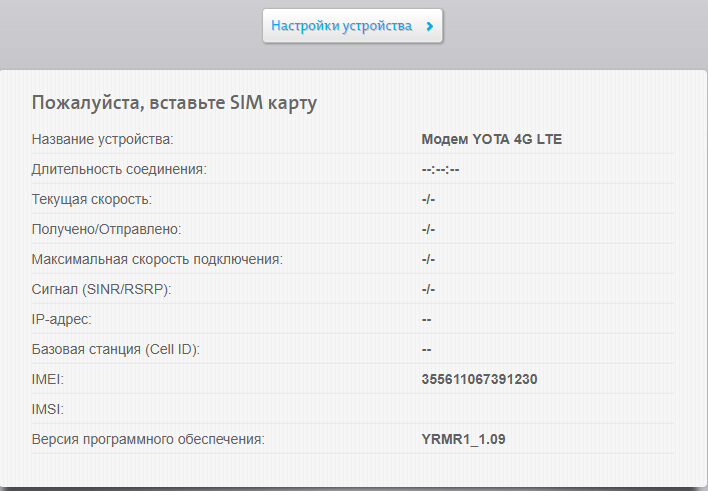
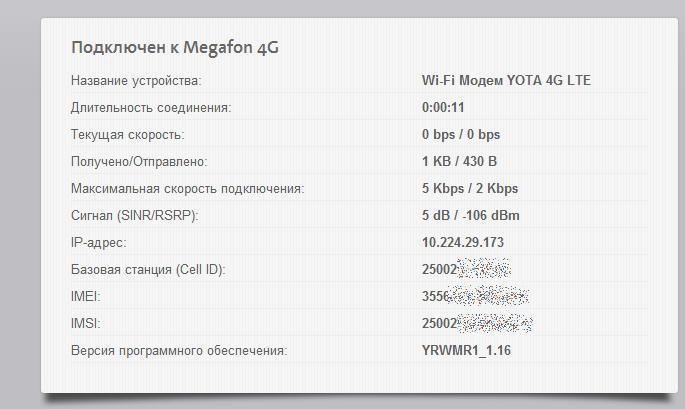
3. Make sure that your modem is available through the web-interface (10.0.0.1), ie you can go to the modem web-based interface in the browser and press "1. Read Data" in SWF2 Reader Tool.
4. As a result, similar to the following in the log window, you will have:
Device Name: Wi-Fi Modem YOTA 4G LTE
Firmware Version: 00.00.95.999 (12/24/2014) @ svn994_YDR0036_2015-01-27-10-35-18
IMEI: 3556110xxxxxxxx
Serial: 1529Fxxxxxxx
Transfer: OK
Result: OK
Firmware Name: STWMR1_1.05
IMEI: 3556110xxxxxxxx
- [Begin Encrypted Block] -
267665696718181A5113xxxxxxxxxxxxxxxxxxxxxxxxxx
--- [End Encrypted Block] ---
System will be reboot in 1-2 minutes ...
5. After that, the modem will restart automatically. A sign of a successful reading of data is to display the IMEI and Encrypted Block in the log window.
6. If the information for some reason has been read correctly, for example, you see a message in the log type Error [x] ... Try again after reboot! Try to reconnect the modem to the PC (ie, pull it out and insert the new, make sure that he was determined, and web-based interface is available) and a re-reading of the data.
7. Once you have successfully subtracted from the data modem, proceed to purchase the unlock code.
8. After receiving the unlock code, run SWF2 Reader Tool application in the NCK field, enter the code and press the button 2.Unlock. Pre-need to connect the modem to the USB port of a PC without simkarty.
Before making a purchase, it is strongly recommended to check that you have a Wi-Fi Modem YOTA 4G LTE [firmware version YRWMR1_x.xx], Modem YOTA 4G LTE [with firmware version YRMR1_1.xx] and the bear begins to 35561106. Then, make sure that you have attempts to enter a network security code. By making a purchase you agree that your device model from the list of supported, as well as attempts to enter the code are not all spent.
If after making a purchase code, it appears that the modem model and firmware version differs from those indicated in the section supported or attempts to enter razblokiroki code no longer exists, will not be reimbursed. Modem only support LTE (Band 7 (2600Mhz) and Band 20 (800Mhz)).
Additional information:
Immediately after payment you will receive a form to fill in the registration data, which will need to fill in the following fields:
- E-mail address (email);
- IMEI;
- Encrypted Block;
- Modem Model;
- Contact number;
These data will be transferred to the seller to complete the transaction of purchase and sale of goods.
REVIEWS
Reviews: (10)
29.12.2017 15:07:35 (просмотрено 29.12.2017 15:20:53)
Добрый день. Я произвел платеж за код разблокировки своего вай фай модема йота 4g Надеюсь что он сможет работать с сим картой других операторов. С уважением Владимир.
29.12.2017 15:21:38
IMEI: *********** ==> NCK: ******
29.12.2017 15:44:47 (просмотрено 29.12.2017 15:45:18)
Спасибо большое у меня все заработало.
29.12.2017 15:45:39
Каким оператором будете пользоваться?
29.12.2017 15:52:43 (просмотрено 29.12.2017 15:55:43)
Хочу выбрать МТС
29.12.2017 15:55:25 (просмотрено 29.12.2017 15:55:43)
В данный момент я вставил сим карту МТС с тарифом ХАЙП и сейчас в интернете с вами переписываюсь через разлоченный модем . Спасибо Вам большое за то что вы делаете доброе дело.