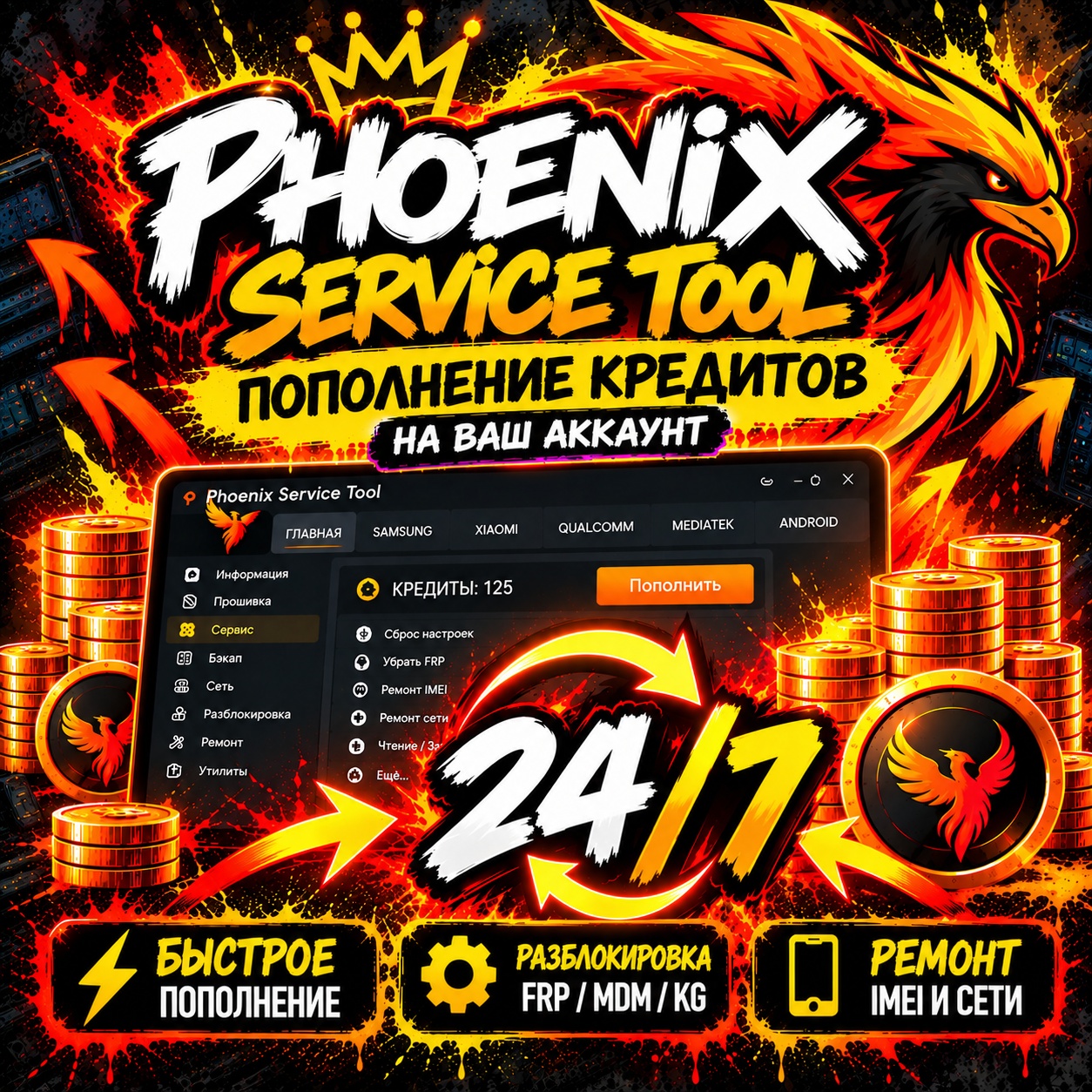
Phoenix Service Tool Credits 24/7 — Account Auto Top-Up
- Price in currencies:
- 1.94 $ · 160 RUB · 1.78 €
- Category:
- Cell phone unlock
- Item:
- text information
- Sales:
- 17
- Refunds:
- 0
- Customer rating:
- 5.0 of 5 +7 / −0
- Seller:
- DiezGames · about the seller and their products
DESCRIPTION
Phoenix Service Tool Credits 24/7 — Account Auto Top-Up
🔥 Phoenix Service Tool Credits — Account Top Up 24/7 Automatic
Add Credits directly to your personal Phoenix Service Tool account.
Simply register your Phoenix Service Tool account, select the number of Credits you need, and provide your account details during checkout.
After payment, we will add the purchased number of Credits directly to the account you provided.
Credits are used for paid operations within Phoenix Service Tool. The cost of each operation is determined by the service developer and may change over time.
🚀 How to Get Your Credits
1️⃣ Register on the official Phoenix Service Tool website
Official website:
https://phoenixservicetool.com/
Create your Phoenix Service Tool account. If you already have an account, you can skip this step.
2️⃣ Enter your account details
When placing your order, provide the Phoenix Service Tool account information requested during checkout.
Please double-check your details before submitting the order. This is important 🙂
3️⃣ Select the number of Credits and complete the payment
Choose the amount of Credits you need and complete your purchase.
4️⃣ Done! Now just wait for the credits to be added 🎉
Once we receive your order, we will AUTOMATICALLY credit the purchased amount of Credits to your specified Phoenix Service Tool account within 10–15 minutes (though occasional delays may occur).
⚠️ A Few Important Things
Our job is to add the purchased number of Phoenix Service Tool Credits to the account provided during checkout.
We are responsible for correctly completing the purchased credit top-up.
Please make sure your account details are correct before payment. Account details cannot be changed after the order has been placed and paid for.
If incorrect information or details belonging to another account are provided, the buyer is responsible for the accuracy of the information submitted.
Once the account details have been submitted and order processing has started, the order cannot be cancelled or refunded.
Once the Credits have been successfully added to the provided account, the payment is non-refundable.
💡 What Else Should You Know?
We are responsible only for adding the purchased number of Credits to the Phoenix Service Tool account provided by you.
The operation of Phoenix Service Tool itself, support for specific devices or operations, Credit costs, server availability, and any future changes made by the developer are outside the scope of this top-up service.
If you are purchasing Credits for a specific operation, we recommend checking its current support and Credit cost before purchasing.
💚 In Short:
Register your account → enter your account details → select the number of Credits → pay → we top up your balance → done 🚀
Please double-check your account details before placing the order — we´ll take care of the top-up.
Thank you for your purchase! 💚
Additional information:
No further action is required — simply wait for your balance to be topped up. 🚀
⚠️ Account details cannot be changed after payment. The buyer is responsible for providing correct account information.
If you have any questions about your top-up status, please contact us through the order chat.
REVIEWS
Reviews: (7)
Воспользовался данной услугой и без проблем сделал FRP.
Пополнение немного затянулось, но за 1.5-2 часа кредиты поступили.
Продавца рекомендую, всё время был на связи!
Спасибо!