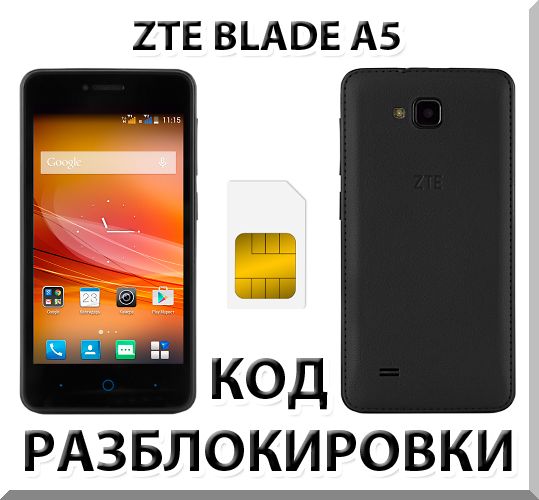
ZTE Blade A5. Network Unlock Code (NCK).
- Price in currencies:
- 4.25 $ · 411 RUB · 3.88 €
- Category:
- Cell phone unlock
- Sales:
- -1
- Refunds:
- -1
- Seller:
- Decker · about the seller and their products
DESCRIPTION
ZTE Blade A5. Network Unlock Code (NCK).
Unlocking ZTE Blade A5 by code is very easy, it is also safest and non-invasive method of unlocking your phone. To get code for unlock ZTE Blade A5 You need to provide IMEI number of your ZTE Blade A5. Type on keyboard *#06# or remove battery from Your ZTE Blade A5 to check IMEI number. IMEI is written on the information label under battery (it´s a 15 digit number).
This code will only work with ZTE Blade A5, it won´t work with other ZTE models.
1. Find your IMEI number (15 digits) of your FIRST slot as described above.
2. Make payment via PayPal or any other preferred payment system (you can see the list of available payment systems on the right).
3. After you make payment you will receive a letter from Plati.Com (or Oplata.Info) with the link on registration form.
4. Fill the form correctly, you must input IMEI and your E-Mail. After - click "Send" button.
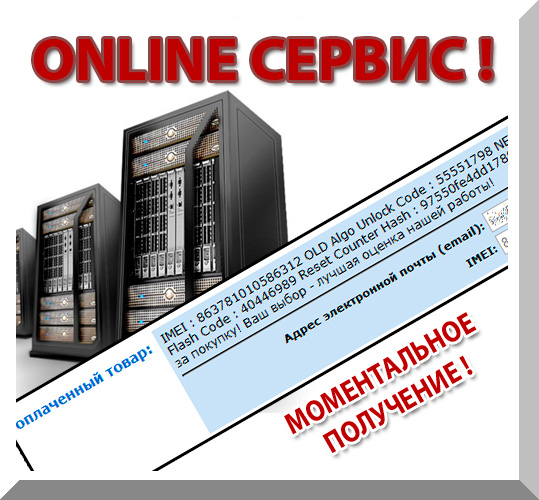
5. After you click "Send" your Unlock Code instantly appear in the "Your purchase" field.
6. Turn-off the phone and insert unaccepted SIM card into FIRST slot. When the phone starts and request for network unlock code - enter received NCK code. BOTH SIM card slot (first and second) will be unlocked.
You will receive purchased Unlock Code instantly after you make payment and fill registration form with IMEI and E-Mail. Unlock Code will not send to E-Mail, it appears instantly on the registration form screen in the "Your purchase" field.
Insert a non accepted simcard in your phone and power on. When the phone prompts for the unlock code simply enter the unlock code provided to you. Your phone is now permanently unlocked!
Before you buy Unlock Code, power on the device with a non accepted SIM card inserted and make sure that phone prompts for a SIM network unlock PIN (Network Unlock Code). If the remaining attempts left - you shouldn´t buy this code!
Additional information:
Immediately after payment you will receive a form to fill in the registration data, which will have to fill the following fields:
- E-mail address (email);
- IMEI;
These data will be transferred to the seller to complete the transaction of sale and purchase of goods.
REVIEWS
Reviews: (10)
Все очень быстро ,а главное честно! Спасибо за понимание!