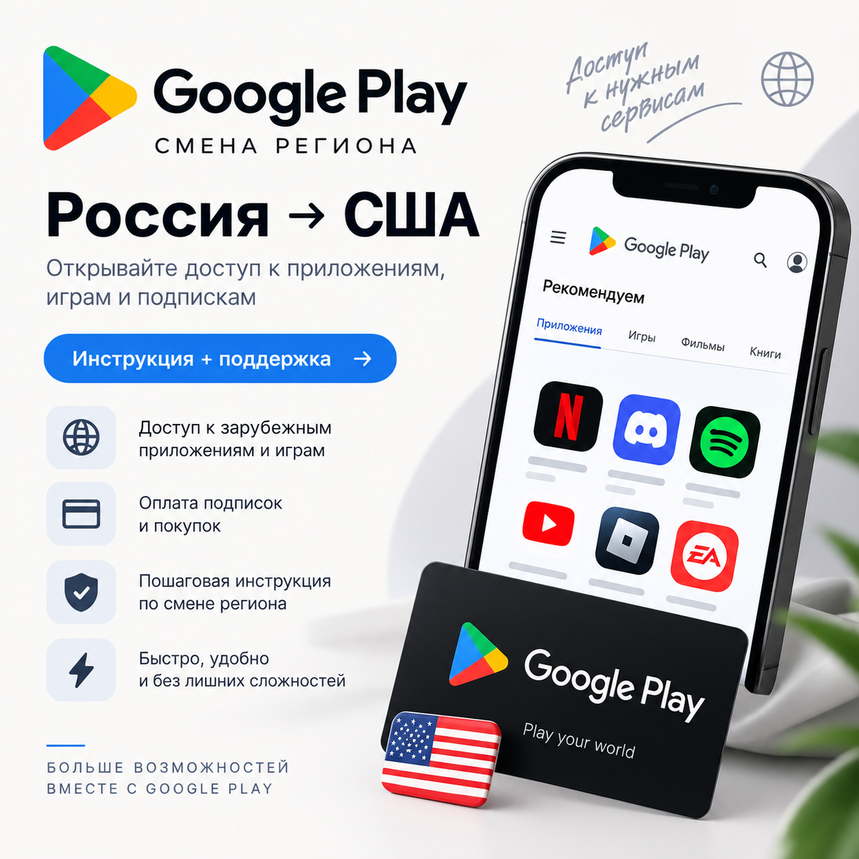
Google Play Region Change | Step-by-Step Guide | Automatic Delivery
- Price in currencies:
- 1.2 $ · 81 RUB
- Category:
- Others
- Item:
- text information (245 characters)
- Uploaded:
- 30.03.2026 6:53:25
- Sales:
- 575
- Refunds:
- 0
- Customer rating:
- 4.7 of 5 +35 / −2
- Seller:
- hakivana · about the seller and their products
DESCRIPTION
Google Play Region Change | Step-by-Step Guide | Automatic Delivery
📱 After payment, you will receive a detailed step-by-step guide explaining how to change your Google Play region for future purchases of apps, games, subscriptions, and other digital content.
All steps are completed independently — you do not need to provide the seller with your Google account login, password, or account access.
📌 Product Information:
— The guide is intended for users who need to prepare Google Play for purchases from Russia.
— Every setup step is explained clearly and is suitable even for users with no previous experience.
— The guide includes the required links, examples, and recommendations for configuring the new region correctly.
— Seller support is available for common issues that may occur during setup.
📦 What You Receive:
✅ Step-by-step Google Play region change guide
✅ Required links and examples
✅ Explanations for the main setup steps
✅ Recommendations for using the new region correctly
✅ Seller consultation regarding region setup
✅ Help with common setup errors
⚡ Automatic Delivery:
After successful payment, the guide is delivered automatically with your order. No manual delivery from the seller is required.
💳 If your Google Play region is already configured and you only need to make a payment, use the separate service:
https://plati.io/itm/google-play-payment-from-russia-us-card-3-300-usd/3440172
✨ Promo code: SMENADG
Enter it during checkout to receive a discount.
🕒 Support Hours:
Weekdays — 10:00–22:00 MSK
Weekends and public holidays — 14:00–20:00 MSK
Additional information:
⚠️ Please note:
— You are purchasing a digital manual and support service.
— All account management is performed independently by the user.
— The seller does not request login information and does not sign in to your Google account.
— Before proceeding, we recommend that you carefully read the entire manual and follow the steps listed.
— The ability to change regions and make further payments depends on your account settings and current Google restrictions.
REVIEWS
Reviews: (10)
(Немного помучался с отключением adsense, но и без отключения ПП вышло)