
253 5
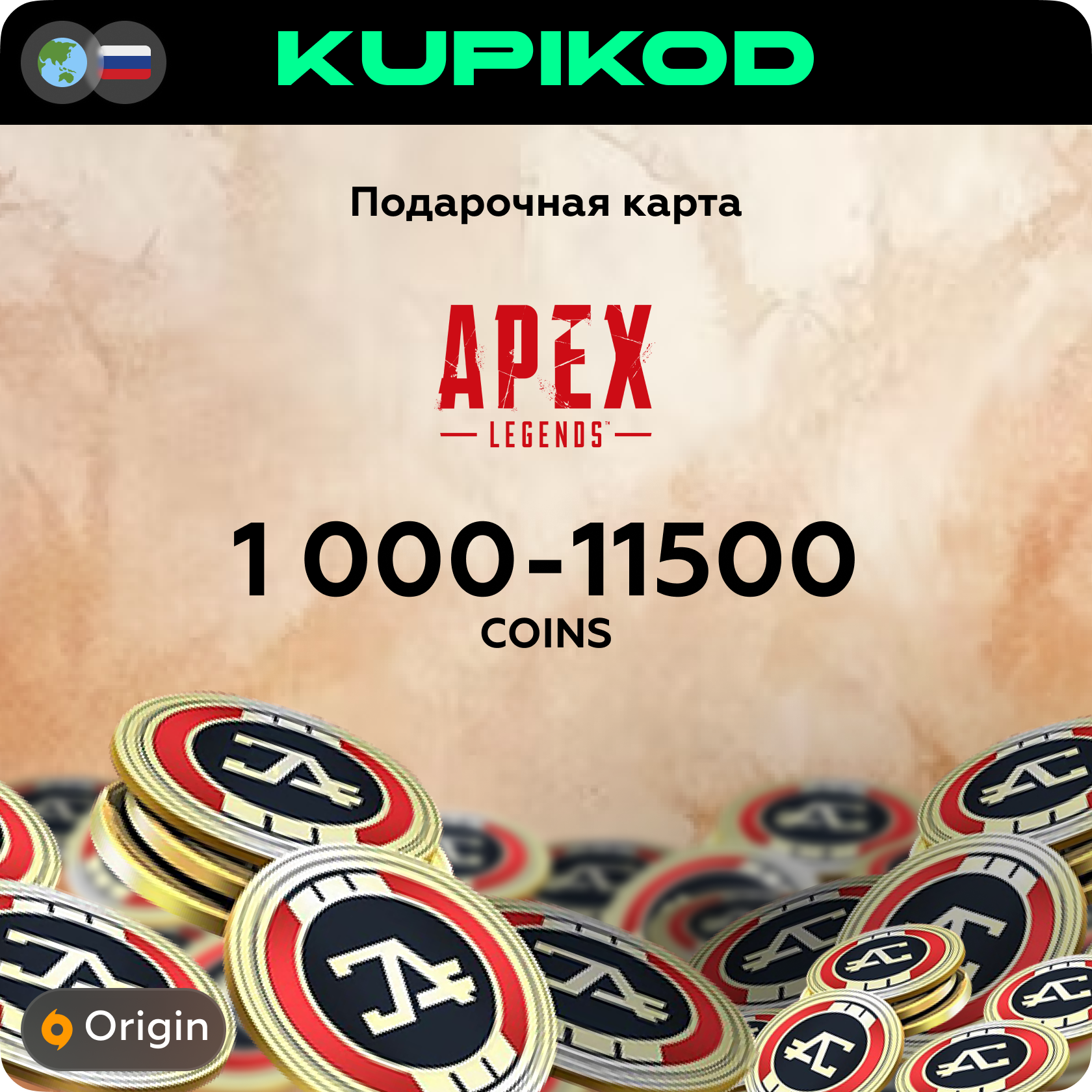
🔥Apex Legends Game Currency🔥1000-11500 Coins |Origin
🟢ACTIVATION INSTRUCTIONS🟢
Where to activate the code?
• On the official website: https://myaccount.ea.com/cp-ui/redemption/index
• This code can only be activated on PC.
• You must redeem it on the Origin website in your personal account and be sure to log into the game through the Origin game client to receive Apex Coins. • Only after this will Apex Coins be synchronized on your Steam account.
• Your Steam must be linked to EA.
• This method is not suitable for PlayStation, Xbox and Nintendo.
• No access is required. You receive the code and activate it yourself on the Origin website - it´s safe.
• When purchasing multiple keys - you cannot activate codes in a row! You must pause for 10-30 minutes and activate the next one only after the currency has already been credited to your balance after the previous redemption.
🥇We are KUPIKOD - one of the largest sellers and gaming services. We are among the top 10 sellers on this trading platform.🥇
After payment, we fully guarantee the delivery of the goods to you.
Please, if you have any questions or problems, write to us in the chat on the product purchase page - you will be prompted and helped to understand. We are responsible for the completion of your order.
❗Refund or exchange guarantee if the error is our fault.❗
To help us resolve any issues quickly, we recommend recording a video of the entire process — from the moment of payment through to code activation.
🎥 A video recording helps confirm every step and speeds up resolving the situation. One-take recording, no editing: the full conversation with support and an F5 press are visible (proof of no montage).
🛑 PLEASE NOTE: code-related claims are reviewed only if a complete recording of the process — from payment to the activation attempt — is provided.
 Discount for regular customers! If the total of your purchases from the seller
KUPIKOD
exceeds:
Discount for regular customers! If the total of your purchases from the seller
KUPIKOD
exceeds: