
20 0
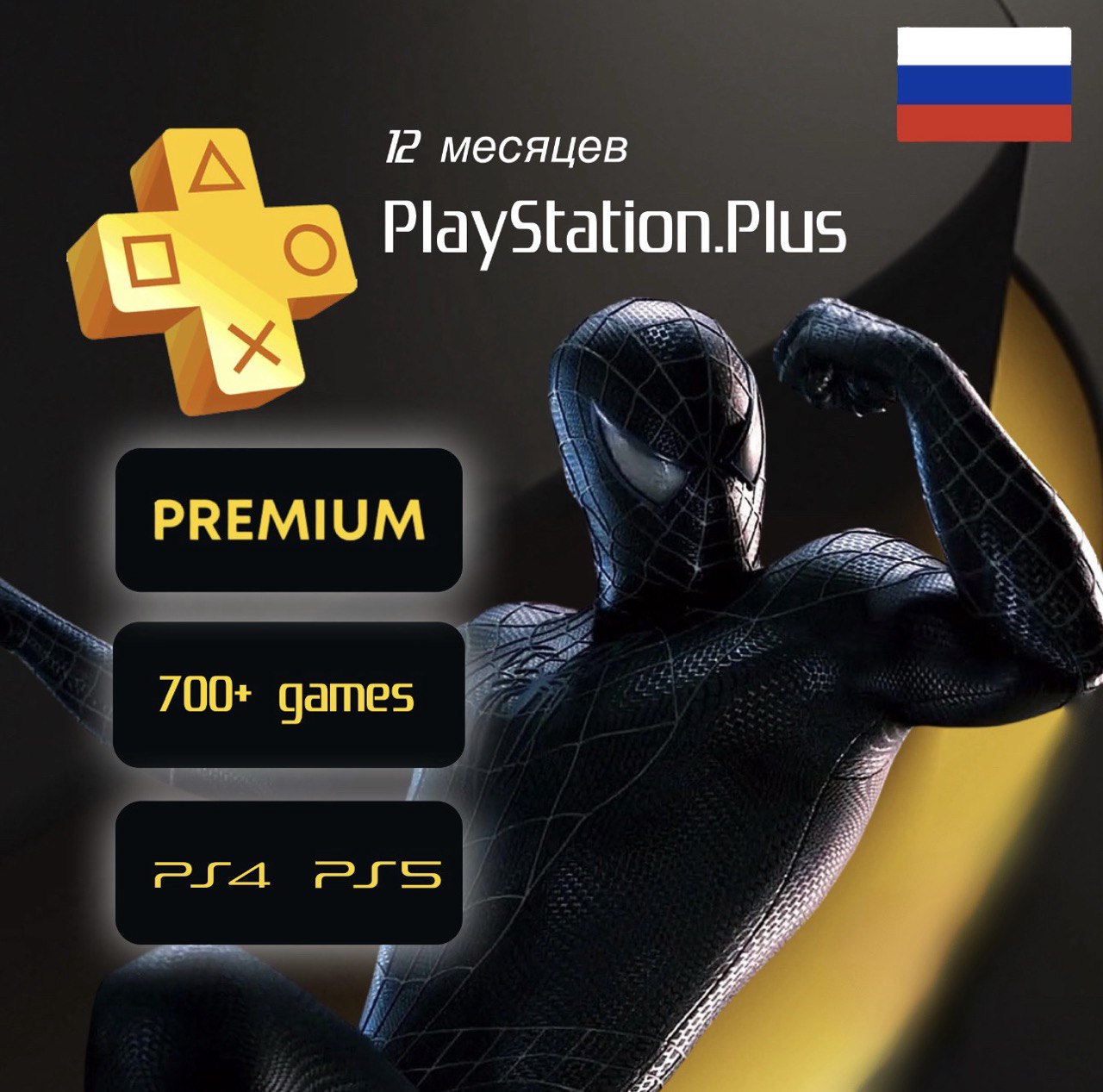
Subscription Ps Plus Deluxe 12 months Ukraine P2 P3
🎮 PlayStation Plus Deluxe — 12 Months | P2 / P3 Account
Top-tier PS Plus. Online play, monthly games, Extra catalog with hundreds of PS4/PS5 titles, plus PS1/PS2/PSP classics. One year, no card circus, no region hopping 🎯💥
📦 What you get:
— access to PS Plus Deluxe for 12 months
— P2 / P3 format
📨 How to receive:
After payment you get a unique order code.
Send it in the order chat when you request delivery.
By buying this item you get account access for 12 months according to the chosen P2 / P3 method.
🔒 Important:
• this is full Deluxe, not Essential and not Extra
• not a code / not a voucher / not wallet top-up
• not an account transfer
• login and password stay unchanged
• game trials work on P2 only
Included:
— online multiplayer
— monthly games
— Game Catalog (hundreds of PS4/PS5 titles)
— Classics Catalog (PS1 / PS2 / PSP)
— Game Trials — P2 only
🛠 Support:
— step-by-step guide
— activation help
— I stay in touch after purchase
✔ Straight | No fluff | To the point
ATTENTION !
• Mail access is not provided.
• It is prohibited to log into your account from any device other than the console.
• It is prohibited to install on more than one console (only for an additional fee).
• It is prohibited to link bank cards or PayPal accounts.
• It is prohibited to change account information and/or resell it, otherwise we will write to support and your console will be blocked forever.
Product replacement is made only in the following cases:
- Lack of subscription on account
Product replacement or refund is NOT provided:
- Didn’t like the games on your profile
- Violation of the rules for using the profile for informational purposes
- Bought the product “by mistake”
BY BUYING A PRODUCT YOU AUTOMATICALLY AGREE TO THE DESCRIPTION AND TERMS AND CONDITIONS \ RULES.
If they are violated, the seller has the right to block your access to your account without refund.
If you are not satisfied with these conditions, do not purchase the product!
P2 Instructions:
1. Login as a new user
NOT THROUGH THE GUEST
2.Create/Add a user
3. Write 6 numbers in the chat that are under the QR code
4. My account will be displayed to you - click ENTER THE NETWORK
5.PS4:
Don´t switch to this PS4 system
PS5:
Do not enable sharing
6.The game is in the library
Main menu 🔜on the right item purchased
7. Play directly on this account
❌Changing account details is prohibited
After logging into your profile, you MUST:
PS4:
Settings
Account Management
Activate as primary
Deactivate
To make a photo
PS5:
Settings
Users
Other
Sharing and offline play
Disable
Post a photo
p3 Instructions:
1. Log in as a new user
NOT THROUGH THE GUEST
2. Create/Add a user
3. Write 6 numbers in the chat that are under the QR code
4. My account will be displayed to you - click ENTER THE NETWORK
5. To install the game, go to the library, the main menu on the right🔜purchased
6. Go to your profile (you can follow the installation process from your account)
7. ❌Changing account data is prohibited
PS4 Instructions:
Go to settings, account management🔜activate as primary🔜activate
Ps5 Instructions:
go to “Settings”;
Next, click on the item “Users and accounts”;
then to “Other”;
in the window that appears we see “Console sharing and offline play”;
Click on the “Enable” button.