
25 0
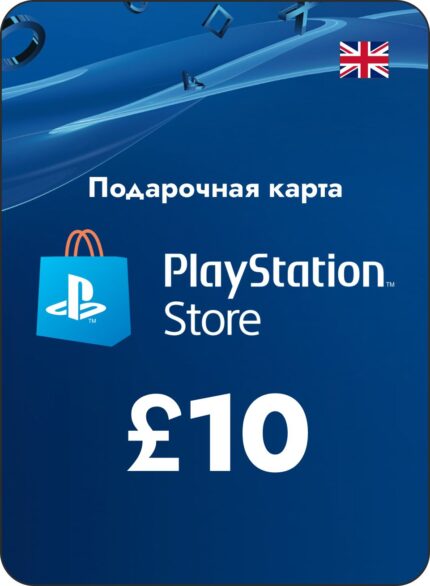
🔑PSN £10 GBP -UK PlayStation Network Gift card/0% fee✅
Activation: PlayStation
Publishers: Sony Interactive
Activation Region: UK
IMPORTANT! You create an account from your device
Instructions: Log in from your phone or PC browser (Read the instructions carefully before doing everything yourself)
1.Create a new user on the console (If you want to access your library from your main account*)
2.Create a new mail on any popular service (Gmail, mail, rambler)
3.Create a new PSN account
4.Already at the second stage, indicate the desired country. Great Britain.
5.Enter your email
Confirm your account with your new email.
6.After creating and confirming your account, log in to the console as a new user.
7.Your first (RU) account should be as the main system on the console.
8.Enjoy the working PS Store!
NOT ALL GAMES SUPPORT RUSSIAN LANGUAGE FOR THE UK REGION. How to check:
select the game you are interested in, scroll down to the information where the publisher is listed.
Item "Voice" Russian = Russian voice acting
Item "Screen languages" Russian = Russian subtitles
Redeeming a PlayStation Store Voucher Code in the Browser
Log into the PlayStation Store and click on your avatar at the top of the screen. Select Redeem Codes from the drop-down menu. Enter the code and click Redeem. The funds or materials will be added to your account
Select Settings > Users & Accounts.
PS5
Select Account > Payment & Subscriptions > Redeem Codes.
Enter the code and click Redeem.
You can redeem a voucher code at checkout by selecting Redeem codes and gift cards from the payment method selection menu.
PS4
Redeeming Codes on PS4
Log into PlayStation Store > scroll to the bottom of the sidebar > Redeem Codes.
Enter the code and click Redeem.
The funds or materials will be added to your account.
PlayStation™App: Voucher Redemption
Select the PlayStation Store icon, then select the menu on the right side of the screen. Select Redeem Codes. Enter the code and click Next.
The funds or materials will be added to your account.