
15 0
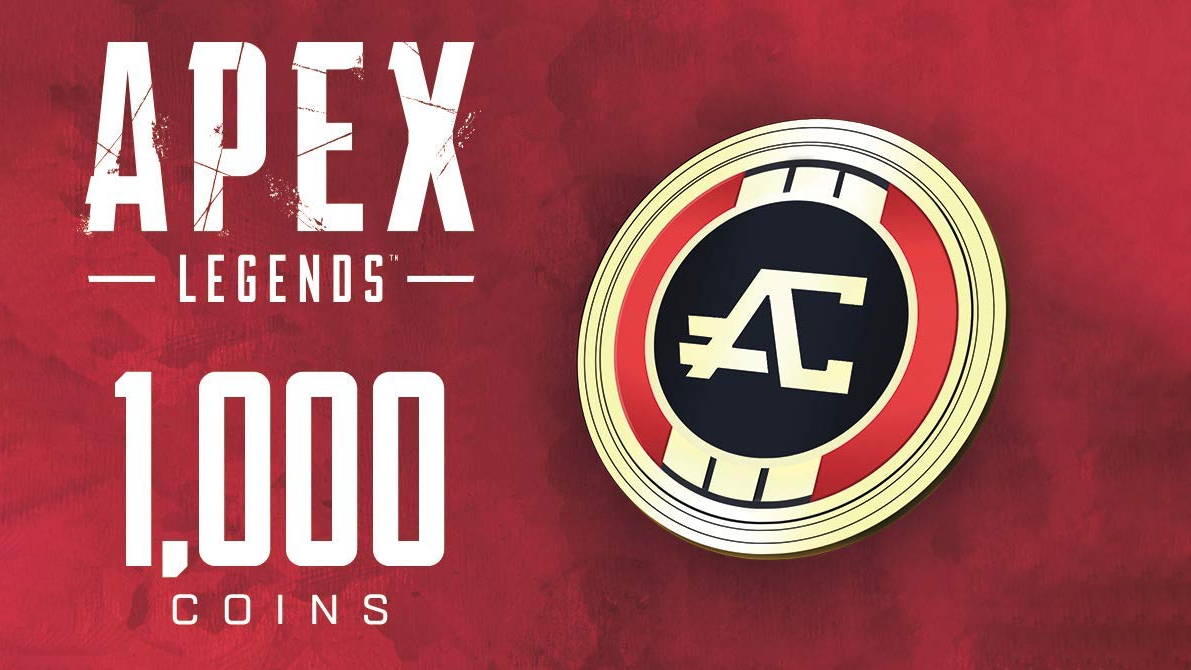
Apex Legends: 1000 Coins 🔑 (EA APP | Global)
🔥There is no 0% commission when you pay via ENOT with your bank card!
Activation: Steam + EA 🔑
🌐 Region: WW
✅ Languages Supported: as listed in Steam/EA
⚡ Instant email delivery right after payment!
This in-game currency can be used to purchase character appearance items and weapons in the Direct Shop.
Apex Coins can also be spent on Apex appearance kits and new character unlocks in the in-game store.
Steam game as a gift and its receipt:
- Each buyer, receives an additional activation key for the gift Steam game, we have no conditions for receiving the key, but we will be grateful for your positive feedback after the purchase.
🔑 All keys are licensed and shipped directly from publishers and distributors.
After your purchase, please leave positive feedback, it is very important to us!
Key activation:
1) You need to download and install Steam http://steampowered.com/download/SteamInstall.msi (if not already installed)
2) Register a new account in Steam or enter the existing one.
3) Go to the section "My games" and select "Activate via Steam" and enter the key received right after the payment.
4) After activation the game will appear in the list of games and you can download it from steam.
Instructions for STEAM:
Supported by both Steam and EA APP.
Activation code must be used on EA APP platform/site. Steam account must be linked to EA APP (you can simply log in with your steam account in EA APP). After successful activation you need to use EA APP to launch the game once.
After that the coins will appear in steam!
Codes come from reliable suppliers, can not be activated by anyone before. If you are in doubt, then make a video screen recording from the moment of payment to the moment of activation, without it addresses are not considered. The video recording, provided not immediately, but after a while (10min+), will not be a proof