
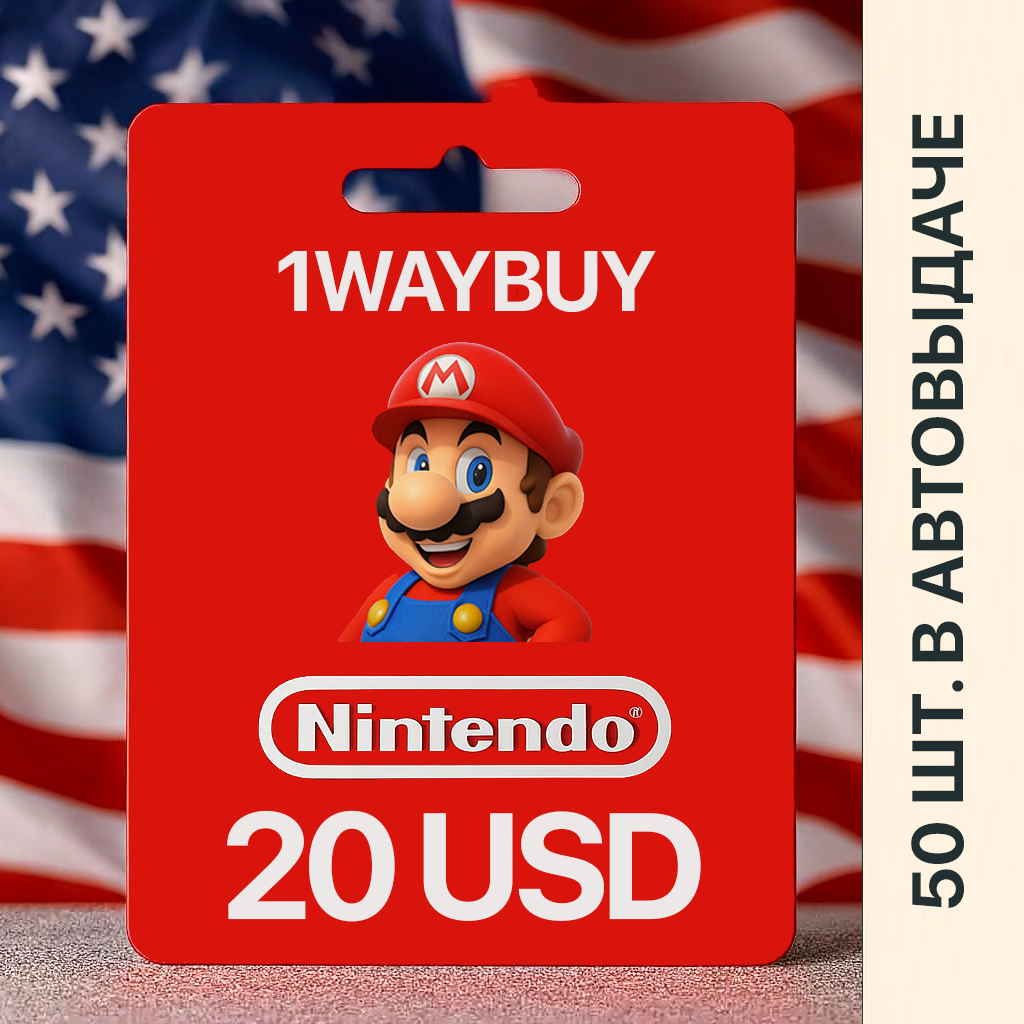
USA🍄Nintendo 20$🍄Gift Card eShop Code код оплаты
- Price in currencies:
- 28.89 $ · 1826 RUB
- Category:
- Nintendo
- Item:
- text information
- Uploaded:
- 28.10.2026 19:25:45
- Sales:
- 4790
- Refunds:
- 0
- Customer rating:
- 5.0 of 5 +194 / −0
- Seller:
- 1WayBuy · about the seller and their products
DESCRIPTION
USA🍄Nintendo 20$🍄Gift Card eShop Code код оплаты
- Various denominations of top-up for the American Nintendo eShop: 10, 20, 35, 50 US dollars/USD/$/bucks are also available via the links below.
- 0% commission.
- The best price on the market.
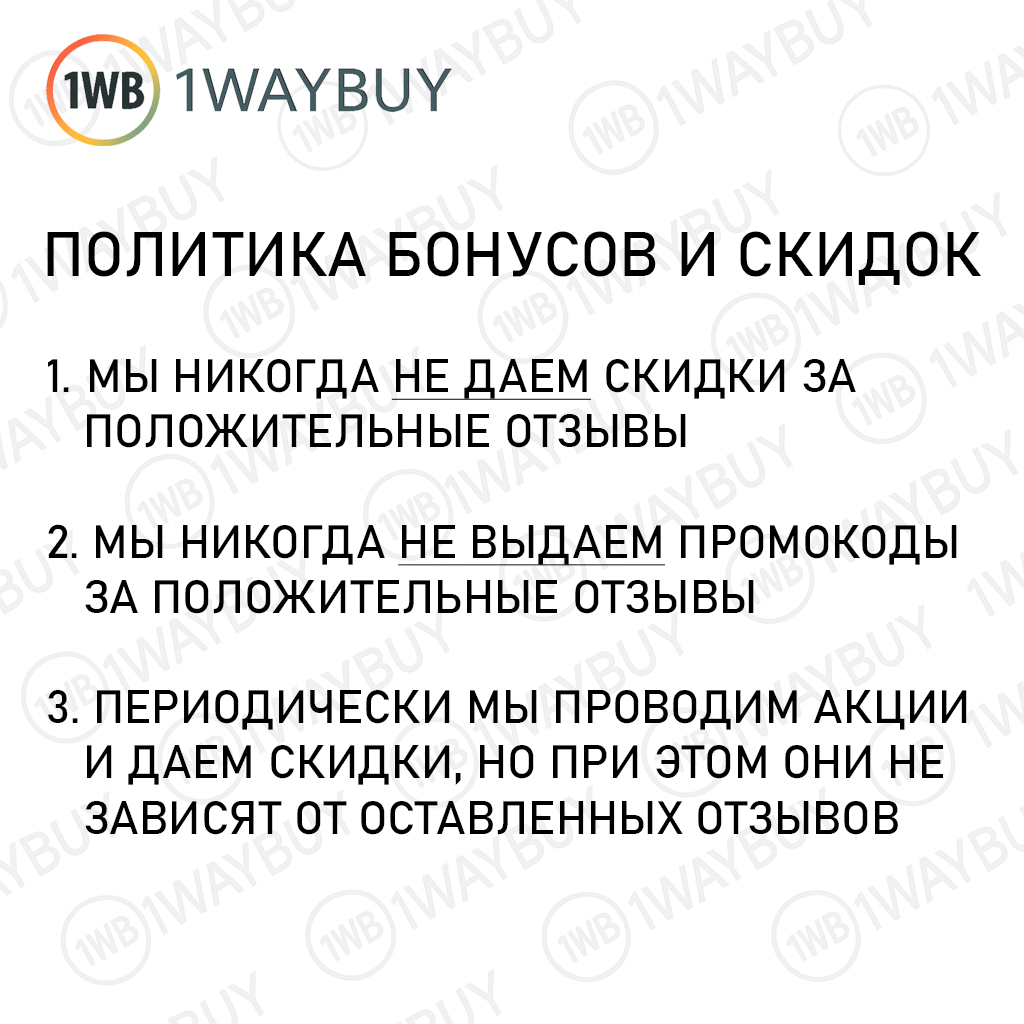
- !!!ATTENTION!!! We DO NOT give bonuses and discounts for positive reviews: our rating and reviews are real!
- The Nintendo eShop promo code has no expiration date and can be redeemed/activated at any time after purchase.
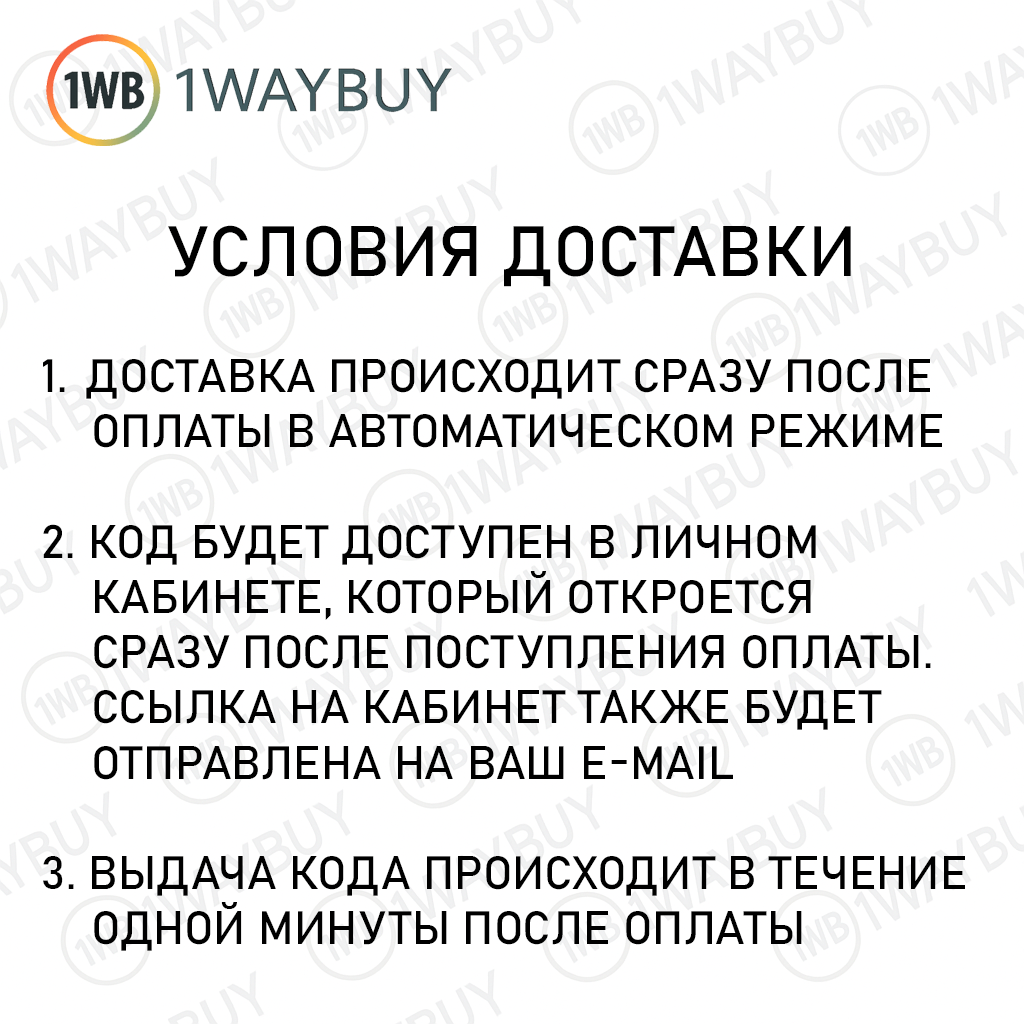
- It will take less than a minute to activate the gift card!
- This is the safest and fastest way to top up the American Nintendo eShop (Nintendo eShop USA).
2) On the payment page, be sure to indicate your current e-mail, a letter with your purchase will also be sent to it.
3) Make the payment in a way convenient for you.
4) Wait for the payment to be processed - do not close or refresh the page.
5) Within 5 seconds after payment, you will be issued the paid codes.
1. Log in to your Nintendo Account
2. Go to https://ec.nintendo.com/redeem/
3. Enter the 16-digit Nintendo eShop code 20usd that you purchased and click "Next"
4. When prompted, re-enter your Nintendo Account password, then select "Redeem" to complete the process.
How to activate a $20 Nintendo eShop gift code on your console:
1. Enter Nintendo eShop in the menu on your console
2. Click on Menu in the upper left corner of the bottom screen
3. Select Use download code
4. Enter the 16-digit purchased Nintendo eShop 20 usd top-up card code on the screen that appears
- Below is a complete list of possible Nintendo payment card denominations that you can buy.
- Add the required number of Nintendo eShop cards for the required amount to "To cart".
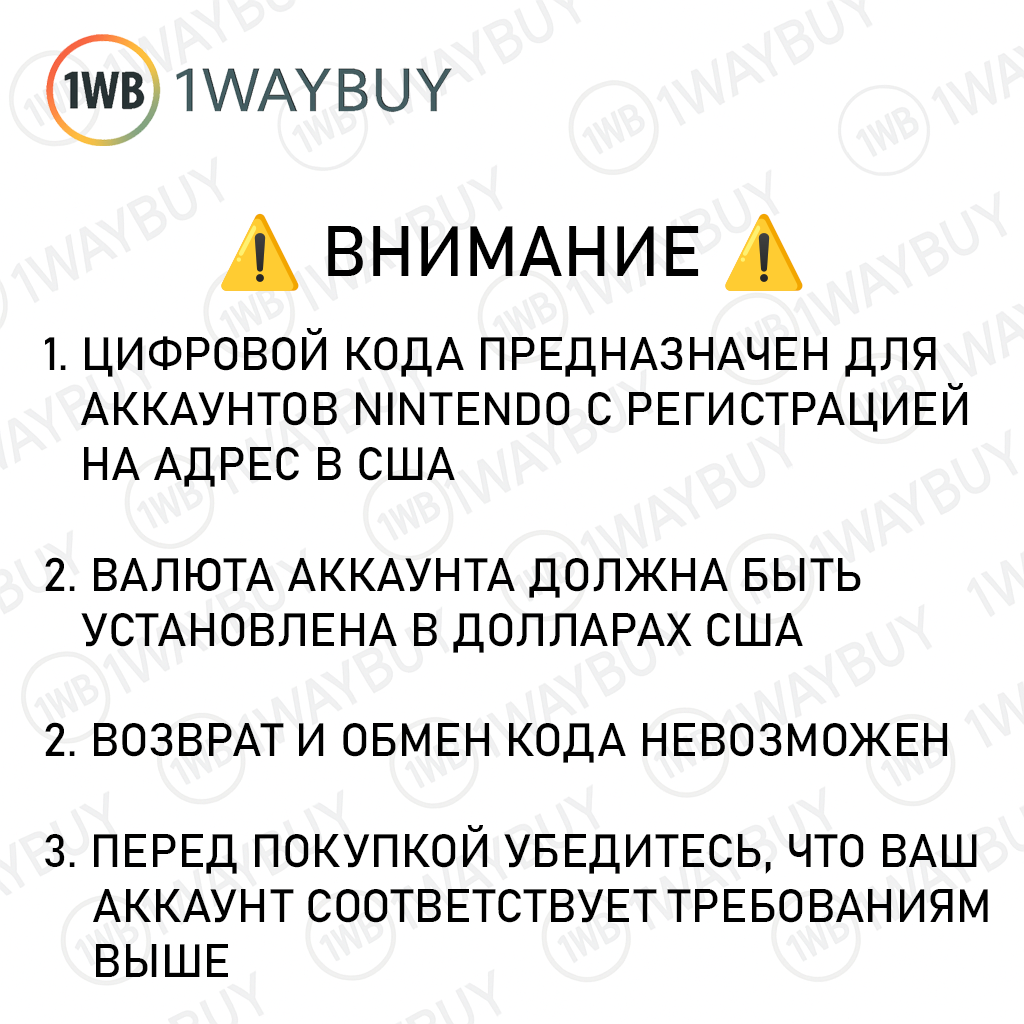
🔴 The digital code is intended for Nintendo accounts registered to an address in the United States.
🔴 The account currency must be US dollars.
REVIEWS
Reviews: (10)
DISCOUNTS
Discounts:
Discount for regular customers! If the total of your purchases from the seller 1WayBuy exceeds:
- $1000 discount 3%
- $500 discount 2%
- $100 discount 1%