
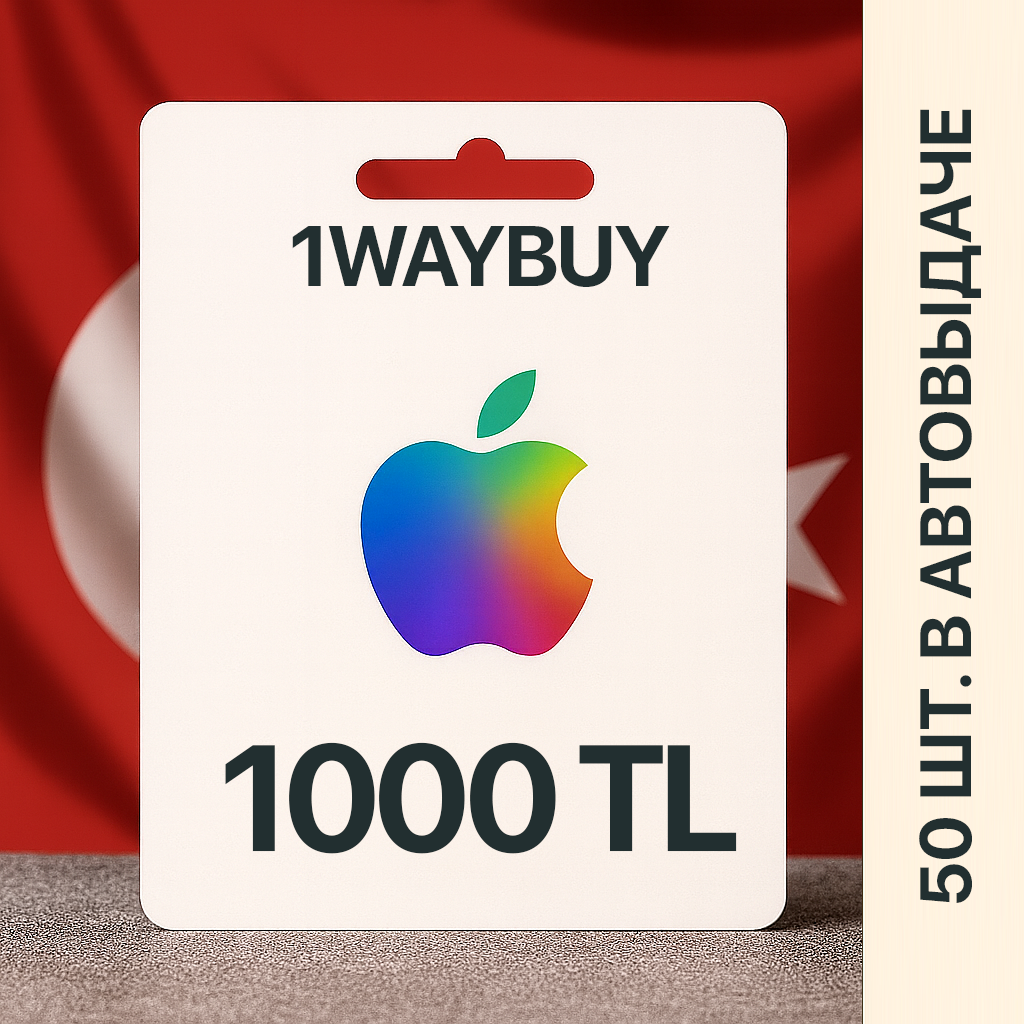
TURKEY🍎App Store 1000 TRY🍎Gift card code лир код id
- Price in currencies:
- 33.88 $ · 2103 RUB
- Category:
- App Store & iTunes Cards Other Countries
- Item:
- text information
- Uploaded:
- 17.10.2026 4:27:55
- Sales:
- 3041
- Refunds:
- 0
- Customer rating:
- 5.0 of 5 +179 / −0
- Seller:
- 1WayBuy · about the seller and their products
DESCRIPTION
TURKEY🍎App Store 1000 TRY🍎Gift card code лир код id
- Various denominations of Turkish App Store top-up: 25, 50, 100, 250, 500, 1000 Turkish lira/TL/TRY are also available via the links below.
- 0% commission.
- The best price on the market.
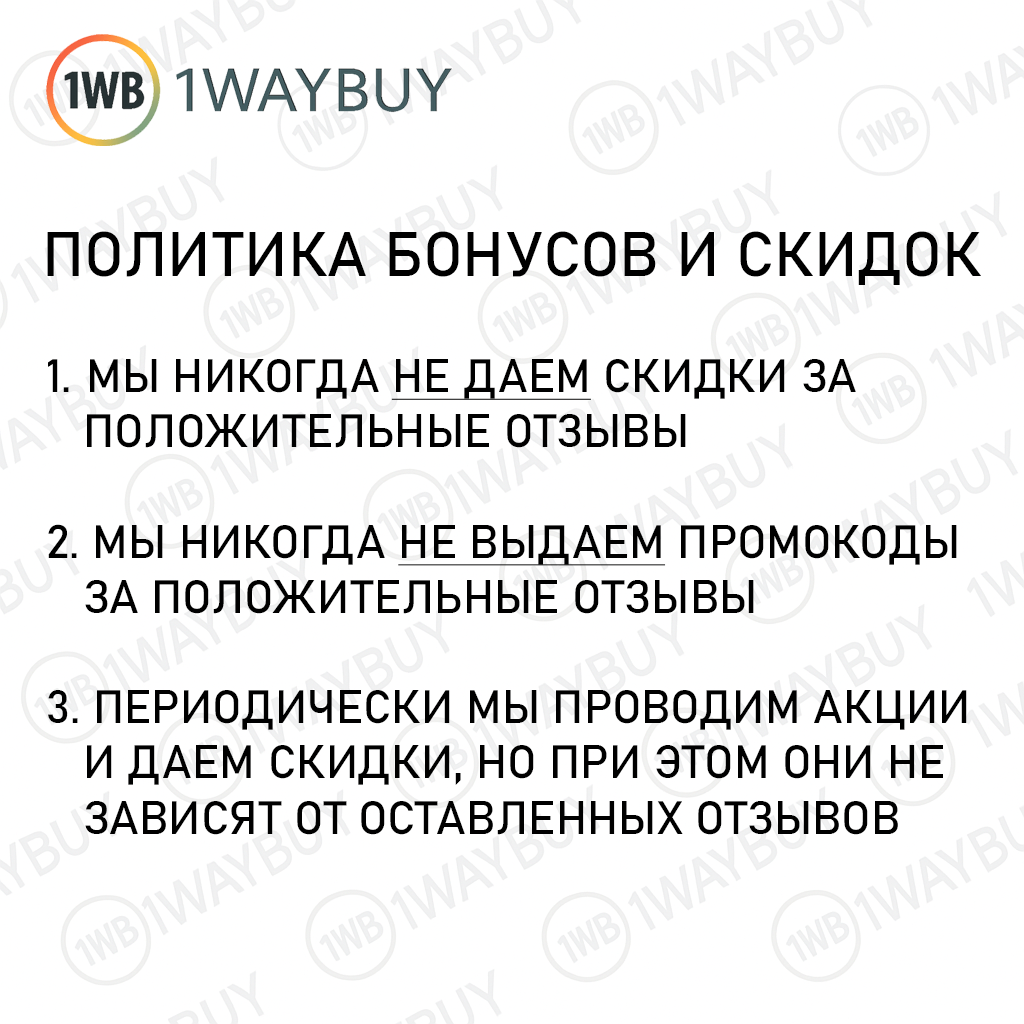
- !!!ATTENTION!!! We DO NOT give bonuses and discounts for positive reviews: our rating and reviews are real!
- The Apple promo code has no expiration date and can be redeemed/activated at any time after purchase.
- The Apple gift card can be used to pay for subscriptions to all Apple services.
- It takes less than a minute to activate the gift card!
- Appstore and other Apple services first debit funds from the balance, and then from the bank card.
- This is the safest and fastest way to top up a Turkish Apple ID (Apple iTunes & App Store).
2) On the payment page, be sure to indicate your current e-mail, a letter with your purchase will also be sent to it.
3) Make the payment in a convenient way for you.
4) Wait for the payment to be processed - do not close or refresh the page.
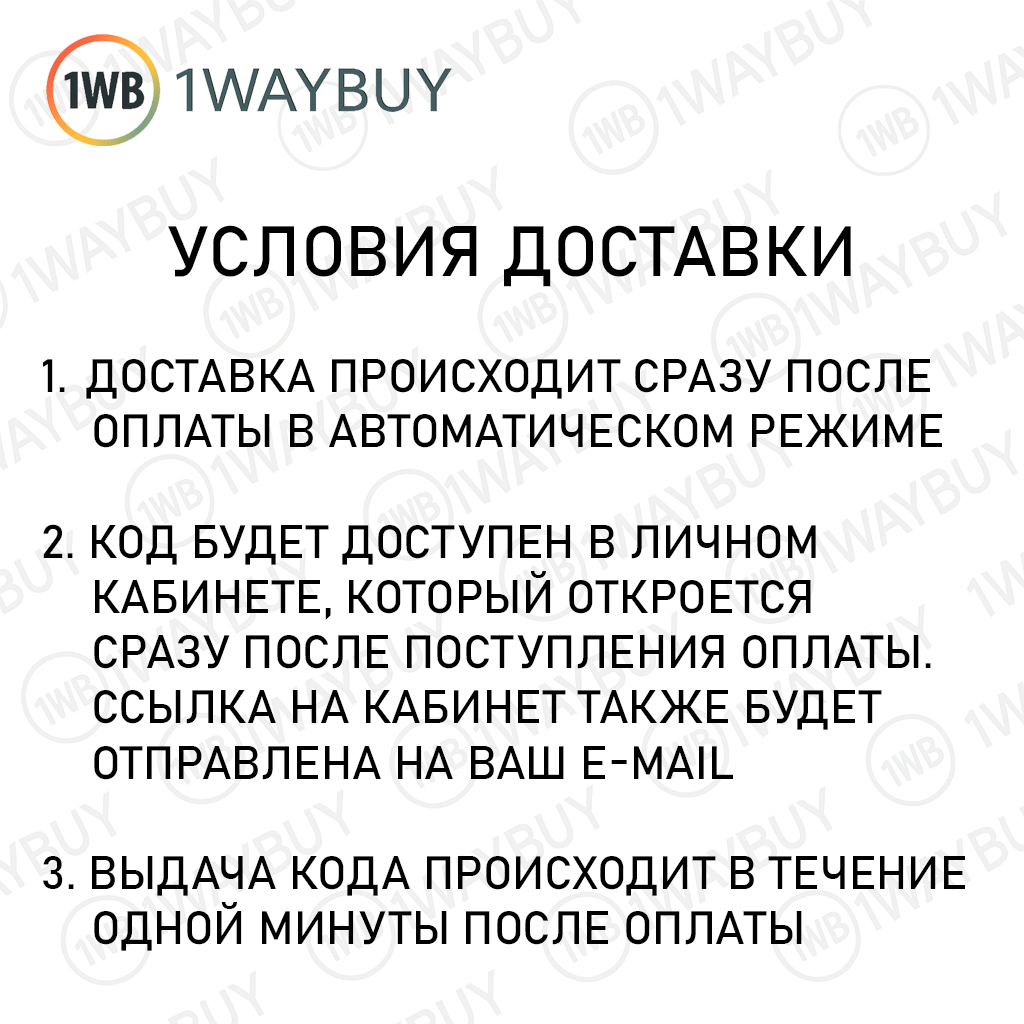
5) Within 5 seconds after payment, you will be given the paid codes.
- Open and log in to iTunes.
- Select "Account" in the top menu.
- Select "Redeem Code..." in the menu that appears at the very bottom.
- Enter the purchased code.
- Click the "Activate" button.
Activating the Apple 1000 TL gift code on your iPhone, iPod touch or iPad:
- Go to the AppStore on your device.
- Log in to your account.
- Click "Redeem Gift Card or Code".
- Click "Enter Code Manually".
- Enter the purchased code.
Activating the 1000 TL Apple Recharge Card via the iTunes Website
- Follow the activation link: https://appstore.com/redeem
- Below is the entire list of possible Apple card denominations that you can buy.
- Add the required number of Apple cards for the required amount to "To Cart".
HOW TO MAKE AN APPLE ACCOUNT TURKISH?
- Go to the "Settings" section on your device.
- In the left menu, select "General".
- At the bottom right, select "Region".
- Select Turkey and agree to the changes.
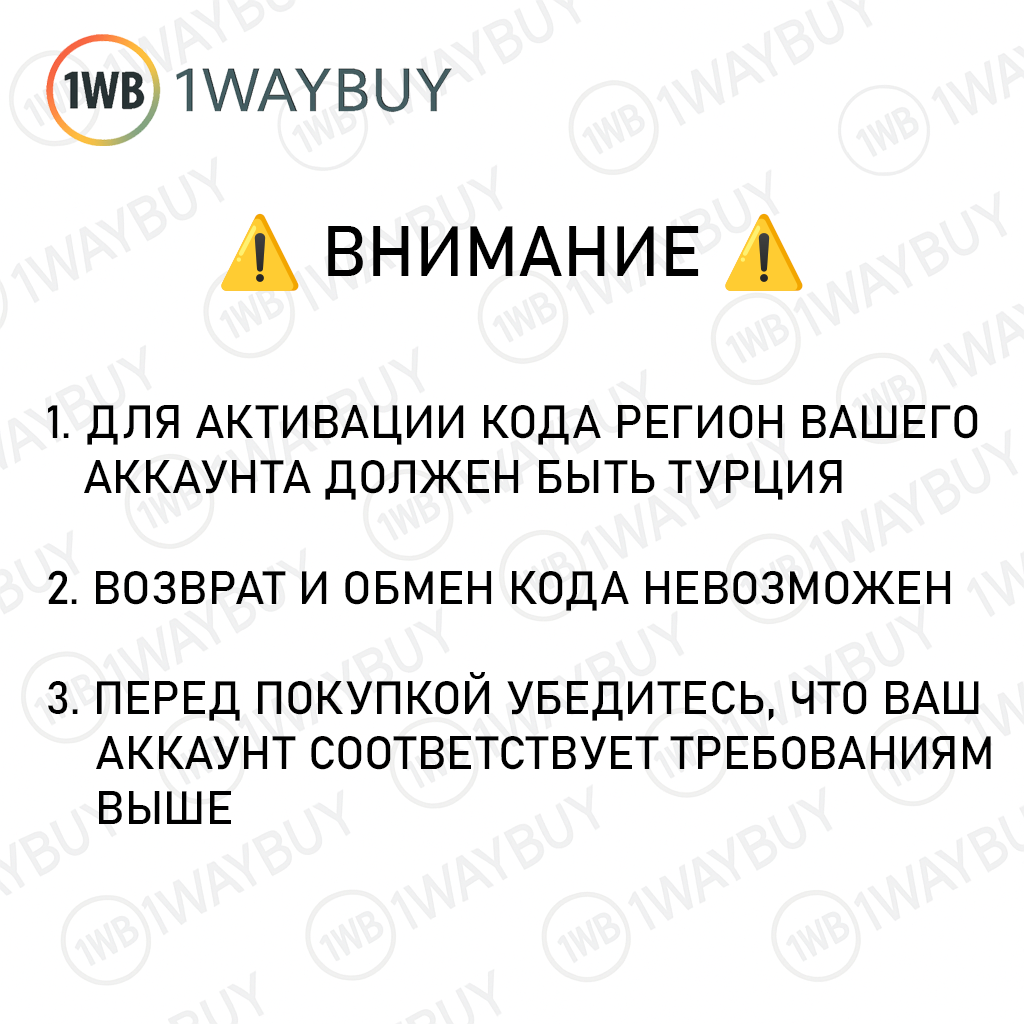
🔴 The region in your Apple account must be set to Türkiye, otherwise the code will not be activated.
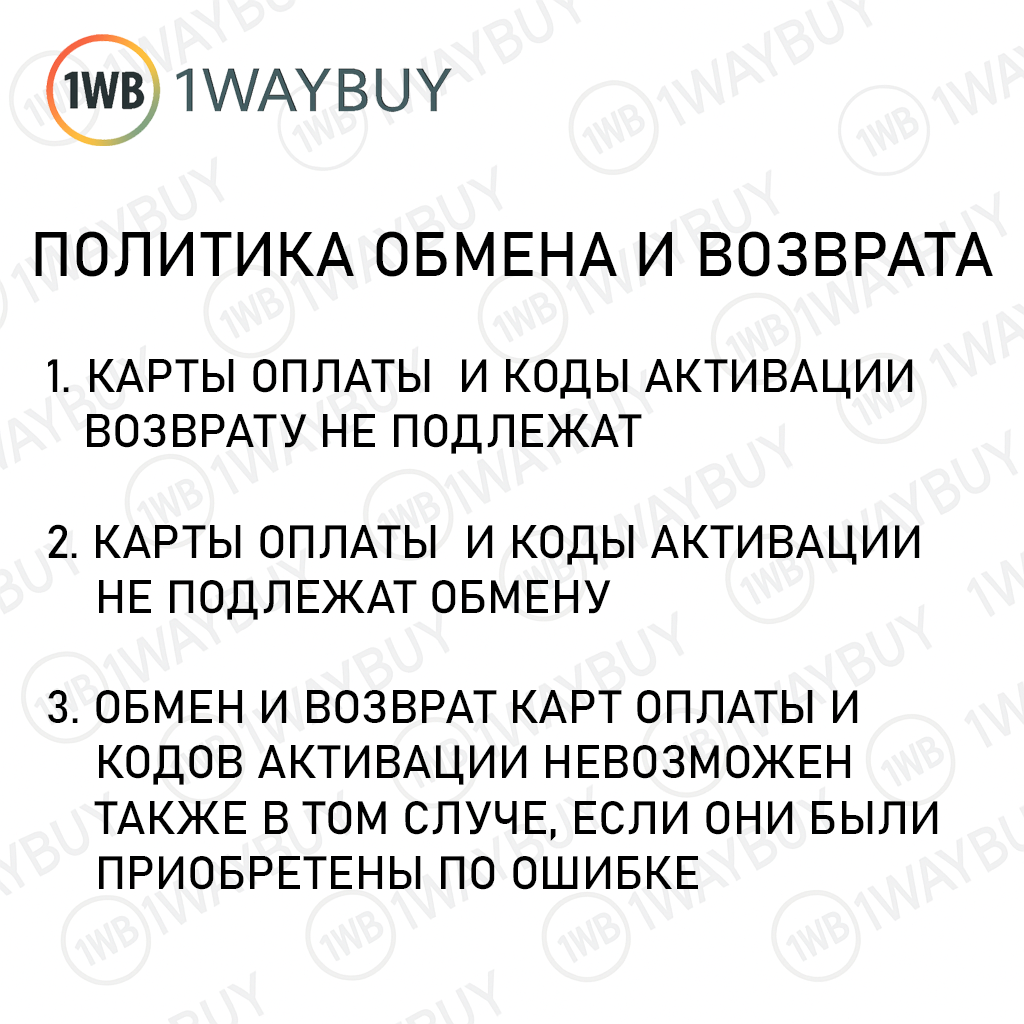
🔴 It is not possible to return the code you received. Please make sure your account meets the requirements above before purchasing.
REVIEWS
Reviews: (10)
DISCOUNTS
Discounts:
Discount for regular customers! If the total of your purchases from the seller 1WayBuy exceeds:
- $1000 discount 3%
- $500 discount 2%
- $100 discount 1%