





🔥 Far Cry 6 ✅Uplay 🟢Online 🕓RENT ACCOUNT
- Price in currencies:
- 1.77 $ · 100 RUB
- Category:
- Ubisoft Connect Accounts
- Item:
- text information
- Uploaded:
- 05.03.2026 13:52:51
- Sales:
- 100
- Refunds:
- 0
- Customer rating:
- 5.0 of 5 +25 / −0
- Seller:
- Infinity Store · about the seller and their products
DESCRIPTION
🔥 Far Cry 6 ✅Uplay 🟢Online 🕓RENT ACCOUNT
🕘 Our store is open every day around the clock. You can choose the right product and make a purchase at any time! If you have any questions, please contact our support (open daily from 9:00 to 21:00 Moscow time).
🏆 Infinity Store will pleasantly surprise you not only with high-quality goods, but also with a high level of service! We are always glad to see you in our online store.
✅ During the rental period, only you play on the account!
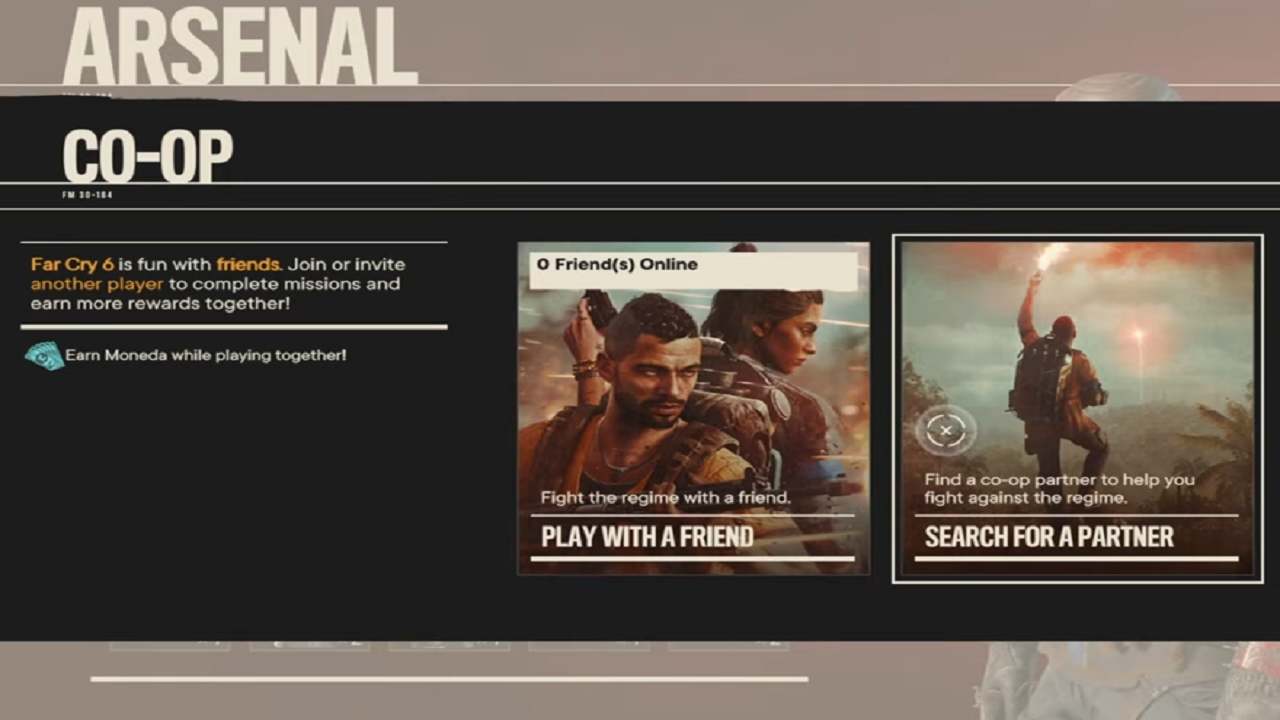
✅ Co-op (online) is available, you can play with friends.
👫 For a joint game with a friend: https://www.ubisoft.com/ru-ru/help/far-cry-6/article/creating-a-co-op-session-in-far-cry-6/000099049
- To use cheats and other types of fraud.
- To use an account to play through cloud services.
- To make any changes to the account, except for adding friends.
- To transfer account data to third parties.
- To log in to the account through a browser.
Additional information:
1. Launch the Ubisoft Connect client and log in to the account you received.
2. Go to your library to install the game.
3. Play! After your rental ends, log out of your account and, if you wish, renew at a discount.
Important! To renew your rental on the same account (the one you started with), please notify us one day in advance to prevent other buyers from taking up your space.
REVIEWS
Reviews: (10)
и еще продавец хороший дал дополнительные +2 дня к общей покупке
DISCOUNTS
Discounts:
Discount for regular customers! If the total of your purchases from the seller Infinity Store exceeds:
- $50 discount 3%
- $10 discount 2%
- $1 discount 1%