

36 0
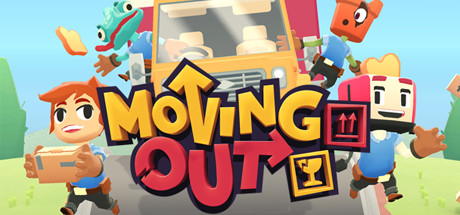
Moving Out (STEAM KEY) RU+CIS
Edition Type: STEAM KEY / RU / UA / KZ / CIS
⚠️ ATTENTION! This key can only be activated on a Steam account registered in Russia, Ukraine, Kazakhstan, and other CIS countries.
🔹 Game Language: Russian / English
🔹 Release Date: April 28, 2020
🔹 Platform: Windows
🔹 Region: RU / UA / KZ / CIS (Russia, Ukraine, Kazakhstan, and other CIS countries)
🔹 Activation: Steam
===============================================
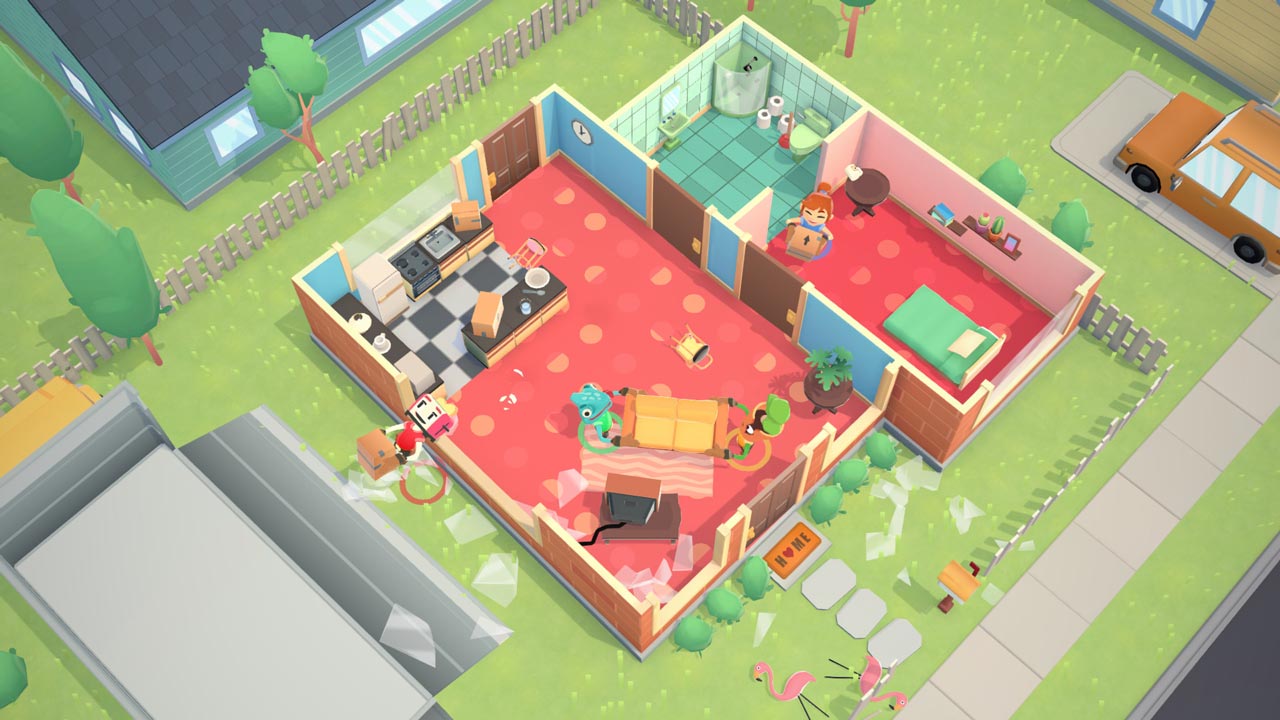
Moving Out is a hilarious physics-based moving simulator that will change your understanding of couch co-op gaming!
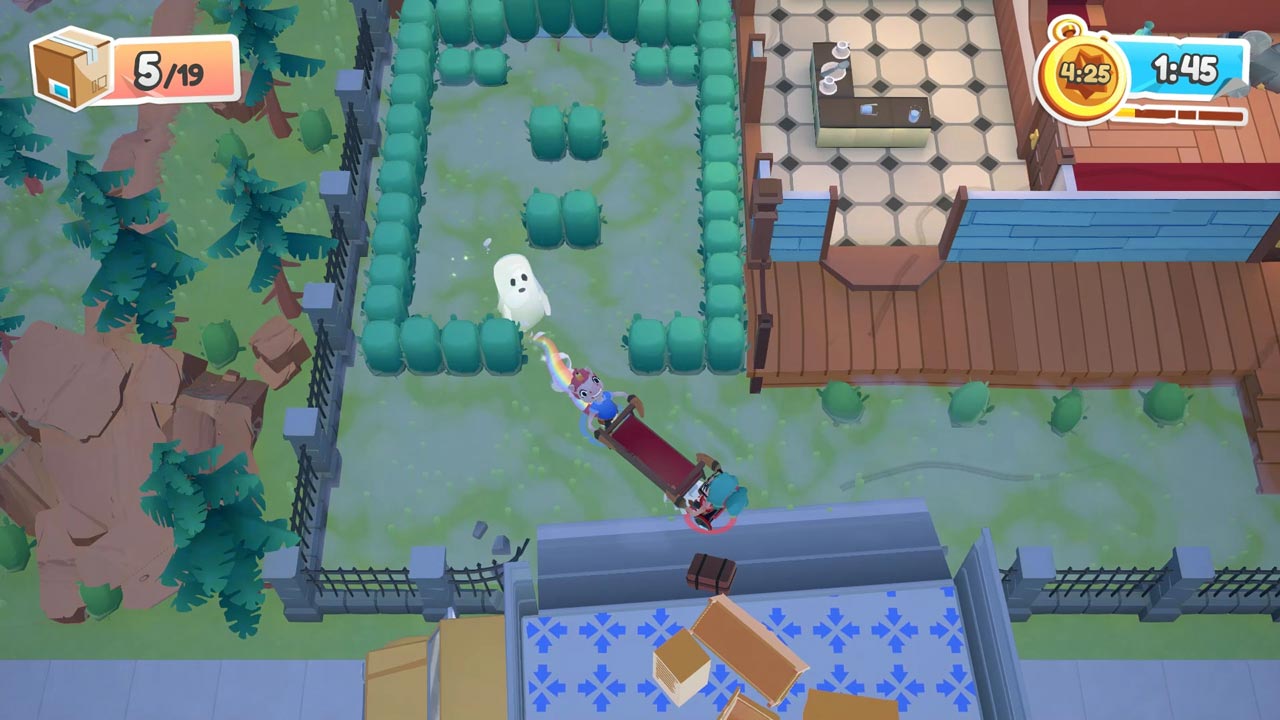
Ready to start an exciting career in the furniture world? Become a certified furniture mover and arranger and take on moving jobs across the hectic town of Packmore. Smooth Moves may not be the leader in the moving industry, but even the most dangerous and bizarre tasks are within the reach of this dedicated team of hard workers. Grow your business to incredible heights, recruit colorful characters, and save the town from a furniture disaster!
Co-op play!
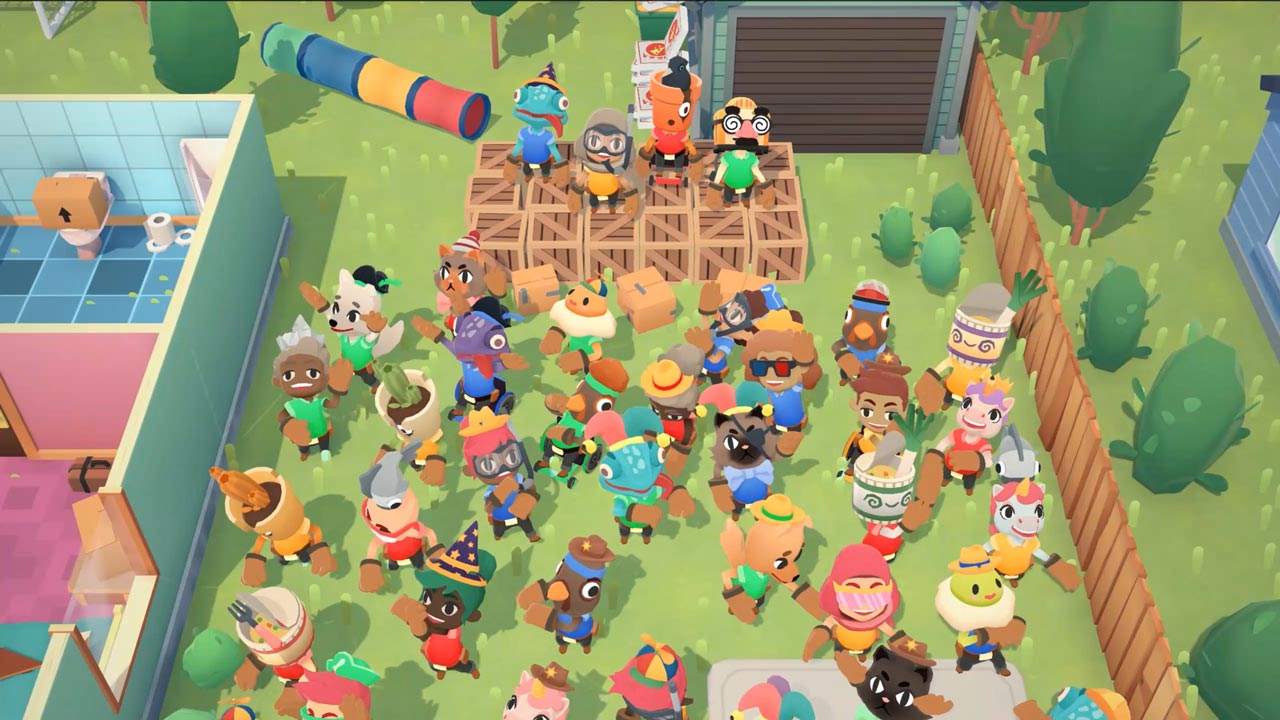
Enjoy the storyline solo as an independent contractor or team up with friends. Up to four players can discuss the best way to move a sofa without leaving the couch. Put your skills and your friendship to the test!
Physics!
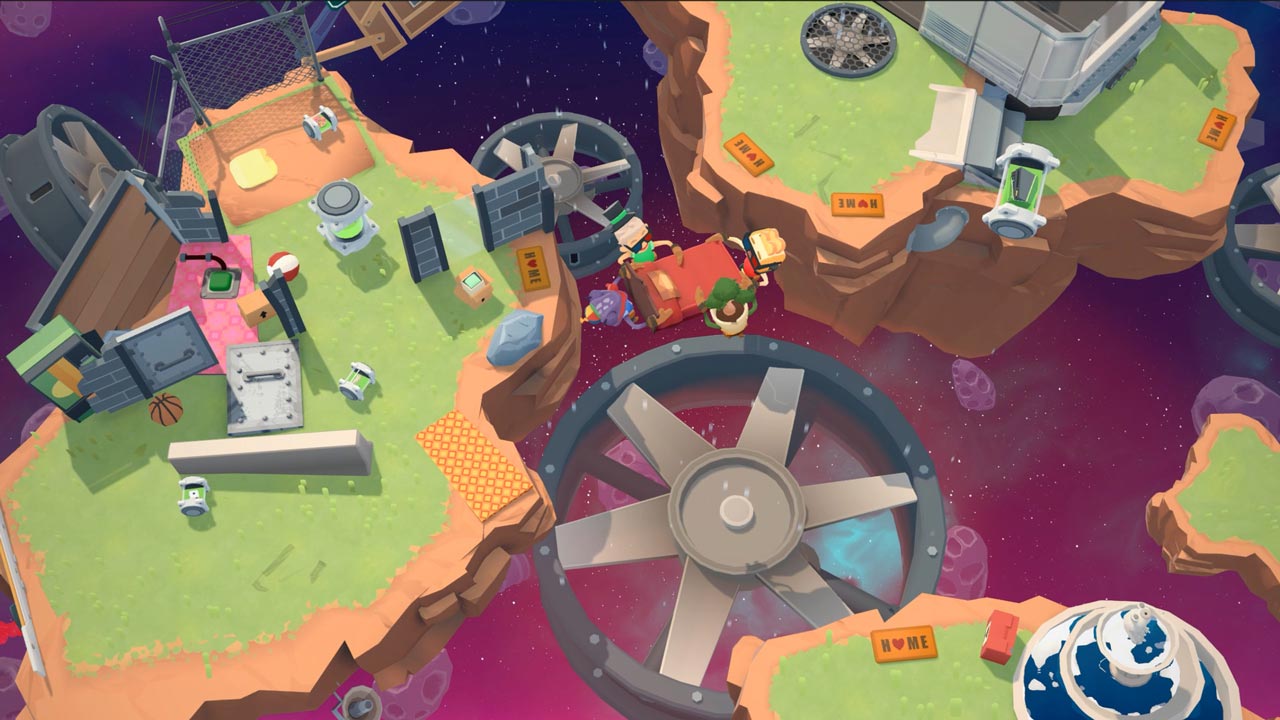
Idiot doors and windows standing in the way of your furniture? Destroy them with physics! Lift, throw, and smash everything to break moving records!
Chaos!
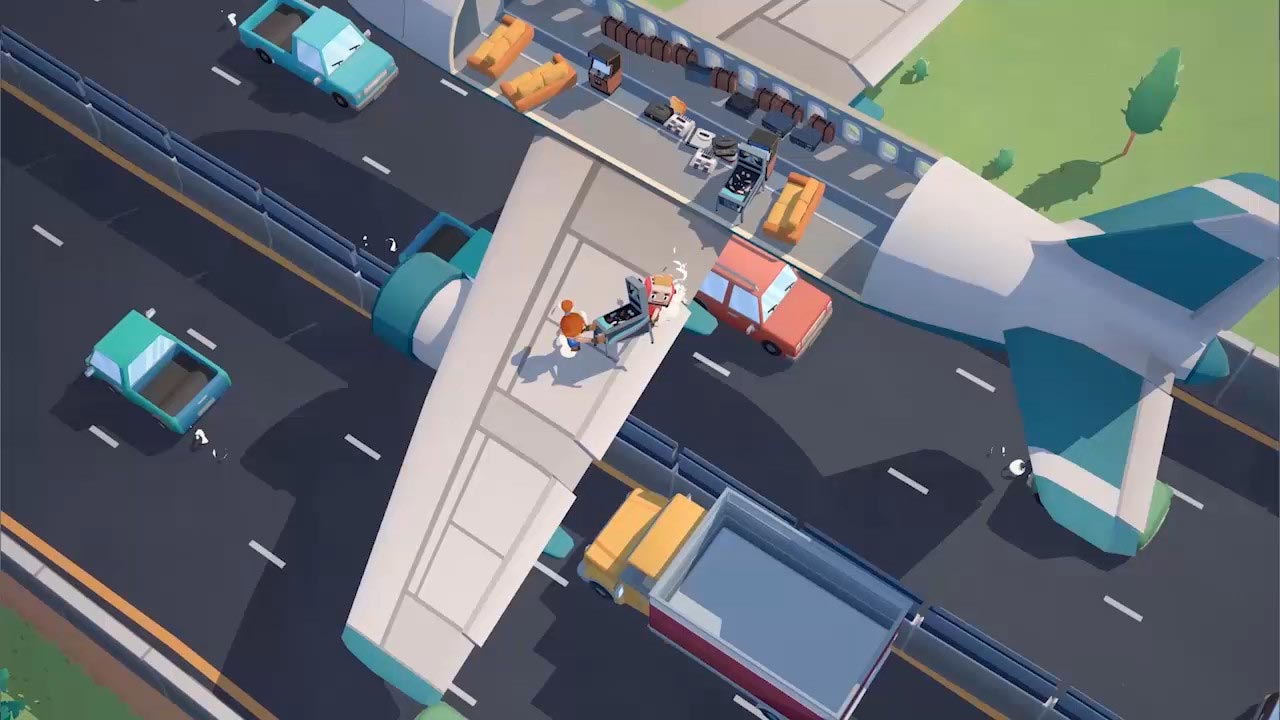
Learn the ropes in a series of increasingly dangerous and mind-blowing moves. Think you can just move a bed from point A to point B in a straight line? Not so! Forget everything you´ve been taught and get creative!
Adventure!
Every company starts small, but as your reputation grows, new horizons will open up. Move furniture through sleepy suburbs, wild farms, haunted houses, virtual reality—anywhere!
Characters!
New to the game? No problem! Adjust the game difficulty to suit all players! Don´t wait! Grab your friends and become a moving expert in Moving Out!
===========================================
Activation
1. Download and install Steam http://steampowered.com/download/SteamInstall.msi (if not already installed)
2. Launch the Steam client
3. Create a new Steam account or log in to an existing one
4. Go to the "Games" section and select "Activate on Steam"
5. Enter the activation key you purchased
6. The game will then appear in your games list and can be installed
ATTENTION! Before buying, please check the system requirements of the game and other parameters that interest you (they may change with time). This can be done on the sites Steam / Uplay / Origin or the official website of the publisher. Goods purchased by mistake, as well as unsuitable for system requirements or region of activation, can not be returned and exchanged!
Dear customers! Convincing request, if there are any problems with the purchased goods, do not leave a negative feedback immediately. Write us a message in the correspondence (the purchase page on the site Oplata.info). We will try to respond to your message as soon as possible and promptly solve the problem. We draw attention to the fact that the basis for the exchange or return of the purchased key (key), which gives an error when activated, can only be VIDEO RECORD of the purchase process and subsequent attempt to activate it (mandatory condition - the record should not contain editing features).
Our entire range: http://www.plati.ru/asp/seller.asp?id_s=467960
We will be grateful for every positive feedback you have left after the purchase. Sincerely, the project team "AlternativA".