
37 0
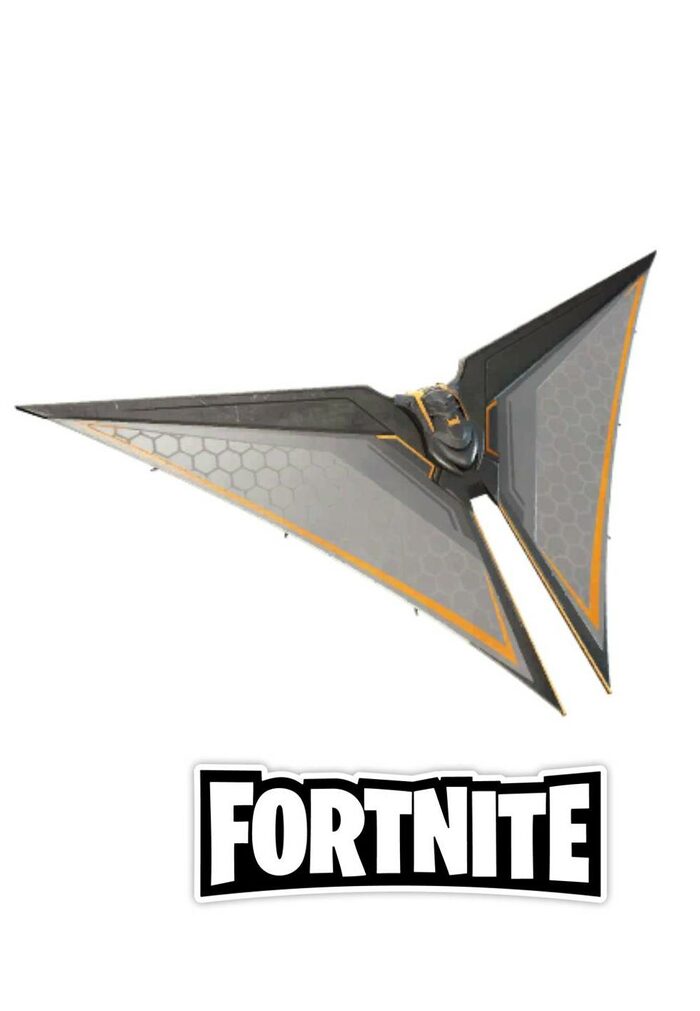
Fortnite Deathstroke Destroyer Glider Region Free ✅
When paying by credit card, choose payment via Enot.io there are no commissions for payment.
How to redeem Deathstroke Destroyer Glider on PC?
If you want to redeem a Fortnite skin, just follow the instruction provided below:
• Click Sign In on the top right corner of the Fortnite home page;
• Log in with your Epic Games account;
• Hover your mouse cursor over your account name in the top right corner;
• Select the Redeem Code option;
• Enter the key code and click Redeem.
• Interested in more offers like this one? Be sure to visit our Fortnite skins collection right here on our website!
All codes are checked before sale and are issued to one person. if you claim that you received a non-working code, then you need to provide a video from the moment of purchase, and until the code is activated without gluing on the video. Or a response from Epic support about the date and time the code was redeemed. Without this, there will be no code replacement. Thank you for the attention!