

11 0
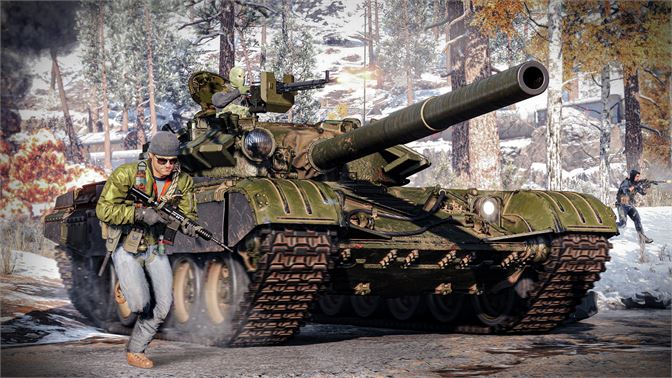
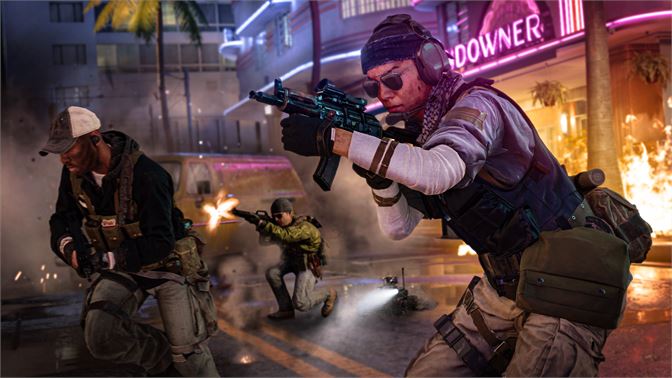
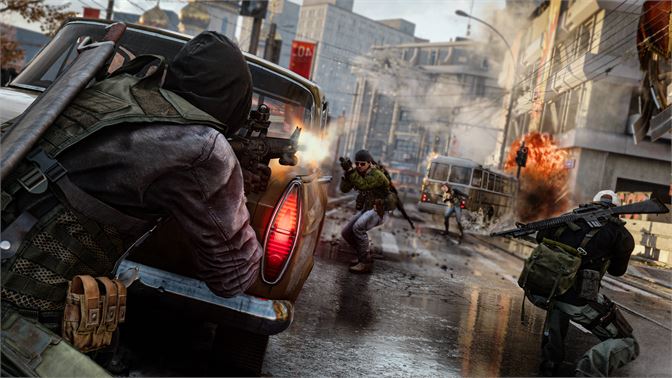
Call of Duty®: Black Ops Cold War -Cross-Gen Xbox One
✅Access to account remains forever
✅Lifetime guarantee
✅Instant Delivery
✅ 7/24 technical support
✅Products from the official Microsoft store
✅Security code in 3 minutes! the code provides by the seller, if you need it when logging in to account
1) Click "Add a new player", enter the data (username and password)
2) Then you may be asked for a confirmation code. To get the code, write to the seller
3) The login and security Parameters - put "No barriers"
4) Go to "My games and apps" or " Xbox Store"
5) Install the game
6) have a Nice game! 🎮
How to use our accounts:
. Login to your profile and profile with the game. Start the game from your profile. Starting December 2, some games require xbox gold status to start
2. If the game does not start immediately and the User… started playing in a different location sign appears, click the play here button instead and press the key until you enter the game.
3.As soon as you pass the first splash screen and enter the game menu - press the central Home button on the joystick, then:
Options - General - Network Settings - Advanced Settings - DNS Settings - Manual -
Primary IPv4 DNS - put 000-000-000-000 and Secondary IPv4 DNS - put 000-000-000-000
After that, wait for 5-10 seconds and press the Home button on the joystick again. WITHOUT EXITING THE SETTINGS. and go to the tab with the game.
4. Enjoy the game without crash!
5. Before exiting the game, go back to the DNS settings and set to Automatic, then we save it in the game.
Attention!
- To start the game, you must have the Internet
- Not all games work in offline mode (for example, games that require a permanent connection to servers)
- Additional mail is not provided
- The seller is not responsible for system updates to the console that may cause changes in the operation of the shared account
Forbidden!
- Go to the site Xbox.com (for security reasons)
- Make account home in the console settings
- Play with the purchased account (the purchased account is only needed to start the game)
- Change information on the profile
- Transfer data from account to third parties
If you violation of these rules you will lose access to account without refund!
By purchasing an account, you automatically agree to the seller´s term and the terms of use described in the instructions.