
14 0
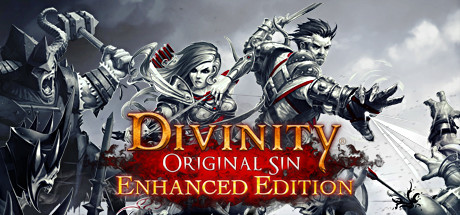
Divinity: Original Sin - Enhanced Edition(Steam/RU)
Activation is possible ONLY for Steam accounts from RUSSIA. In case of an error, you will need to change the country of the account via "VPN" to "Russia" in the "About account" section. Or to create a new, Russian account
In connection with the new Steam rules, you can not put the game in inventory. Purchase and delivery of games is carried out manually, directly to your account. To do this, you need to specify a link to the Steam account in the field to the right (under the price).
We will add you as a friend and transfer the game. With an online operator, this will happen much faster )
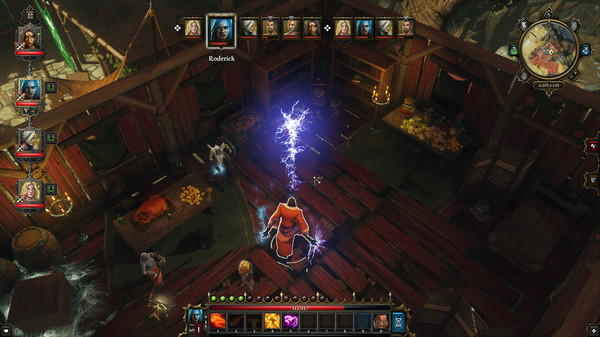
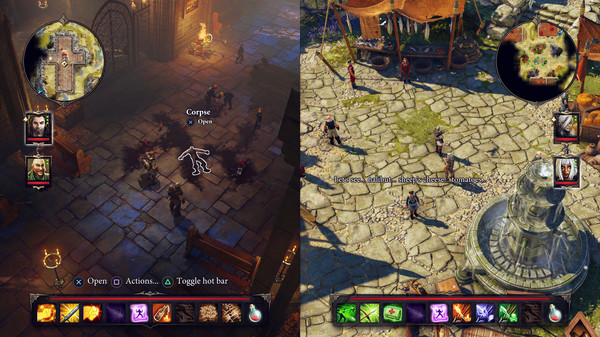
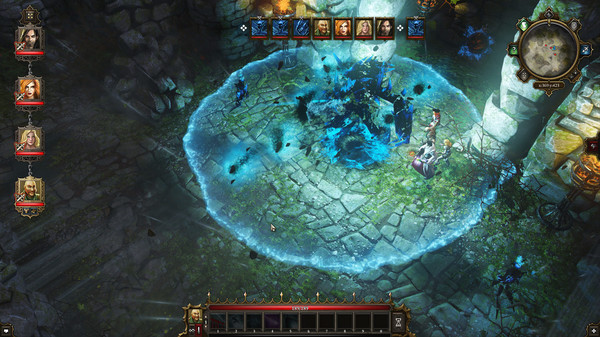
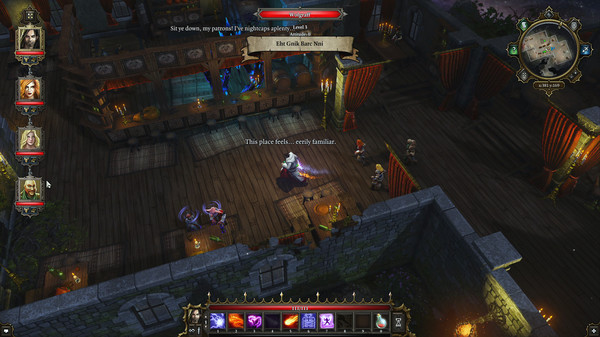
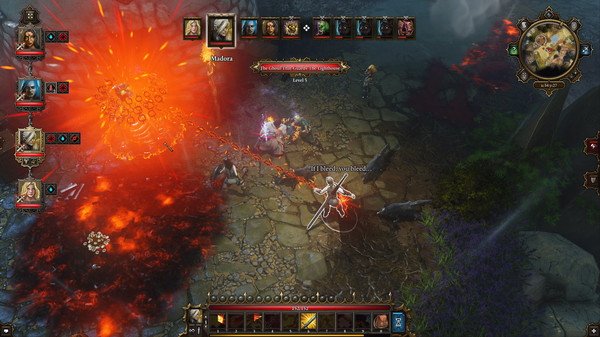
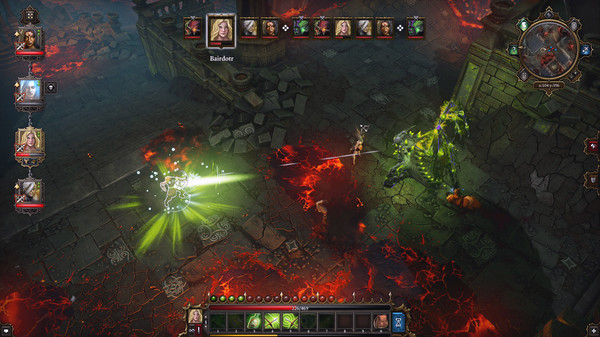
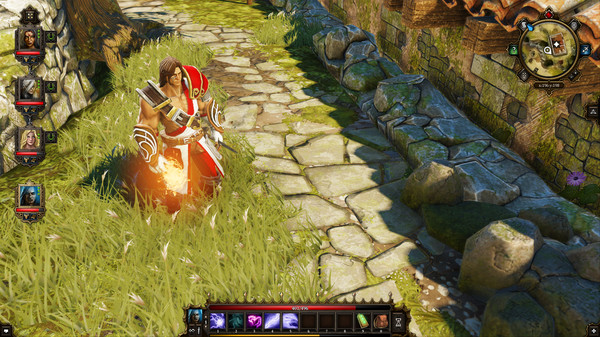
Gather your party and get ready for the kick-ass new version of Game of the Year 2014. With hours of new content, new game modes, full voiceovers, split-screen multiplayer, and thousands of improvements, there´s never been a better time to explore the epic world of Rivellon!
1. Log into your Steam account (either download the client and register at http://store.steampowered.com/about/)
2. Copy the link to your Steam profile (right-click on the profile -> "Copy the address of the page" or in the address bar of the browser) and specify it when buying the game.
3. Wait for us to invite friends, accept it, then agree to receive the game.
4. After adding to the library, start downloading the game files and wait for the full download.
5. Play!
If you made a mistake with the region, the game slows down, does not start, did not like it - the refund of funds is NOT carried out. Please read before buying actual user reviews and system requirements on the Steam game page.
1. Log into your Steam account (either download the client and register at http://store.steampowered.com/about/)
2. Copy the link to your Steam profile (right-click on the profile -> "Copy the address of the page" or in the address bar of the browser) and specify it when buying the game.
3. Wait for us to invite friends, accept it, then agree to receive the game.
4. After adding to the library, start downloading the game files and wait for the full download.
5. Play!
If you made a mistake with the region, the game slows down, does not start, did not like it - the refund of funds is NOT carried out. Please read before buying actual user reviews and system requirements on the Steam game page.
1. Log into your Steam account (either download the client and register at http://store.steampowered.com/about/)
2. Copy the link to your Steam profile (right-click on the profile -> "Copy the address of the page" or in the address bar of the browser) and specify it when buying the game.
3. Wait for us to invite friends, accept it, then agree to receive the game.
4. After adding to the library, start downloading the game files and wait for the full download.
5. Play!
If you made a mistake with the region, the game slows down, does not start, did not like it - the refund of funds is NOT carried out. Please read before buying actual user reviews and system requirements on the Steam game page.
1. Log into your Steam account (either download the client and register at http://store.steampowered.com/about/)
2. Copy the link to your Steam profile (right-click on the profile -> "Copy the address of the page" or in the address bar of the browser) and specify it when buying the game.
3. Wait for us to invite friends, accept it, then agree to receive the game.
4. After adding to the library, start downloading the game files and wait for the full download.
5. Play!
If you made a mistake with the region, the game slows down, does not start, did not like it - the refund of funds is NOT carried out. Please read b
 Discount for regular customers! If the total of your purchases from the seller
Games4Steam
exceeds:
Discount for regular customers! If the total of your purchases from the seller
Games4Steam
exceeds: