
11 1
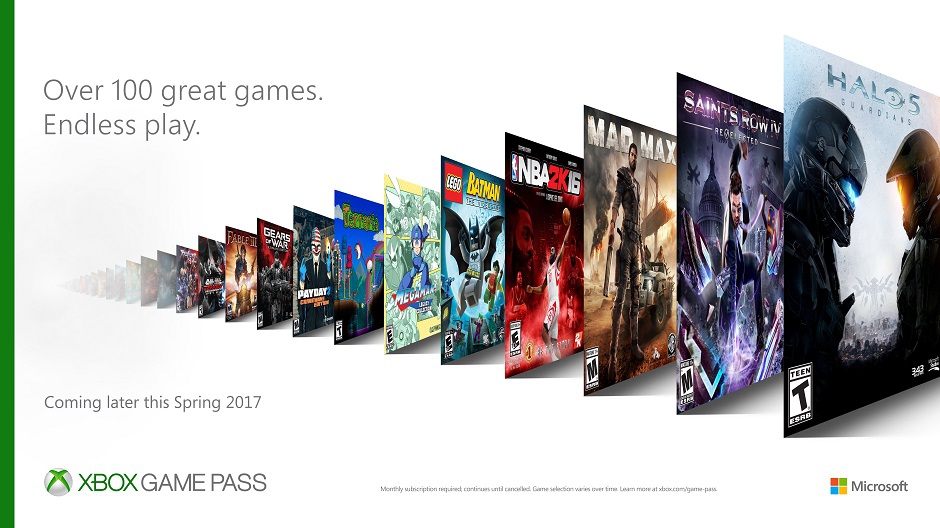
Xbox Game Pass 1 Month (Xbox One | Win 10) + Gift
LICENSE KEY FROM Xbox Game Pass 30 Days DISPLAYED IN THE BROWSER WINDOW AND COMES TO YOUR E-MAIL ADDRESS AUTOMATICALLY AFTER PAYMENT !!!
Activation: XBOX
Region: No regional restrictions (REGION FREE)
Language: English
The list of available games: https://www.xbox.com/en-US/games/xbox-game-pass
Xbox offers the widest choice of exclusive games, such as Sea of Thieves, State of Decay 2 and Crackdown 3, which you can play from the day they were released, to the recent blockbusters and popular indie games. Find and download games that you´ve always wanted to play, or go back to your favorite games to play them again. Xbox carefully selects games based on ratings and degree of fascination. If you liked any Xbox One game from the catalog, you can buy it, saving 20% of the cost and getting a 10% discount on any game add-on for Xbox One. Xbox Game Pass gives you the ability to play without stops and restrictions. Each month new games are added to the catalog, and the subscription can be canceled at any time. To see available offers, you need to login. Perhaps, promotional offers will not work for all participants.
Code activation:
1. Go to the website http://www.xbox.com
2. Click Sign In in the upper right corner.
3. Enter your details and go.
4. Go to the Manage Profile.
5. Go to Add Microsoft Points
6. Select Redeem Code and click Next.
7. Enter the Prepaid Code.