


15 0
Star Wars Jedi Knight II Jedi Outcast🔑STEAM KEY 🌎GLOB
Type of publication: Steam Key / REGION FREE
This edition has no regional restrictions and is activated in any country in the world
Game language: English
Release date: September 16, 2003
Platform: Windows
Region: Region Free (any country, without restrictions)
Activation: Steam
=========================================
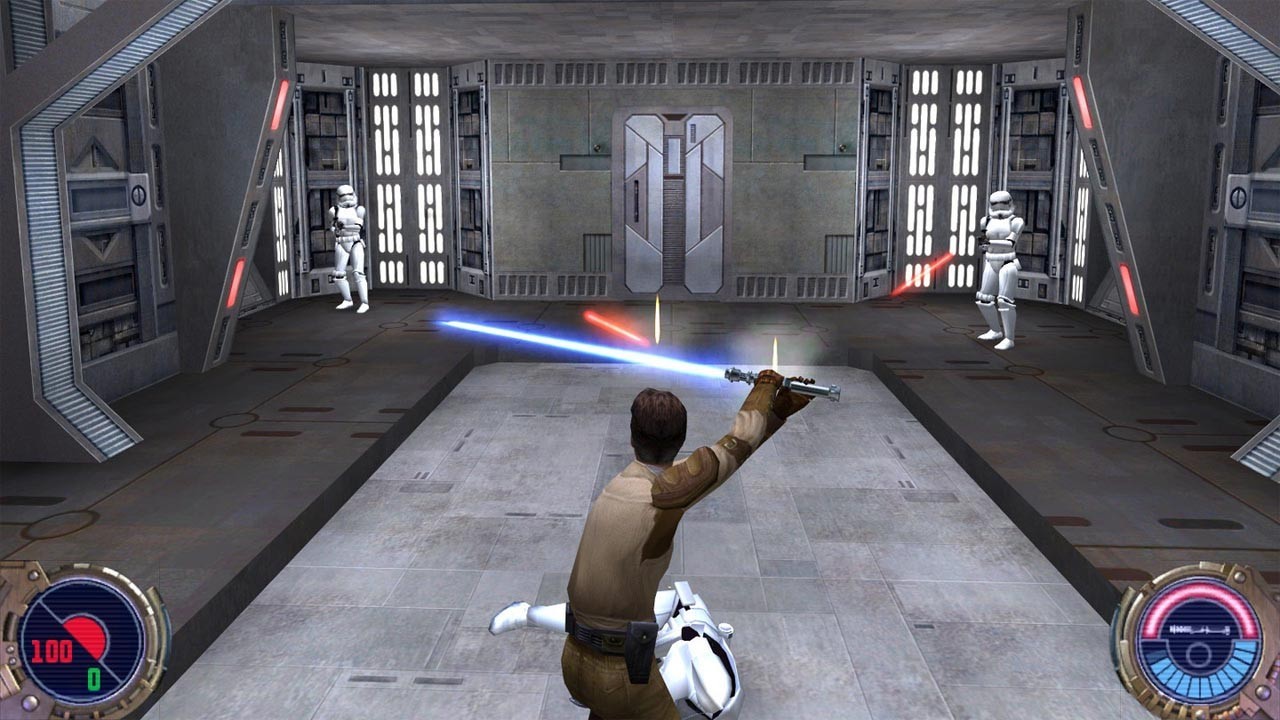
“Star Wars” never changes. Empire vs. Rebels, New Republic vs. Old Empire, free traders vs. smugglers, bad Jedi vs. good... One day, Kyle Katarn, a famous space rogue, friend of Lando Karlissian and “honorary scoundrel” of the Republic (the same, incidentally, as the famous Han Solo), learned that his father was killed by the Jedi. He went to take revenge, but he himself fell into the Sith´s net and became forever disillusioned with the justice of the Force. Kyle was a good Jedi, but to prove it to himself, he needed many years and a worthy opponent - a bad Jedi who claimed power over the Republic. Jedi Outcast is the latest installment in the saga of Jedi Knights in the ageless world of a galaxy far, far away...
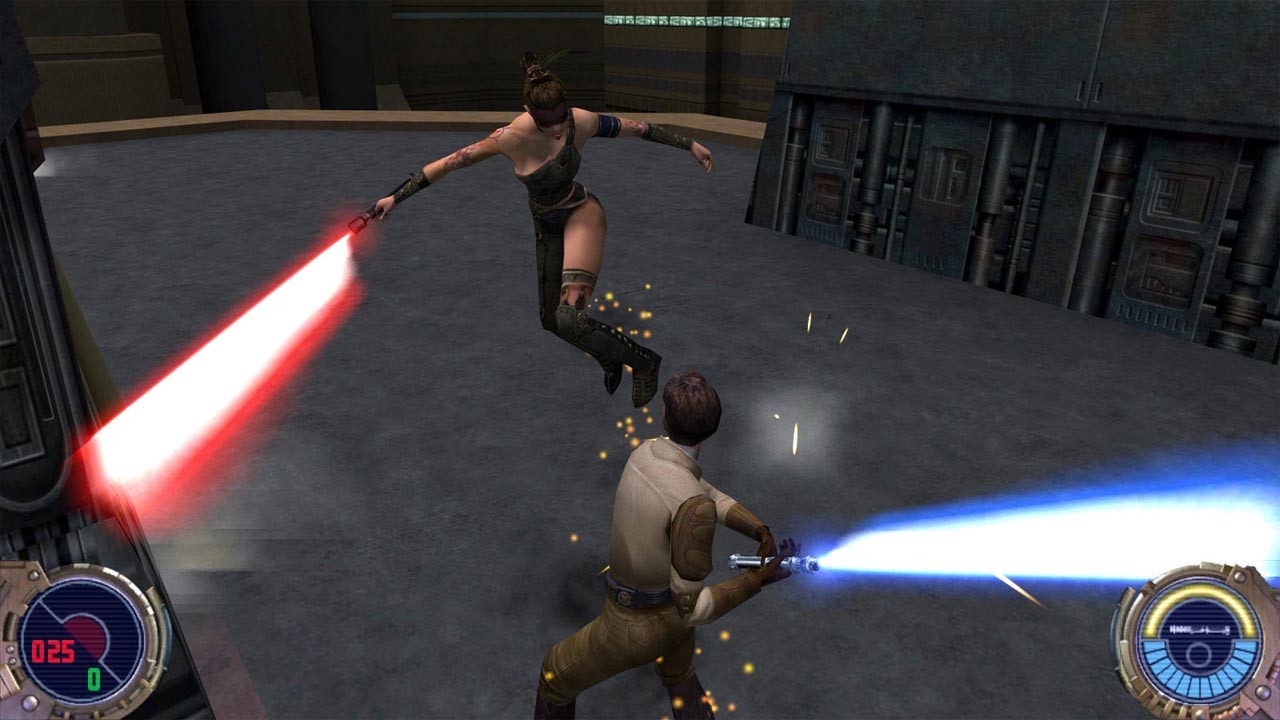
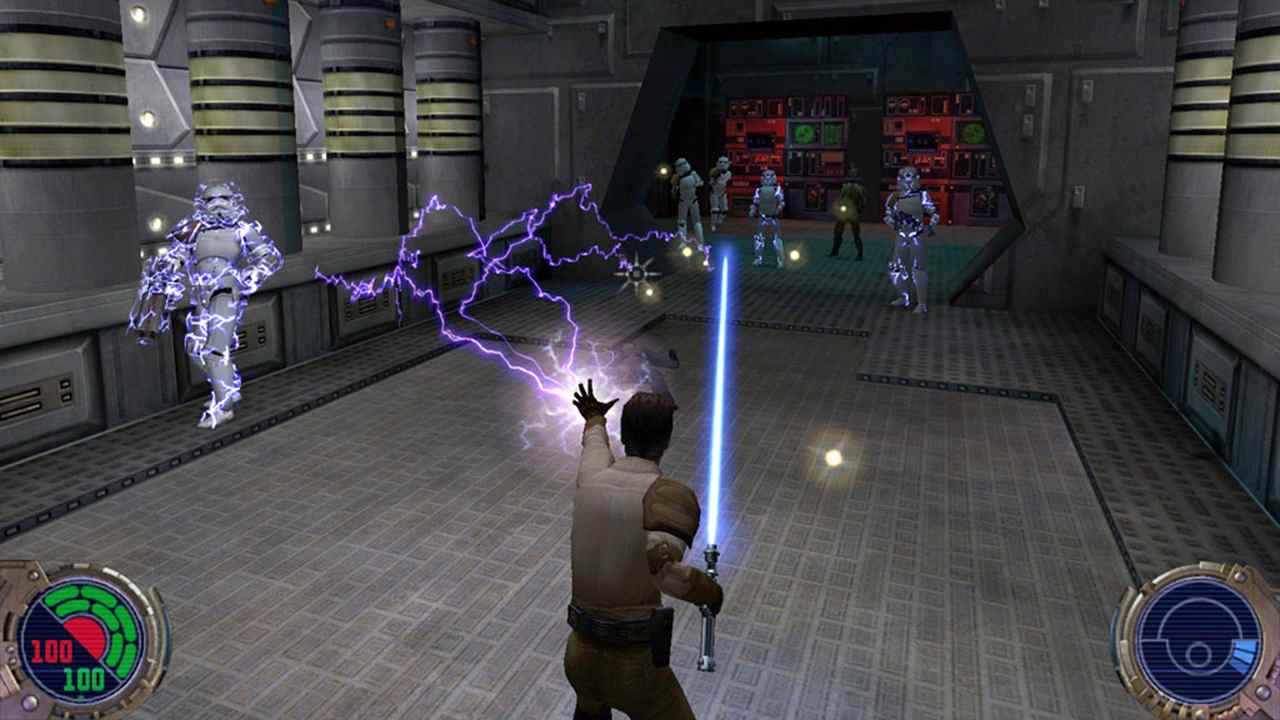
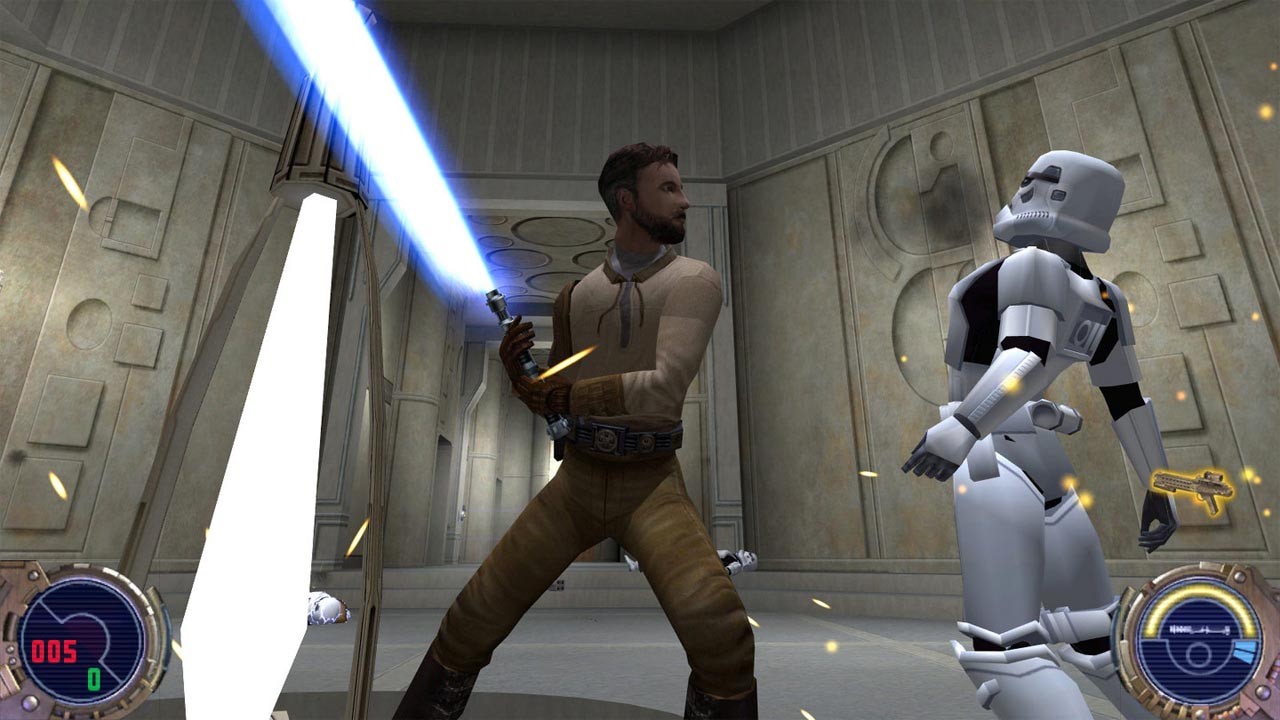
• As Kyle Katarn, agent of the New Republic, use your lightsaber and the power of the Force to fight against the evil that plagues the galaxy
• Use over 8 Force powers, including Jedi Deception, Force Lightning, and Force Grip
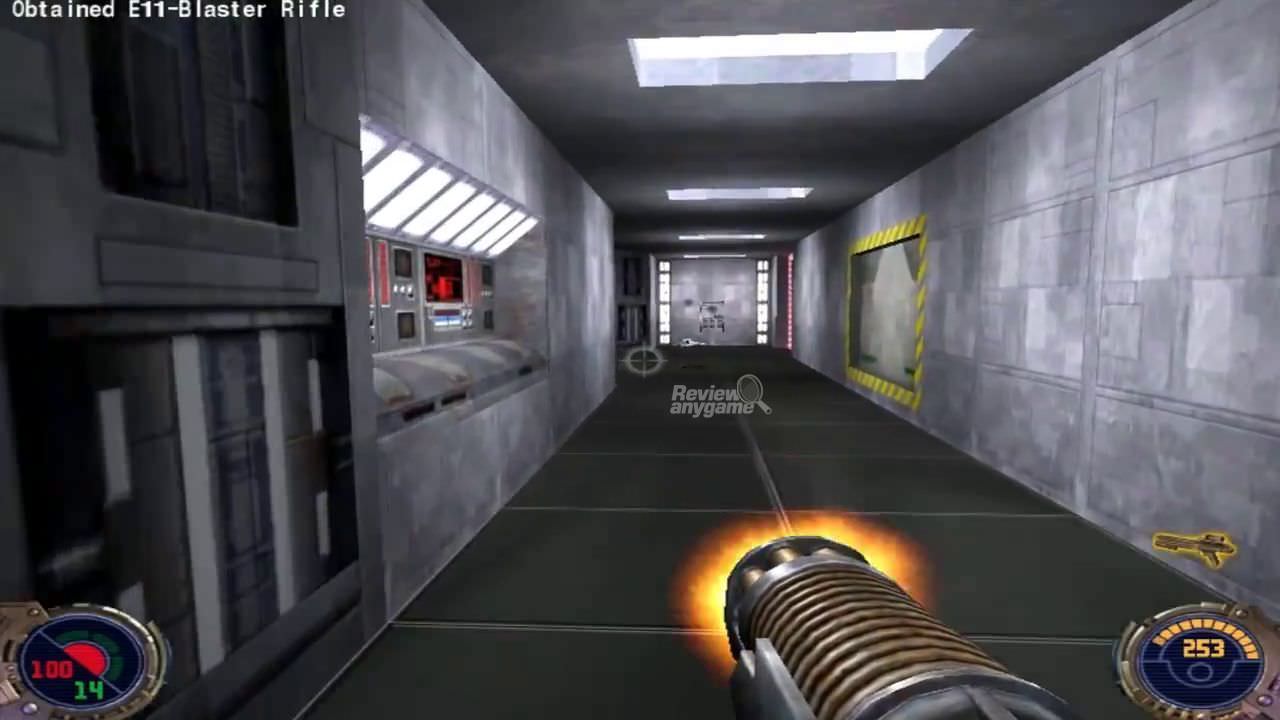
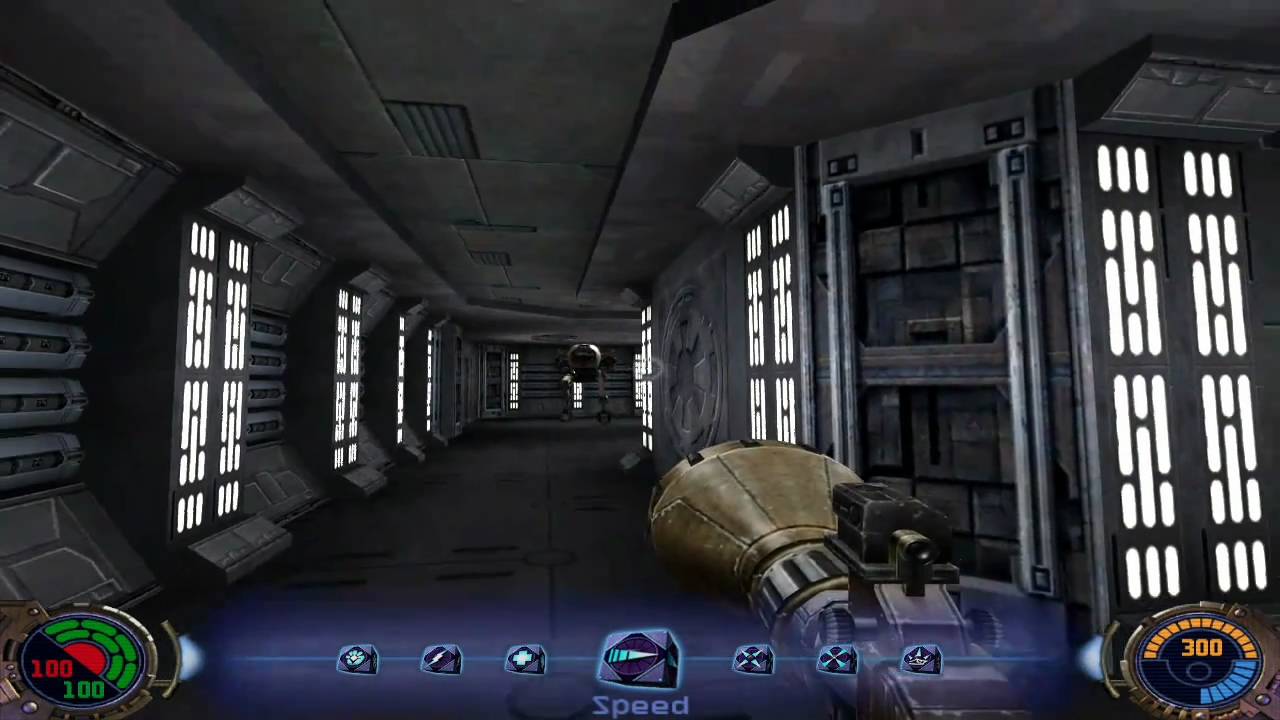
• Choose your arsenal wisely from 13 weapons, including a disruptor rifle, thermal detonators, booby traps, and a Wookiee crossbow
• Play online with 2-32 players or against bots and gain 7 additional Force powers
• Test your skills in 24 single-player missions and 6 different multiplayer modes, including Jedi Master, Holocron, Capture the Salamiri, Duel, Survival, and Capture the Flag
• Meet legendary Star Wars characters such as Luke Skywalker and Lando Calrissian (Lando is voiced by Billy Dee Williams, who played him in the original trilogy.)
• The game is developed by critically acclaimed studio Raven and runs on the Quake III Arena game engine
=========================================
Activation
1. You need to download and install Steam http://steampowered.com/download/SteamInstall.msi (if not already installed)
2. Launch the Steam client
3. Create a new Steam account or log into an existing one
4. Go to the "Games" section and select "Activate on Steam"
5. Enter the activation key you purchased
6. After that, the game will appear in your list of games and you can install it
ATTENTION! Before buying, please check the system requirements of the game and other parameters that interest you (they may change with time). This can be done on the sites Steam / Uplay / Origin or the official website of the publisher. Goods purchased by mistake, as well as unsuitable for system requirements or region of activation, can not be returned and exchanged!
Dear customers! Convincing request, if there are any problems with the purchased goods, do not leave a negative feedback immediately. Write us a message in the correspondence (the purchase page on the site Oplata.info). We will try to respond to your message as soon as possible and promptly solve the problem. We draw attention to the fact that the basis for the exchange or return of the purchased key (key), which gives an error when activated, can only be VIDEO RECORD of the purchase process and subsequent attempt to activate it (mandatory condition - the record should not contain editing features).
Our entire range: http://www.plati.ru/asp/seller.asp?id_s=467960
We will be grateful for every positive feedback you have left after the purchase. Sincerely, the project team "AlternativA".