
38 0
Shadowrun: Dragonfall Director´s Cut (STEAM KEY) RU/CIS
Publication Type: STEAM KEY / RU / UA / KZ / CIS
⚠️ ATTENTION! This key can only be activated on a Steam account registered in Russia, Ukraine, Kazakhstan, and other CIS countries.
🔹 Game Language: English
🔹 Release Date: September 18, 2014
🔹 Platform: Windows
🔹 Region: RU / UA / KZ / CIS (Russia, Ukraine, Kazakhstan, and other CIS countries)
🔹 Activation: Steam
=============================================
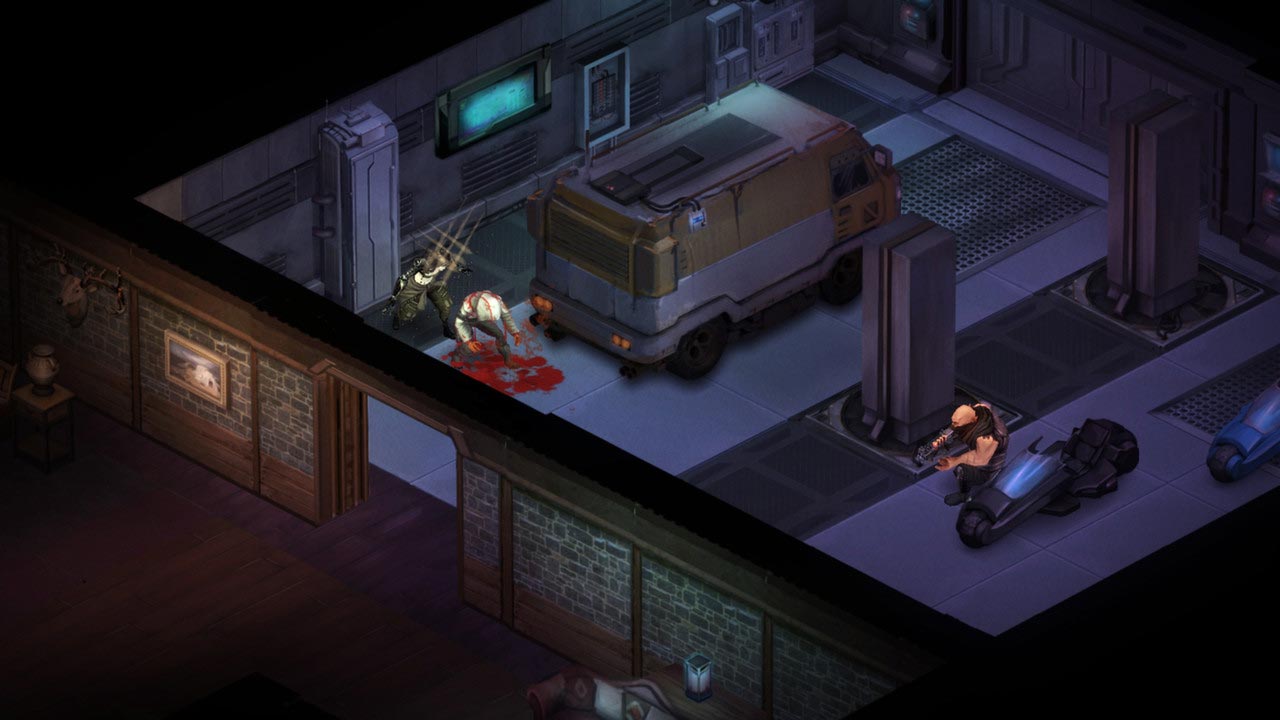
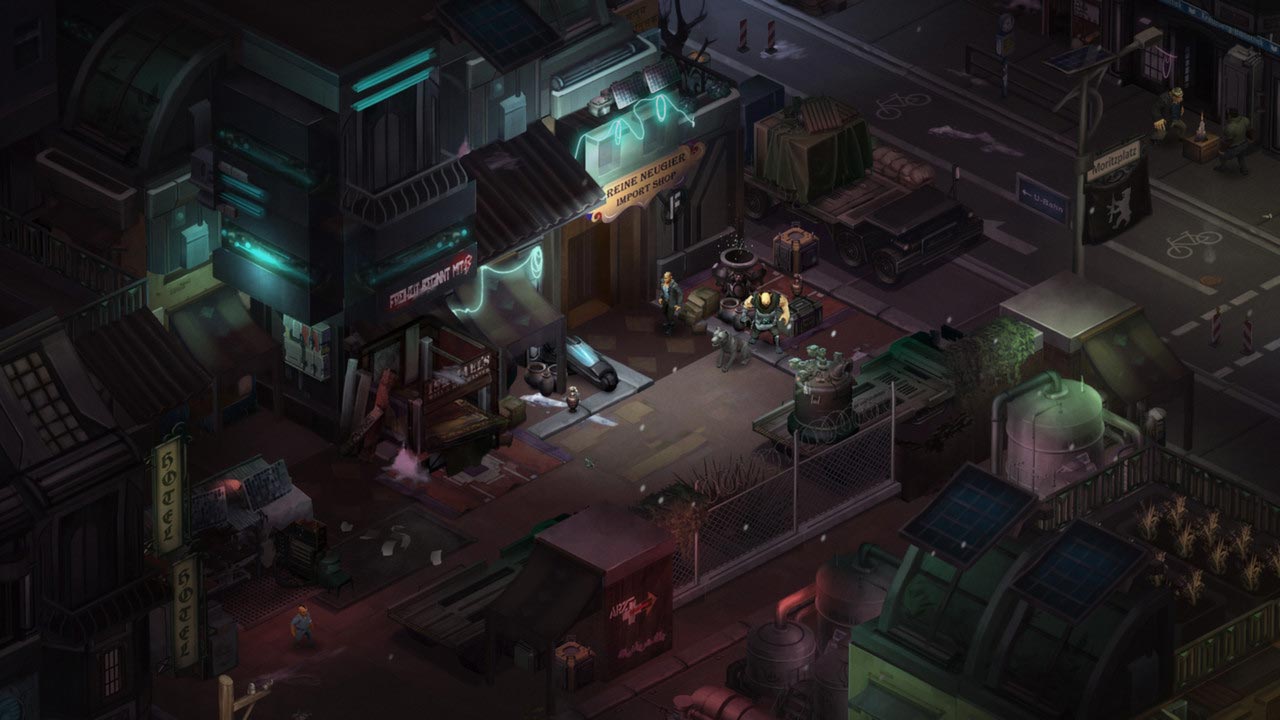
Shadowrun: Dragonfall is a major standalone expansion for Shadowrun Returns, featuring a new, full-fledged campaign. The story takes place in the Free City of Berlin, a place where connections matter. There´s no faster way to make money, but there´s a downside: not everyone has time to spend their accumulated wealth, as death can lurk around every corner.
A new threat is growing in the city, threatening chaos and untold destruction. The only clue is a circulating rumor about Dragonfall, a long-forgotten event from the early days of the Awakening of the World. Trying to understand what´s happening, the protagonist finds themselves embroiled in dangerous adventures that will force them to confront a dark spectrum from the past and influence the fate of Berlin.
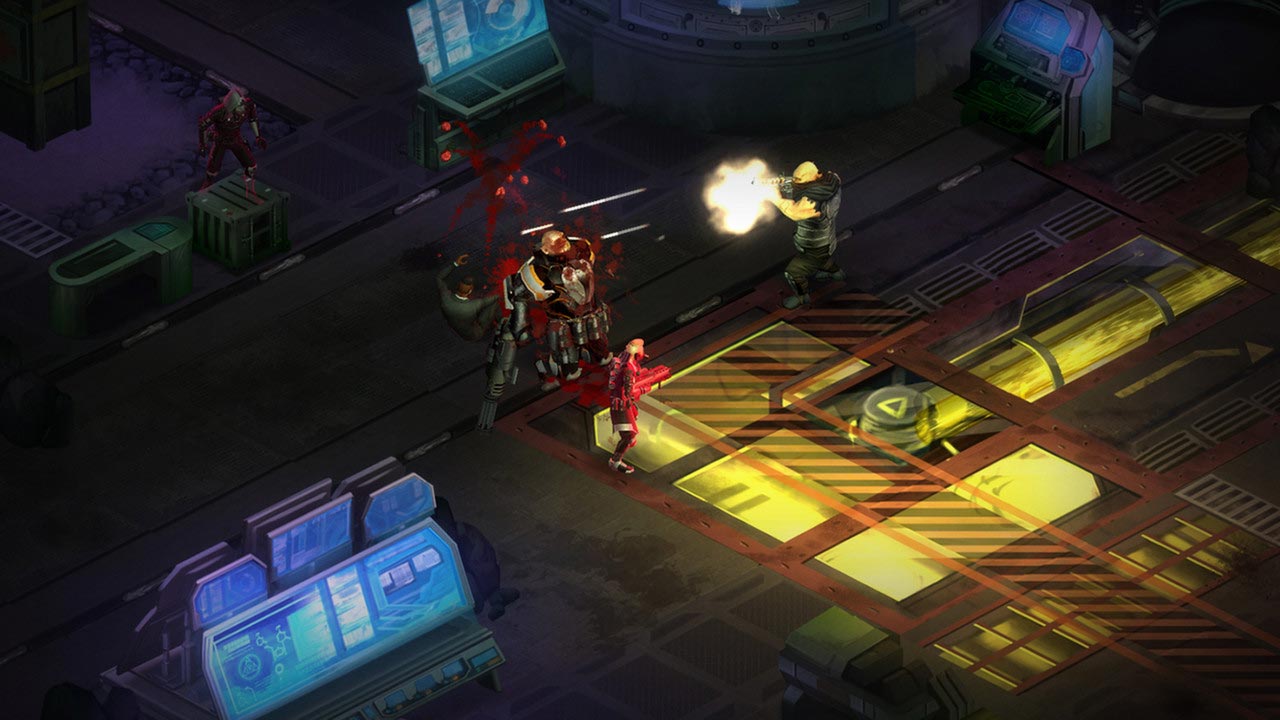
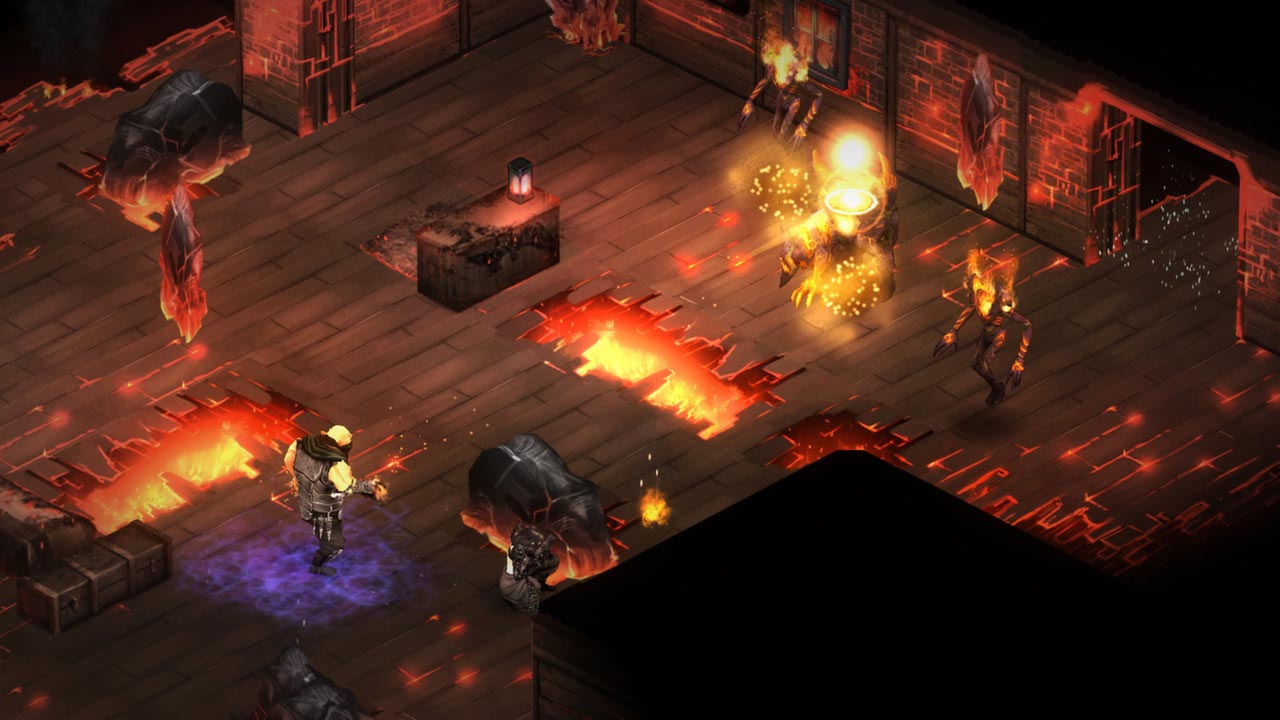
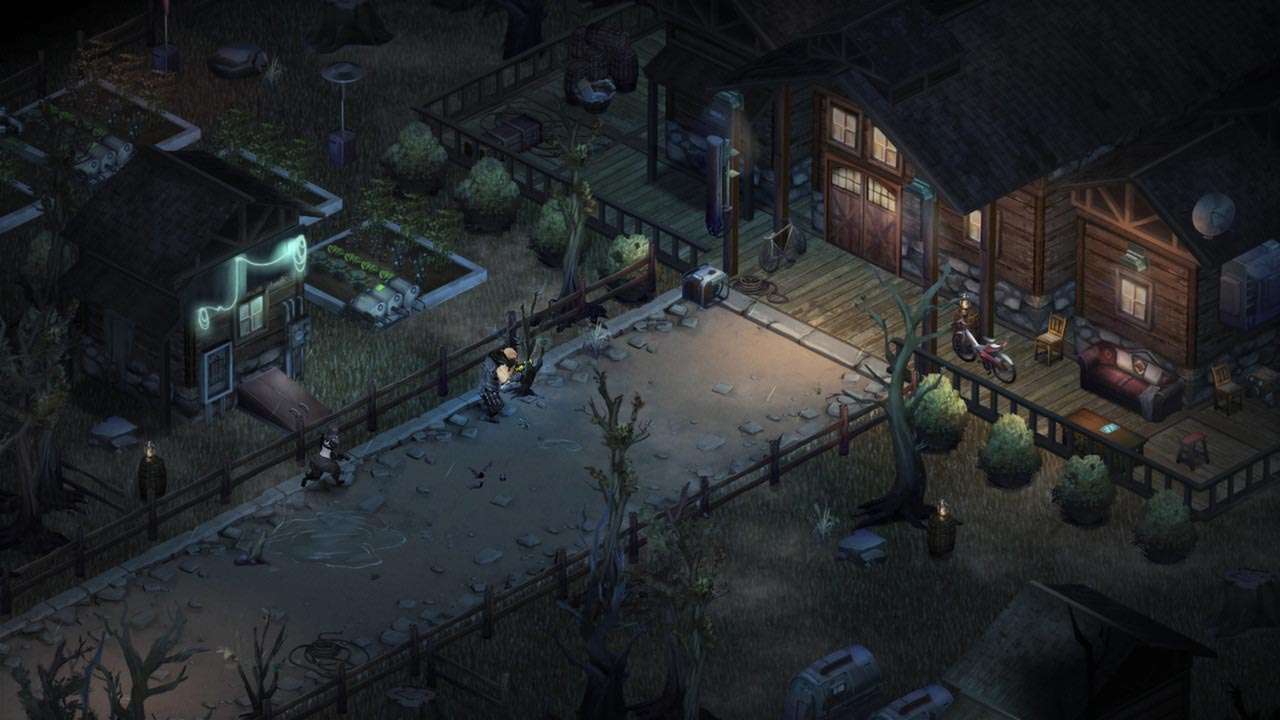
In Shadowrun: Dragonfall, players will encounter a host of new characters, each with a unique set of abilities. To confront new enemies, the protagonist will have access to an updated arsenal, including a sniper rifle and a devastating grenade launcher. Modders can enhance their character´s stats with new implants.
In addition to the new content, Shadowrun: Dragonfall features significantly expanded level editor capabilities, and the save function is now available at any point in the game.
• Steam Achievements and Steam Trading Cards!
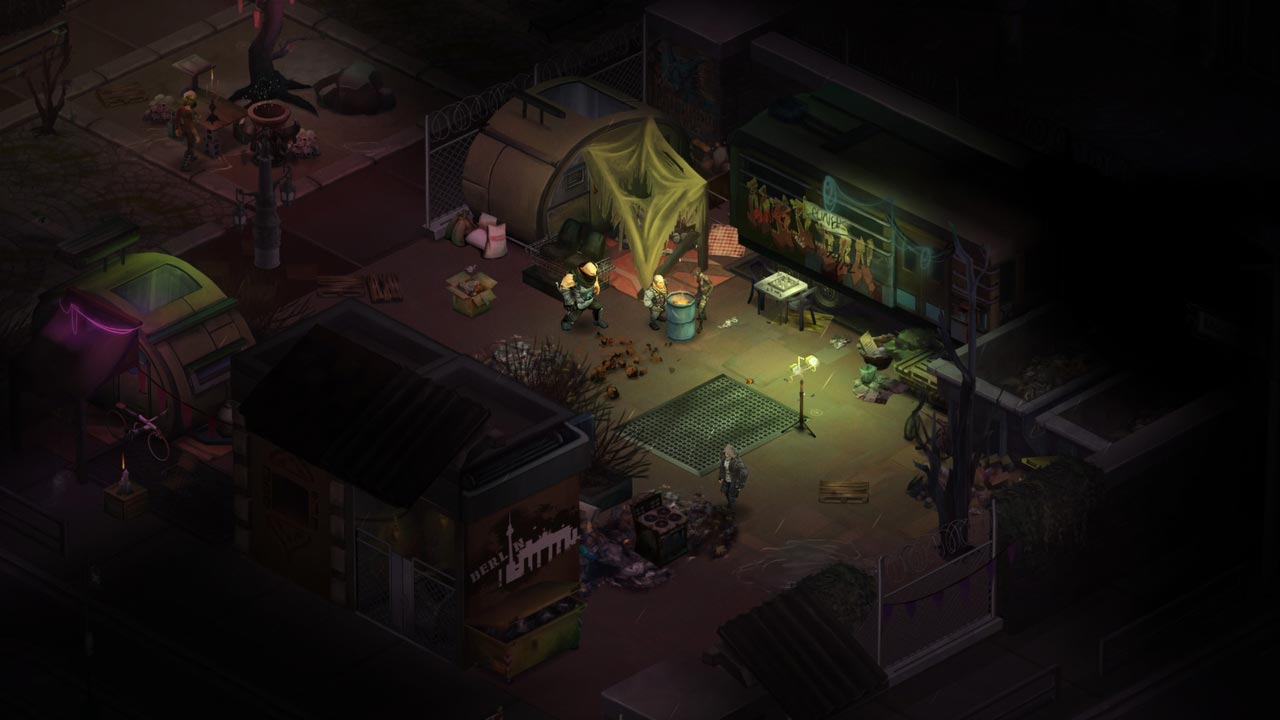
• New visual effects and animations
• Expanded selection of spells and inventory items
• New alternate endings in the main campaigns
• Additional character customization options
=========================================
Activation
1. Download and install Steam http://steampowered.com/download/SteamInstall.msi (if not already installed)
2. Launch the Steam client
3. Create a new Steam account or log in to an existing one
4. Go to the "Games" section and select "Activate on Steam"
5. Enter the activation key you purchased
6. The game will then appear in your list of games and can be installed
ATTENTION! Before buying, please check the system requirements of the game and other parameters that interest you (they may change with time). This can be done on the sites Steam / Uplay / Origin or the official website of the publisher. Goods purchased by mistake, as well as unsuitable for system requirements or region of activation, can not be returned and exchanged!
Dear customers! Convincing request, if there are any problems with the purchased goods, do not leave a negative feedback immediately. Write us a message in the correspondence (the purchase page on the site Oplata.info). We will try to respond to your message as soon as possible and promptly solve the problem. We draw attention to the fact that the basis for the exchange or return of the purchased key (key), which gives an error when activated, can only be VIDEO RECORD of the purchase process and subsequent attempt to activate it (mandatory condition - the record should not contain editing features).
Our entire range: http://www.plati.ru/asp/seller.asp?id_s=467960
We will be grateful for every positive feedback you have left after the purchase. Sincerely, the project team "AlternativA".