


56 0
Counter-Strike: Source + Half-Life 2 (Steam account)
Attention !!! You buy account, and not the key (username and password to log in to your account).
Put up for sale only proven and reliable accounts.
On account:
Counter-Strike: Source
Half-Life 2: Deathmatch
Half-Life 2: Lost Coast
Link to profile: https://steamcommunity.com/profiles/76561198029021717/
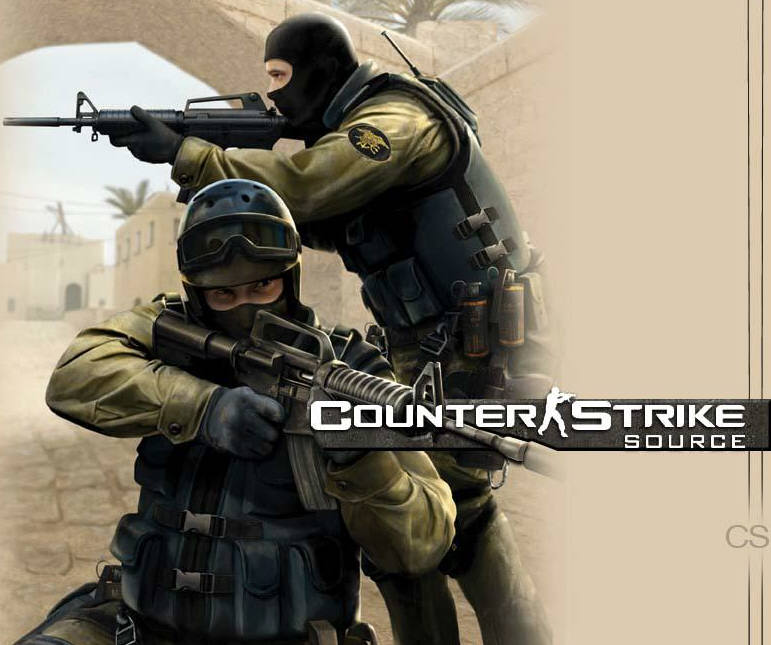
The next version of the world´s best online action counter-Strike: Source blends award-winning team shooter Counter-Strike with advanced technology Source ™. With the relevant latest developments and technical thought graphics, fully updated sound and realistic physics, Counter-Strike: Source simply must take a prominent place in the collection of every fan of the genre action.
As in the original version of the game, Counter-Strike: Source team confront each other counter-terrorism (Special Forces) and a team of terrorists in a series of rounds. Each round is won by performing a specific mission (such as undermining the bomb or rescuing hostages) or after the destruction of all members of the opposing team.
What to do after purchase:
After payment you will receive data Account STEAM: login: password, e-mail: password
DATA account and mailbox data, if desired, may change.
1. You need to download and install Steam http://steampowered.com/download/SteamInstall.msi (if not already installed)
2. Sign in to your account purchased using the username and password (you will receive these data immediately as soon as payment this product).
3. Go to Steam-> Settings-> to change the contact email address and to change its mail.
4. In your mail will receive a letter from the steam, which will link to confirm your email - go for it.
5. Go to Steam-> Settings-> change your password and security question, select "I want to change the password", following the instructions to change it. Also here you can change your security question and answer.
6. Go to Steam-> Settings-> Manage settings Steam Guard, and switch the Steam Guard (at your request)
7. In the box at the top to find the Steam Library tab, click on her arm - you will see the entire list of games on the activated account. Click on the title game RMB murine> install. The installation process (download) takes about 15-50 minutes (depending on your Internet connection speed, as well as overloaded servers Steam).
All further responsibility for the account goes to you together with the rights to it.
If you are satisfied with the purchase, please leave positive feedback. It is important to me.
Dear customers, I´m always happy to help you. If you have any problems - please do not leave negative feedback before communication with the seller. There has never been a problem to be solved is not. Write to me in messenger or Skype, and I will help you. If you do not respond right away, do not worry - soon you will answer and help.
Thank you!
Enjoy the game!
 Discount for regular customers! If the total of your purchases from the seller
papa1131
exceeds:
Discount for regular customers! If the total of your purchases from the seller
papa1131
exceeds: