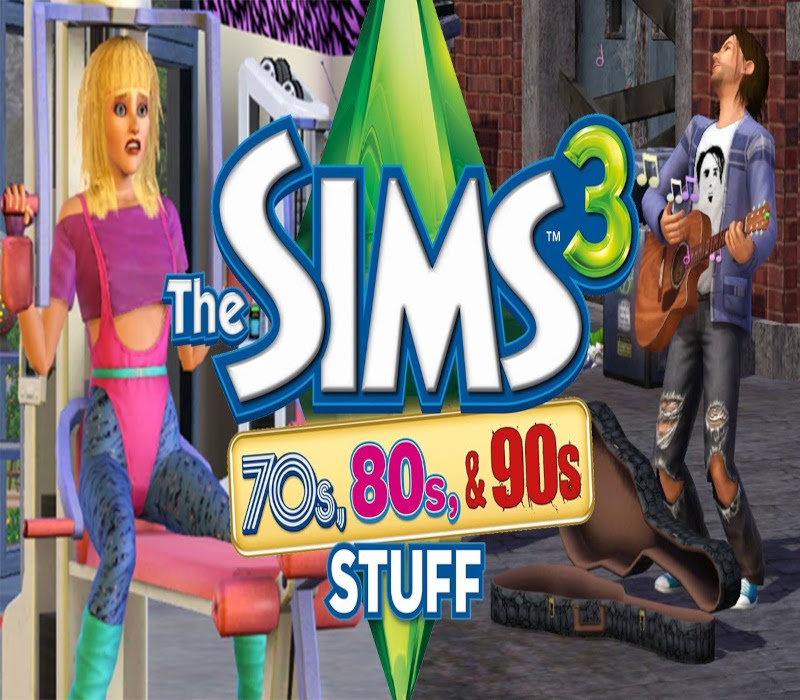
The Sims 3 - 70s, 80s, & 90s Stuff Pack DLC PC EA App CD Key
- Цена в валютах:
- 4.83 $
- Раздел:
- The Sims
- Количество продаж:
- 0
- Количество возвратов:
- 0
- Продавец:
- Gold Fish · информация о продавце и его товарах
ОПИСАНИЕ
The Sims 3 - 70s, 80s, & 90s Stuff Pack DLC PC EA App CD Key
🔥 **GET "The Sims 3 - 70s, 80s, & 90s Stuff Pack DLC PC EA App CD Key" INSTANTLY!** 🔥
⚡ **Digital Code • Instant Delivery • Easy Activation**
Looking for **"The Sims 3 - 70s, 80s, & 90s Stuff Pack DLC PC EA App CD Key"**? Get your digital code instantly after payment and activate it according to the product´s redemption instructions.
### 🎁 WHAT YOU GET
✔️ **Product:** "The Sims 3 - 70s, 80s, & 90s Stuff Pack DLC PC EA App CD Key"
✔️ **Platform:** EA App
✔️ **Region:** REGION FREE
✔️ **Product Type:** Digital Code / Key
✔️ **Delivery:** ⚡ Instant Digital Delivery
✔️ **Activation:** Redeem the delivered digital code/key on the supported platform or service.
🌍 **COUNTRY RESTRICTIONS**
No additional country restriction was provided.
### ✨ PRODUCT HIGHLIGHTS
🚀 Instant digital delivery
🔑 Digital activation code/key
👤 Use with your own compatible account
📦 No physical product — digital delivery only
⚡ Quick and easy activation
🛡️ Product delivered as described in the listing
### ℹ️ PRODUCT INFO
🎮 **Developer:** The Sims Studios
🏢 **Publisher:** Electronic Arts
🎭 **Genre:** Strategy, Life Simulation
🌐 **Languages:** German, English, French, Spanish, Czech, Danish, Dutch, Hungarian, Polish, Portuguese, Turkish, Italian, Swedish, Russian, Korean, Chinese
📅 **Release Date:** 2013-01-22
### 🔑 HOW IT WORKS
1️⃣ Purchase **"The Sims 3 - 70s, 80s, & 90s Stuff Pack DLC PC EA App CD Key"**.
2️⃣ Receive your digital code/key after successful payment.
3️⃣ Follow the activation instructions in Additional Information.
4️⃣ Redeem the code on the supported platform/account.
5️⃣ Enjoy your product! 🎉
### ⚠️ IMPORTANT
✔️ Check the **product, platform, duration, and region** before purchasing.
✔️ Make sure the product is compatible with your account before redemption.
✔️ Region restrictions may apply depending on the product.
✔️ Digital codes/keys are delivered electronically; no physical item will be shipped.
✔️ Keep your code/key private after delivery.
✔️ If you experience an issue with the code, **contact support before attempting repeated or unauthorized redemption attempts**.
💬 **Need help? Contact support — we´re here to help with activation.**
📌 **IMPORTANT NOTES**
• Requires the base game The Sims 3 on EA App to play.
• This product may require an Origin / EA App account to play.
Дополнительная информация:
🔑 **ACTIVATION / REDEMPTION INSTRUCTIONS**
✔️ FOR 20 DIGIT CONTENT KEYS: If you have not done so already, create your free Origin/EA account on www.origin.com.
✔️ Log in to the Sims 3 community website using your Origin email and password.
✔️ If you are logging in for the first time, use your provided key for the Sims 3 base game during the registration process.
✔️ To redeem the games on your Sims 3 account select "My Page" -> "My Account" -> "Register a Game" Enter your 20-character key for The Sims 3, Late Night Expansion, or High End Loft Stuff.
✔️ (note, if you entered the The Sims 3 base game code in step 2, you don’t need to re-enter it here) That´s it! The Games will automatically be added to your Origin account, and can be accessed and downloaded through the Origin client.
✔️ The Sims 3 and all of the DLC will be available for both Windows and Mac.
✔️ Every The Sims 3 add-on pack can be redeemed through the Sims 3 community site.
✔️ To redeem follow these steps: Log in to the Sims 3 community website using your Origin email and password: http://www.thesims3.com/ Under the "My Page" menu section at the top of the page, scroll down to "My Account" and select the "Redeem A Code" option under the sub-menu.
✔️ Click on "Redeem a Code" Type in your provided "Sims 3 Date Night DLC Community Key" from your unique download page and click "Redeem".
✔️ Click on the link for your "Purchase History" which should be visible after typing in your code.
✔️ You can also access it under "Store" > "My Store Account" > "Purchase History" from the top of the page.
✔️ Click on the "Download" link under the icon.
✔️ This will open your Sims 3 launcher and begin downloading the content through the launcher.
✔️ Once finished downloading, click on the "Install" button below.
✔️ That´s it! You will now have additional clothing and content added in to your Sims 3 game! FOR 16 DIGIT KEYS: Please login to your Origin Account and redeem your keys under this link.
ОТЗЫВЫ
Отзывы: (0)
Отзывов от покупателей не поступало.