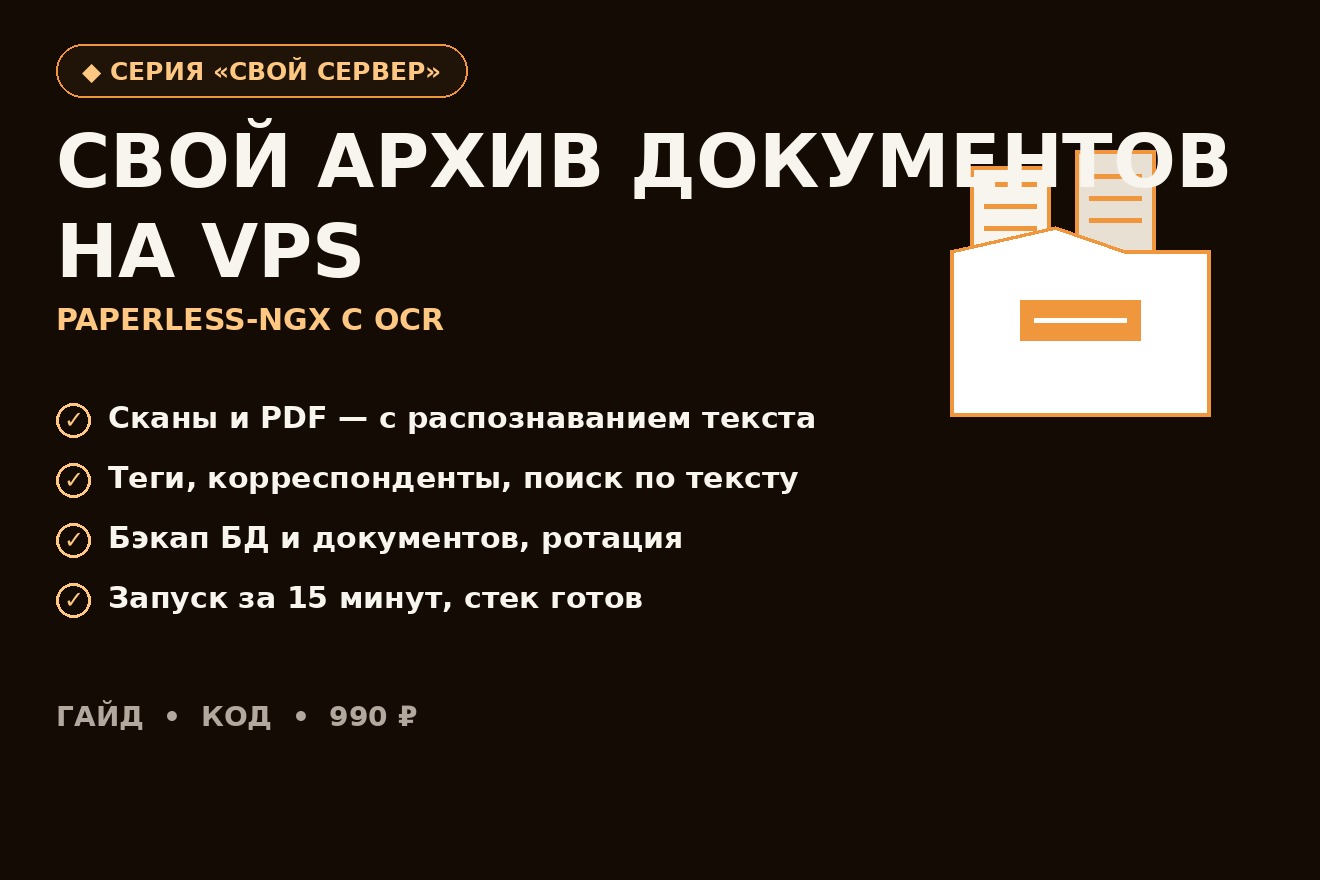
Your Own Document Archive on a VPS: Paperless-ngx with OCR. Stack + Guide
- Price in currencies:
- 14.81 $ · 1050 RUB · 13.49 €
- Category:
- Others
- Item:
- paperless-ngx-documents-v1.0.zip (73.87 KB)
- Uploaded:
- 27.11.2026 11:48:07
- Sales:
- 0
- Refunds:
- 0
- Seller:
- Новинка Супер хит! · about the seller and their products
DESCRIPTION
Your Own Document Archive on a VPS: Paperless-ngx with OCR. Stack + Guide
Paperless-ngx is an archive of paper and electronic documents with text recognition (OCR), tags and correspondents — deployed on your VPS in Docker in 15 minutes. Scans, contracts, receipts and statements live in one archive on your own server: no subscriptions, no third-party servers, documents and text stay with you, and search finds the document you need by a single word.
The stack has four containers: webserver and consumer on the Paperless-ngx image, PostgreSQL and Redis as the broker. The webserver starts only after the database passes its healthcheck, so the first launch does not fail with a connection error. Setup is one-time: copy `.env.example` to `.env`, set your own database password and the application´s secret key and run `./start.sh`. Then the archive runs itself: drop a document into the `consume/` folder — within a minute it appears in the archive with recognized text, a date and suggested tags. OCR understands Russian and English. A backup is one command — `./backup.sh`: a PostgreSQL dump plus the document and export folders in one archive, old archives deleted automatically (the last 7 are kept).
Included is a starter import structure: an import README (consume folder, mail, scanner), file-naming rules and examples of tags and correspondents. Tags — taxes, housing, car, work, health, finance; correspondents — bank, tax office, employer, insurer, property manager. Auto-assignment rules tag documents by words in their text: for example, "ОСАГО" gives the car tag, "ИНН" gives the taxes tag. Files in the archive are arranged in folders: correspondent / year / title.
Unlike "Your Own Knowledge Base on a VPS (Wiki.js)": Wiki.js is a knowledge base made of wiki pages, while Paperless-ngx is an archive of paper and electronic documents proper — scans with OCR, tags, correspondents and full-text search across document contents, not text pages.
WHAT´S INSIDE THE ARCHIVE
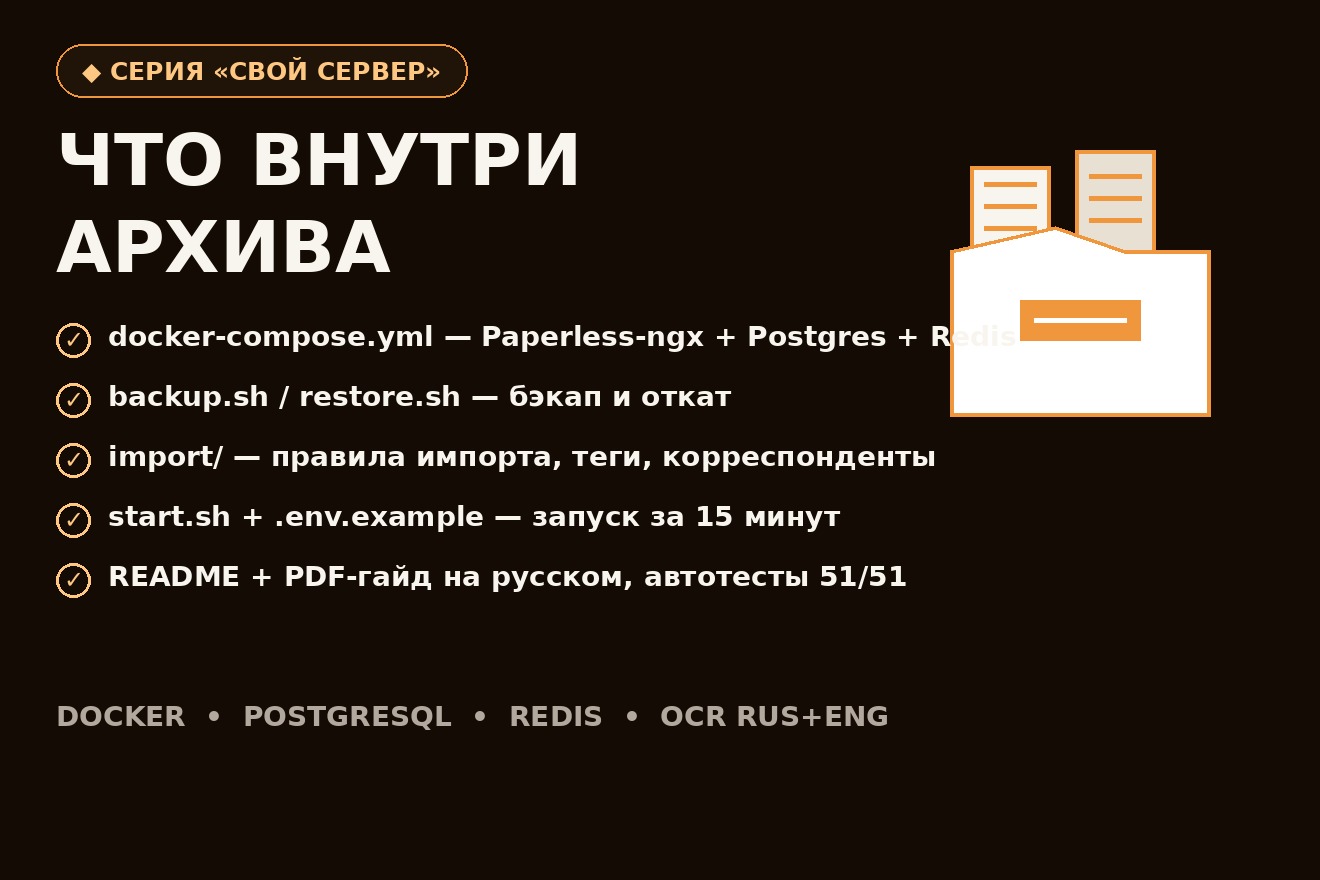
• docker-compose.yml — Paperless-ngx + PostgreSQL + Redis stack: 4 services, data/media/consume/export volumes, database healthcheck, dependencies, environment variables
• .env.example — sample settings: port, address, database credentials, secret key, OCR language (Russian + English), consume settings
• start.sh — first launch: checks .env and starts the stack
• backup.sh — backup: PostgreSQL dump (pg_dump) + document and export folders, archive rotation, secrets masked in logs, --dry-run
• restore.sh — restore from a backup archive, --dry-run
• import/ — starter import structure: import README, file-naming rules, tag and correspondent examples
• test_paperless_ngx_documents.py — automated logic tests on fake data
• README.md and PDF — full guide: launch, first sign-in, uploading documents, OCR, tags and correspondents, search, backup, updates
GUIDE STEPS
1. .env: cp .env.example .env — set your own database password and application secret key.
2. ./start.sh — .env check and stack launch (database and Redis first, then webserver and consumer).
3. First sign-in: create the admin from the console (createsuperuser).
4. Upload documents: drop a file into the consume/ folder or upload through the web interface.
5. OCR, tags and correspondents: rus+eng languages, tag auto-assignment rules.
6. Search: full-text, by tags, correspondents, dates and document types.
7. Backup: ./backup.sh, automatic daily backup via cron at 03:00.
8. Updates: docker compose pull webserver consumer && docker compose up -d.
WHAT YOU NEED
A VPS with Ubuntu 22.04/24.04, Docker + Docker Compose, 2 GB RAM, 20 GB of free disk space. A domain is optional, for HTTPS. 15 minutes for the first setup.
HONEST LIMITS
Paperless-ngx is a third-party open-source project (paperless-ngx/paperless-ngx): its interface, sign-in page and settings may change between versions — if a screen looks different, follow the on-screen labels; they repeat this guide´s steps. A backup protects the database and documents, but it is not a replacement for a full server backup. OCR depends on scan quality: crumpled, overexposed or upside-down pages are recognized worse. Never publish your .env anywhere: it holds the database password and the application secret key. A live VPS and a live Paperless-ngx were not started for this build — do the first launch step by step and check the logs with docker compose logs -f webserver.
IMPORTANT
These are files and a guide for self-setup — not a done-for-you installation. If you need Paperless-ngx installed on your server turnkey, that´s a separate service.
SIMILAR PRODUCTS
• Your Own Knowledge Base on a VPS: Wiki.js in Docker. Stack + Guide: https://plati.market/itm/your-own-knowledge-base-on-a-vps-wiki-js-in-docker-stack-guide/6452558
• Your Own Cloud on a VPS: Nextcloud in Docker with HTTPS. Stack + Guide: https://plati.market/itm/your-own-cloud-on-a-vps-nextcloud-in-docker-with-https-stack-guide/6423229
• MinIO: Your Own S3 Storage on a VPS (Docker). Stack + Guide: https://plati.market/itm/minio-your-own-s3-storage-on-a-vps-docker-stack-guide/6435020
• Portainer: Manage Docker Containers in a Web Panel. Compose + Guide: https://plati.market/itm/portainer-manage-docker-containers-in-a-web-panel-compose-guide/6429324
• Your Own Password Manager on a VPS: Vaultwarden in Docker. Stack + Guide: https://plati.market/itm/your-own-password-manager-on-a-vps-vaultwarden-in-docker-stack-guide/6443852
• Your Own RSS Reader on a VPS (FreshRSS, Docker). Stack + Guide: https://plati.market/itm/your-own-rss-reader-on-a-vps-freshrss-docker-stack-guide/6439414
REVIEWS
Reviews: (0)
No customer reviews yet.