Your Own Knowledge Base on a VPS: Wiki.js in Docker. Stack + Guide
- Price in currencies:
- 11.82 $ · 838 RUB · 10.77 €
- Category:
- Others
- Item:
- wikijs-knowledge-base-v1.0.zip (79.71 KB)
- Uploaded:
- 26.11.2026 13:52:48
- Sales:
- 0
- Refunds:
- 0
- Seller:
- Новинка Супер хит! · about the seller and their products
DESCRIPTION
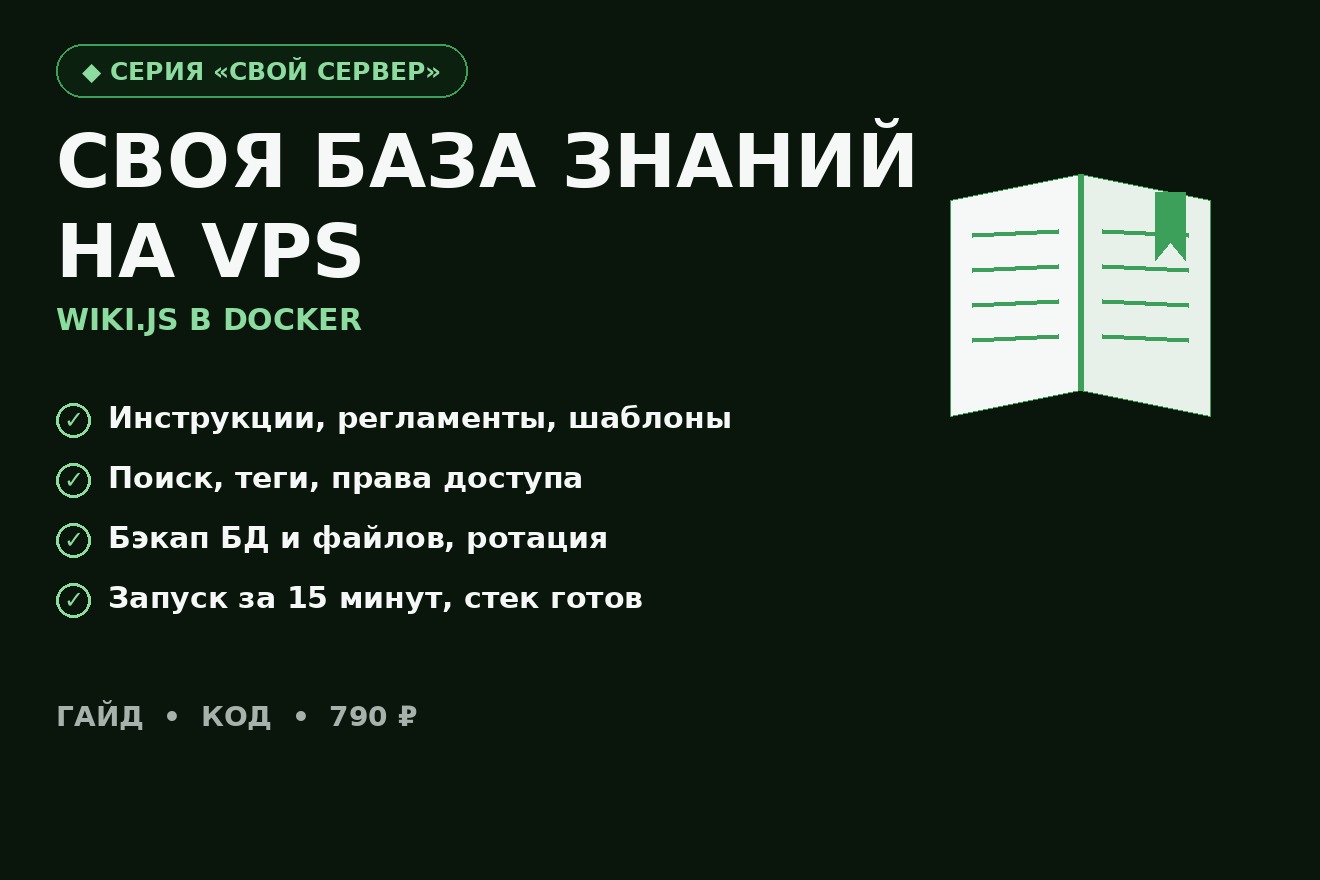
Your Own Knowledge Base on a VPS: Wiki.js in Docker. Stack + Guide
Wiki.js is a modern wiki with search, tags, access rights and a Markdown editor — deployed on your VPS in Docker in 15 minutes. Instructions, rules and templates live in one knowledge base on your own server: no subscriptions, no third-party servers, pages and files stay with you.
The stack has two containers: Wiki.js itself and PostgreSQL. Wiki.js starts only after the database passes its healthcheck, so the first launch does not fail with a connection error. Setup is one-time: copy `.env.example` to `.env`, set your own database password and run `./start.sh`. Then the base runs itself: pages are created in the browser, files upload through the editor, and a backup is one command — `./backup.sh`: a PostgreSQL dump plus the Wiki.js data folder in one archive, old archives deleted automatically (the last 7 are kept).
Included is a starter knowledge-base structure: a home page, three instructions (how to create pages, upload files, search and tag), two rules (how to keep the base tidy, access rights) and two templates for new pages. Rights are given to groups: readers only read, editors edit their own sections, admins configure everything. Guests without sign-in are locked out.
Unlike "Your Own Cloud on a VPS (Nextcloud)": Nextcloud is a file cloud, while Wiki.js is a knowledge base proper — pages, structure, full-text search and per-section rights, not folders of files.
WHAT´S INSIDE THE ARCHIVE
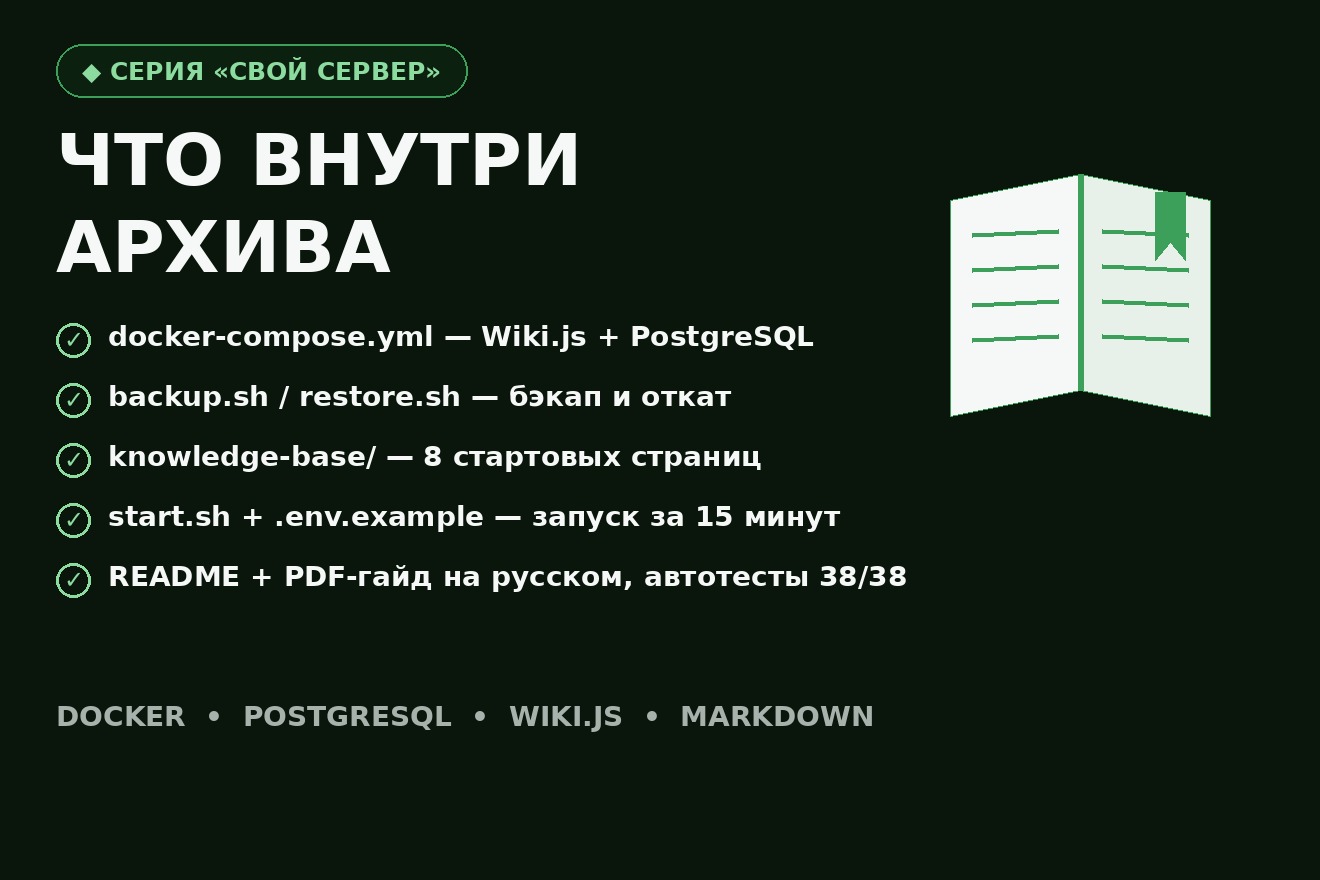
• docker-compose.yml — Wiki.js + PostgreSQL stack: volumes, database healthcheck, dependencies, environment variables
• .env.example — sample settings: port, address, database credentials, backups
• start.sh — first launch: checks .env and starts the stack
• backup.sh — backup: PostgreSQL dump (pg_dump) + Wiki.js data folder, archive rotation, password masked in logs, --dry-run
• restore.sh — restore from a backup archive, --dry-run
• knowledge-base/ — starter base structure: README, 3 instructions, 2 rules, 2 page templates
• test_wikijs_knowledge_base.py — automated logic tests on fake data
• README.md and PDF — full guide: launch, first sign-in, structure, rights, backup, updates
GUIDE STEPS
1. .env: cp .env.example .env — set your own database password.
2. ./start.sh — .env check and stack launch (database first, then Wiki.js).
3. First sign-in: setup wizard, admin e-mail and password, PostgreSQL choice.
4. Home page: create a "Home" page and make it the start page.
5. Structure: move pages from knowledge-base/ — instructions, rules, templates.
6. Rights: reader and editor groups, mandatory sign-in for guests.
7. Backup: ./backup.sh, automatic daily backup via cron at 03:00.
8. Updates: docker compose pull wikijs && docker compose up -d.
WHAT YOU NEED
A VPS with Ubuntu 22.04/24.04, Docker + Docker Compose, 1 GB RAM, 10 GB of free disk space. A domain is optional, for HTTPS. 15 minutes for the first setup.
HONEST LIMITS
Wiki.js is a third-party open-source project (requarks/wiki): its interface and setup wizard may change between versions — if a wizard screen looks different, follow the on-screen labels; they repeat this guide´s steps. A backup protects pages and files, but it is not a replacement for a full server backup. Never publish your .env anywhere: it holds the database password. A live VPS and a live Wiki.js were not started for this build — do the first launch step by step and check the logs with docker compose logs -f wikijs.
IMPORTANT
These are files and a guide for self-setup — not a done-for-you installation. If you need Wiki.js installed on your server turnkey, that´s a separate service.
SIMILAR PRODUCTS
• Your Own Cloud on a VPS: Nextcloud in Docker with HTTPS. Stack + Guide: https://plati.market/itm/your-own-cloud-on-a-vps-nextcloud-in-docker-with-https-stack-guide/6423229
• Your Own Git on a VPS: Gitea in Docker + Backups. Compose Stack + Guide: https://plati.market/itm/your-own-git-on-a-vps-gitea-in-docker-backups-compose-stack-guide/6422908
• Your Own Password Manager on a VPS: Vaultwarden in Docker. Stack + Guide: https://plati.market/itm/your-own-password-manager-on-a-vps-vaultwarden-in-docker-stack-guide/6443852
• Your Own RSS Reader on a VPS (FreshRSS, Docker). Stack + Guide: https://plati.market/itm/your-own-rss-reader-on-a-vps-freshrss-docker-stack-guide/6439414
• Portainer: Manage Docker Containers in a Web Panel. Compose + Guide: https://plati.market/itm/portainer-manage-docker-containers-in-a-web-panel-compose-guide/6429324
• Auto-Backup of Server Configs to Git: Snapshots, Secret Masking, Restore: https://plati.market/itm/auto-backup-server-configs-to-git-snapshots-secret-masking-restore/6435006
REVIEWS
Reviews: (0)
No customer reviews yet.