Your Own Photo Archive on a VPS: Immich in Docker with Auto-Upload. Stack + Guide
- Price in currencies:
- 11.82 $ · 838 RUB · 10.77 €
- Category:
- Others
- Item:
- immich-photo-archive-v1.0.zip (69.53 KB)
- Uploaded:
- 26.11.2026 13:40:54
- Sales:
- 0
- Refunds:
- 0
- Seller:
- Новинка Супер хит! · about the seller and their products
DESCRIPTION
Your Own Photo Archive on a VPS: Immich in Docker with Auto-Upload. Stack + Guide
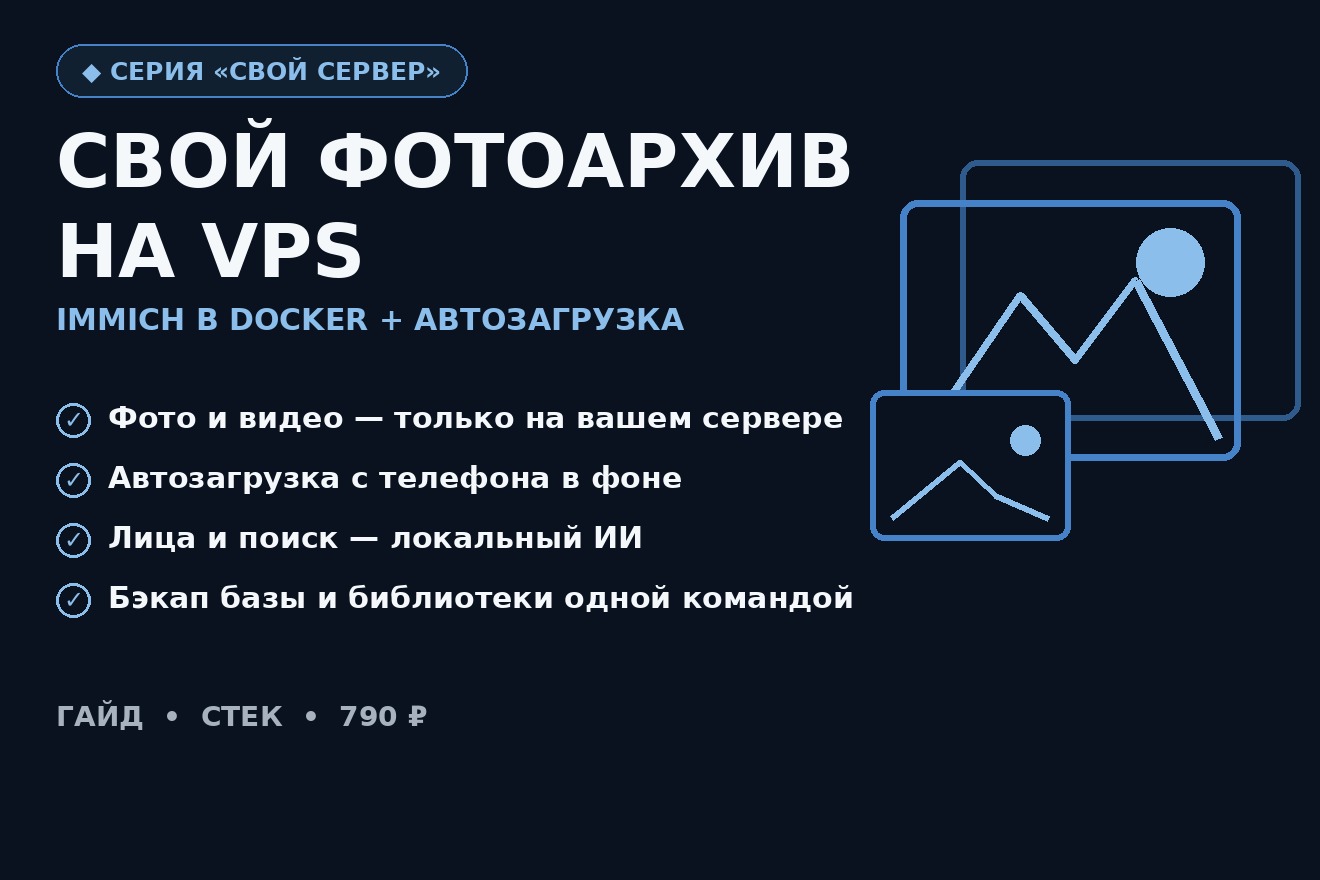
Immich is your own Google Photos on your own server: photos and videos stay with you, not with a corporation. The phone app uploads new shots in the background as soon as Wi-Fi appears. Inside: face recognition, search by description ("dog on the beach"), a map, albums, shared folders for the family and a 30-day trash.
The stack comes up with one command from a ready docker-compose.yml: Immich server + PostgreSQL (pgvecto-rs, with vector search) + Redis + machine-learning (face recognition and semantic search — local, no clouds). Passwords and paths live only in .env — there are no secrets in the compose file. Backup is one command, ./backup.sh, and ./check.sh verifies the stack.
Setup takes about half an hour: install Docker, copy .env.example to .env and change the database password, bring the stack up, register the first admin and turn on auto-upload in the free Immich app on your phone. After that photos upload themselves, and a nightly cron backup saves both the database and the library into a single archive.
Unlike "Your Own Cloud on a VPS — Nextcloud": Nextcloud is files, documents and sync of everything, while Immich is a photo archive: timeline, faces, semantic search and phone auto-upload are built for photos, not for files in general.
WHAT´S INSIDE THE ARCHIVE
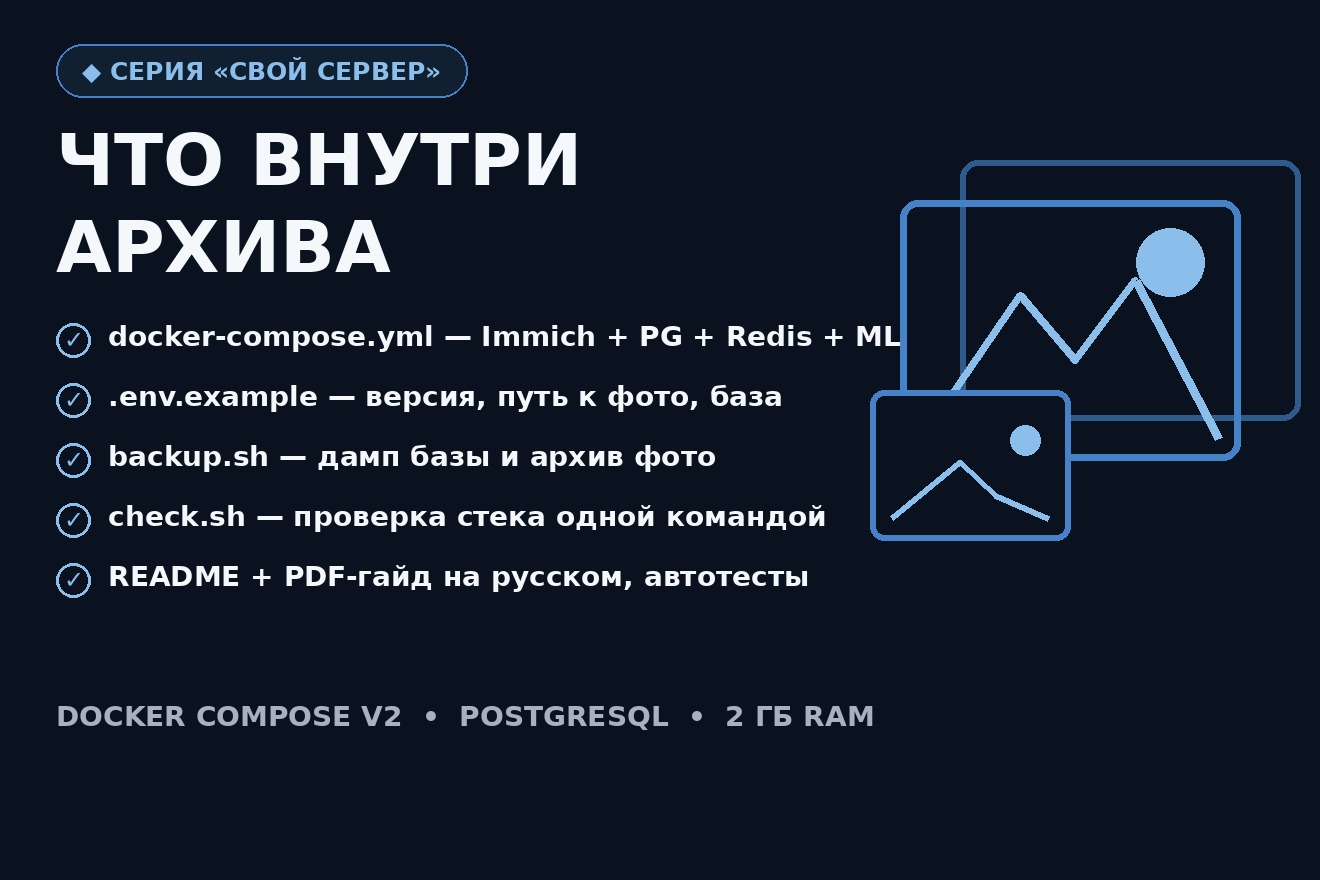
• docker-compose.yml — Immich server + PostgreSQL + Redis + machine-learning, healthcheck on every service
• .env.example — all required variables: version, library path, database, Redis, timezone
• backup.sh — database dump + library archive, rotation (7 latest archives), --dry-run
• check.sh — containers, API and image versions with one command
• test_immich.py — automated logic tests on fake data (41 tests)
• README.md and PDF — full guide: Docker, first run, auto-upload, backup and restore
GUIDE STEPS
1. Docker and Compose v2 on Ubuntu 22.04/24.04 or Debian 12.
2. cp .env.example .env — change DB_PASSWORD to your own.
3. docker compose up -d — stack is up, ./check.sh verifies it.
4. Register the first admin: http://YOUR-VPS-IP:2283.
5. Immich app on the phone: server address, sign in, Backup.
6. ./backup.sh — backup of database and library; cron at night.
7. Update: backup, pull, up -d — one version at a time.
WHAT YOU NEED
A VPS on Ubuntu 22.04 / 24.04 or Debian 12, 2 GB RAM or more (4 GB is more comfortable for a large photo archive), Docker and Compose v2, 50 GB free disk space or more (with room for the archive to grow). An Android or iOS phone with the free Immich app. 20–30 minutes for the first setup.
HONEST LIMITS
Photos and videos stay only on your server — neither Immich nor the seller sees or copies them. Face recognition and semantic search run locally, in the machine-learning container, without sending photos to clouds. But: a server without HTTPS and without backups is a risk; run ./backup.sh on a schedule and do not keep the only copy of family photos on a single disk. Immich is a fast-moving project with frequent releases: after an update the interface and behaviour may change slightly, and old image versions stop getting fixes over time. Never share your .env with anyone — it holds the database password.
IMPORTANT
These are files and a guide for self-setup — not a done-for-you installation. If you need Immich installed on your server turnkey, that´s a separate service.
SIMILAR PRODUCTS
• Your Own Cloud on a VPS: Nextcloud in Docker with HTTPS. Stack + Guide: https://plati.market/itm/your-own-cloud-on-a-vps-nextcloud-in-docker-with-https-stack-guide/6423229
• Your Own Password Manager on a VPS: Vaultwarden in Docker. Stack + Guide: https://plati.market/itm/your-own-password-manager-on-a-vps-vaultwarden-in-docker-stack-guide/6443852
• Your Own RSS Reader on a VPS (FreshRSS, Docker). Stack + Guide: https://plati.market/itm/your-own-rss-reader-on-a-vps-freshrss-docker-stack-guide/6439414
• MinIO: Your Own S3 Storage on a VPS (Docker). Stack + Guide: https://plati.market/itm/minio-your-own-s3-storage-on-a-vps-docker-stack-guide/6435020
• Portainer: Manage Docker Containers in a Web Panel. Compose + Guide: https://plati.market/itm/portainer-manage-docker-containers-in-a-web-panel-compose-guide/6429324
• VPS Disk Monitoring: Space, Growth, Telegram Alerts: https://plati.market/itm/vps-disk-monitoring-space-growth-telegram-alerts/6439442
REVIEWS
Reviews: (0)
No customer reviews yet.