n8n: Scheduled PDF Reports from Google Sheets. Workflow + Guide
- Price in currencies:
- 11.82 $ · 838 RUB · 10.77 €
- Category:
- Others
- Item:
- n8n-pdf-reports-v1.0.zip (64.63 KB)
- Uploaded:
- 25.11.2026 11:57:28
- Sales:
- 0
- Refunds:
- 0
- Seller:
- Новинка Супер хит! · about the seller and their products
DESCRIPTION
n8n: Scheduled PDF Reports from Google Sheets. Workflow + Guide
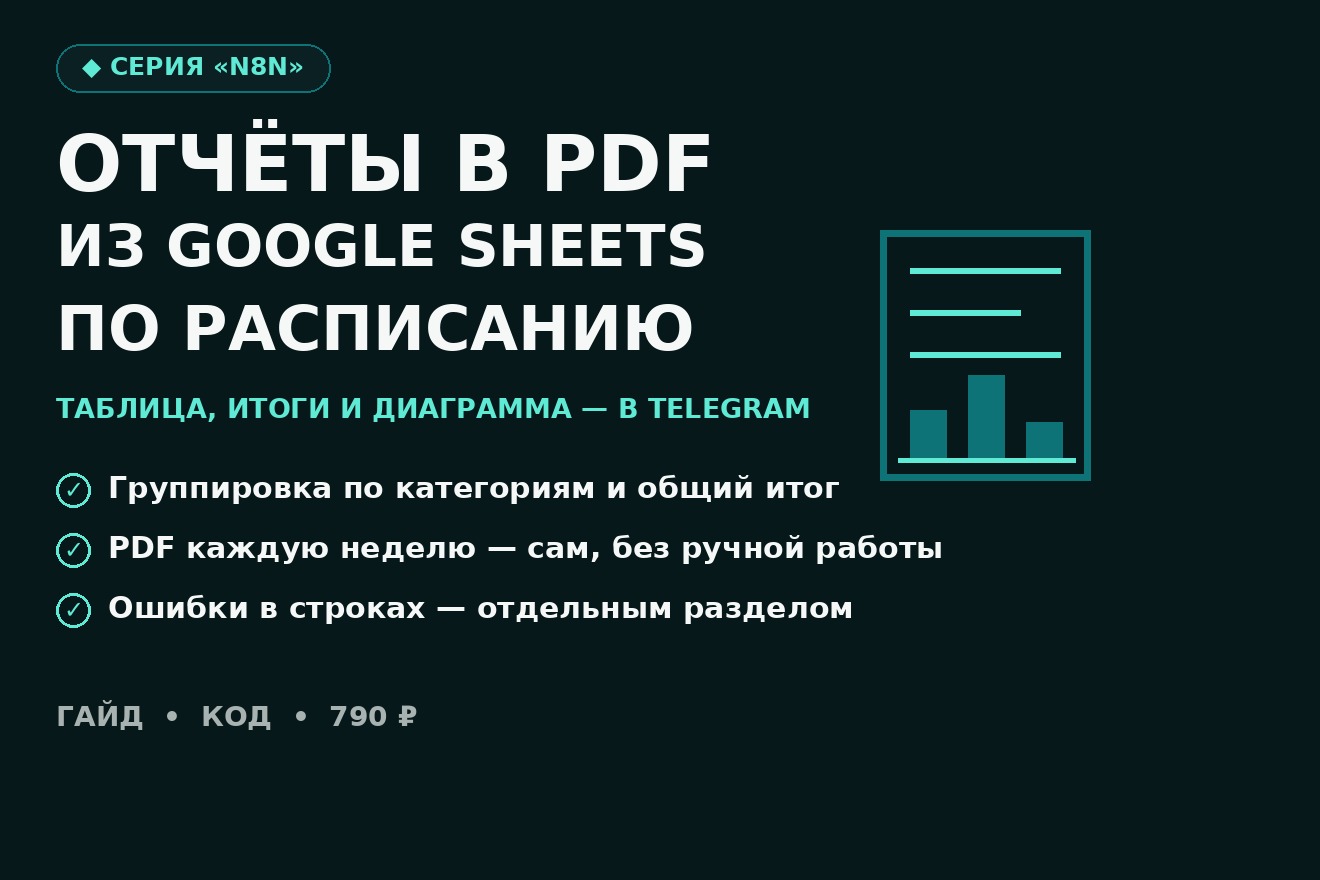
An n8n workflow that builds a PDF report from your Google Sheets once a week and sends it to Telegram by itself: a table by category, a grand total and a simple bar chart. You keep your records in a spreadsheet — sales, expenses, orders — and the report is assembled on its own, with no manual work: on schedule (by default Monday 09:00) n8n reads the sheet rows, groups them by category, sums the amounts and totals, sends the data to the generator script, and the finished PDF arrives in your chat.
Setup is one-time: import workflow.json into n8n, connect Google Sheets and a Telegram bot, start the report.py generator on your own server and switch the workflow to Active. After that the reports arrive every week on their own.
Empty sheet rows are skipped, and rows with an unrecognised amount do not enter the total — they are listed in the PDF in a separate "Rows with errors" section, while the other rows are counted as usual. Amounts are understood with a comma or a dot as the decimal separator ("8300,50", "1 234,50"); a minus sign means a refund or a negative amount. Groups in the report are ordered by total descending, and the period is signed from the row dates.
WHAT´S INSIDE THE ARCHIVE
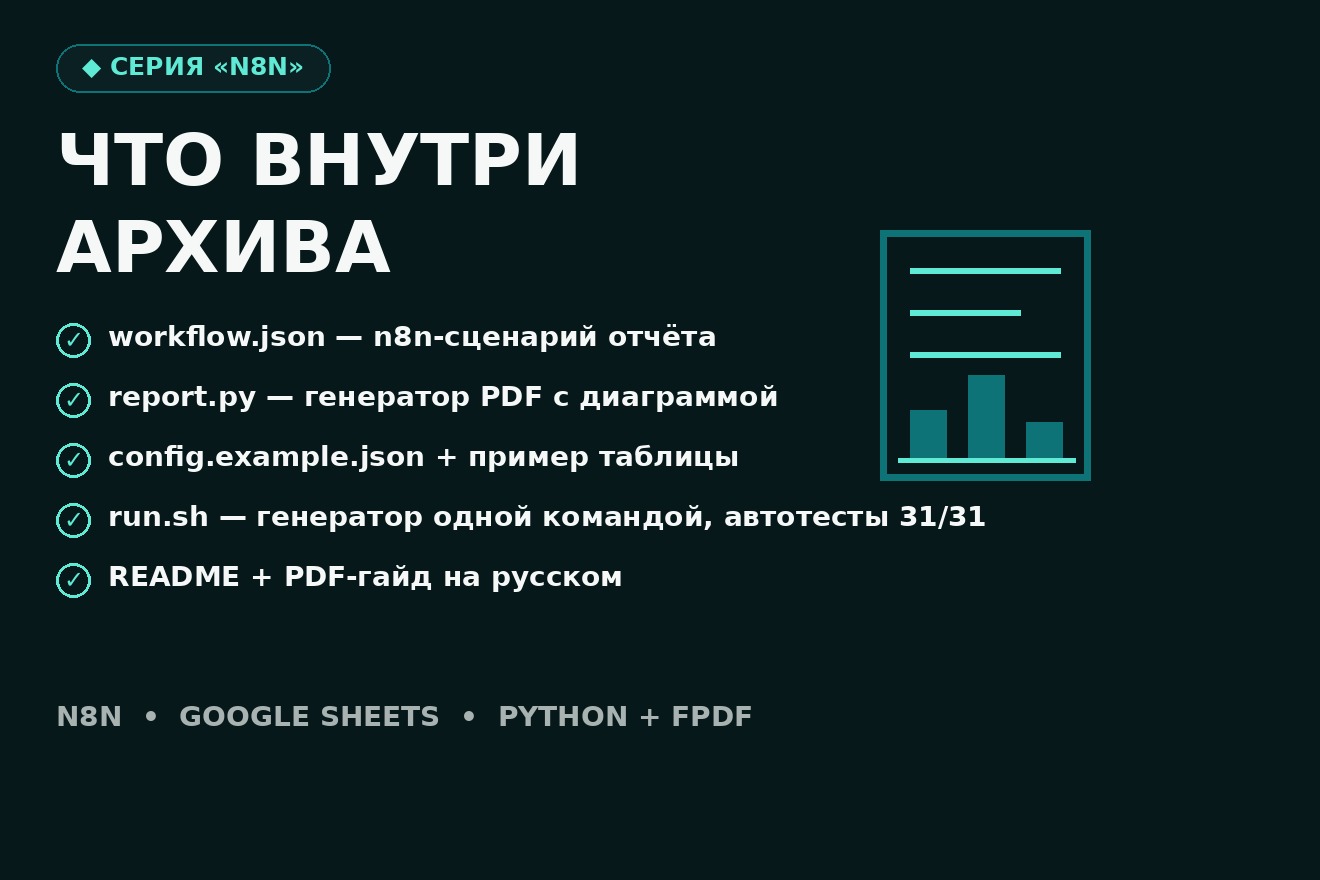
• workflow.json — n8n workflow (5 nodes): schedule → Google Sheets → aggregation → PDF → Telegram
• code/aggregate.js — the "Build report" node logic as a separate file
• report.py — PDF generator (fpdf2): table, totals, chart; works as a CLI and as an HTTP server for n8n
• config.example.json — sample settings: generator address, sheet, chat
• data.example.csv — sample sheet to check with (9 rows, total 56 251,25)
• run.sh — one-command generator launcher, requirements.txt — fpdf2
• test_n8n_pdf_reports.py — automated logic tests, no live n8n or Google Sheets needed
• README.md and PDF — full guide: importing the workflow, connecting Google Sheets, schedule, checks
GUIDE STEPS
1. Generator: pip install fpdf2, then ./run.sh — server on port 8080.
2. Import workflow.json into n8n: Workflows → Import from file.
3. "Read sheet" node: your Google Sheets + OAuth2.
4. "Generate PDF" node: your generator´s address.
5. Telegram node: bot token and the chat_id where the PDF goes.
6. Run Execute manually — the PDF should arrive in Telegram.
7. Switch to Active — reports arrive on schedule by themselves.
WHAT YOU NEED
Your own n8n (self-hosted or cloud), access to Google Sheets and a computer or VPS where the report.py generator runs (Python 3.10+, e.g. the same server that hosts n8n). 15–20 minutes for the first setup.
HONEST LIMITS
Your own n8n and Google Sheets access are required: the workflow reads your sheet through your Google account, and the PDF generator runs on your server. Without a running generator the "Generate PDF" node returns an error — n8n cannot build the PDF on its own. The script only reads the sheet and never writes back to it. Dates in the report only sign the period: the workflow does not filter rows by date, so every row of the sheet goes into the report. For a report on a specific month, keep a separate sheet or spreadsheet per month.
IMPORTANT
These are files and a guide for self-setup — not a done-for-you installation. If you need n8n, the generator and Google Sheets connected turnkey, that´s a separate service.
SIMILAR PRODUCTS
• n8n: Auto-Posting to Telegram from Google Sheets: https://plati.market/itm/n8n-auto-posting-to-telegram-from-google-sheets-workflow-guide/6443865
• n8n: Payment and Renewal Reminder Bot for Clients: https://plati.market/itm/n8n-payment-and-renewal-reminder-bot-for-clients-workflow-guide/6432377
• n8n: AI Product Descriptions from Google Sheets: https://plati.market/itm/n8n-ai-product-descriptions-from-google-sheets-workflow-guide/6423702
• n8n: Back Up Workflows to Git — Export, Versions, Restore: https://plati.market/itm/n8n-back-up-workflows-to-git-export-versions-restore/6439425
• n8n: Brand Reviews and Mentions — Telegram Alerts: https://plati.market/itm/n8n-brand-reviews-and-mentions-telegram-alerts-workflow-guide/6423717
• Competitor Price Monitor: Parser + Telegram Alerts. Python Script + Guide: https://plati.market/itm/competitor-price-monitor-parser-telegram-alerts-python-script-guide/6423405
REVIEWS
Reviews: (0)
No customer reviews yet.