SSL Certificate Monitoring with Telegram Alerts. Script + Guide
- Price in currencies:
- 8.82 $ · 626 RUB · 8.04 €
- Category:
- Others
- Item:
- ssl-monitor-v1.0.zip (60.71 KB)
- Uploaded:
- 24.11.2026 11:41:19
- Sales:
- 0
- Refunds:
- 0
- Seller:
- Новинка Супер хит! · about the seller and their products
DESCRIPTION
SSL Certificate Monitoring with Telegram Alerts. Script + Guide
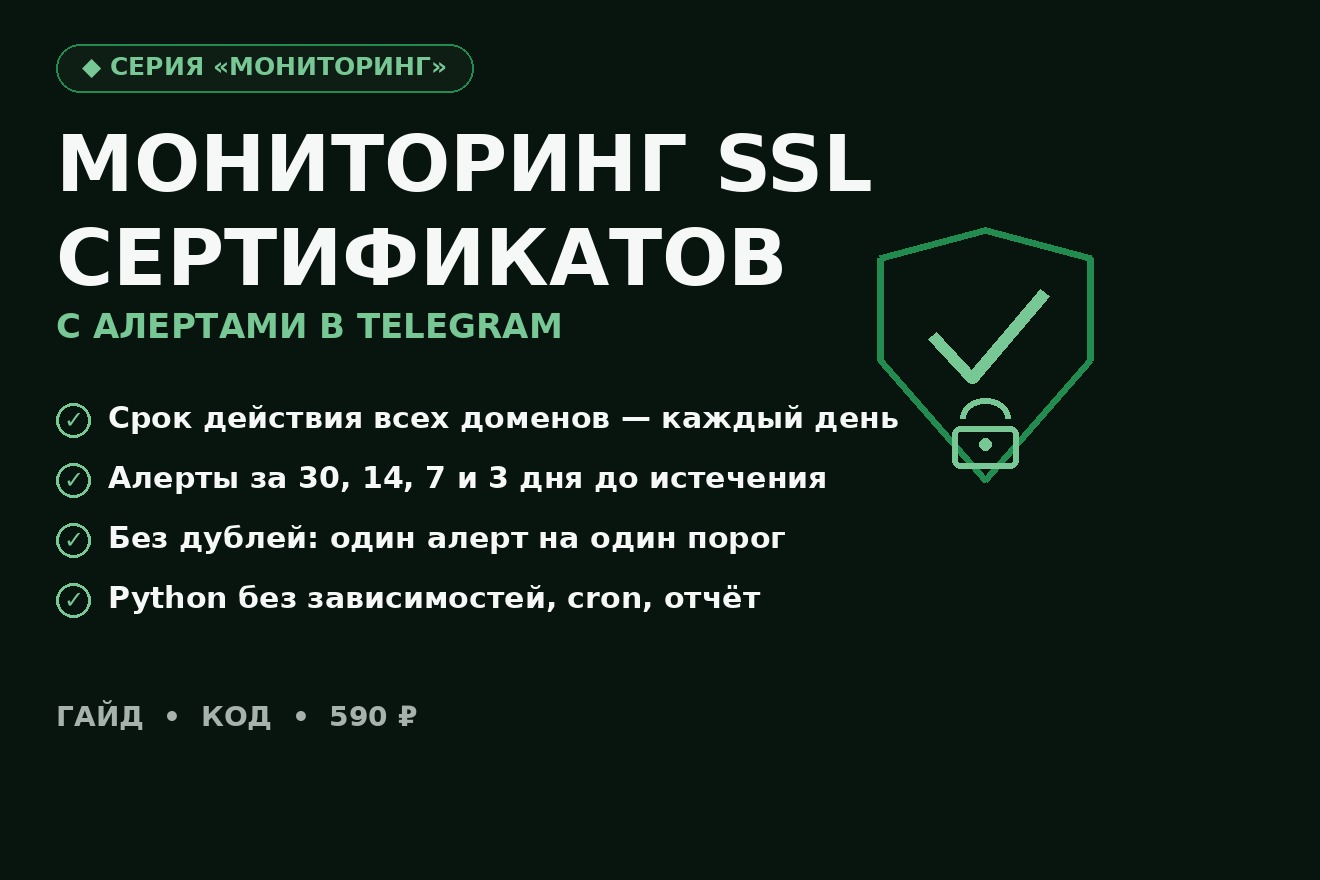
A dependency-free script checks the expiry dates of the SSL certificates of your domains and warns you in Telegram in advance — 30, 14, 7 and 3 days before expiry. After each check it writes a text report on the status of all domains: which certificate is fine, which one is about to expire, and which one is unreachable.
One alert per threshold per certificate: sent alerts are remembered in a state file, so the same threshold never alerts twice, even if cron runs the script every hour. The next alert comes only when a stricter threshold is crossed (14 days left became 7) or after the certificate is renewed: the script sees the new date and resets the dedup on its own, nothing to delete manually.
Domains, thresholds and the bot token live in a single config.json: adding a domain is one line, no code changes needed. Checks run over a TLS connection to your own server, with no third-party services or subscriptions. Exit code: 0 — all fine, 1 — there are problems, so the cron log shows it right away.
WHAT´S INSIDE THE ARCHIVE
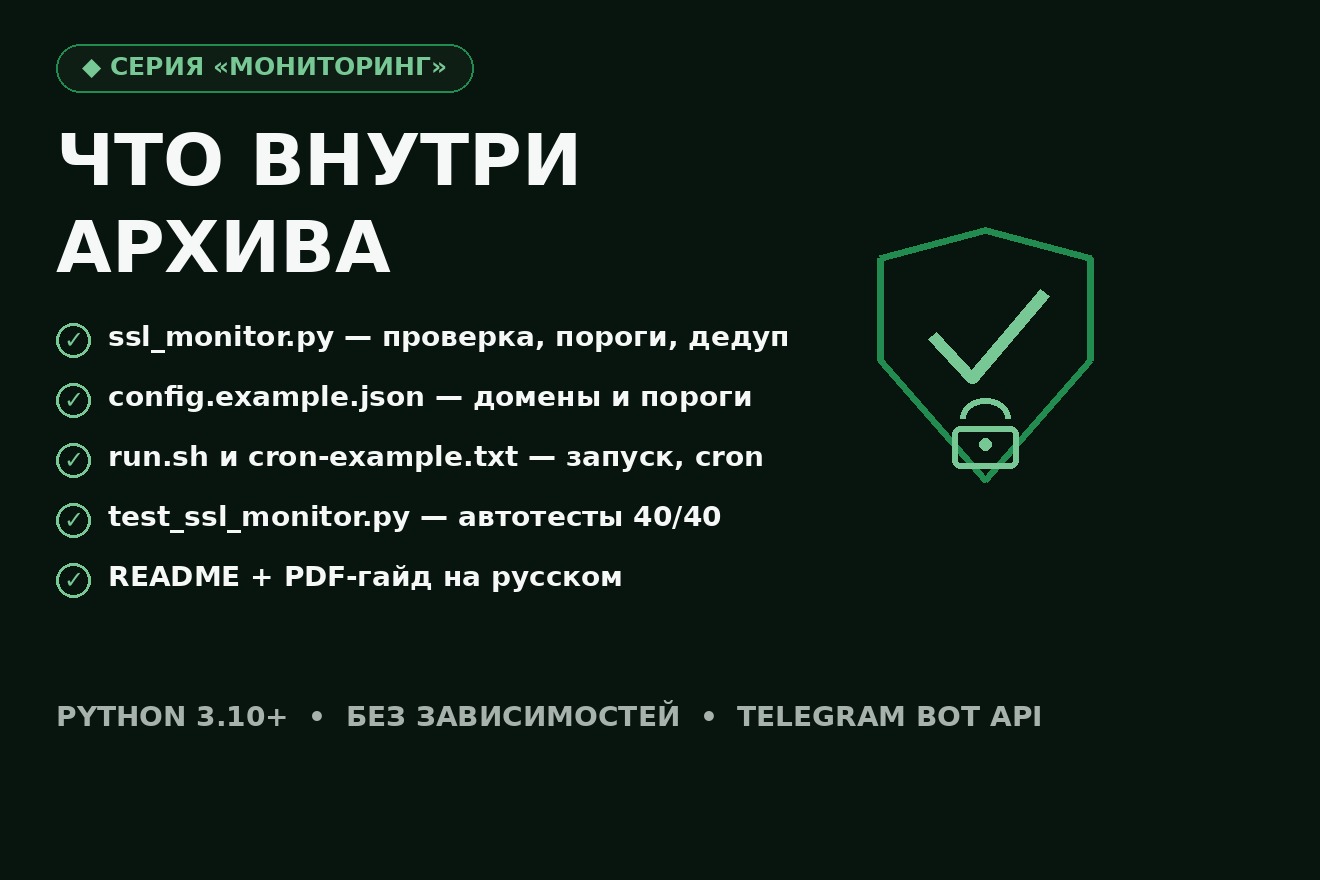
• ssl_monitor.py — certificate checks, thresholds, alert dedup, report, Telegram sending
• config.example.json — sample config: domain list, thresholds, bot token
• run.sh — one-command launcher
• cron-example.txt — ready crontab lines (daily or every 6 hours)
• test_ssl_monitor.py — automated tests, no live internet or real Telegram needed
• README.md and PDF — full guide: setup, bot, config, cron, troubleshooting
GUIDE STEPS
1. Create a bot with @BotFather, get your ID from @userinfobot → config.json.
2. List your domains in config.json, thresholds — custom if you like.
3. ./run.sh — report in the console and a Telegram alert if a deadline is near.
4. A crontab line — check once a day at 09:00.
5. Renewed a certificate — the script notices the new date on its own.
WHAT YOU NEED
Python 3.10+ on a computer or VPS and a bot token from @BotFather. 10 minutes.
HONEST LIMITS
The script only checks and warns — it does NOT renew certificates on its own. Renewal is `certbot renew` or your hoster´s panel. Checks run from the machine where the script runs: if a domain is unreachable from there (firewall, closed port), the status is «check error», not a false alert. The script checks the certificate the server presents on the given port: if the port serves the wrong certificate (for example, the hoster´s default one), the alert is about that one. Alerts depend on the Telegram Bot API: if Telegram is unreachable, the alert won´t arrive — but ssl_report.txt is still written and the exit code is 1. Chain validity and certificate revocation (OCSP/CRL) are not checked.
IMPORTANT
These are files and a guide for self-setup — not a done-for-you installation. If you need the monitoring installed on your server turnkey, that´s a separate service.
SIMILAR PRODUCTS
• VPS Disk Monitoring: Space, Growth, Telegram Alerts: https://plati.market/itm/vps-disk-monitoring-space-growth-telegram-alerts/6439442
• Website uptime monitoring without Docker: https://plati.market/itm/website-uptime-monitoring-without-docker-cron-curl-telegram-scripts-guide/6429385
• VPS monitoring: Uptime Kuma + alerts: https://plati.market/itm/vps-monitoring-uptime-kuma-telegram-alerts-docker-compose-stack-guide/6410250
• nginx log rotation and analysis: https://plati.market/itm/nginx-log-rotation-and-analysis-who-loads-your-site-script-guide/6432375
• SSH hardening: https://plati.market/itm/ssh-hardening-on-vps-keys-fail2ban-no-passwords-script-guide/6423692
• Site on VPS from domain to HTTPS: https://plati.market/itm/site-on-vps-from-domain-to-https-step-by-step-guide-dns-nginx-certbot-configs/6406547
REVIEWS
Reviews: (0)
No customer reviews yet.