Your Own Password Manager on a VPS: Vaultwarden in Docker. Stack + Guide
- Price in currencies:
- 11.82 $ · 838 RUB · 10.77 €
- Category:
- Others
- Item:
- vaultwarden-vps-v1.0.zip (64.16 KB)
- Uploaded:
- 24.11.2026 11:36:10
- Sales:
- 0
- Refunds:
- 0
- Seller:
- Новинка Супер хит! · about the seller and their products
DESCRIPTION
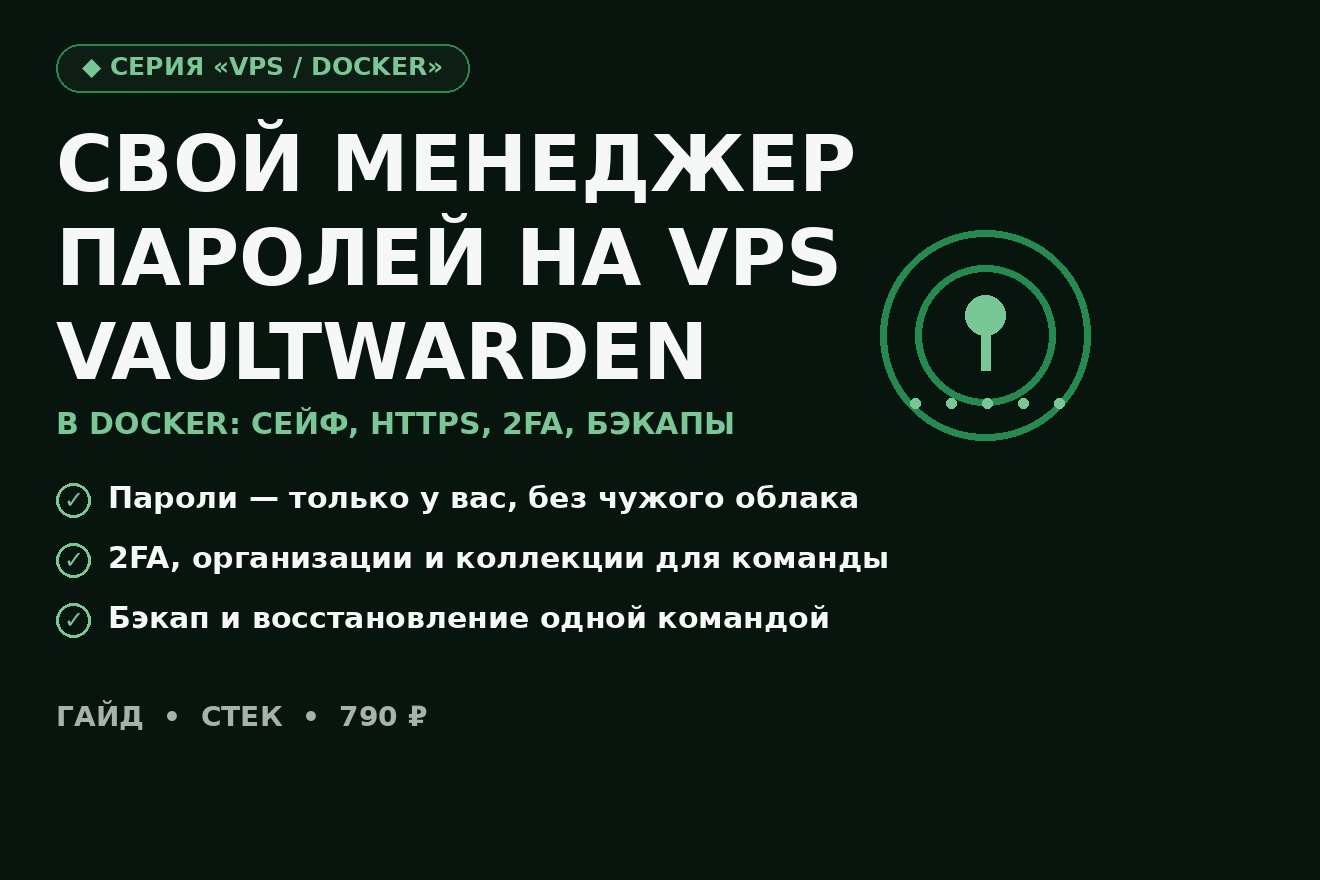
Your Own Password Manager on a VPS: Vaultwarden in Docker. Stack + Guide
Your own password server on your VPS instead of a 1Password, Bitwarden or other cloud password-manager subscription. Vaultwarden is a Bitwarden-compatible server: the official Bitwarden apps work on your phone, computer and browser, while your passwords live only with you — encrypted, on your own disk. Passwords are encrypted on your device before they ever reach the server: the server itself cannot see or decrypt them.
New user registration is disabled by default: accounts are created only by the administrator through the /admin panel (the admin password is stored as an Argon2 hash, not in plain text). Domain and HTTPS come via Caddy: the Let´s Encrypt certificate is issued and renewed automatically. Two-factor authentication is TOTP via an authenticator app or a code by email, and an organization admin can require 2FA for all members.
For family or a team — organizations and collections: shared passwords are grouped into collections with «read-only» or «edit» permissions. Backup is one command: a consistent database copy via sqlite3 .backup plus attachments and keys, with rotation of old archives. Restore is one command too, with an archive integrity check and a safety backup of current data first.
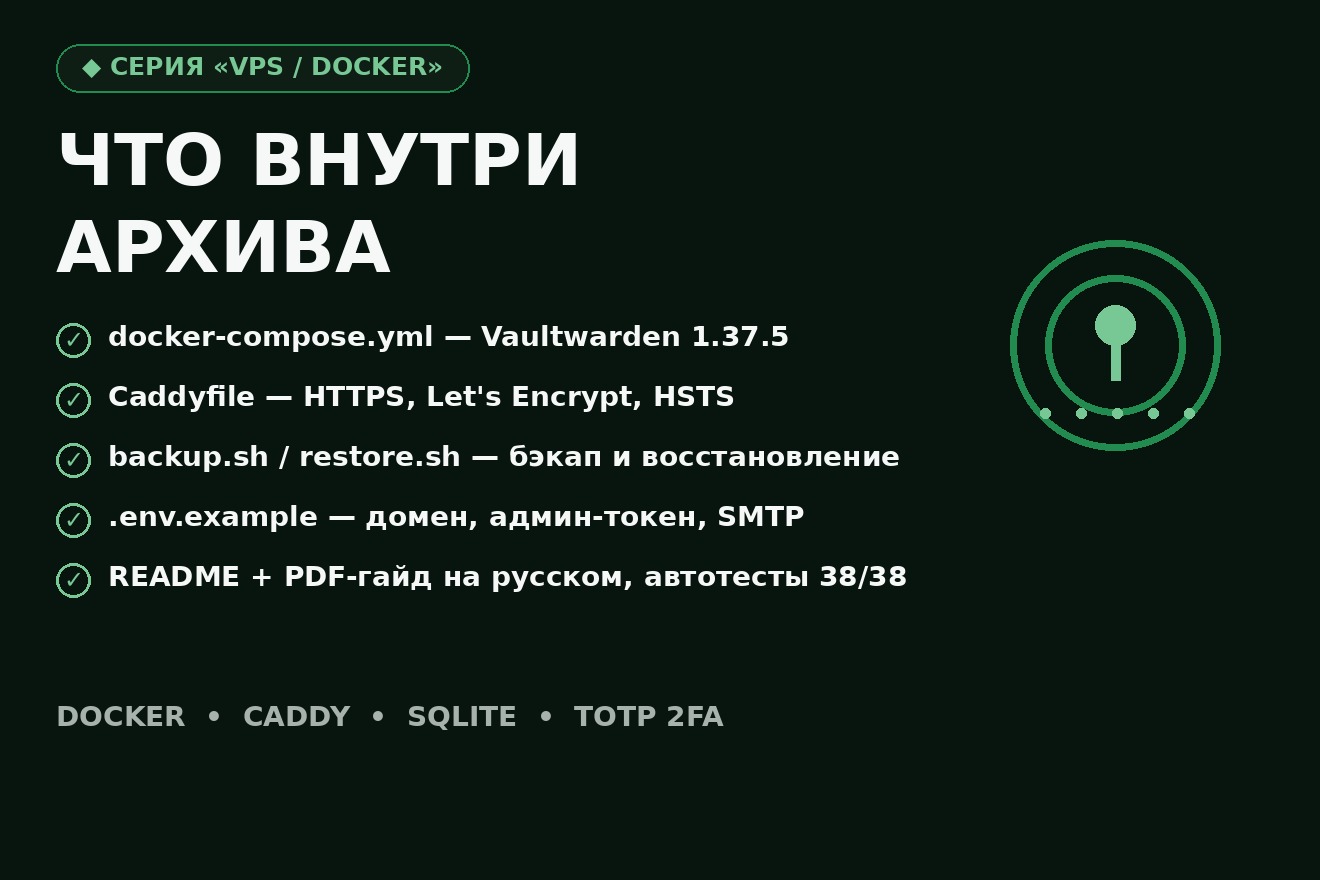
WHAT´S INSIDE THE ARCHIVE
• docker-compose.yml — Vaultwarden 1.37.5 (port 8080) and optional Caddy 2.11.9 for HTTPS (https profile)
• Caddyfile — proxy to Vaultwarden, automatic Let´s Encrypt certificate, security headers (HSTS, nosniff, DENY frames)
• .env.example — all settings: domain, port, admin token (Argon2 hash), SMTP, backup rotation
• backup.sh — backup: consistent database copy + attachments and keys, rotation of old archives
• restore.sh — restore from an archive with an integrity check and a safety backup of current data
• test_vaultwarden.py — automated logic tests, no live server needed
• README.md and PDF — full guide: setup, domain and HTTPS, 2FA, organizations, backups, updates
GUIDE STEPS
1. Copy the kit to /opt/vaultwarden, cp .env.example .env.
2. Point the domain´s A-record at the VPS IP; without a domain, first run by IP.
3. Admin password Argon2 hash: /vaultwarden hash → ADMIN_TOKEN.
4. DOMAIN in .env — full URL with https://.
5. docker compose up -d; first account via a temporary SIGNUPS_ALLOWED=true.
6. HTTPS: docker compose --profile https up -d — Caddy issues the certificate itself.
7. 2FA: TOTP in account settings + a recovery code.
8. Organization and collections — shared passwords for family or team.
9. Bitwarden clients: point them at your server https://your-domain.
10. ./backup.sh in cron; verify restore in advance.
11. Update: new image tag → pull → up -d, backup first.
WHAT YOU NEED
A VPS on Ubuntu 22.04 / 24.04 or Debian 12, 1 GB RAM or more, Docker and Compose v2; for HTTPS — a domain and open ports 80/443. 20–30 minutes to deploy, plus 5–15 minutes for DNS.
HONEST LIMITS
This is a password manager on ONE VPS, not a fault-tolerant service: one disk is a single point of failure, so a cron backup and an off-server archive copy are mandatory. A master password cannot be recovered: Vaultwarden does not know it, and a forgotten password cannot be reset — the backup is encrypted with the same master password. Write the master password down on paper, away from the computer. Bitwarden clients update separately and may require a recent server version — read the release notes before updating. SMTP in v1.0 covers invitations, email 2FA and admin password reset only — no newsletters or login notifications. Self-hosting does not make passwords «invulnerable»: a weak master password and no 2FA undo the protection.
IMPORTANT
These are files and a guide for self-setup — not a done-for-you installation. If you need Vaultwarden installed on your server turnkey, that´s a separate service.
SIMILAR PRODUCTS
• Your Own Cloud on a VPS: Nextcloud in Docker with HTTPS. Stack + Guide: https://plati.market/itm/your-own-cloud-on-a-vps-nextcloud-in-docker-with-https-stack-guide/6423229
• Your Own Git on a VPS: Gitea in Docker + Backups. Compose Stack + Guide: https://plati.market/itm/your-own-git-on-a-vps-gitea-in-docker-backups-compose-stack-guide/6422908
• Portainer: Manage Docker Containers in a Web Panel. Compose + Guide: https://plati.market/itm/portainer-manage-docker-containers-in-a-web-panel-compose-guide/6429324
• WordPress on Docker with Redis Object Cache: Fast Stack, nginx, Check Script + Guide: https://plati.market/itm/wordpress-on-docker-with-redis-object-cache-fast-stack-nginx-check-script-guide/6434996
• Your Own Pastebin on a VPS: PrivateBin in Docker with HTTPS. Stack + Guide: https://plati.market/itm/your-own-pastebin-on-a-vps-privatebin-in-docker-with-https-stack-guide/6434982
• Your Own RSS Reader on a VPS (FreshRSS, Docker). Stack + Guide: https://plati.market/itm/your-own-rss-reader-on-a-vps-freshrss-docker-stack-guide/6439414
REVIEWS
Reviews: (0)
No customer reviews yet.