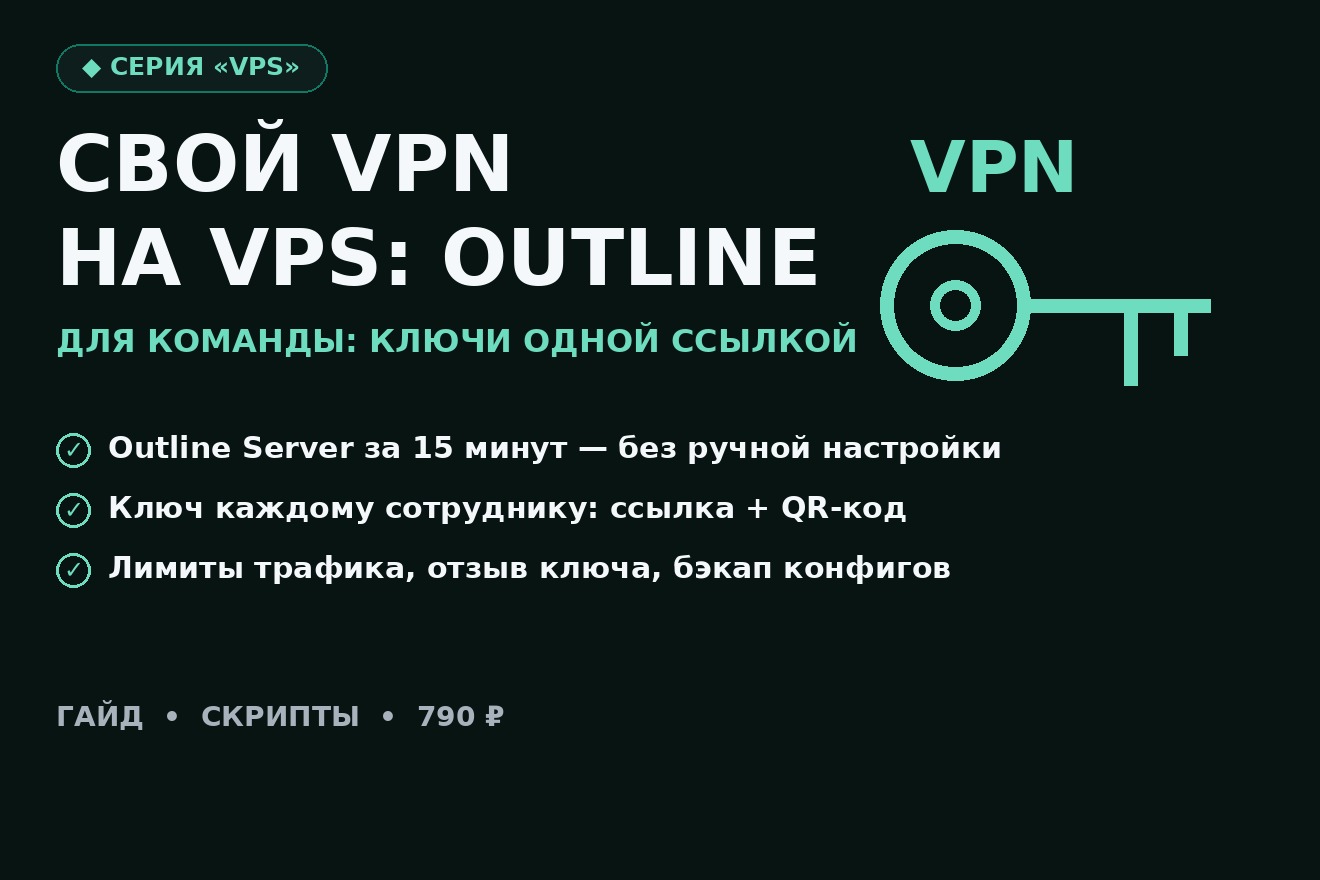
Your Own VPN on a VPS: Outline for Your Team. Scripts + Guide
- Price in currencies:
- 11.83 $ · 838 RUB · 10.82 €
- Category:
- Others
- Item:
- outline-vpn-v1.0.zip (59.99 KB)
- Uploaded:
- 23.11.2026 11:43:42
- Sales:
- 0
- Refunds:
- 0
- Seller:
- Новинка Супер хит! · about the seller and their products
DESCRIPTION
Your Own VPN on a VPS: Outline for Your Team. Scripts + Guide
Your own VPN server on your VPS instead of someone else´s subscription. Outline Server installs with a single command, and each team member gets a separate key — as an ss:// link or a QR code. The Outline client runs on Android, iOS, Windows, macOS and Linux: a person scans the code — and they are on the VPN, with nothing to configure by hand.
Difference from «Your Own WireGuard VPN on a VPS» (product #12): WireGuard is faster and more flexible, but every client must be configured by hand — configs, keys, QR codes. Outline is simpler for non-technical people: installation is one official script, issuing a key is one link, the client is a single app with a «Connect» button. If your team includes people with no VPN experience, take Outline. If you need maximum speed and manual control, look at WireGuard. Difference from the «WireGuard Bot» (product #29): that bot issues WireGuard configs from Telegram; here Outline keys are issued by a script or via Outline Manager, with no Telegram and no bot.
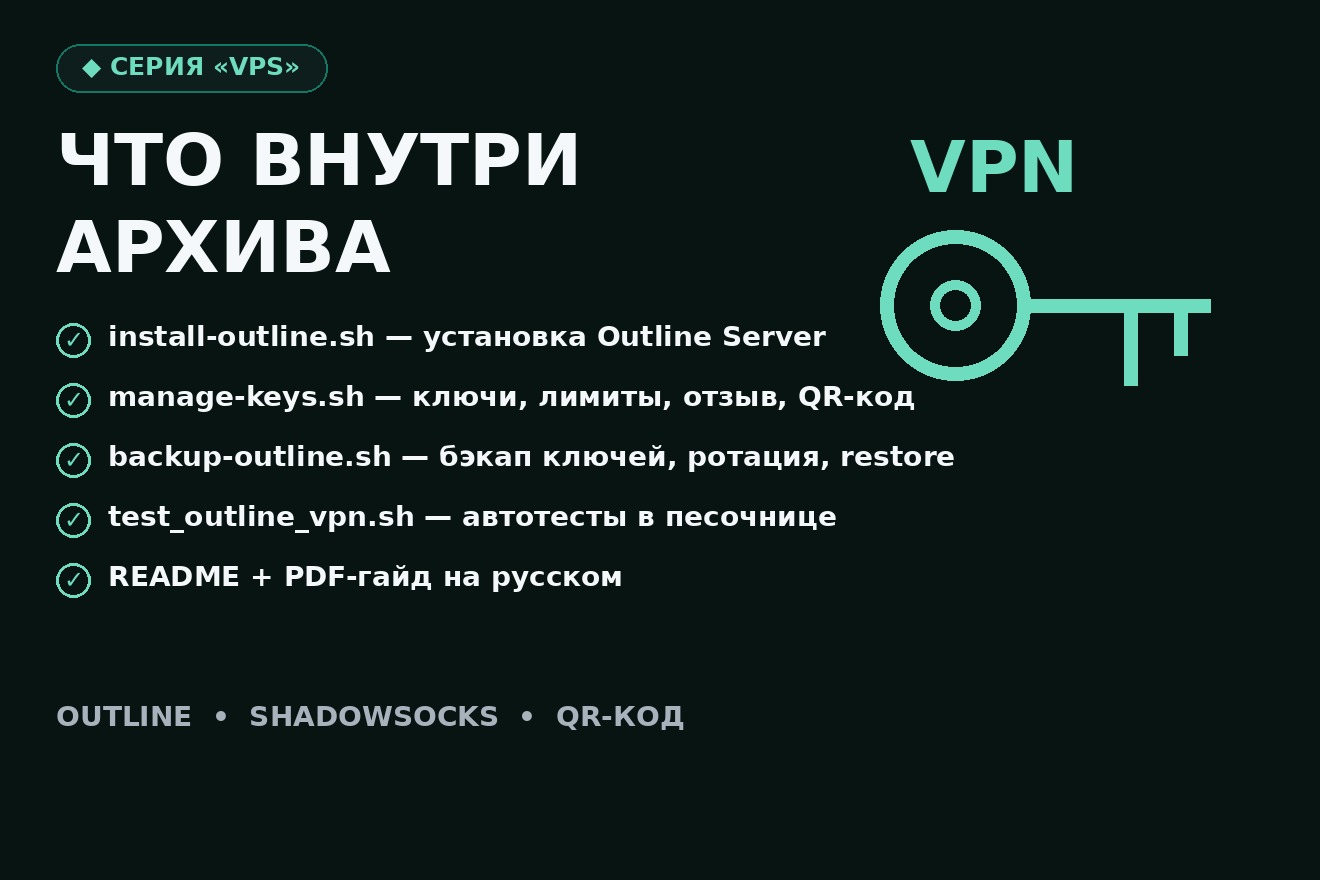
WHAT´S INSIDE THE ARCHIVE
• install-outline.sh — installs Outline Server with the official Jigsaw script (installs Docker if missing), saves apiUrl/certSha256, checks ports
• manage-keys.sh — access keys: create, show, rename, traffic limit, revoke, usage; ss:// link and QR code in the terminal
• backup-outline.sh — backs up keys and configs into tar.gz, rotation, restore
• .env.example — sample outline.conf settings
• test_outline_vpn.sh — automated tests in a sandbox (the Outline API is simulated by a stub curl)
• README.md and PDF — full guide: installation, keys and limits, clients, backup and restore
GUIDE STEPS
1. A VPS on Ubuntu 22.04/24.04 or Debian 12, root access.
2. sudo ./install-outline.sh — the official installer sets up Docker and Outline Server, the config is saved to /opt/outline/outline.conf.
3. Open the access port in the VPS firewall (TCP and UDP).
4. ./manage-keys.sh create "Anna" — link and QR code for the first team member; with a limit: --limit 10GB.
5. Key management: list, show, rename, limit, revoke, usage.
6. ./backup-outline.sh backup and a nightly cron; restore recreates the keys — send out the new links.
WHAT YOU NEED
A VPS on Ubuntu 22.04 / 24.04 or Debian 12, 1 GB RAM or more, root access; Docker for the install (the script installs it itself). 15–20 minutes to install, 2 minutes per key.
HONEST LIMITS
One server is a single point of failure: if the VPS goes down, the VPN goes down with it. Outline is a Shadowsocks VPN for bypassing blocks and protecting traffic on untrusted networks, not Tor-level anonymity: the server knows your IP, and your ISP sees the connection to your VPS. Speed depends on the VPS connection: a cheap server with a narrow channel gives a slow VPN. Restoring from a backup recreates the keys — old client links stop working and new ones must be sent out. The server owner is responsible for the legality of VPN use in their country and for what employees do through the server.
IMPORTANT
These are files and a guide for self-setup — not a done-for-you installation. If you need Outline installed on your server turnkey, that´s a separate service.
SIMILAR PRODUCTS
• WireGuard Bot: issue VPN configs to your team from Telegram: https://plati.market/itm/wireguard-bot-issue-vpn-configs-to-your-team-from-telegram-code-guide/6429337
• Your own WireGuard VPN on a VPS in 15 minutes: https://plati.market/itm/your-own-wireguard-vpn-on-a-vps-in-15-minutes-install-client-scripts-guide/6410603
• VPS Starter Kit — setup and protection of Ubuntu/Debian server: https://plati.market/itm/vps-starter-kit-ubuntu-debian-protection-ssh-firewall-backups-scripts-guide/6397857
• SSH hardening on VPS: keys, fail2ban, no passwords: https://plati.market/itm/ssh-hardening-on-vps-keys-fail2ban-no-passwords-script-guide/6423692
• Portainer: manage Docker containers in a web panel: https://plati.market/itm/portainer-manage-docker-containers-in-a-web-panel-compose-guide/6429324
• VPS monitoring: Uptime Kuma + Telegram alerts: https://plati.market/itm/vps-monitoring-uptime-kuma-telegram-alerts-docker-compose-stack-guide/6410250
REVIEWS
Reviews: (0)
No customer reviews yet.