Your Own RSS Reader on a VPS (FreshRSS, Docker). Stack + Guide
- Price in currencies:
- 11.83 $ · 838 RUB · 10.82 €
- Category:
- Others
- Item:
- freshrss-vps-v1.0.zip (61.8 KB)
- Uploaded:
- 23.11.2026 11:34:15
- Sales:
- 0
- Refunds:
- 0
- Seller:
- Новинка Супер хит! · about the seller and their products
DESCRIPTION
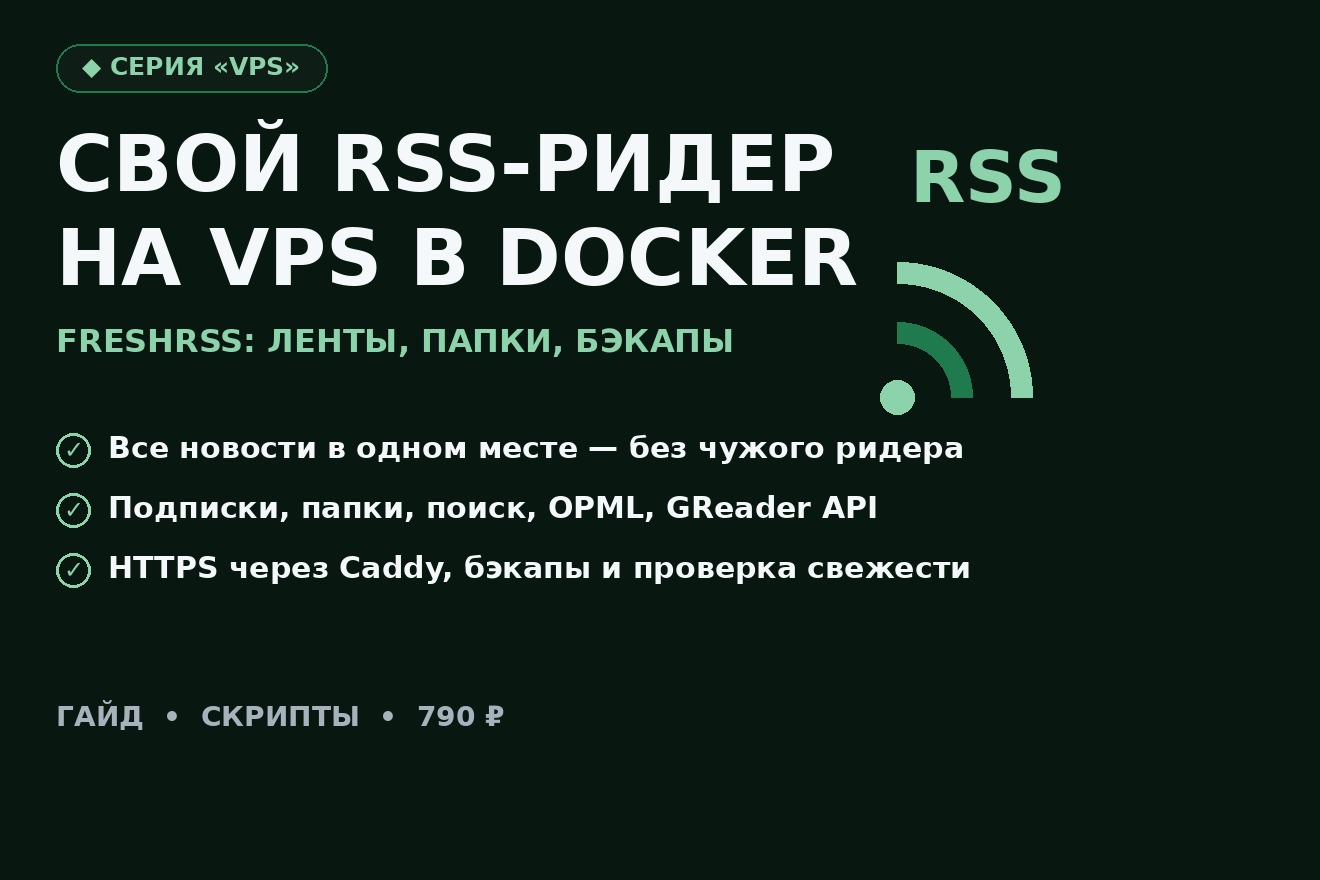
Your Own RSS Reader on a VPS (FreshRSS, Docker). Stack + Guide
Your own news aggregator on your VPS instead of a subscription to Feedly, Inoreader or someone else´s reader. FreshRSS in Docker is up in 20–30 minutes: subscriptions, folders, tags, full-text search and a mobile interface — under your control, with feeds refreshing themselves on cron.
Difference from «Auto-posting from RSS to VK/Telegram» (product #30): that script PUBLISHES posts from feeds to social networks. FreshRSS is the opposite: a reader FOR READING — you subscribe and read everything in one place. Difference from «Your Own Cloud on a VPS — Nextcloud» (product #17): Nextcloud is a file cloud for people. FreshRSS is a focused tool for news: subscriptions, unread items, searching the article archive. Difference from «Telegram channel parser to a table» (product #35): the parser exports channel posts into a table. FreshRSS is permanent RSS/Atom reading with a web UI, a mobile view and an API for apps.
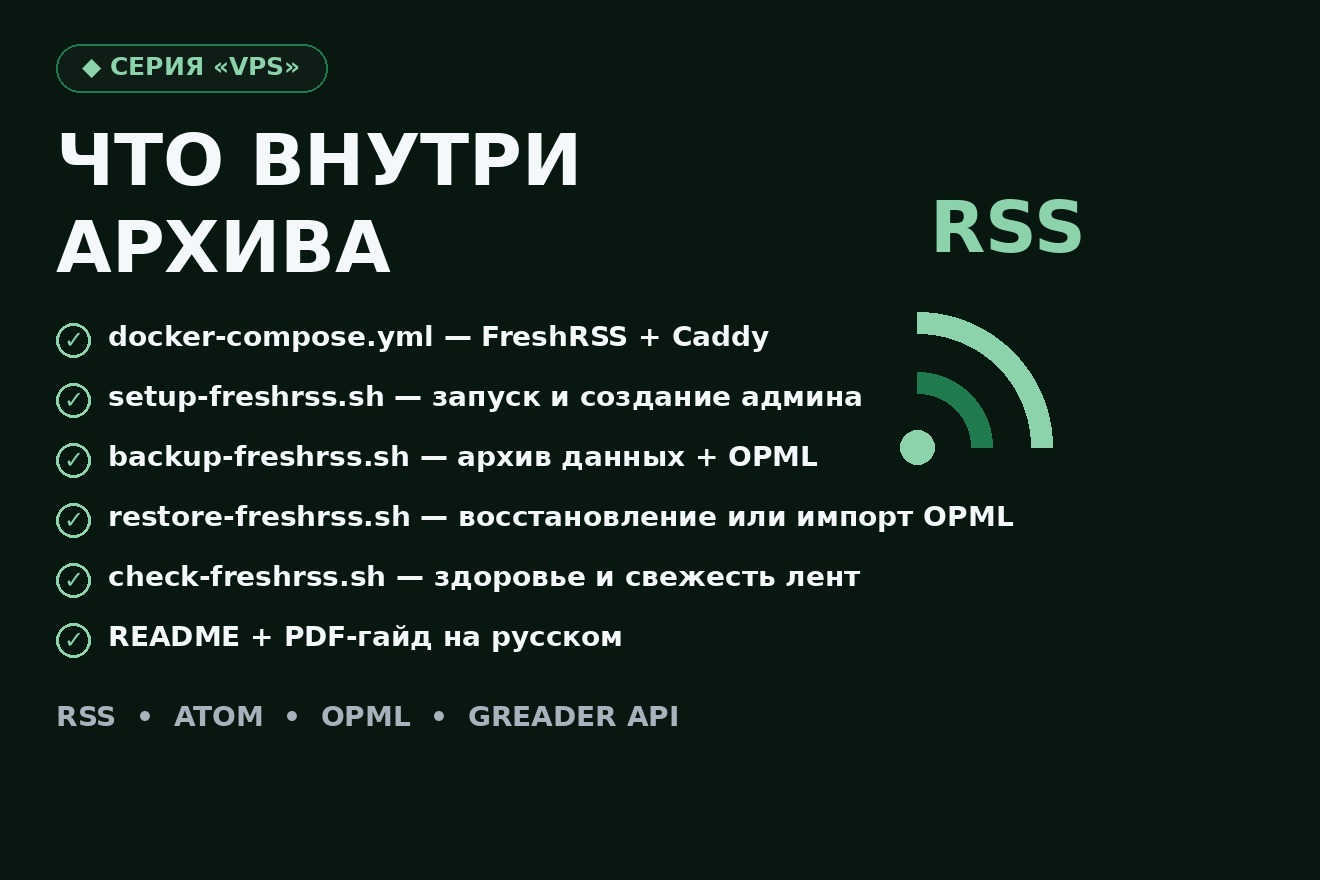
WHAT´S INSIDE THE ARCHIVE
• docker-compose.yml — FreshRSS (port 8080) and optional Caddy for HTTPS (https profile)
• Caddyfile — proxy to FreshRSS, automatic Let´s Encrypt certificate
• .env.example — all settings: port, domain, feed refresh interval, admin, backup rotation
• setup-freshrss.sh — first run: .env check, containers up, healthcheck wait, admin creation
• backup-freshrss.sh — data volume archive + OPML export of subscriptions via GReader API, rotation of old backups
• restore-freshrss.sh — full restore from an archive, or OPML import of subscriptions
• check-freshrss.sh — health check: container, healthcheck, web UI, feed freshness
• test_freshrss.sh — automated tests in a sandbox (42 checks)
• README.md and PDF — full guide: deployment, HTTPS, subscriptions, OPML, mobile apps, backups
GUIDE STEPS
1. A VPS with Docker, the kit copied to /opt/freshrss, fill in .env (admin password, 8+ characters).
2. ./setup-freshrss.sh — FreshRSS is up, admin created.
3. Open http://your-VPS-IP:8080 and log in as admin.
4. Domain and HTTPS: A-record for reader.example.com pointing at the VPS, then docker compose --profile https up -d.
5. Subscriptions: «Subscriptions → Add feed» by URL, or import OPML from your old reader.
6. Folders and refresh: sort feeds into folders, CRON_MIN in .env (default every 20 minutes).
7. ./backup-freshrss.sh — data and OPML backup, nightly cron; ./check-freshrss.sh — health and feed freshness.
8. Mobile apps: NetNewsWire, Read You, Fluent Reader — via your server´s GReader API.
WHAT YOU NEED
A VPS on Ubuntu 22.04 / 24.04 or Debian 12, 1 GB RAM or more, Docker and Compose v2; for HTTPS — a domain and open ports 80/443. 20–30 minutes to deploy, plus 5–15 minutes for DNS.
HONEST LIMITS
This is a reader on ONE VPS, not a fault-tolerant service: one disk is a single point of failure, so keep your important subscriptions in OPML too (the backup script does it in one command). FreshRSS is an RSS/Atom reader, not a mail replacement and not an AI aggregator: it does not write article summaries, does not filter spam with a neural network, and does not read sites without an RSS feed (those need a separate parser). Feeds that stopped updating at the source cannot be revived by the reader — check-freshrss.sh only shows which ones went stale. The server owner is responsible for the disk, volume backups and watching free space.
IMPORTANT
These are files and a guide for self-setup — not a done-for-you installation. If you need FreshRSS installed on your server turnkey, that´s a separate service.
SIMILAR PRODUCTS
• Auto-posting from RSS to VK and Telegram (Python, no n8n): https://plati.market/itm/auto-posting-from-rss-to-vk-and-telegram-pure-python-script-code-guide/6429340
• Your own cloud on a VPS: Nextcloud in Docker with HTTPS: https://plati.market/itm/your-own-cloud-on-a-vps-nextcloud-in-docker-with-https-stack-guide/6423229
• Your own S3 storage on a VPS: MinIO in Docker: https://plati.market/itm/minio-your-own-s3-storage-on-a-vps-docker-stack-guide/6435020
• Your own Git on a VPS: Gitea in Docker: https://plati.market/itm/your-own-git-on-a-vps-gitea-in-docker-backups-compose-stack-guide/6422908
• WordPress on Docker with Redis object cache: https://plati.market/itm/wordpress-on-docker-with-redis-object-cache-fast-stack-nginx-check-script-guide/6434996
• VPS Starter Kit: https://plati.market/itm/vps-starter-kit-ubuntu-debian-protection-ssh-firewall-backups-scripts-guide/6397857
REVIEWS
Reviews: (0)
No customer reviews yet.