Auto-Backup Server Configs to Git: Snapshots, Secret Masking, Restore
- Price in currencies:
- 8.84 $ · 626 RUB · 8.08 €
- Category:
- Others
- Item:
- git-config-backup-v1.0.zip (61.26 KB)
- Uploaded:
- 22.11.2026 11:45:25
- Sales:
- 0
- Refunds:
- 0
- Seller:
- Новинка Супер хит! · about the seller and their products
DESCRIPTION
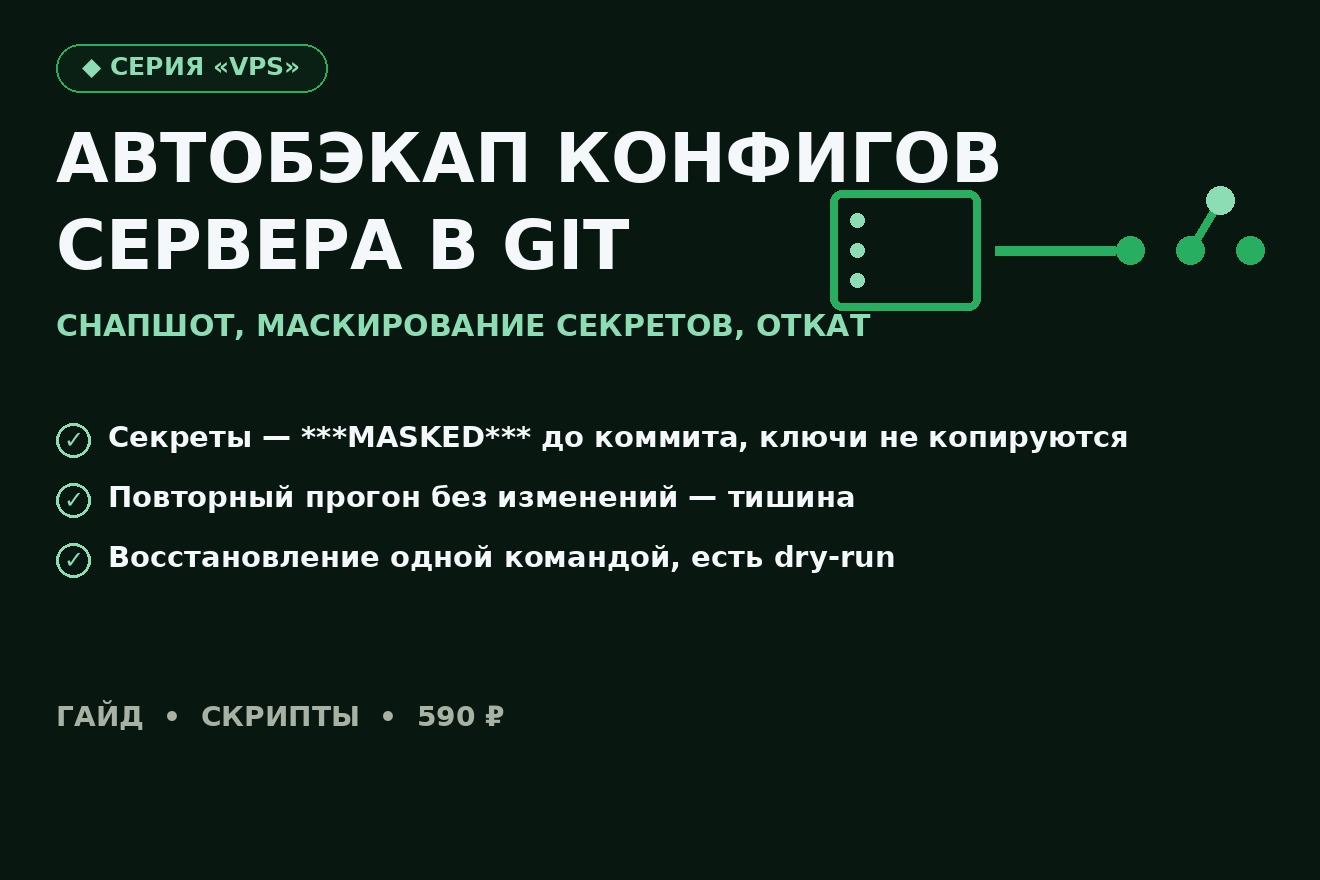
Auto-Backup Server Configs to Git: Snapshots, Secret Masking, Restore
Server configs change quietly — and you only remember that after a bad nginx or docker-compose edit, when you can´t recall what was there before. This kit snapshots your server configs into a private Git repository every day: /etc, nginx, docker-compose, crontab, systemd units. Before committing, secrets are replaced with ***MASKED*** using your own pattern list, and private keys are never copied at all. A repeat run with no changes is silent: no commit, no push. Restore is one command, with a dry-run first to see exactly what will change.
Difference from «Server backups with restic» (product #10): restic backs up EVERYTHING (files, sites, databases) into an encrypted repository, while this kit backs up configs only — but with Git history: you see exactly what changed in a config and when, and a rollback is a restore from any old snapshot. Difference from «Git autodeploy to VPS» (product #20): there Git is the source of site deploys; here Git is the storage for config history.
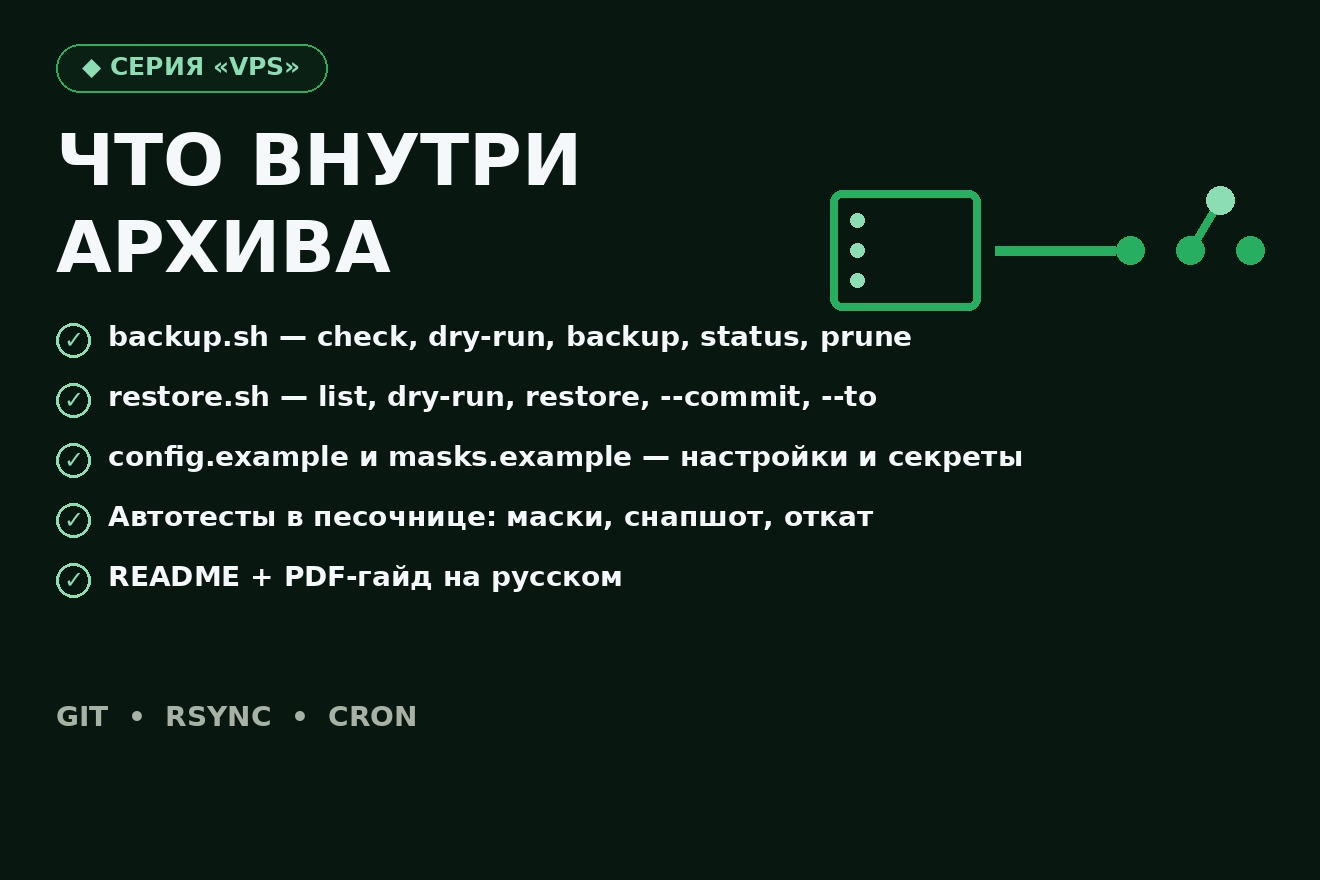
WHAT´S INSIDE THE ARCHIVE
• backup.sh — snapshot: check, dry-run, backup, status, prune
• restore.sh — restore: list, dry-run, restore, --commit, --to
• config.example — sample configuration: repository, sources, rotation
• masks.example — secret patterns for masking
• cron.example — cron schedule
• test_git_config_backup.sh — automated tests in a sandbox on local directories and git
• README.md and PDF — full guide: setup, first backup, verification, restore, rotation, troubleshooting
GUIDE STEPS
1. Private repository (GitHub, GitLab or your own Gitea), SSH-key access.
2. cp config.example config and cp masks.example masks; check the pattern list for your setup.
3. ./backup.sh check and dry-run — see what goes into the snapshot, changing nothing.
4. ./backup.sh backup — first snapshot; eyeball the commit to confirm no secrets leaked.
5. Line from cron.example — snapshot every day at 03:15.
6. Once a month: ./restore.sh --to /tmp/config-check — verify the restore works.
WHAT YOU NEED
A Linux VPS (Ubuntu/Debian), git and rsync, a private Git repository and an SSH key for it. 20–30 minutes for the first setup.
HONEST LIMITS
Configs only — not website data or databases. Secrets are masked by patterns: check your own list yourself, because a secret with no matching pattern WILL be committed. Masking is not encryption: the repository must be private. Restore brings the config back but does not restart services or put secrets back — passwords and keys are entered manually instead of ***MASKED***, then services are checked (e.g. nginx -t).
IMPORTANT
These are files and a guide for self-setup — not a done-for-you setup. If you need config auto-backup set up on your server turnkey, that´s a separate service.
SIMILAR PRODUCTS
• Server backups with restic: https://plati.market/itm/server-backups-with-restic-scheduled-cloud-storage-telegram-alerts/6410486
• MySQL and PostgreSQL backups on schedule: https://plati.market/itm/mysql-postgresql-backups-on-schedule-dump-script-guide/6423682
• Git autodeploy to VPS via webhook: https://plati.market/itm/git-autodeploy-to-vps-via-webhook-receiver-deploy-scripts-guide/6423346
• Your own Git on a VPS: Gitea in Docker: https://plati.market/itm/your-own-git-on-a-vps-gitea-in-docker-backups-compose-stack-guide/6422908
• Move a website between VPS: https://plati.market/itm/move-a-website-between-vps-rsync-scripts-and-checklist-script-guide/6432390
• VPS Starter Kit: https://plati.market/itm/vps-starter-kit-ubuntu-debian-protection-ssh-firewall-backups-scripts-guide/6397857
REVIEWS
Reviews: (0)
No customer reviews yet.