Your Own Pastebin on a VPS: PrivateBin in Docker with HTTPS. Stack + Guide
- Price in currencies:
- 11.83 $ · 838 RUB · 10.82 €
- Category:
- Others
- Item:
- pastebin-vps-v1.0.zip (57.82 KB)
- Uploaded:
- 22.11.2026 11:32:33
- Sales:
- 0
- Refunds:
- 0
- Seller:
- Новинка Супер хит! · about the seller and their products
DESCRIPTION
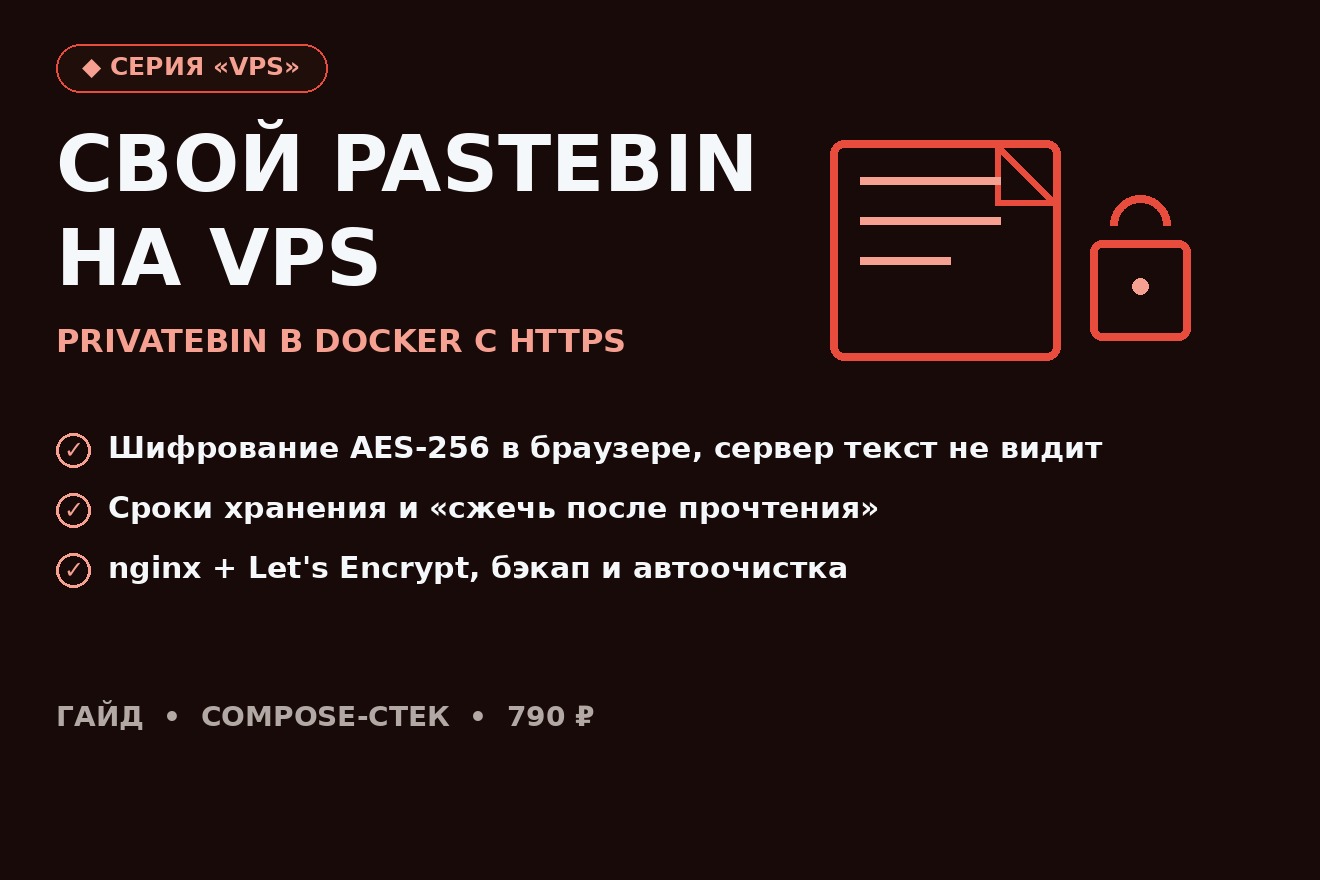
Your Own Pastebin on a VPS: PrivateBin in Docker with HTTPS. Stack + Guide
Paste text or code and share a short link — no third-party services, ads or other people´s servers. This kit runs a private Pastebin on your VPS using PrivateBin: pastes are encrypted with AES-256 right in the sender´s browser, so the server never sees their content at all. Every paste has a lifetime — from 5 minutes to a year — and burn-after-reading mode deletes it after the first view.
Why PrivateBin, not Hastebin: Hastebin has no encryption (text sits on the server in the open), no expiry and no burn-after-reading, and the project itself is abandoned — its last release was years ago. PrivateBin has all of the above, plus syntax highlighting, Markdown, a Russian interface and an official Docker image. That´s why this kit uses PrivateBin.
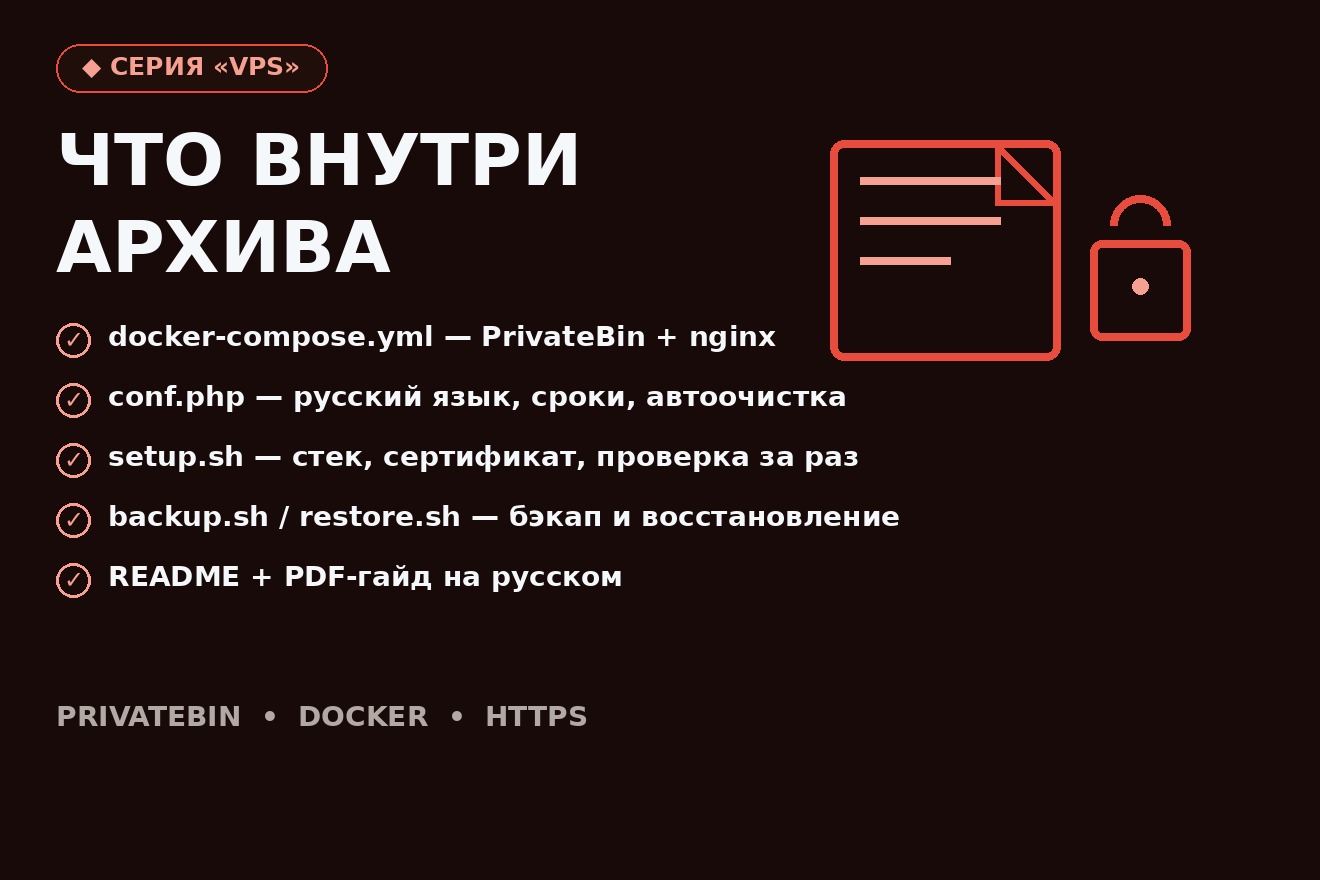
WHAT´S INSIDE THE ARCHIVE
• docker-compose.yml — PrivateBin + nginx (reverse proxy), one network
• privatebin/conf.php — Russian language, expiry, auto-purge
• nginx/*.conf.template — HTTP and HTTPS configs with domain substitution
• .env.example — domain, email for Let´s Encrypt, timezone
• setup.sh — one-command install: stack, certificate, verification
• backup.sh — backup of data, config and .env, rotation (7 archives)
• restore.sh — restore from an archive (saves current data first)
• check-pastebin.sh — check the running service with one command
• test_pastebin.sh — automated tests in a sandbox
• README.md and PDF — full guide: install, domain+HTTPS, expiry, backup, troubleshooting
GUIDE STEPS
1. A-record for your domain (or subdomain) pointing at your VPS IP; Docker and Compose v2.
2. cp .env.example .env — fill in DOMAIN and EMAIL.
3. ./setup.sh — stack up, Let´s Encrypt certificate issued, HTTPS verified.
4. A 10-minute test paste: the link works, then disappears on its own.
5. ./backup.sh and a nightly cron; certificate renewal in cron.
6. One-command check: ./check-pastebin.sh.
WHAT YOU NEED
A VPS on Ubuntu 22.04 / 24.04 or Debian 12, 1 GB RAM or more, Docker and Docker Compose v2, a domain or subdomain with an A-record to the VPS. 15–20 minutes. A domain is mandatory: Let´s Encrypt does not issue certificates for a bare IP, and without HTTPS PrivateBin loses its point.
HONEST LIMITS
Encryption protects paste contents from the server owner and from interception, but it does not hide the fact that the service is used, visitors´ IPs, or paste creation times — that metadata stays in the nginx logs. File upload into pastes is disabled: this is a service for text and code, not a file host. There is no user registration or personal accounts: creating pastes is either open to anyone who knows the link, or closed behind one shared password (the password field in conf.php, off by default). Backups save pastes and config, but not certificates or nginx logs. The kit is built for one VPS and one domain.
IMPORTANT
These are files and a guide for self-setup — not a turnkey setup. If you need PrivateBin installed on your server turnkey, that´s a separate service.
SIMILAR PRODUCTS
• Your Own Cloud on a VPS: Nextcloud in Docker: https://plati.market/itm/your-own-cloud-on-a-vps-nextcloud-in-docker-with-https-stack-guide/6423229
• Your Own Git on a VPS: Gitea in Docker: https://plati.market/itm/your-own-git-on-a-vps-gitea-in-docker-backups-compose-stack-guide/6422908
• Docker Deploy Kit — n8n and WordPress on VPS: https://plati.market/itm/docker-deploy-kit-n8n-and-wordpress-on-vps-with-https-compose-stacks-pdf-guide/6399191
• Portainer: Manage Docker Containers in a Web Panel: https://plati.market/itm/portainer-manage-docker-containers-in-a-web-panel-compose-guide/6429324
• Site on VPS from Domain to HTTPS: https://plati.market/itm/site-on-vps-from-domain-to-https-step-by-step-guide-dns-nginx-certbot-configs/6406547
• VPS Starter Kit: https://plati.market/itm/vps-starter-kit-ubuntu-debian-protection-ssh-firewall-backups-scripts-guide/6397857
REVIEWS
Reviews: (0)
No customer reviews yet.