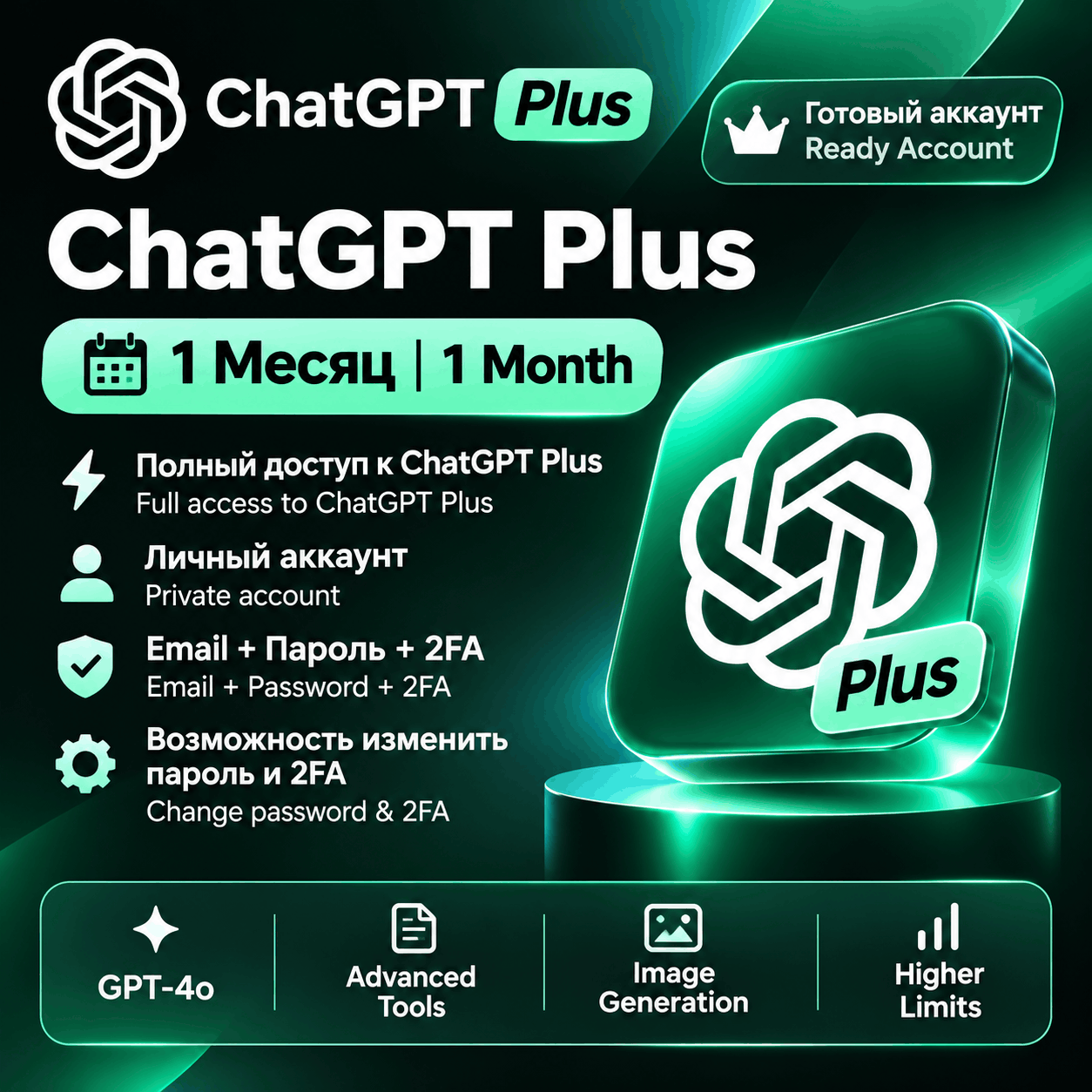
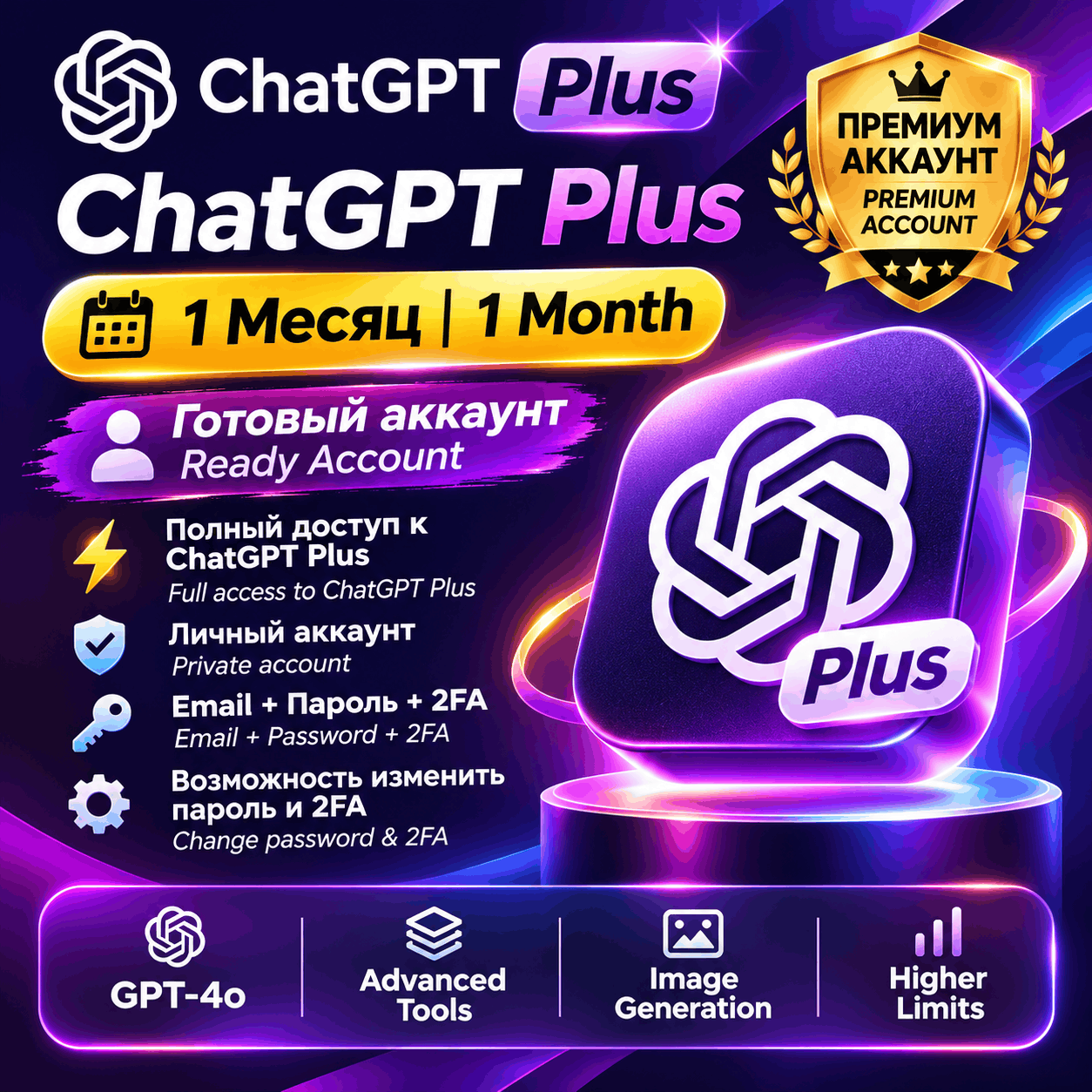
ChatGPT Plus Account 1 Month | Private Ready Account | Full Access | Email + 2FA
- Price in currencies:
- 15.57 $ · 1208 RUB · 14.17 €
- Category:
- ChatGPT
- Item:
- text information
- Sales:
- 0
- Refunds:
- 0
- Seller:
- Axen AI Store · about the seller and their products
DESCRIPTION
ChatGPT Plus Account 1 Month | Private Ready Account | Full Access | Email + 2FA
🔥 ChatGPT Plus 1 Month | Private Ready-Made Account
Get access to ChatGPT Plus for 1 month with a ready-to-use private account. Receive your login credentials and start enjoying ChatGPT Plus without activating a subscription on your existing account.
━━━━━━━━━━━━━━━━━━━━
⭐ WHAT YOU GET
✅ ChatGPT Plus subscription — 1 Month
✅ Private, ready-made ChatGPT account
✅ Full access to the included Plus subscription features
✅ Login credentials: Email + Password + 2FA Secret Key
✅ Password and 2FA settings can be changed where supported
✅ Access through the official ChatGPT website and supported apps
━━━━━━━━━━━━━━━━━━━━
📦 DELIVERY INFORMATION
Product Type: Ready-made account
Subscription: ChatGPT Plus — 1 Month
Delivery Format: Email | Password | 2FA Key
Activation: Sign in using the provided credentials
⚠️ This is a ready-made account, not an activation code or an upgrade for your existing ChatGPT account.
━━━━━━━━━━━━━━━━━━━━
🔐 HOW TO LOG IN
Open the official ChatGPT website or application.
Enter the provided email address and password.
When asked for a two-factor authentication code, use the supplied 2FA secret key with Google Authenticator or another compatible authenticator.
You may also use a 2FA generator such as https://2fa.online/.
Enter the current 6-digit verification code to complete login.
⏱️ The authentication code refreshes approximately every 30 seconds.
━━━━━━━━━━━━━━━━━━━━
🛡️ HOW TO SECURE YOUR ACCOUNT
After successfully logging in:
1. Change Your Password
Open ChatGPT account settings.
Navigate to the available password or security settings.
Set a new, strong password if password changes are supported.
2. Change Two-Factor Authentication (2FA)
Open the Security section in ChatGPT settings.
Disable the existing 2FA method if permitted.
Enable 2FA again using your own authenticator app.
Securely save your new recovery information.
⚠️ Make sure you can access the account and complete all required verification steps before changing security settings.
━━━━━━━━━━━━━━━━━━━━
⚠️ IMPORTANT CONDITIONS
The account is delivered as provided.
No warranty or replacement is included after delivery.
Check your login credentials and subscription status immediately after receiving the account.
Do not share your login credentials or 2FA secret key.
Availability of individual ChatGPT features and usage limits depends on OpenAI´s current subscription policies.
━━━━━━━━━━━━━━━━━━━━
🚀 ChatGPT Plus — 1 Month | Private Account | Ready to Use
REVIEWS
Reviews: (0)
No customer reviews yet.