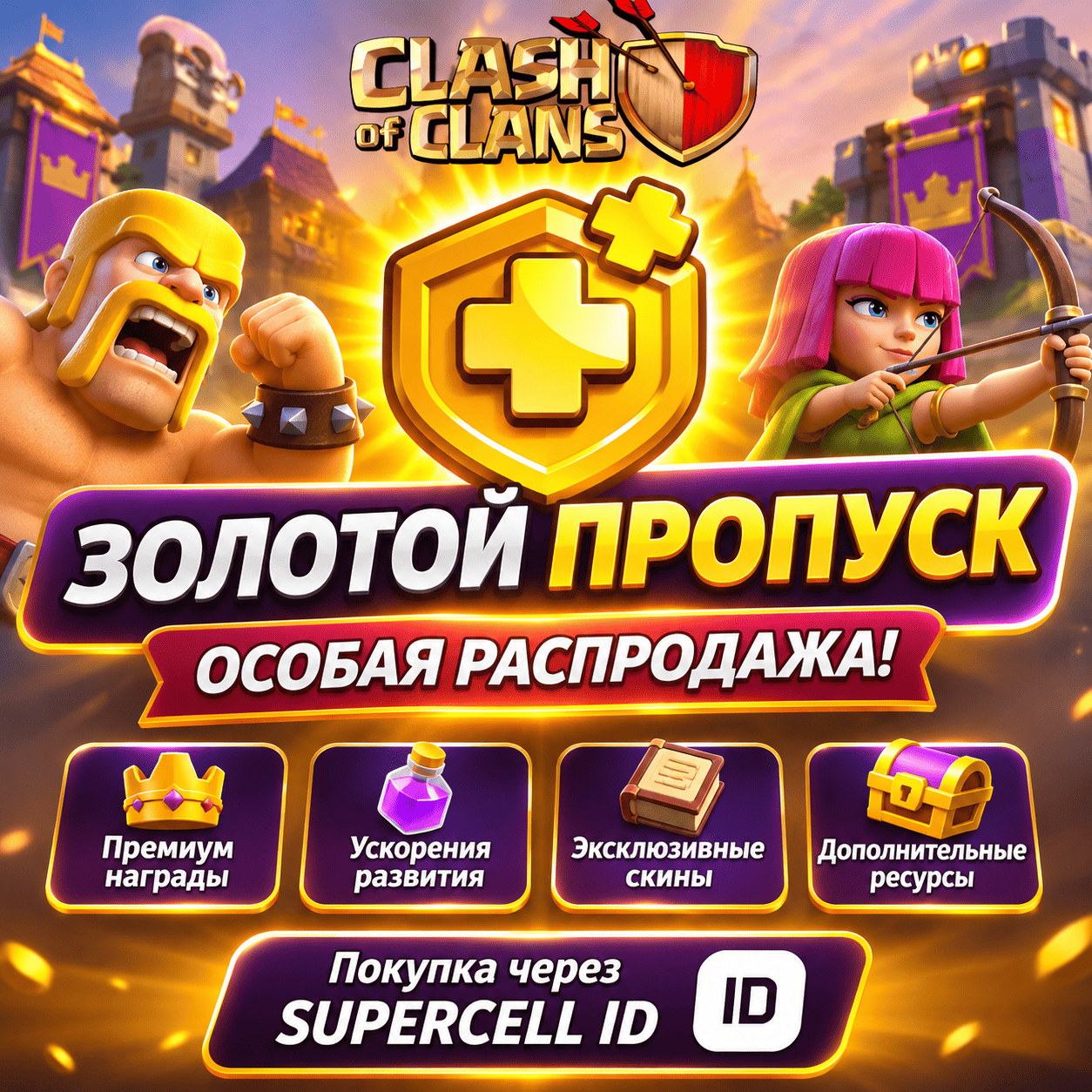
Clash of Clans Gold Pass – Special Discount Offer | Supercell ID | Fast Delivery
- Price in currencies:
- 12.64 $ · 939 RUB · 11.5 €
- Category:
- Clash of Clans
- Item:
- text information
- Sales:
- 0
- Refunds:
- 0
- Seller:
- JanoO · about the seller and their products
DESCRIPTION
Clash of Clans Gold Pass – Special Discount Offer | Supercell ID | Fast Delivery
**Clash of Clans Gold Pass – Special Offer**
Get the Clash of Clans Gold Pass through a special promotional offer!
This service is designed for accounts that have access to the special Gold Pass discount in the game.
**Product Details**
- Game: Clash of Clans
- Product: Gold Pass
- Offer Type: Special Sale / Discount
- Account Type: Existing Clash of Clans account
- Login Method: Supercell ID
- Required Information: Account email and one-time verification code
- Delivery Method: Purchase directly through the game
- Region: Not specified
**How It Works**
The seller completes the Gold Pass purchase through the official in-game store using access to your Supercell ID account.
**Important Requirements**
- Your account must have the special Gold Pass discount available.
- You must provide the email associated with your Supercell ID.
- A one-time login verification code is required.
- The seller states that the order is completed within 10 minutes.
- After completing the order, the seller claims to log out of the account and provide a screenshot as confirmation.
**What You Will Receive**
- Clash of Clans Gold Pass purchased on your eligible account.
- Screenshot confirming order completion.
**Account Security Notice**
This service requires temporary access to your Supercell ID account. Only provide a verification code if you understand and authorize the login. Never share your permanent email password or other unrelated security credentials.
Additional information:
**How to Receive Your Gold Pass**
1. Purchase the Gold Pass service.
2. Make sure your account has the special Gold Pass discount available.
3. Provide the email address linked to your Supercell ID.
4. Wait for the seller´s instructions.
5. Provide the one-time verification code only after authorizing the login.
6. The seller completes the purchase through the in-game store.
7. Receive a screenshot confirming completion.
**Important:**
- Do not provide your permanent email password.
- Never share unrelated security codes.
- Make sure you understand and authorize account access before providing a verification code.
REVIEWS
Reviews: (0)
No customer reviews yet.