
Move a Website Between VPS: rsync Scripts and Checklist. Script + Guide
- Price in currencies:
- 11.83 $ · 838 RUB · 10.76 €
- Category:
- Others
- Item:
- vps-migration-v1.0.zip (53.73 KB)
- Uploaded:
- 21.11.2026 11:50:11
- Sales:
- 0
- Refunds:
- 0
- Seller:
- Новинка Супер хит! · about the seller and their products
DESCRIPTION
Move a Website Between VPS: rsync Scripts and Checklist. Script + Guide
Downtime during a migration doesn´t come from copying files — it comes from switching DNS blind. This kit moves ANY website between two VPS using a scheme where the new server is fully ready and checked BEFORE the DNS switch, and the final window takes 15–30 minutes: files via rsync, database via dump, DNS only after verification.
Fits any site: static sites, PHP, Python, Node, WordPress, Laravel, custom engines. Difference from the «Move WordPress to a VPS» guide (product #11): that guide is WordPress-only (wp-config inventory, plugins, multisite). This kit is universal: no CMS lock-in, works with MySQL and PostgreSQL as well as static sites with no database at all, and includes a migration script with dry-run, checksum verification and a rollback plan — not just a guide.
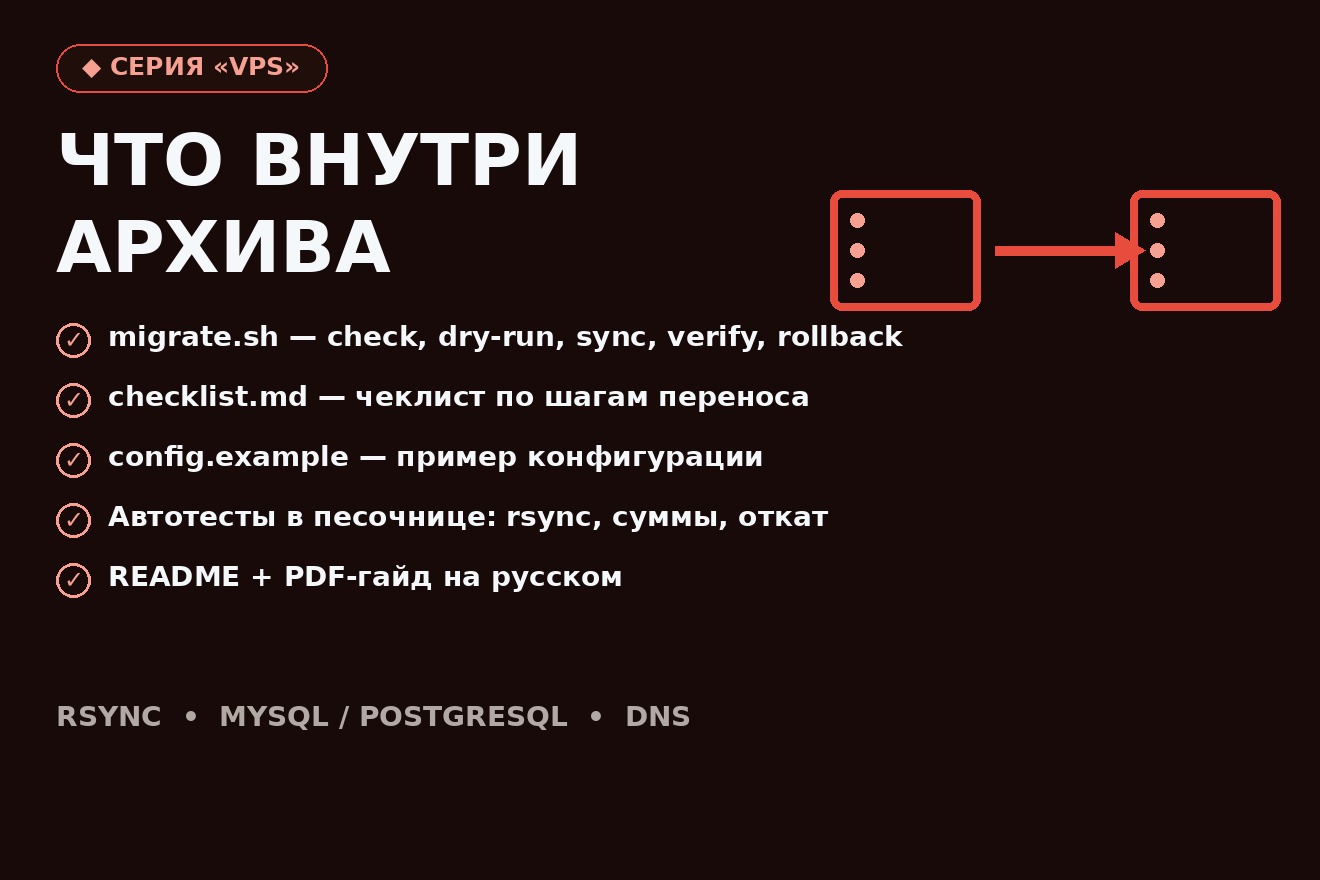
WHAT´S INSIDE THE ARCHIVE
• migrate.sh — migration script: check, dry-run, sync, verify, final-sync, rollback
• checklist.md — step-by-step checklist: 48 hours before, first sync, check, DNS, rollback
• config.example — sample configuration: hosts, site path, database
• test_vps_migration.sh — automated tests in a sandbox on local directories
• README.md and PDF — full guide: preparation, TTL, verification, DNS, rollback, troubleshooting
GUIDE STEPS
1. 48 hours ahead: lower DNS TTL to 300 seconds; back up the old server.
2. Prepare the new server with the same stack; fill in config (hosts, path, database).
3. ./migrate.sh check and dry-run — see exactly what will be copied, changing nothing.
4. ./migrate.sh sync — first transfer of files and a database dump.
5. Check the site on the new server via an /etc/hosts entry — before switching DNS.
6. ./migrate.sh final-sync and switch DNS to the new server.
WHAT YOU NEED
Two Linux VPS (Ubuntu/Debian), key-based SSH access to both, rsync on both servers, access to your domain registrar´s DNS panel. 30–60 minutes for the first transfer, 15–30 minutes for the final sync and DNS switch.
HONEST LIMITS
The script moves files and the database, but does not set up a server from scratch: the web server, PHP/Python and the DBMS on the new server are installed separately. Migration between different major software versions is not guaranteed. For sites with constant writes (orders every minute, chats), plan the gap between the final sync and the DNS switch separately: briefly put the site in maintenance mode for the final sync.
IMPORTANT
These are files and a guide for self-setup — not a done-for-you migration. If you need your site moved turnkey, that´s a separate service.
SIMILAR PRODUCTS
• Move WordPress to a VPS with zero downtime: https://plati.market/itm/move-wordpress-to-a-vps-with-zero-downtime-step-by-step-guide-checklist/6410510
• Docker Deploy Kit — n8n and WordPress on VPS: https://plati.market/itm/docker-deploy-kit-n8n-and-wordpress-on-vps-with-https-compose-stacks-pdf-guide/6399191
• Server backups with restic: https://plati.market/itm/server-backups-with-restic-scheduled-cloud-storage-telegram-alerts/6410486
• MySQL and PostgreSQL backups on schedule: https://plati.market/itm/mysql-postgresql-backups-on-schedule-dump-script-guide/6423682
• Git autodeploy to VPS via webhook: https://plati.market/itm/git-autodeploy-to-vps-via-webhook-receiver-deploy-scripts-guide/6423346
• VPS Starter Kit: https://plati.market/itm/vps-starter-kit-ubuntu-debian-protection-ssh-firewall-backups-scripts-guide/6397857
REVIEWS
Reviews: (0)
No customer reviews yet.