Telegram Booking Bot with Slot Calendar on aiogram. Code + Guide
- Price in currencies:
- 14.82 $ · 1050 RUB · 13.48 €
- Category:
- Others
- Item:
- booking-bot-v1.0.zip (57.94 KB)
- Uploaded:
- 21.11.2026 11:44:22
- Sales:
- 0
- Refunds:
- 0
- Seller:
- Новинка Супер хит! · about the seller and their products
DESCRIPTION
Telegram Booking Bot with Slot Calendar on aiogram. Code + Guide
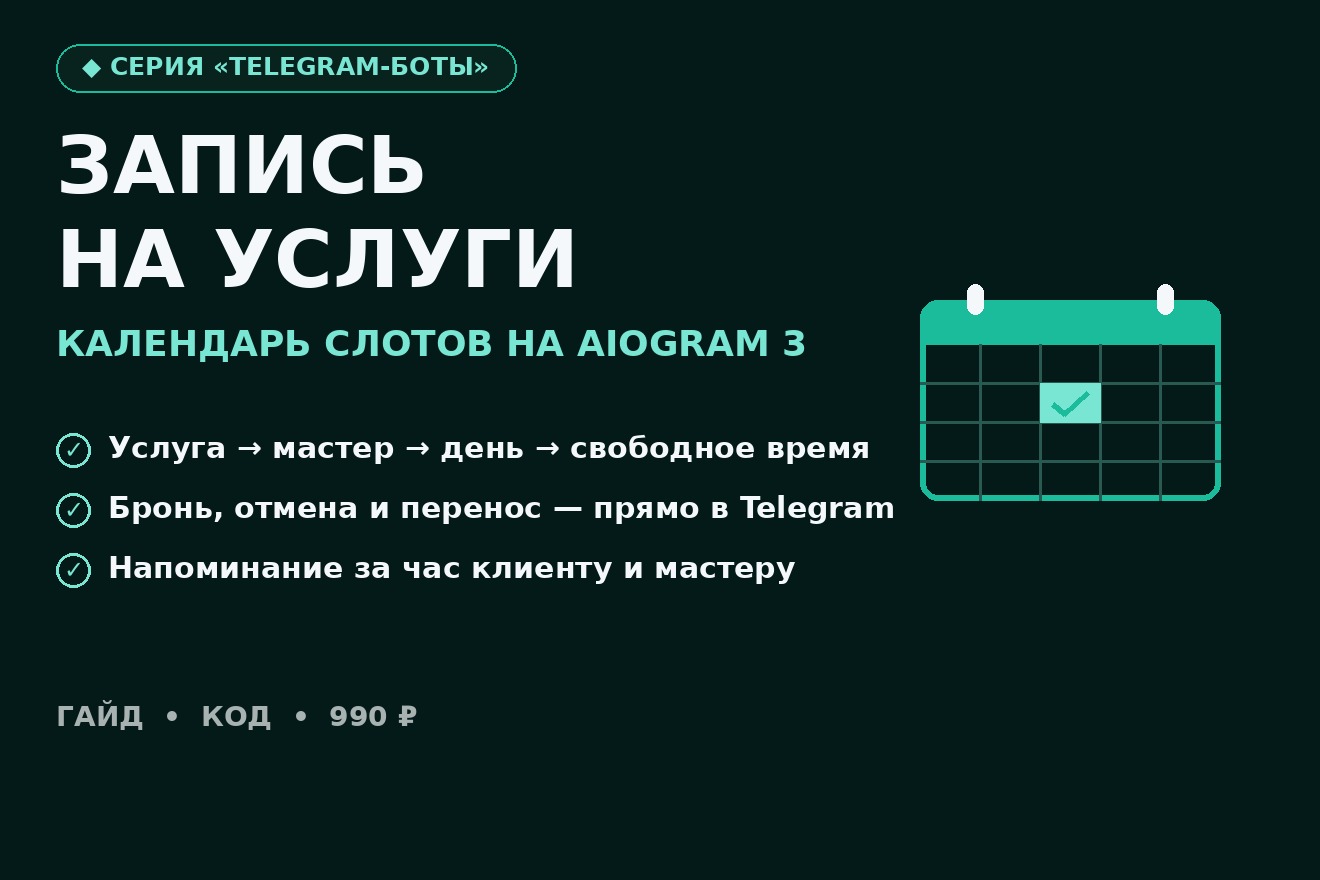
A client opens the bot, picks a service, a specialist, a day and a free time slot — and gets an instant booking confirmation. One hour before the appointment the bot reminds both the client and the admin. The client checks their bookings with /my: any booking can be cancelled or moved to another time, and a freed slot becomes available to others right away. The admin sees today´s and tomorrow´s bookings in /admin and creates a week´s worth of slots with one button. All bookings live in SQLite — no external databases or subscriptions.
Double booking is impossible: if two people tap the same slot at once, only the first one gets it, and the bot offers the other a different time. Specialists, services, durations and prices all live in one file, config.py: changing a service or a price is a single line, no code changes needed.
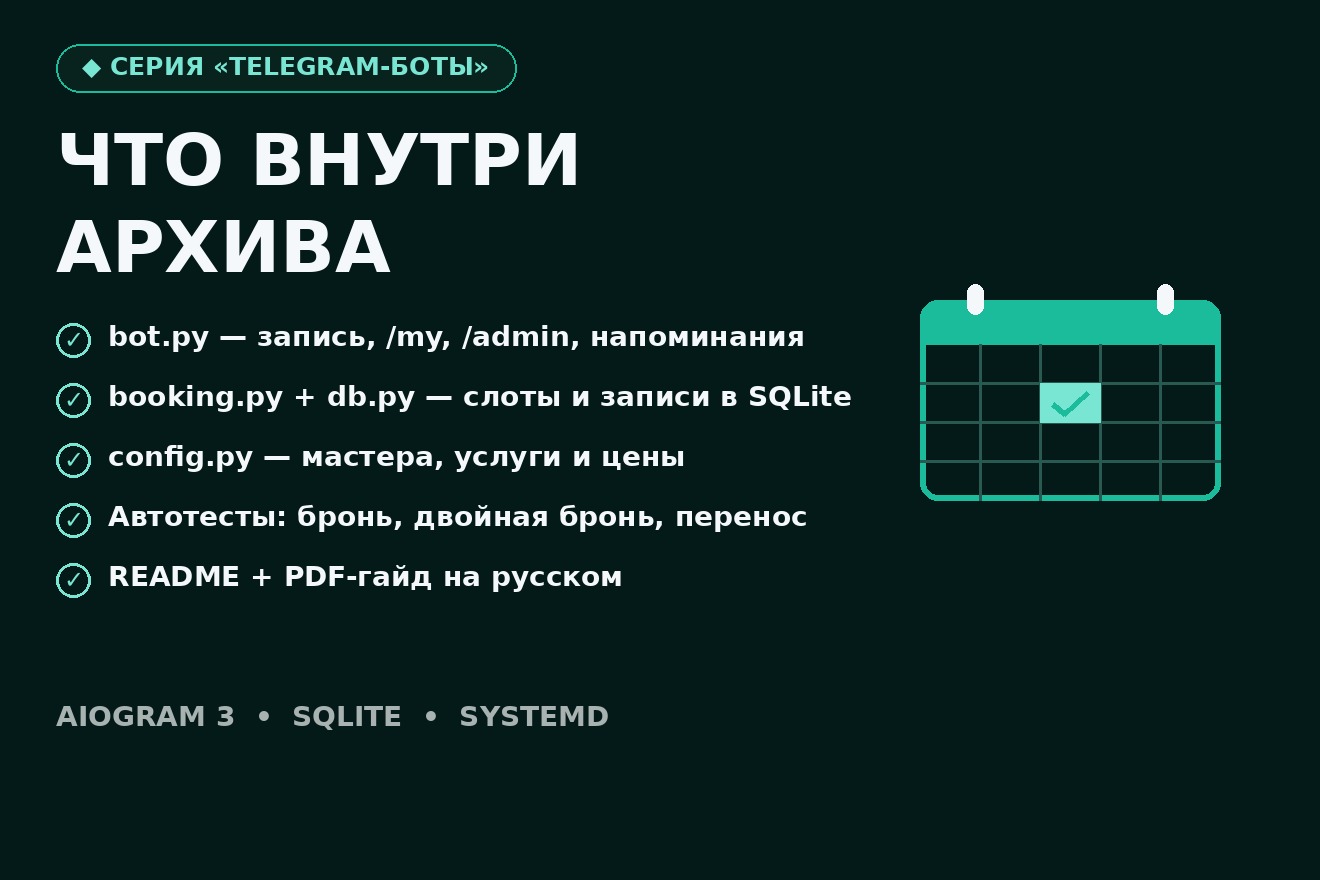
WHAT´S INSIDE THE ARCHIVE
• bot.py — aiogram 3 bot: booking flow, /my, /admin, reminders
• keyboards.py — buttons: services, specialists, day calendar, slots
• booking.py — booking logic: slots, booking, cancel, reschedule, reminders
• db.py — SQLite storage: specialists, services, slots, bookings
• config.py — specialists, services, prices and texts in one place
• config.example — sample settings: token, admins, timezone
• requirements.txt, booking-bot.service, run.sh — dependencies, VPS service, launcher
• test_booking_bot.py — automated logic tests, no live Telegram needed
• README.md and PDF — full guide: setup, BotFather, slots, admin panel, deploy
GUIDE STEPS
1. Create a bot with @BotFather, get your ID from @userinfobot → .env.
2. Enter your specialists and services in config.py.
3. ./run.sh — the bot answers /start.
4. Test booking: service → specialist → day → time → confirmation.
5. On a VPS: a systemd service keeps the bot running, and one button in /admin creates a week´s slots.
WHAT YOU NEED
Python 3.10+ on a computer or VPS and a bot token from @BotFather. 10 minutes.
HONEST LIMITS
One slot holds one booking: group services (several clients at the same time) are not supported. The bot takes no payments — booking is free for the client, the service is paid on site or as you agree. Slot times follow the server´s local time; check your VPS timezone.
IMPORTANT
These are files and a guide for self-setup — not a done-for-you installation. If you need the bot installed on your server turnkey, that´s a separate service.
SIMILAR PRODUCTS
• Telegram Cafe Bot: Menu, Cart and Orders on aiogram 3: https://plati.market/itm/telegram-cafe-bot-menu-cart-and-orders-on-aiogram-3-code-guide/6423674
• Telegram Lead Bot on aiogram: business-card request form: https://plati.market/itm/telegram-lead-bot-on-aiogram-3-business-card-request-form-code-guide/6423255
• Telegram bot on VPS with systemd — autostart and logs: https://plati.market/itm/telegram-bot-on-vps-with-systemd-autostart-restart-logs-templates-guide/6410458
• n8n: Telegram bot for requests and client replies in Google Sheets: https://plati.market/itm/n8n-telegram-bot-for-requests-client-replies-in-google-sheets-template-guide/6399486
• WireGuard bot: issue VPN configs to your team from Telegram: https://plati.market/itm/wireguard-bot-issue-vpn-configs-to-your-team-from-telegram-code-guide/6429337
• Auto-posting from RSS to VK and Telegram: https://plati.market/itm/auto-posting-from-rss-to-vk-and-telegram-pure-python-script-code-guide/6429340
REVIEWS
Reviews: (0)
No customer reviews yet.