n8n: Payment and Renewal Reminder Bot for Clients. Workflow + Guide
- Price in currencies:
- 11.83 $ · 838 RUB · 10.76 €
- Category:
- Others
- Item:
- n8n-payment-reminders-v1.0.zip (50.69 KB)
- Uploaded:
- 21.11.2026 11:41:02
- Sales:
- 0
- Refunds:
- 0
- Seller:
- Новинка Супер хит! · about the seller and their products
DESCRIPTION
n8n: Payment and Renewal Reminder Bot for Clients. Workflow + Guide
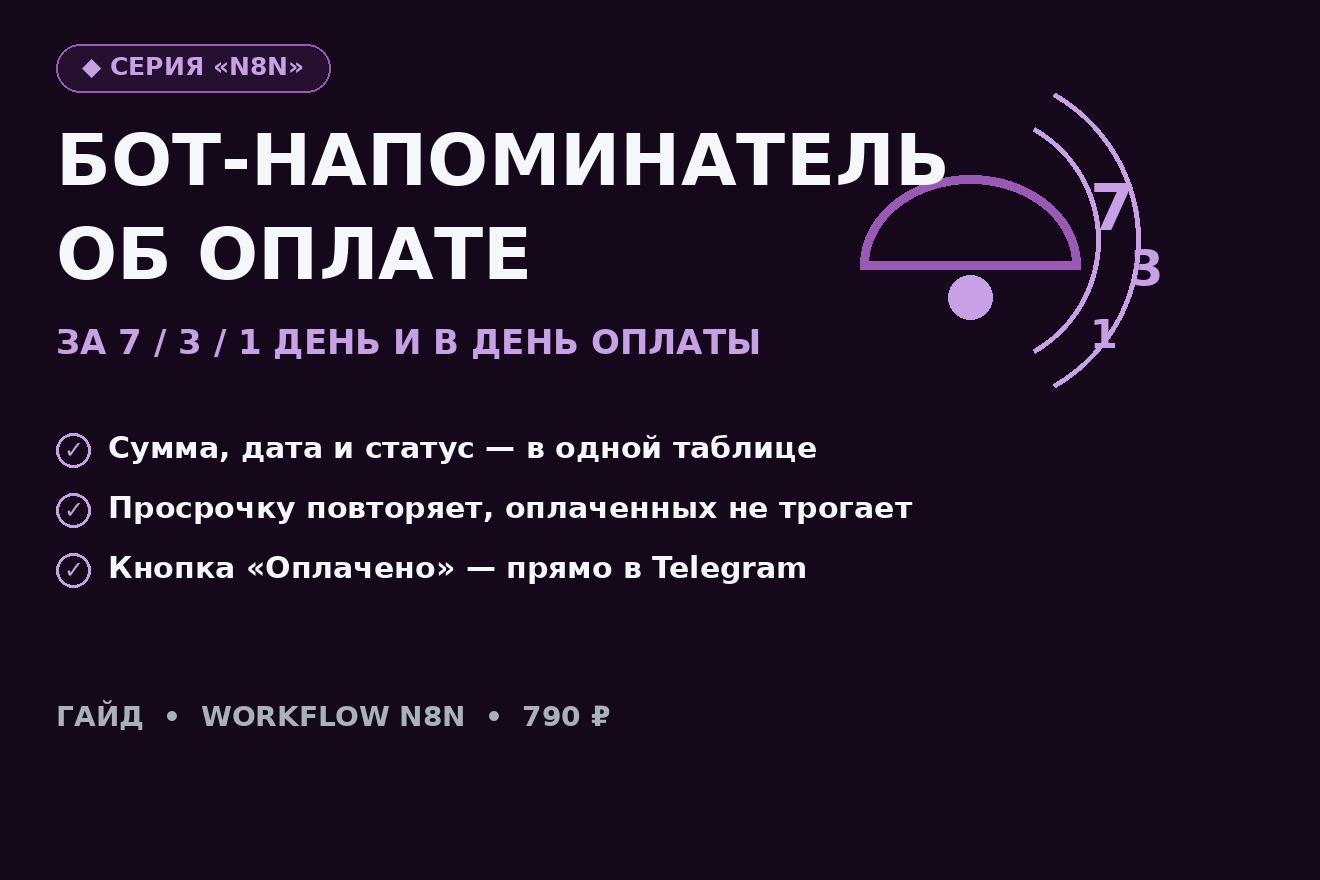
A client forgot to pay for hosting — and the service went down. This n8n workflow watches your client table and reminds you in Telegram when a payment or renewal is coming up: 7 days before, 3 days before, 1 day before, and on the payment day itself. And if a client is late, it repeats the reminder every day until the payment is marked.
Unlike deadline reminders, this one is about payments and renewals of services and subscriptions — with the amount, a paid / pending / overdue status, and a "Paid" button right in Telegram to mark a payment. Paid clients are never bothered: the workflow skips them.
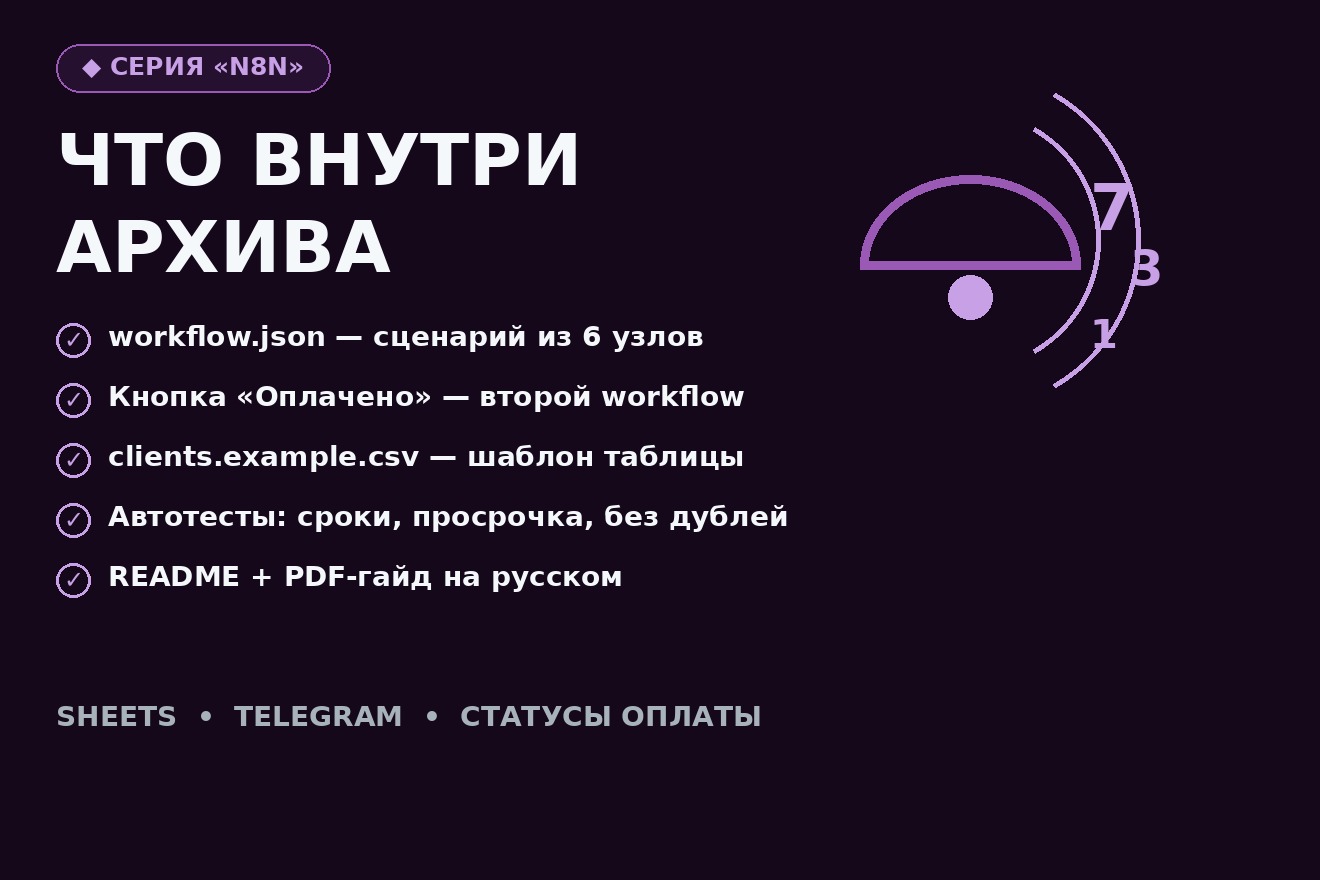
WHAT´S INSIDE THE ARCHIVE
• workflow.json — the main n8n workflow, 6 nodes: schedule, table read, reminder selection, Switch by due date, Telegram send, sent-marker write
• workflow-paid-callback.json — add-on: the "Paid ✅" button sets the status to paid in the table, and reminders stop
• code/build-reminders.js — the selection node´s logic as a file
• test_n8n_payment_reminders.js — automated logic tests (node …)
• clients.example.csv — client table template
• README.md and PDF — full guide: import, table, bot, button, troubleshooting
GUIDE STEPS
1. Import workflow.json into n8n, select your Google Sheet.
2. Create a bot with @BotFather, enter the token in Telegram credentials.
3. Fill in the table: client, service, amount, payment date, status.
4. Activate the workflow — reminders every morning at 09:00.
5. Optionally: import the second workflow for the "Paid" button.
WHAT YOU NEED
Your own n8n, a Google account, a Telegram bot. Reminders come to you, not to your clients — you decide who and how to write to.
HONEST LIMITS
The workflow does not know whether a client actually paid: it trusts the status in the table — mark payments on time, manually or with the "Paid" button. Past dates without an "overdue" status also produce an overdue reminder — that´s by design. One bot can have only one active Telegram Trigger: the "Paid" button needs a separate bot if the trigger is already used by another workflow.
IMPORTANT
These are files and a guide for self-setup — not a done-for-you installation. If you need reminders set up for your table and bot turnkey, that´s a separate service.
SIMILAR PRODUCTS
• n8n: deadline reminders from Sheets: https://plati.market/itm/n8n-deadline-reminders-from-google-sheets-to-telegram-template-guide/6410660
• n8n: AI product descriptions from Google Sheets: https://plati.market/itm/n8n-ai-product-descriptions-from-google-sheets-workflow-guide/6423702
• n8n: brand reviews and mentions — Telegram alerts: https://plati.market/itm/n8n-brand-reviews-and-mentions-telegram-alerts-workflow-guide/6423717
• n8n: AI support bot in Telegram: https://plati.market/itm/n8n-ai-support-bot-in-telegram-answers-from-your-knowledge-base-template-guide/6406585
• n8n: Telegram bot for requests in Google Sheets: https://plati.market/itm/n8n-telegram-bot-for-requests-client-replies-in-google-sheets-template-guide/6399486
• n8n: auto-posting to Telegram from RSS and Sheets: https://plati.market/itm/n8n-auto-posting-to-telegram-channel-from-rss-and-google-sheets-template-guide/6410621
REVIEWS
Reviews: (0)
No customer reviews yet.