Nginx Log Rotation and Analysis: Who Loads Your Site. Script + Guide
- Price in currencies:
- 8.83 $ · 626 RUB · 8.04 €
- Category:
- Others
- Item:
- nginx-logs-v1.0.zip (56.52 KB)
- Uploaded:
- 21.11.2026 11:38:01
- Sales:
- 0
- Refunds:
- 0
- Seller:
- Новинка Супер хит! · about the seller and their products
DESCRIPTION
Nginx Log Rotation and Analysis: Who Loads Your Site. Script + Guide
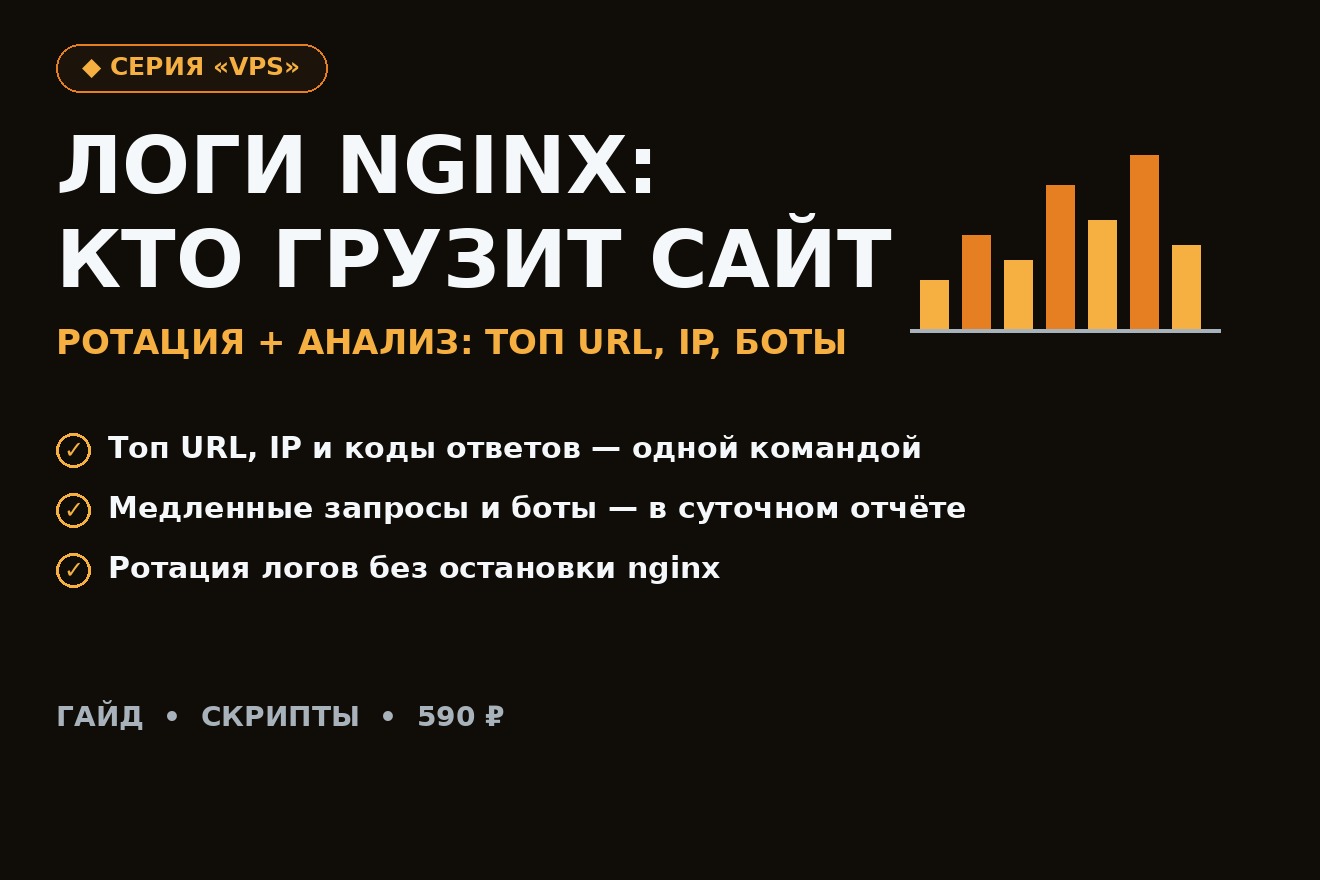
Your nginx log grows every day — and you have no idea who is loading your site. This kit shows top URLs, top IPs, status codes, slow requests and bots with a single command, and sets up log rotation without stopping the server, plus a daily report to a file or Telegram.
Rotation uses logrotate: daily, 14 archives, gzip compression, and yesterday´s log stays uncompressed so it is easy to analyse. After rotation nginx gets a USR1 signal and opens new log files — the server is not restarted and no requests are lost.
WHAT´S INSIDE THE ARCHIVE
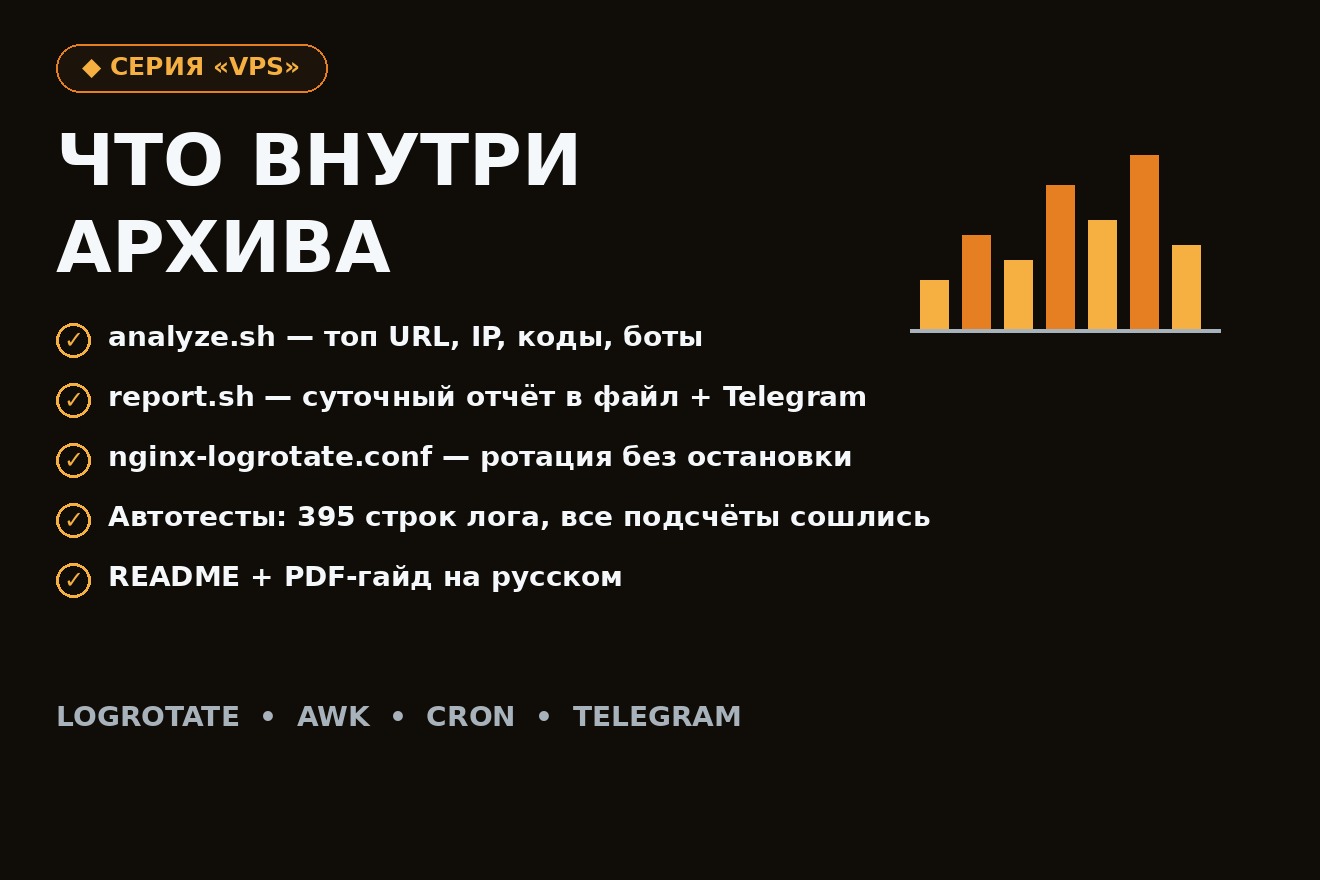
• analyze.sh — access.log and error.log analysis: top URLs, top IPs, status codes, slow requests, bots, daily summary
• report.sh — daily report to a file + Telegram via the Bot API (curl)
• nginx-logrotate.conf — rotation config for /etc/logrotate.d/
• config.example — sample configuration: log paths, thresholds, Telegram
• cron.example — schedule: daily report at 00:10
• test_nginx_logs.sh — automated tests on fake logs
• README.md and PDF — full guide: setup, $request_time, rotation, report, troubleshooting
GUIDE STEPS
1. Unpack on a VPS, copy config.example to config.
2. Enable $request_time in the nginx log_format (for response times).
3. Run ./analyze.sh manually — a summary of the current log.
4. Copy nginx-logrotate.conf to /etc/logrotate.d/, check with logrotate -d.
5. Optional: a bot from @BotFather, token and chat_id in config, report in cron at 00:10.
WHAT YOU NEED
A Linux server (VPS) with nginx and bash; awk, sort, grep are usually already installed. For Telegram: curl and a bot. For rotation: logrotate (usually already installed).
HONEST LIMITS
This is log analysis, not live monitoring: the script shows what already happened and does not alert the moment a site goes down. Bots are detected by User-Agent — it is easy to fake, so bot numbers are approximate. Response time is counted only for lines written after $request_time is enabled. Telegram delivery depends on api.telegram.org being reachable: if Telegram is down, the report is still saved to a file.
IMPORTANT
These are files and a guide for self-setup — not a done-for-you installation. If you need log rotation and analysis installed on your server turnkey, that´s a separate service.
SIMILAR PRODUCTS
• Site on VPS from domain to HTTPS: https://plati.market/itm/site-on-vps-from-domain-to-https-step-by-step-guide-dns-nginx-certbot-configs/6406547
• VPS Starter Kit: https://plati.market/itm/vps-starter-kit-ubuntu-debian-protection-ssh-firewall-backups-scripts-guide/6397857
• SSH hardening: https://plati.market/itm/ssh-hardening-on-vps-keys-fail2ban-no-passwords-script-guide/6423692
• WordPress security: https://plati.market/itm/wordpress-security-audit-and-hardening-check-script-guide/6423291
• Server backups with restic: https://plati.market/itm/server-backups-with-restic-scheduled-cloud-storage-telegram-alerts/6410486
• Website uptime monitoring without Docker: https://plati.market/itm/website-uptime-monitoring-without-docker-cron-curl-telegram-scripts-guide/6429385
REVIEWS
Reviews: (0)
No customer reviews yet.