
Your Own URL Shortener on a VPS: Python, No Dependencies. Code + Guide
- Price in currencies:
- 11.82 $ · 838 RUB · 10.77 €
- Category:
- Others
- Item:
- link-shortener-v1.0.zip (52.83 KB)
- Uploaded:
- 20.11.2026 12:38:35
- Sales:
- 0
- Refunds:
- 0
- Seller:
- Новинка Супер хит! · about the seller and their products
DESCRIPTION
Your Own URL Shortener on a VPS: Python, No Dependencies. Code + Guide
A long link with UTM tags looks like garbage in a post, and a third-party shortener can close your account or swap your redirect for ads. This shortener lives on your VPS and your domain: s.your-domain.com/promo instead of a kilometre-long address — and it works as long as your server does.
No dependencies: only the Python standard library (http.server + sqlite3), no pip install. A short link is a 302 redirect (or 301 if the link is marked permanent), and every click is counted: the counter and the date of the last click are visible in the stats. Custom alias codes — promo, bf2026, tg — are memorable and easy to say out loud.
Only the admin token owner can create links: without the token the API answers 401. The database is a single SQLite file, so a backup is just a copy of it.
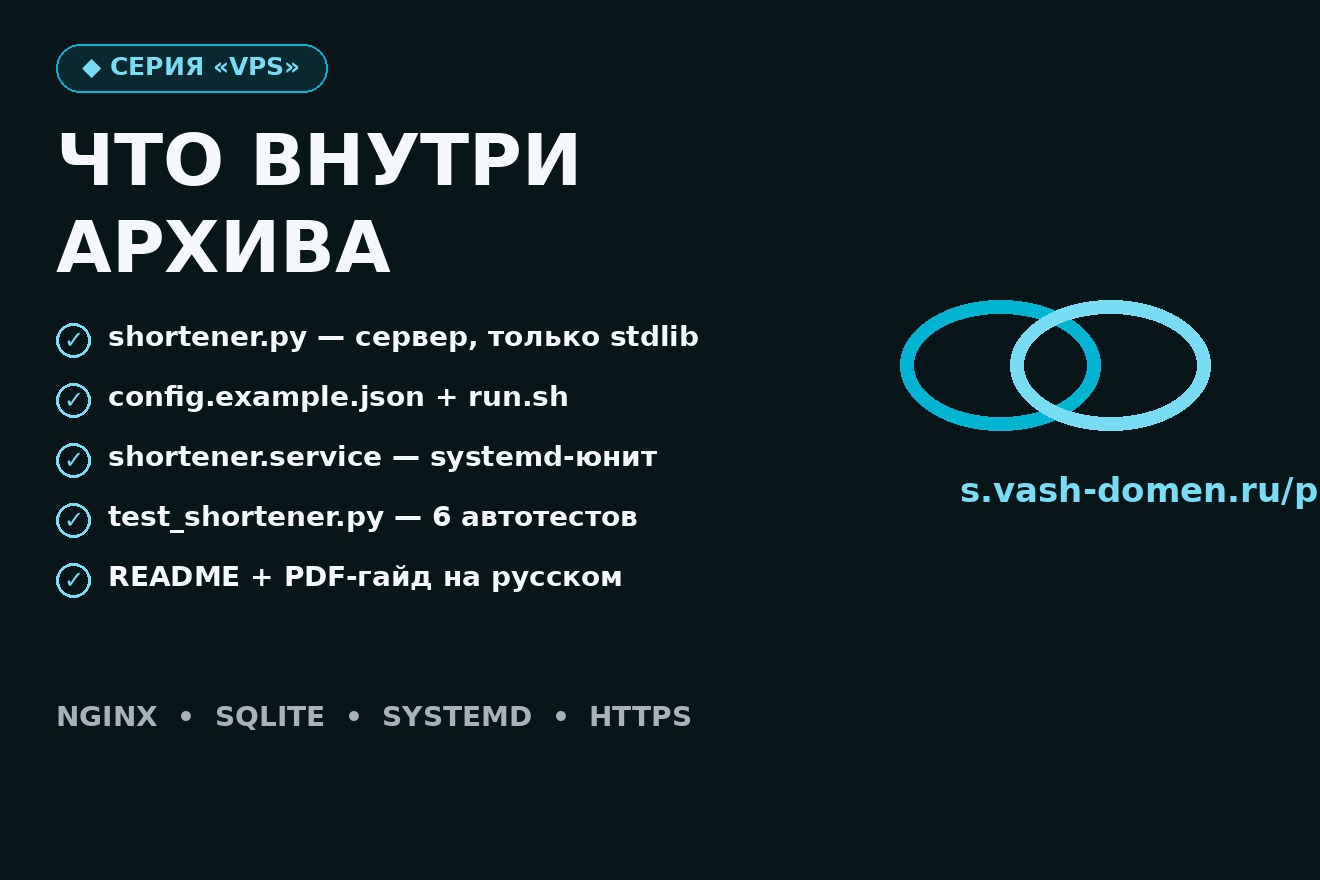
WHAT´S INSIDE THE ARCHIVE
• shortener.py — the shortener server, stdlib only
• config.example.json — sample settings (token, domain, port, database)
• run.sh — manual start for testing
• shortener.service — systemd unit for autostart
• test_shortener.py — 6 automated tests (spin up the server and run HTTP)
• README.md and PDF — full guide: VPS, systemd, nginx + HTTPS, curl, stats, backup
GUIDE STEPS
1. A VPS with Python 3.9+ and a subdomain (e.g. s.your-domain.com) pointed at the server IP.
2. Copy config.example.json to config.json: your admin token and base_url.
3. Trial run and automated tests, then systemd enable --now.
4. nginx reverse proxy + a free certbot certificate.
5. Create links with curl, check stats at /api/stats.
WHAT YOU NEED
A VPS with Python 3.9+, a domain or subdomain. 15 minutes to set up.
HONEST LIMITS
This is a simple shortener, not Bitly: no dashboard, charts or click geography — only a click counter and the date of the last click. If the server is down, the links don´t work — keep your VPS running and back up the database. Stats are counted on your server; visitor IPs and browsers are not collected.
IMPORTANT
These are files and a guide for self-setup — not a turnkey setup. If you need the shortener installed on your VPS turnkey, that is a separate service.
SIMILAR PRODUCTS
• VPS Starter Kit — Setup and Protection of Ubuntu/Debian Server: https://plati.market/itm/vps-starter-kit-setup-and-protection-of-ubuntu-debian-server-scripts-pdf-guide/6397857
• Website on VPS from Domain to HTTPS — Guide: https://plati.market/itm/site-on-vps-from-domain-to-https-step-by-step-guide-dns-nginx-certbot-configs/6406547
• Docker Deploy Kit — n8n and WordPress on VPS: https://plati.market/itm/docker-deploy-kit-n8n-and-wordpress-on-vps-with-https-compose-stacks-pdf-guide/6399191
• Telegram Bot on VPS with systemd — Autostart and Logs: https://plati.market/itm/telegram-bot-on-vps-with-systemd-autostart-restart-logs-templates-guide/6410458
• AI Content Factory: Prompts and Pipeline: https://plati.market/itm/ai-content-factory-prompts-for-product-cards-and-videos-pipeline-guide/6409611
• Git Autodeploy to VPS via Webhook: https://plati.market/itm/git-autodeploy-to-vps-via-webhook-receiver-deploy-scripts-guide/6423346
REVIEWS
Reviews: (0)
No customer reviews yet.