
Spotify Unlock for Windows — ad-free music and track skipping
- Price in currencies:
- 7.89 $ · 588 RUB · 7.22 €
- Category:
- Miscellaneous
- Item:
- text information
- Uploaded:
- 19.11.2026 9:36:35
- Sales:
- 0
- Refunds:
- 0
- Seller:
- vaalimusic · about the seller and their products
DESCRIPTION
Spotify Unlock for Windows — ad-free music and track skipping
More music. Fewer ads. Complete control over playback!
Tired of ads between songs? Dislike forced shuffle? Want to manage your own playback queue?
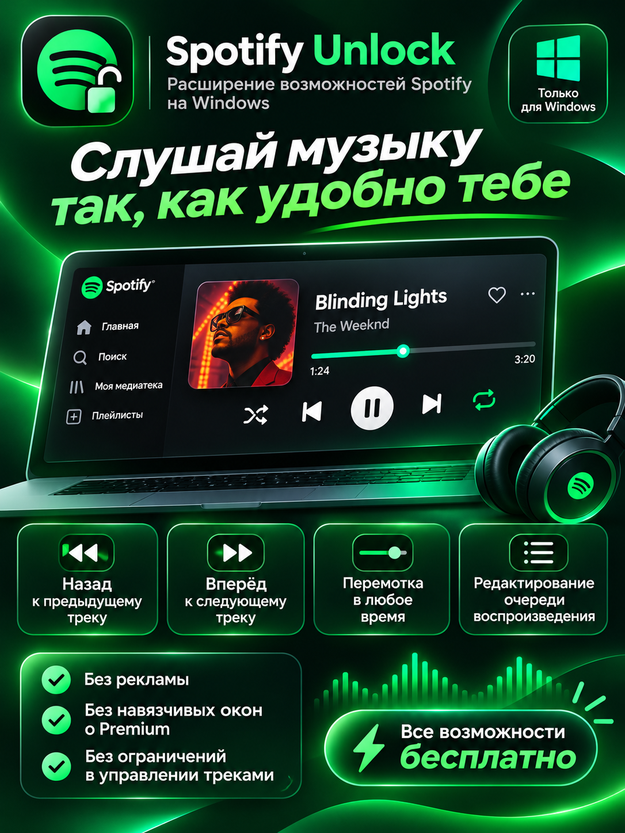
Spotify Unlock is a software extension for the Spotify desktop app on Windows that enhances your listening experience and unlocks additional control features—no Premium subscription required.
What do you get?
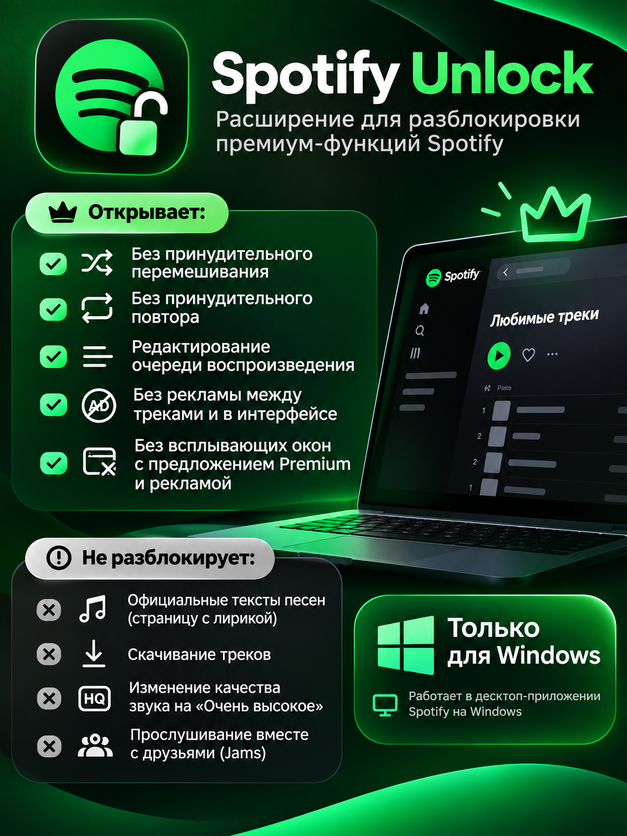
✅ Ad-free music — no commercial interruptions between tracks and no ads in the interface.
✅ Track skipping — freely jump to the next or previous song.
✅ Seeking — skip to any point in a song by moving along the playback timeline.
✅ No forced shuffle — choose the playback order yourself.
✅ No forced repeat — take full control of repeat modes.
✅ Queue management — add, remove, and reorder tracks.
✅ No intrusive Premium prompts — say goodbye to constant subscription offers.
Why choose Spotify Unlock?
Enjoy the familiar Spotify interface, your favorite artists, playlists, and music library—with added freedom and control.
No monthly fees for Spotify Unlock. Access these features without a subscription!
Compatibility
Windows only. Designed for the Spotify desktop app. Not compatible with Android, iOS, or other mobile platforms.
Important notes
This extension does not provide song downloads, an integrated lyrics feature, "Very High" audio quality, or the "Spotify Jams" collaborative listening feature.
Spotify Unlock is an independent extension; it is not an official Spotify product and does not provide a Spotify Premium subscription.
Spotify Unlock does not bypass regional restrictions, nor does it grant access to Spotify in locations where the service is unavailable. The program is designed exclusively to extend the playback capabilities of an already running Spotify application on Windows.
REVIEWS
Reviews: (0)
No customer reviews yet.