TrafficSplitLauncher — Per-App Network Selection and Offline Launch for Windows
- Price in currencies:
- 1.6 $ · 119 RUB · 1.46 €
- Category:
- Miscellaneous
- Item:
- TrafficSplitLauncher-3Modes-sale.zip (449.45 KB)
- Uploaded:
- 17.11.2026 10:19:32
- Sales:
- 0
- Refunds:
- 0
- Seller:
- Thelivesoft · about the seller and their products
DESCRIPTION
TrafficSplitLauncher — Per-App Network Selection and Offline Launch for Windows
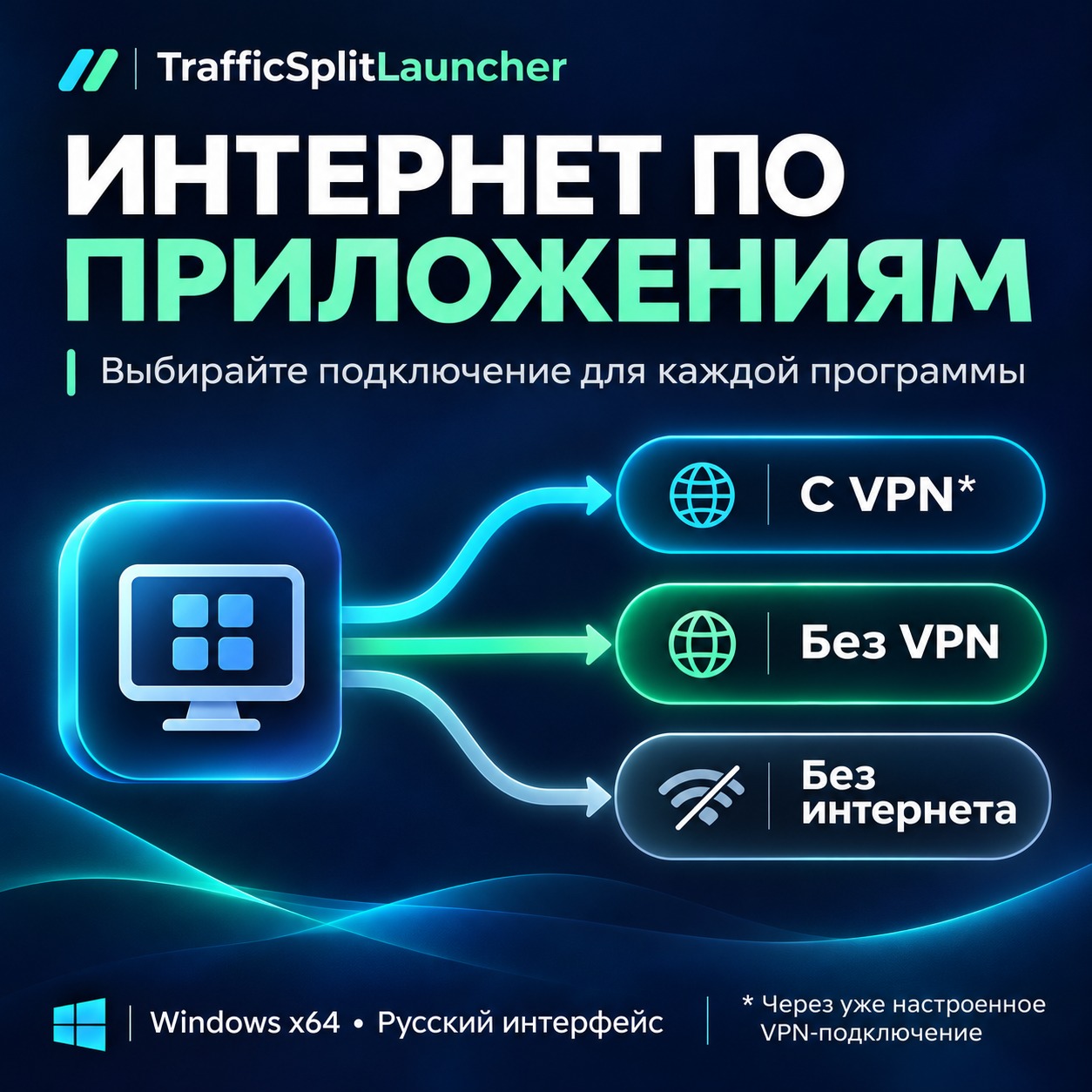
TrafficSplitLauncher is a launcher with a Russian-language interface for selecting a network connection for individual applications. Add an installed application, choose a network adapter or offline mode, and launch it from one window.
THREE USE CASES
• With VPN: use an adapter with an already configured VPN route, such as Wi-Fi from a VPN-enabled router.
• Without VPN: use an ordinary network adapter that provides a direct connection in your configuration.
• Offline: block TCP/UDP connections for the launched application and its child processes, including IPv4, IPv6, LAN and localhost.
FEATURES
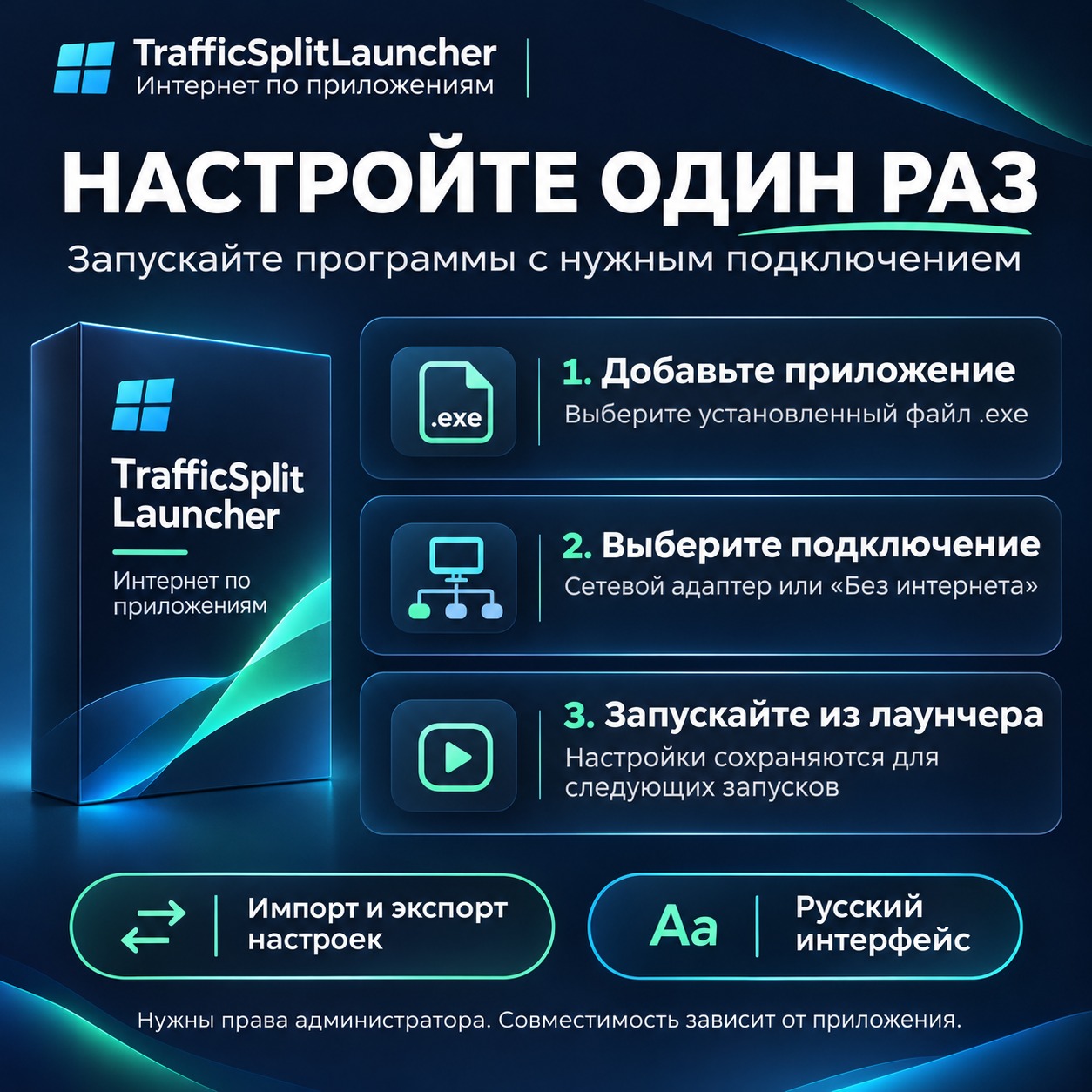
• Add applications by selecting their .exe files.
• Save a network adapter selection for each entry.
• Import and export settings in XML.
• Russian interface with Windows display scaling support.
• Run from an extracted folder without an installation wizard.
YOU RECEIVE
A ZIP archive with the launcher, required network components, Russian instructions and third-party license notices. No activation key is required. This is a digital product for Windows computers.
IMPORTANT
The launcher uses existing network connections. A VPN service, server, subscription and VPN configuration are not included. Compatibility depends on the application and your network configuration.
Additional information:
REQUIREMENTS AND LIMITATIONS
• Windows x64 and administrator privileges. ARM and 32-bit Windows are not supported by this build.
• The selected network adapter must be connected and have an IPv4 address.
• To use different networks simultaneously, the corresponding adapters and connections must be available on your computer. A single Wi-Fi adapter normally cannot connect to two Wi-Fi networks simultaneously.
• Fully close the application and its background processes before launching it through the launcher.
• Applications that prevent debugging or process modification may refuse to start in offline mode.
• Offline mode is not a security sandbox for untrusted software. External services and independently running processes are outside the launched application group.
• An application may display a connection error instead of an offline status.
GETTING STARTED
1. Extract the entire archive to a folder.
2. Run TrafficSplitLauncher.exe as administrator.
3. Open Settings, add an application or correct an existing executable path.
4. Select your network adapter or offline mode and save the settings.
5. Fully close the target application, then launch it from the launcher.
After moving to another PC, import your XML settings and select the local adapters and executable paths again.
REVIEWS
Reviews: (0)
No customer reviews yet.