VPS Monitoring: Uptime Kuma + Telegram Alerts. Docker Compose Stack + Guide
- Price in currencies:
- 8.84 $ · 626 RUB · 8.08 €
- Category:
- Others
- Item:
- uptime-kuma-monitoring-v1.0.zip (2019.64 KB)
- Uploaded:
- 15.11.2026 21:47:47
- Sales:
- 0
- Refunds:
- 0
- Seller:
- Новинка Супер хит! · about the seller and their products
DESCRIPTION
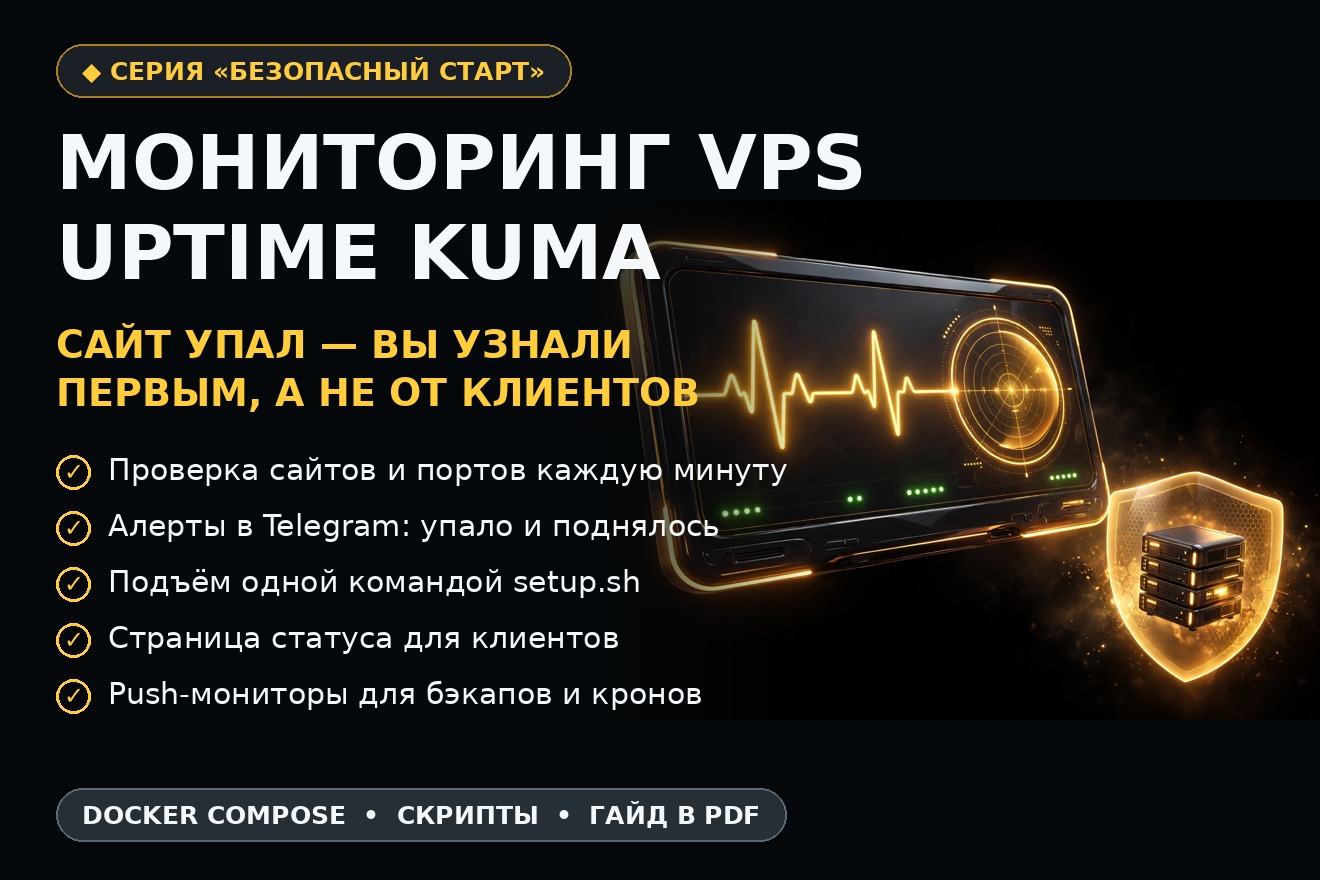
VPS Monitoring: Uptime Kuma + Telegram Alerts. Docker Compose Stack + Guide
Self-hosted monitoring with no subscription fee: Uptime Kuma checks websites and services every minute and sends notifications to Telegram instantly when something goes down—and when it comes back up.
Inside: a ready-to-use Docker Compose stack, a single-command deployment script, a health-check script to verify the monitoring is running, plus a full guide in Russian.
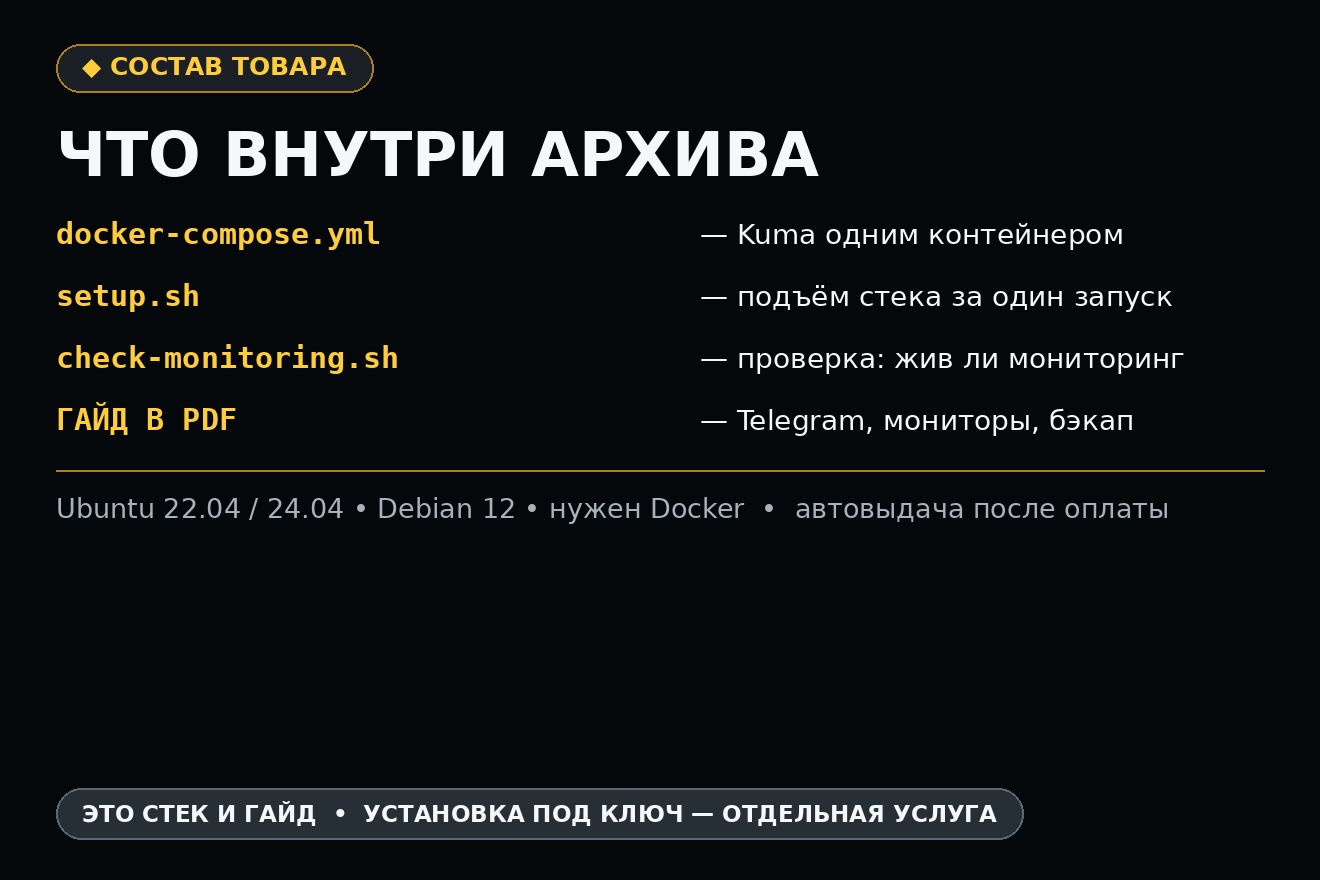
WHAT´S INSIDE THE ARCHIVE
• docker-compose.yml — Uptime Kuma in a single container, port 3001, data stored in a sibling directory
• .env.example — port and timezone configuration
• setup.sh — verifies Docker installation, pulls the image, starts the container, and waits for the web interface to become available
• check-monitoring.sh — health check: verifies the container is running and the web interface responds (HTTP 200)
• PDF guide and README.md — quick start instructions, Telegram bot setup, monitors, public status page, backups
GUIDE STEPS
1. Quick start: cp .env.example .env && ./setup.sh — access the dashboard on port 3001.
2. Telegram: create a bot via @BotFather, obtain the chat ID, and connect it under Settings → Notifications.
3. Monitors: website (HTTP(S)), keyword search on the page, VPS ping, TCP ports.
4. Public status page for clients, push monitors for your own cron jobs.
5. One-command backup of the data directory and restore on a new server.
REQUIREMENTS
VPS running Ubuntu 22.04 / 24.04 or Debian 12 with Docker installed. Estimated setup time: 10–15 minutes.
IMPORTANT
This includes only the files and guide for self-setup — it does not include turnkey installation. If you need a full server installation performed for you, this is a separate service.
IN THE SAME SERIES
• VPS Starter Kit — server setup and protection — https://plati.market/itm/vps-starter-kit-setup-and-protection-of-ubuntu-debian-server-scripts-pdf-guide/6397857
• Docker Deploy Kit — n8n and WordPress on VPS — https://plati.market/itm/docker-deploy-kit-n8n-and-wordpress-on-vps-with-https-compose-stacks-pdf-guide/6399191
• n8n: Telegram bot for Google Sheets requests — https://plati.market/itm/n8n-telegram-bot-for-requests-client-replies-in-google-sheets-template-guide/6399486
• n8n: AI support bot in Telegram — https://plati.market/itm/n8n-ai-support-bot-in-telegram-answers-from-your-knowledge-base-template-guide/6406585
• Website on VPS, from domain to HTTPS — step-by-step guide — https://plati.market/itm/site-on-vps-from-domain-to-https-step-by-step-guide-dns-nginx-certbot-configs/6406547
• Python website scraper for Excel and CSV — https://plati.market/itm/python-parser-websites-to-excel-and-csv-products-and-prices-template-guide/6409589
• AI content factory: prompts and pipeline — https://plati.market/itm/ai-content-factory-prompts-for-product-cards-and-videos-pipeline-guide/6409611
REVIEWS
Reviews: (0)
No customer reviews yet.