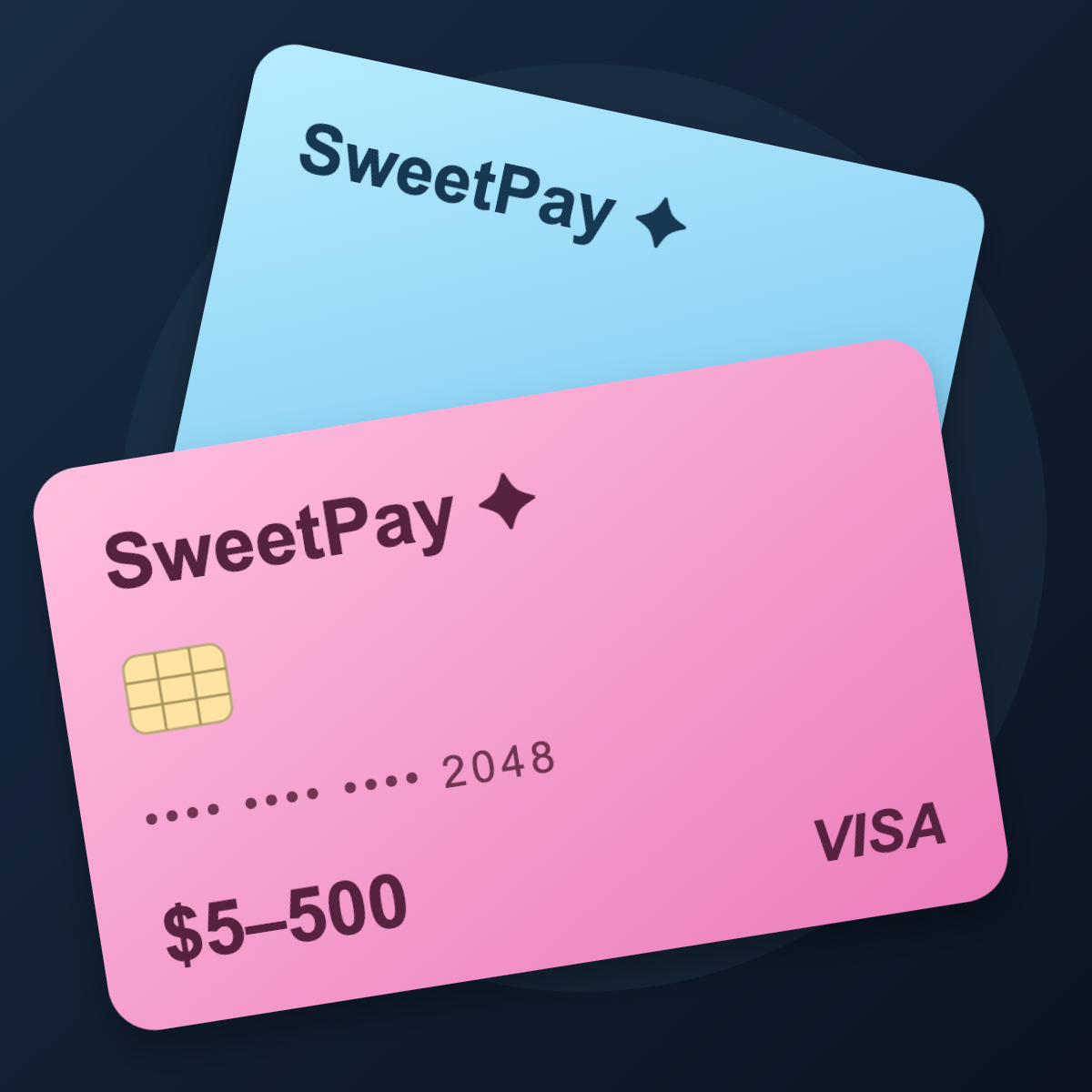
SweetPay — virtual card Visa $5–500 | INSTANT DELIVERY
- Price in currencies:
- 2.2345 $ · 140 RUB
- Category:
- Any Nominal
- Item:
- text information
- Sales:
- 9
- Refunds:
- 0
- Seller:
- CotedOr · about the seller and their products
DESCRIPTION
SweetPay — virtual card Visa $5–500 | INSTANT DELIVERY
The virtual card is issued automatically after payment confirmation.
SweetPay virtual Visa for international online purchases and subscriptions. Choose a balance of $5–500.
CARD PAYMENT FEES
• Platinum Visa. USD purchases from US merchants have no additional fee. Purchases from merchants outside the US incur an international fee of about 0.25% of the purchase amount, even in USD. Each declined payment costs $0.50. These fees are charged to the card balance.
• For the standard card, a decline due to insufficient funds costs $0.75. The card closes after three such declines.
WHAT YOU GET
• A virtual Visa with your chosen USD balance.
• Card number, expiry date and CVV in your SweetPay account.
• The option to top up the same card later.
HOW TO GET YOUR CARD
1. Choose the USD balance on this product page. This is the card balance, not the total order price.
2. Enter your email and pay. The total is displayed before payment.
3. Open the delivery page from your paid order. If the purchase code is not filled in, copy it from the order and enter it on the delivery page.
4. Enter the cardholder first and last name in Latin letters. No documents are required.
5. Confirm. Your card details will appear in a SweetPay account linked to your purchase email. Sign in if you already have an account.
BEFORE YOU BUY
• Acceptance depends on merchant rules, account region and card restrictions. Payment at a specific service is not guaranteed.
• Gambling and money transfers are not supported.
• For order questions, message the seller through your Plati order.
ALREADY HAVE A SWEETPAY CARD?
Top up here: https://plati.market/itm/6406693
PLATINUM VISA
This listing issues a reloadable USD Platinum Visa with contactless payments, Apple Pay, Google Pay, Samsung Pay and 3-D Secure. Card details open on a temporary secure page from your SweetPay account. When adding the card to Apple Pay or Google Pay, select Email on the verification screen, even if the wallet shows a different masked address. If a wallet setup or payment requires a one-time code, it will be sent to your SweetPay account email address.
REVIEWS
Reviews: (0)
No customer reviews yet.