

Site on VPS from domain to HTTPS: step-by-step guide — DNS, nginx, certbot. Configs
- Price in currencies:
- 5.84 $ · 414 RUB · 5.34 €
- Category:
- Others
- Item:
- site-on-vps-https-guide-v1.0.zip (1932.4 KB)
- Uploaded:
- 14.11.2026 21:04:33
- Sales:
- 0
- Refunds:
- 0
- Seller:
- Новинка Супер хит! · about the seller and their products
DESCRIPTION
Site on VPS from domain to HTTPS: step-by-step guide — DNS, nginx, certbot. Configs
Step-by-step guide: Your own website on your own VPS — from domain to the green HTTPS lock icon. No Docker or control panels: pure Nginx and a free Let´s Encrypt certificate with automatic renewal.
Inside you´ll find not just text: a ready-to-use Nginx configuration file with comments and a verification script that identifies where the "domain → server → HTTPS" chain breaks down in just 10 seconds.
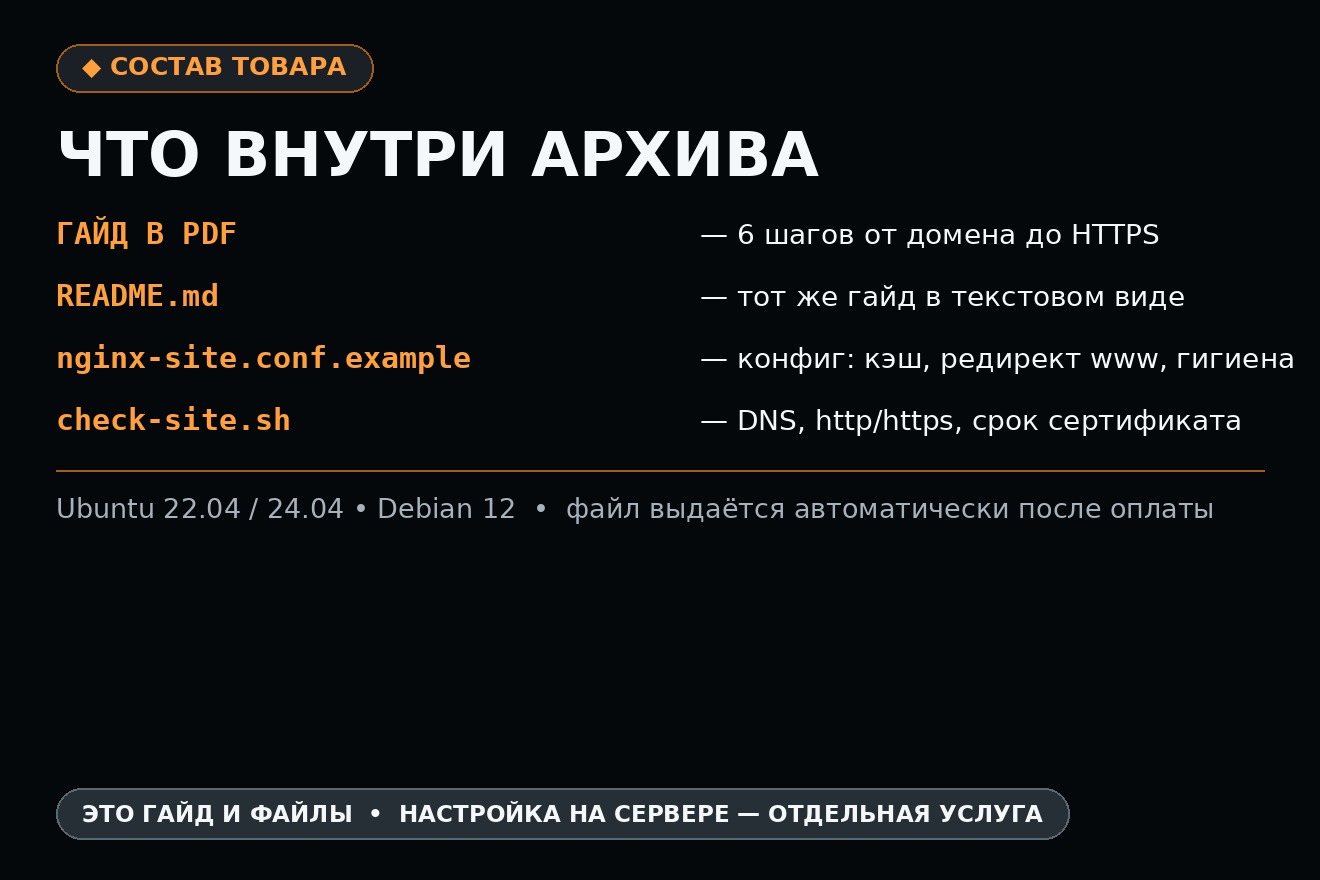
CONTENTS OF THE ARCHIVE
• Russian PDF guide: 6 steps, common mistakes explained, startup checklist
• README.md — same guide in plain text format
• nginx-site.conf.example — site configuration: static files caching, www redirect, security headers
• check-site.sh — verifies DNS, HTTP/HTTPS status codes, and certificate expiry with a single command
GUIDE STEPS
1. DNS: Two A records so your domain points to your server.
2. Nginx installed in under a minute via system packages.
3. Site and configuration: Use "nginx -t" to catch typos before starting.
4. HTTPS enabled in one command using Certbot.
5. Automatic renewal: configure once and forget.
6. Verify the entire chain using the provided script.
PREREQUISITES
A VPS running Ubuntu 22.04 / 24.04 or Debian 12, plus a domain from any registrar. Time required: 30–40 minutes.
IMPORTANT
This guide and its accompanying files are for self-setup only — they do not include turnkey installation. If you need a fully managed installation on your server, this is a separate paid service.
REVIEWS
Reviews: (0)
No customer reviews yet.