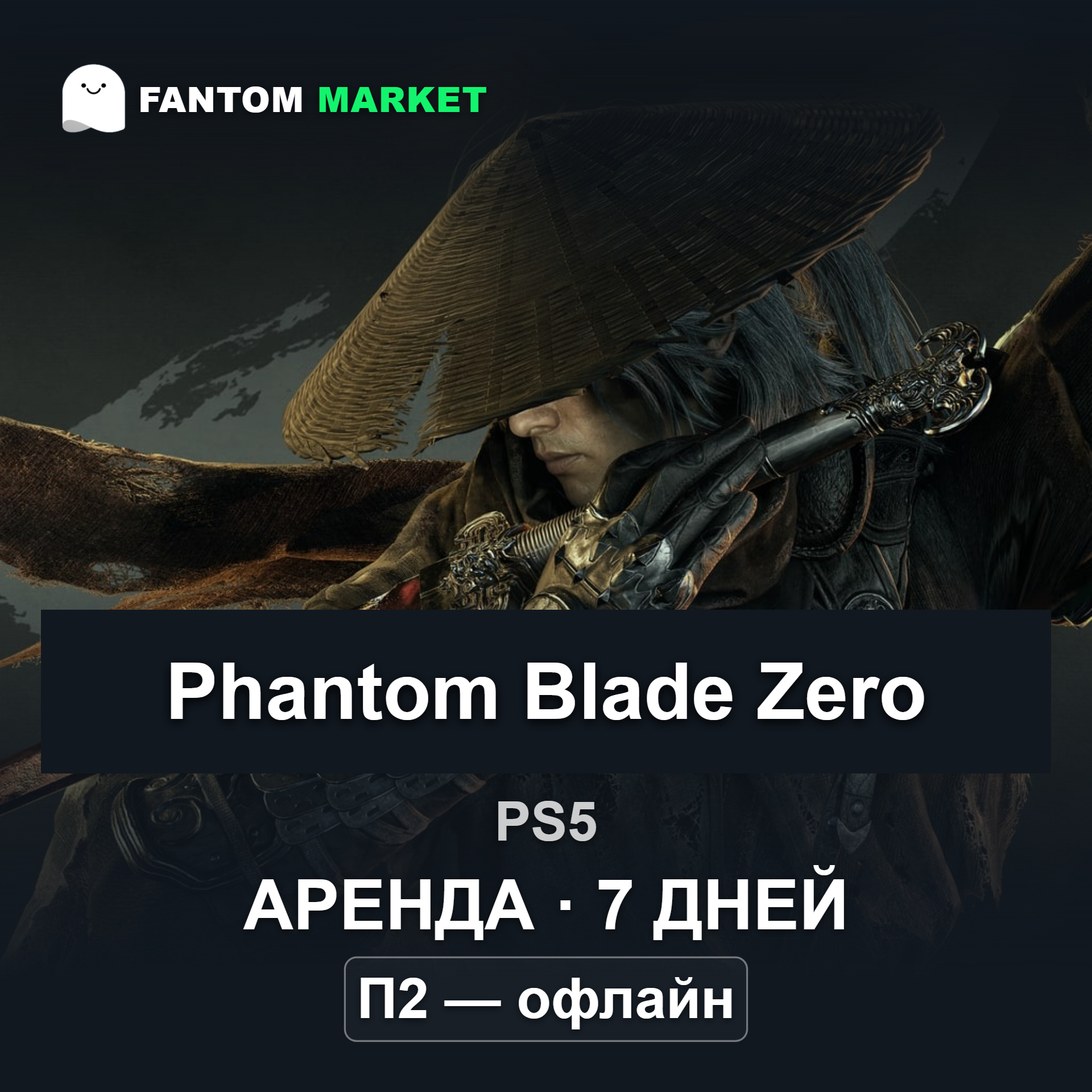
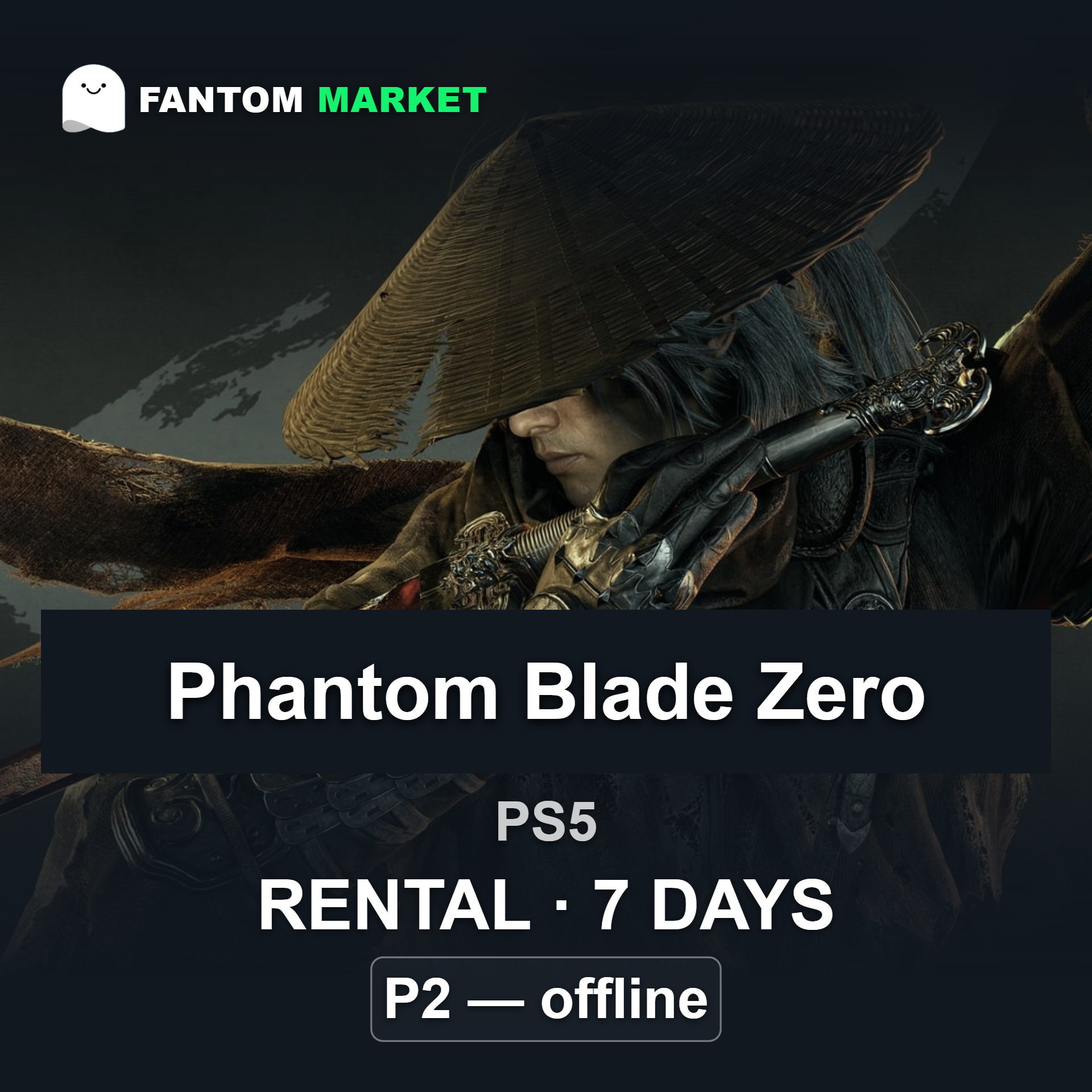
Phantom Blade Zero PS5 rental, 7 days, P2 / P3
- Price in currencies:
- 11.56 $ · 950 RUB · 10.52 €
- Category:
- PlayStation Accounts
- Item:
- text information
- Uploaded:
- 13.11.2026 10:25:12
- Sales:
- 1
- Refunds:
- 0
- Seller:
- FANTOM-GSM · about the seller and their products
DESCRIPTION
Phantom Blade Zero PS5 rental, 7 days, P2 / P3
Accounts are delivered daily from 10:00 to 23:00 Moscow time (UTC+3), after an operator verifies your reply and acceptance of the rental rules. The rental period starts when the account details are delivered, not when payment is made. Waiting for delivery does not use up the rental period.
Phantom Blade Zero PS5 rental, 7 days, P2 / P3.
📖 How to activate:
1. The order messages receives the PSN e-mail, password, a backup code and full instructions for your rental type to the order messages.
2. On the console: Add User → Get Started → accept the agreement → Sign In. Do not choose Guest.
3. Enter the e-mail and password, use the backup code when asked for the 2-step code.
4. P3: turn on Console Sharing and Offline Play in the settings. P2: leave it off.
5. Open Library → Purchased → find the game → Download.
⚠️ Important:
• Sign in from one console only.
• Do not sign in from a phone or a computer.
• Do not change the account data or share it.
• Do not add your payment details to the account.
• If the rules are broken the profile is blocked and the rental is not refunded.
⚠️ Important before buying
Check the selected product, region, platform and conditions of use. The buyer is responsible for choosing a suitable product. If unsure, contact us before payment.
We are not responsible for account or device blocks and restrictions imposed by the platform unless they are related to our product or our actions.
Choosing the wrong product alone is not a reason to return a working product that matches its description, except where required by law or marketplace rules.
If the product does not work or differs from its description, contact us and we will help resolve the issue.
Additional information:
⚠️ IMPORTANT FOR P2 — MANDATORY
• Play ONLY on the supplied profile.
• Connect to the internet to launch the game. IMMEDIATELY AFTER LAUNCH, disconnect the console from the internet and keep playing OFFLINE.
• DO NOT enable Console Sharing or primary activation.
• ONE RENTAL = ONE CONSOLE.
──────────
Accounts are delivered daily from 10:00 to 23:00 Moscow time (UTC+3), after an operator verifies your reply and acceptance of the rental rules. The rental period starts when the account details are delivered, not when payment is made. Waiting for delivery does not use up the rental period.
📖 How to activate:
1. The order messages receives the PSN e-mail, password, a backup code and full instructions for your rental type to the order messages.
2. On the console: Add User → Get Started → accept the agreement → Sign In. Do not choose Guest.
3. Enter the e-mail and password, use the backup code when asked for the 2-step code.
4. P3: turn on Console Sharing and Offline Play in the settings. P2: leave it off.
5. Open Library → Purchased → find the game → Download.
⚠️ Important:
• Sign in from one console only.
• Do not sign in from a phone or a computer.
• Do not change the account data or share it.
• Do not add your payment details to the account.
• If the rules are broken the profile is blocked and the rental is not refunded.
REVIEWS
Reviews: (0)
No customer reviews yet.