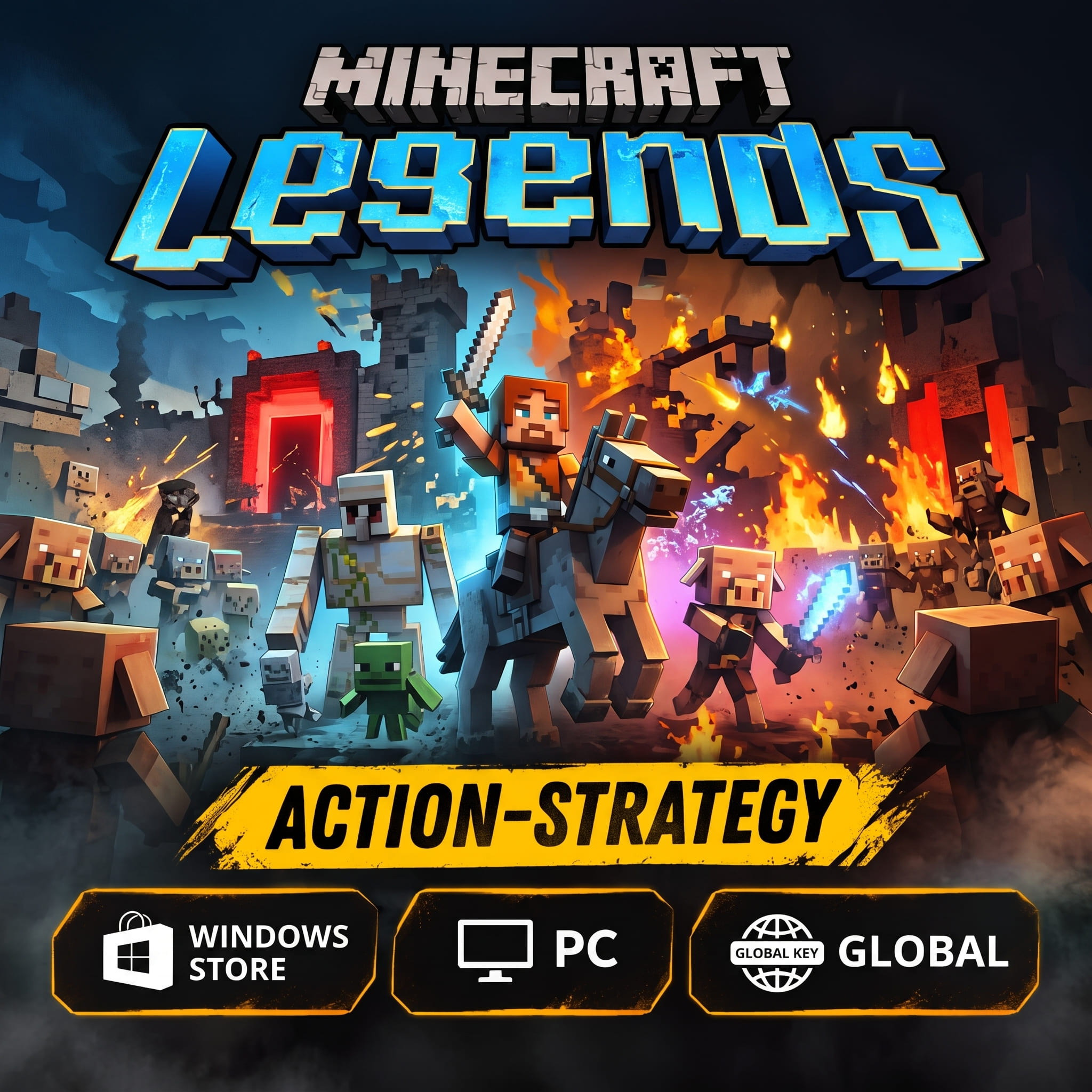
Minecraft Legends PC – Windows Store Global CD Key | Digital Game Activation
- Price in currencies:
- 10.39 $ · 775 RUB · 9.45 €
- Category:
- Minecraft
- Item:
- text information
- Sales:
- 0
- Refunds:
- 0
- Seller:
- JanoO · about the seller and their products
DESCRIPTION
Minecraft Legends PC – Windows Store Global CD Key | Digital Game Activation
### Product Overview
Discover a new adventure in the Minecraft universe with **Minecraft Legends**!
Explore a vibrant world, build strategies, command allies, and defend the Overworld against invading enemies. Get your digital activation key and experience this action-strategy adventure on PC.
### Product Details
- **Game:** Minecraft Legends
- **Platform:** PC
- **Product Type:** Digital CD Key
- **Region:** GLOBAL (country-specific restrictions apply)
- **Activation Platform:** Windows Store / Microsoft Store
- **Delivery Format:** Digital Activation Code
- **Delivery:** Instant delivery as advertised
- **Game Edition:** Not specified
- **Language:** Not specified
### What You Will Receive
- 1 × Minecraft Legends digital activation key.
- Digital code for Windows Store activation.
### Delivery Information
- Digital product.
- Electronic delivery.
- Instant delivery as advertised.
- No physical disc or packaging included.
### Important Information
- Requires a compatible Microsoft account.
- Activation is performed through Windows Store / Microsoft Store.
- The listing displays a country-specific activation restriction despite the GLOBAL label.
- Check your country´s activation eligibility before purchasing.
- Make sure you select the correct Microsoft account during redemption.
- This product is a digital activation key, not a gaming account.
### Buyer Support
For activation issues, contact the seller through the marketplace and provide your order information.
Never share your Microsoft account password or security codes.
Additional information:
### How to Activate Your Key
1. Purchase the Minecraft Legends digital key.
2. Receive your activation code.
3. Sign in to your Microsoft account.
4. Open Microsoft Store or the official Microsoft redemption page.
5. Select the option to redeem a code.
6. Enter your activation key.
7. Follow the on-screen instructions.
8. After successful activation, download the game if available in your account.
**Important:** Check regional compatibility before redeeming. Use the Microsoft account on which you want to receive the game.
REVIEWS
Reviews: (0)
No customer reviews yet.