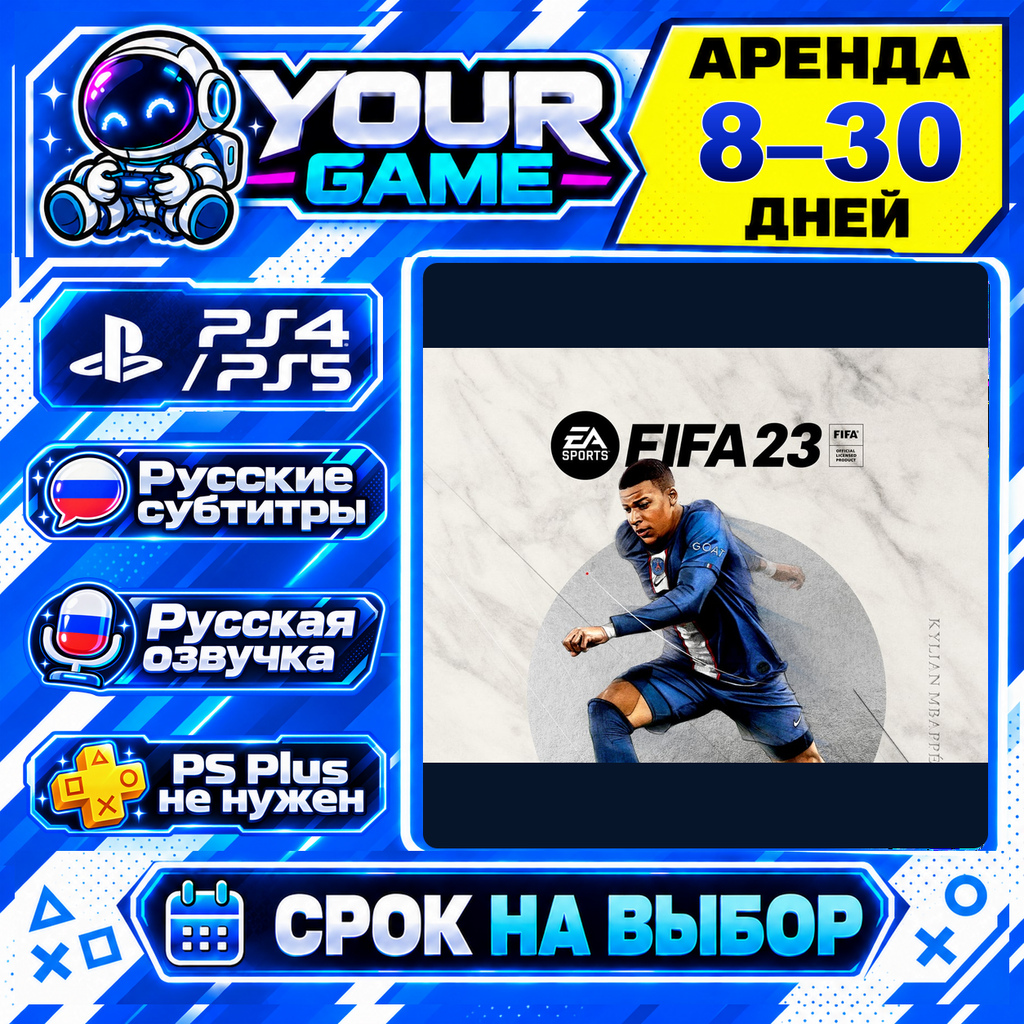
FIFA 23 | PS5 | P2 Rental
- Price in currencies:
- 0.97 $ · 99 RUB · 0.88 €
- Category:
- PlayStation Accounts
- Item:
- text information
- Sales:
- 0
- Refunds:
- 0
- Seller:
- Y O U R G A M E · about the seller and their products
DESCRIPTION
FIFA 23 | PS5 | P2 Rental
🎮 ABOUT THE GAME
FIFA 23
In Career Mode, pursue a path as a player or manager and shape your football story. The game’s online services were shut down on October 30, 2025; this description covers the available offline modes.
Platform: PS5.
PS5: PS5 version
━━━━━━━━━━━━━━━━━━━
🌐 LOCALIZATION
PS5 — FIFA 23
Audio: Czech, English, Spanish, Polish, Russian, Turkish.
Subtitles / interface: Czech, English, Spanish, Polish, Portuguese, Portuguese (Brazil), Russian, Turkish.
➕ PS PLUS
The provided account does not include a PS Plus subscription.
PS5: PS Plus is not required for local play.
━━━━━━━━━━━━━━━━━━━
1. Choose your rental period and pay for the order.
2. Copy the unique 16-character Digiseller code from the purchase page.
3. Open the order chat with the seller and send this code.
4. We will confirm payment, help you sign in using a code and send instructions.
5. Download the game and play using the provided profile.
⏱ RESPONSE TIME
We usually reply and start the connection process within 5–30 minutes of your message in the order chat. Access is arranged manually; delays are possible during busy periods.
🌐 PLAY CONDITIONS
• Play only using the provided account on one console.
• A stable, constant internet connection is required.
• Playing on your personal profile or offline is not supported.
• On PS5, do not enable Console Sharing and Offline Play for the provided account.
🔐 CONNECTION AND SECURITY
Follow the instructions supplied during connection.
• Add a permanent console user. Do not use a guest or one-time sign-in.
• Do not change account details, security settings or sign-in methods.
• Do not share access or sign in on other devices.
• If sign-in fails or another code is required, contact us in the order chat.
📅 END OF RENTAL AND EXTENSIONS
Access ends when the paid rental period expires. Remove the provided account from your console.
To request an extension, contact us in the existing order chat in advance. We will check availability.
💬 YOURGAME SUPPORT
Having trouble connecting or launching the game? Send a message in the order chat with a photo of the error.
Before paying, check the game, platform, language and rental period.
Additional information:
After payment, copy the unique 16-character code from the purchase page and send it in the order chat with the seller. After confirming payment, we will help you sign in to the provided account and send instructions. Play only using the provided profile. Do not activate the account on PS4 or enable Console Sharing on PS5. Do not change account details.
REVIEWS
Reviews: (0)
No customer reviews yet.