[♾️ 24/7]Ai-Modals: Local AI Gateway for Blocked Models (ChatGPT, Claude, +300 ... )
- Price in currencies:
- 24.05 $ · 1797 RUB · 21.49 €
- Category:
- Miscellaneous
- Item:
- text information
- Uploaded:
- 04.11.2026 13:42:18
- Sales:
- 0
- Refunds:
- 0
- Seller:
- aisolutions · about the seller and their products
DESCRIPTION
[♾️ 24/7]Ai-Modals: Local AI Gateway for Blocked Models (ChatGPT, Claude, +300 ... )
Stop paying for expensive VPNs, proxies, or sketchy AI resellers! 🛑💸
Many popular AI models (ChatGPT, Claude, Gemini) are blocked or require complicated workarounds. Multi-Ai-Modals solves this by turning your own computer into a secure, local AI gateway.
Connect your own accounts, and this software will route your requests, bypass local blocks, and automatically switch to a backup provider if one fails or hits a limit.
✨ What you get:
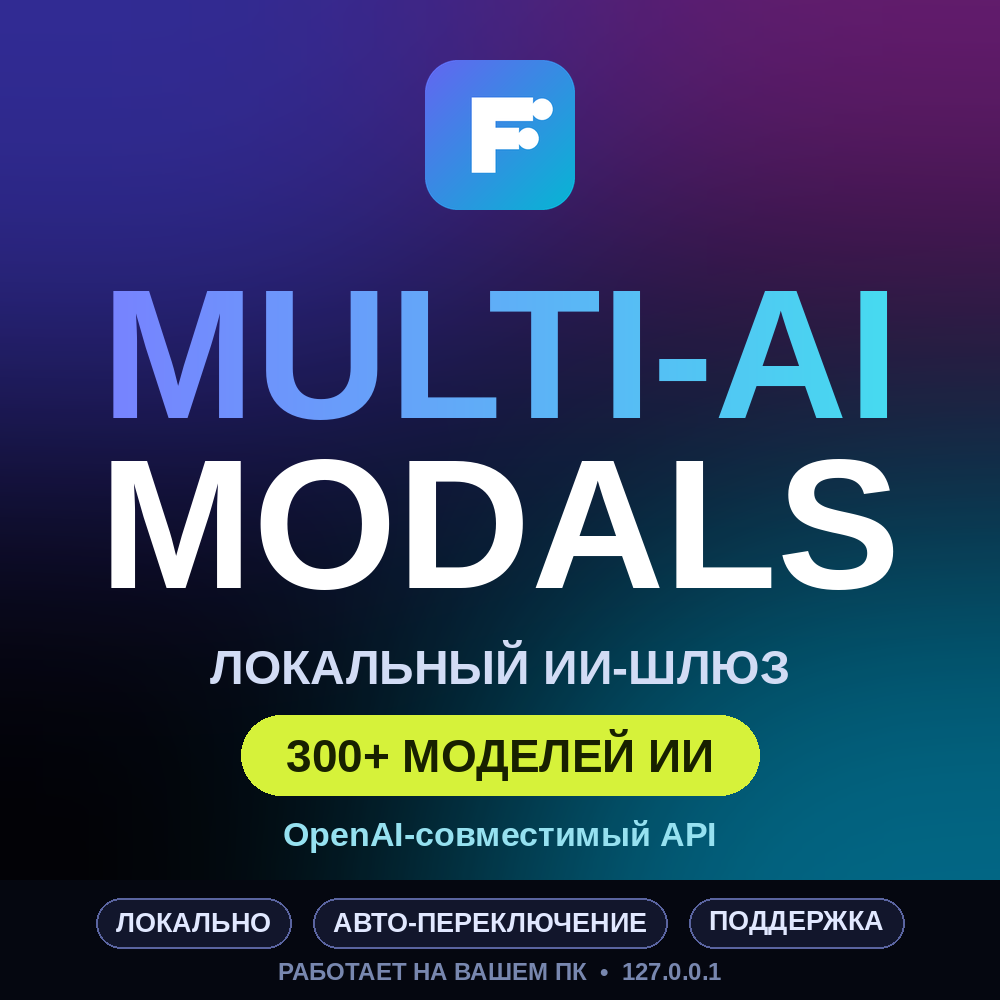
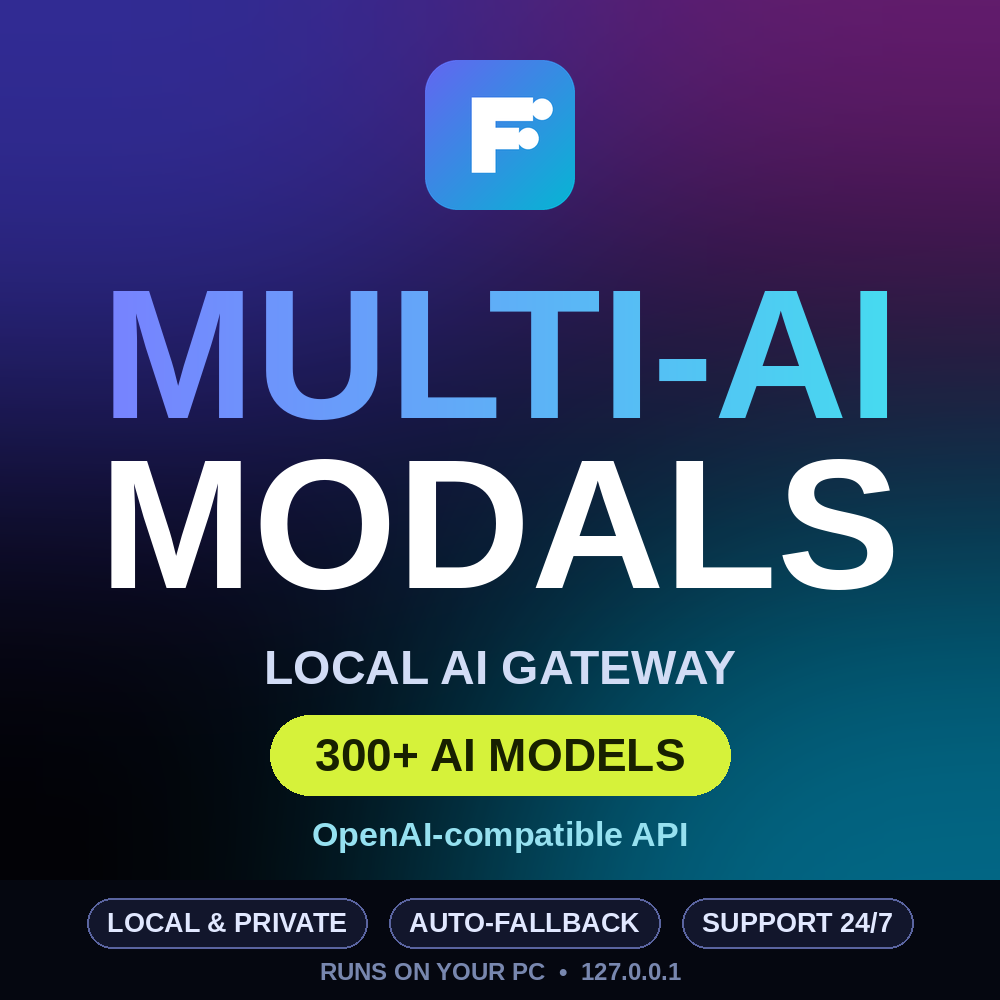
✅ +300 AI Models supported out of the box.
🖥️ Local & Secure: Runs entirely on your PC (127.0.0.1). No third-party servers spying on your data.
🔌 OpenAI-Compatible API: Works perfectly with most coding tools, chat apps, and plugins. Just use http://localhost:20128/v1.
🔄 Auto-Fallback: If one provider fails, it instantly switches to the next one you connected.
📊 Web Dashboard: Easily connect providers, create API keys, and watch your usage in real-time.
⚠️ IMPORTANT REQUIREMENTS (Please Read):
Node.js 22.22.2 or newer MUST be installed on your PC.
This software does NOT include free AI credits or accounts. You must connect your own API keys (free tiers work!).
Basic technical knowledge (running terminal commands) is required.
🚀 Quick Start Guide:
Unzip the archive and open a terminal in the folder.
Create your settings file: copy .env.example .env (Windows) or cp .env.example .env (Mac/Linux).
Run npm install to install dependencies.
Start the server (Windows: set PORT=20128 && npm run dev | Mac/Linux: PORT=20128 npm run dev).
Open http://localhost:20128 in your browser, log in, add your provider, and create an API key!
Note: The download link will be provided automatically after payment. Detailed instructions are included inside the ZIP file. Since this is a digital software product, refunds are not possible after download.
🛠️ SUPPORT & REVIEW BONUS 🌟
Need help? You can contact me directly through the order chat here on PLATI. I am always online and happy to help you set up your API keys or fix any errors before you open a dispute!
Love the software? Please leave a 5-star positive review! As a thank you, send me a message in the order chat after your review to receive a free personalized setup guide or priority support for your specific AI tools. Let´s build a great community together! 🤝🚀
Additional information:
Your download link will be provided automatically immediately after payment!
Installation instructions:
1. Unzip the archive to a folder.
2. Ensure you have Node.js version 22.22.2 or newer installed on your PC.
3. Open a terminal in the folder.
4. Create your settings file: copy .env.example to .env
5. Run npm install.
6. Start the server (Windows: set PORT=20128 && npm run dev | Mac/Linux: PORT=20128 npm run dev).
7. Open http://localhost:20128 in your browser, log in, and create an API key.
⚠️ IMPORTANT: This software does NOT include free AI accounts. You must use your own API keys. Refunds are not possible after download.
REVIEWS
Reviews: (0)
No customer reviews yet.