Telegram Bot for Auto-Posting 24/7 to a Channel: Code and PDF Manual
- Price in currencies:
- 23.82 $ · 1499 RUB · 21.15 €
- Category:
- Telegram
- Item:
- Автопостинг_24-7_товар.zip (287.53 KB)
- Uploaded:
- 03.11.2026 17:29:00
- Sales:
- 0
- Refunds:
- 0
- Seller:
- Rsanella · about the seller and their products
DESCRIPTION
Telegram Bot for Auto-Posting 24/7 to a Channel: Code and PDF Manual
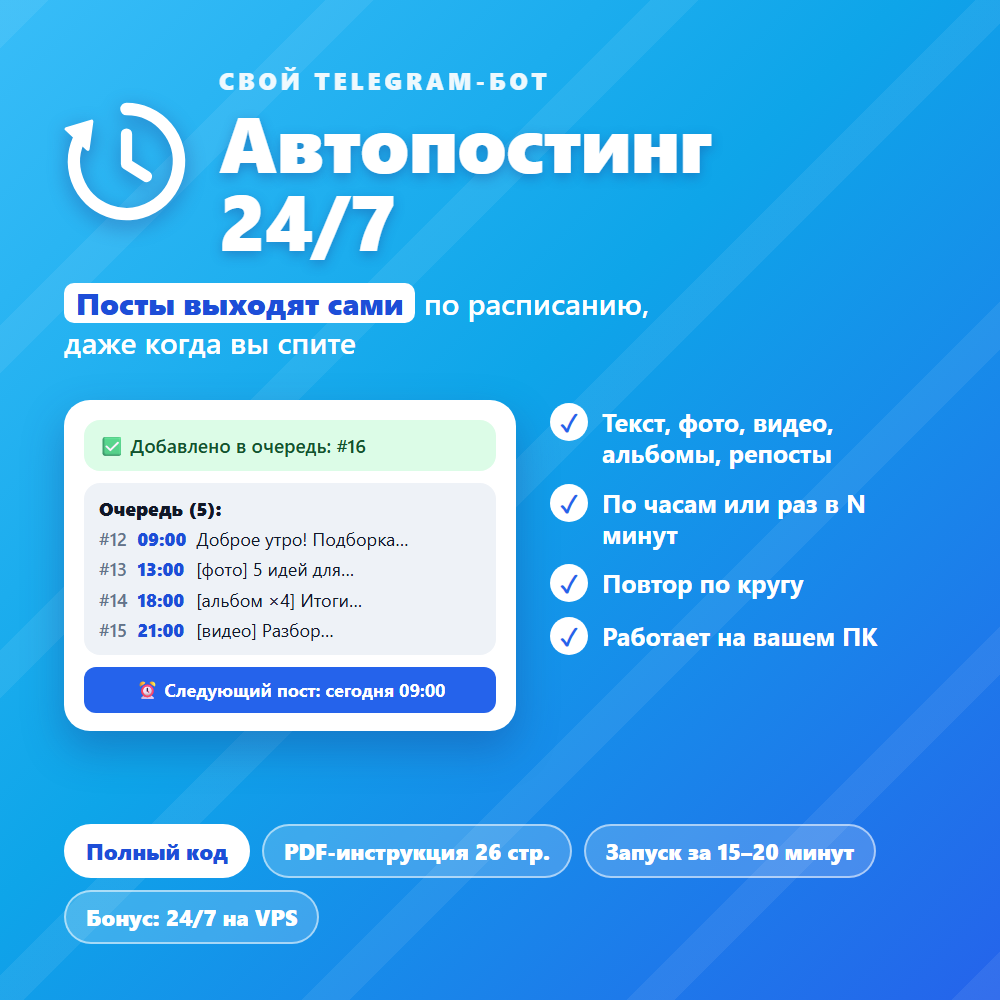
Your own Telegram bot that manages your channel automatically. You send it posts in advance, and it publishes them on schedule: during the day, at night, on weekends, even when you´re not around. No subscriptions or third-party services required: the bot runs on your computer or server.
Bot capabilities:
✅ Accepts any type of post: text with formatting, photos, videos, albums, GIFs, files, reposts from other channels (posted without the "Forwarded" label)
✅ Schedule by hour (e.g., 09:00, 13:00, 18:00, 21:00) or at intervals of N minutes
✅ Queue with preview: see when each post will be published
✅ Preview, delete, and publish posts outside the schedule
✅ Loop playback: when new posts run out, the bot publishes old ones, keeping the channel active
✅ Notifications when the queue is running low
✅ Assistants: the owner can grant bot management access to other people
✅ Queue is preserved after restarting the bot or computer
✅ Suitable for both public and private channels
What you get:
📄 26-page PDF instruction: step-by-step guide from scratch, from Python installation to your first post
💻 Full source code of the bot (Python), ready-to-use files in an archive
🚀 One-click launch on Windows
🎁 Bonus: how to migrate the bot to a server (VPS) for 24/7 operation
🛠 Section with common errors and their solutions
No programming skills required: just enter the bot token and launch it. Setup takes 15–20 minutes.
Requirements: a Windows 10/11 computer, a Telegram account, and your own channel.
Additional information:
Thank you for your purchase!
1. Download and extract the archive.
2. Open the file “GUIDE_autoposting_bot.pdf” and follow the steps.
3. The bot’s ready-made files are located in the “Bot files” folder: you do not need to copy them from the PDF.
REVIEWS
Reviews: (0)
No customer reviews yet.