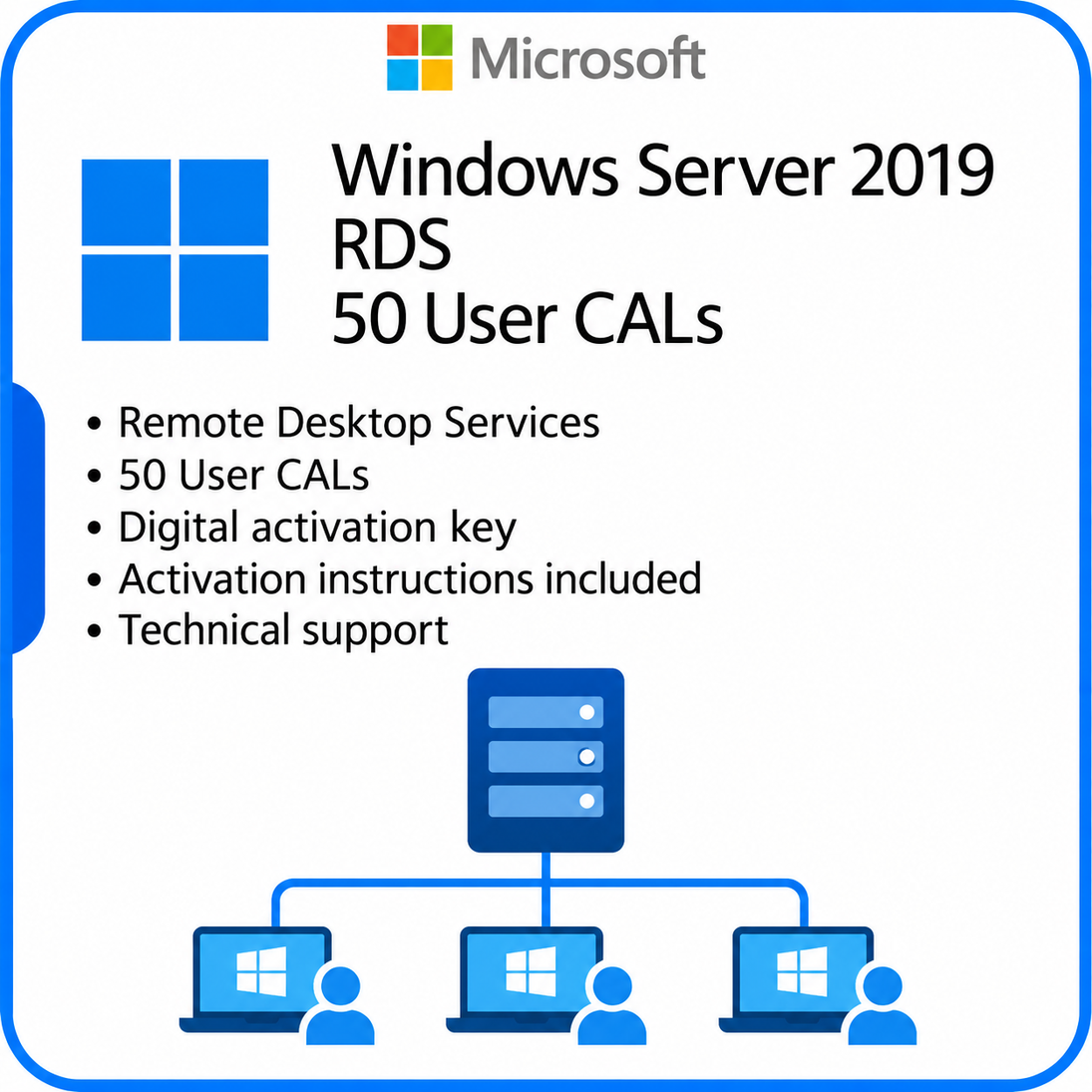
Windows Server 2019 RDS | 50 User CALs | Lifetime
- Price in currencies:
- 11.99 $ · 1162 RUB · 10.96 €
- Category:
- Windows
- Item:
- text information
- Uploaded:
- 31.10.2026 17:36:37
- Sales:
- 0
- Refunds:
- 0
- Seller:
- Prime Hub · about the seller and their products
DESCRIPTION
Windows Server 2019 RDS | 50 User CALs | Lifetime
Windows Server 2019 RDS | 50 User CALs | Lifetime
✅ PRODUCT DETAILS
• Product: Windows Server 2019 Remote Desktop Services
• License Type: RDS User CAL
• Quantity: 50 User CALs
• Licensing Mode: Per User
• Validity: Lifetime
• Delivery: Instant automatic digital delivery
• Platform: Windows Server
⭐ WHAT THIS PRODUCT DOES
This product adds 50 Remote Desktop Services User CALs to a compatible Windows Server environment.
• Licenses up to 50 users for Remote Desktop Services
• Each licensed user can access RDS from supported devices
• Per User licensing — this is NOT a Device CAL product
• Lifetime activation
📦 WHAT YOU RECEIVE
After successful payment, you will receive:
• 1 × Windows Server 2019 RDS 50 User CAL activation key
• Installation and activation instructions
• Customer support if required
⚡ Your product is delivered automatically immediately after payment.
⚠️ IMPORTANT INFORMATION
• This product does NOT activate Windows Server itself.
• An existing compatible Windows Server and Remote Desktop Licensing environment are required.
• This is a 50 USER CAL product — not 50 Device CALs.
• It does not mean 50 simultaneous connections.
• The RDS deployment must be configured for Per User licensing.
• Windows Server 2019 RDS CALs are intended for compatible Windows Server 2019 or earlier RDS environments.
• Please verify your Windows Server version and RDS licensing configuration before purchasing.
• No returns or exchanges for an incorrect version or CAL type after digital delivery.
• 7-day one-to-one replacement warranty applies to valid activation issues.
💬 PRIME HUB SUPPORT
If you experience an installation or activation issue, we can help you check:
• Windows Server version
• RD Licensing configuration
• Per User licensing mode
• RDS CAL installation
• Common licensing errors
Contact us through DigiSeller correspondence if you need assistance.
Additional information:
📘 INSTALLATION INSTRUCTIONS
Make sure you already have a compatible Windows Server environment.
Install and activate the Remote Desktop Licensing role if it has not already been configured.
Open:
Remote Desktop Licensing Manager
Select your activated license server.
Choose:
Install Licenses
Follow the wizard and enter the RDS CAL information / key provided after purchase.
Complete the installation.
Make sure your RDS deployment is configured to use:
Per User licensing mode
✅ After successful installation, the license server should display the installed User CAL pack.
⚠️ IMPORTANT
• This key installs 50 RDS User CALs.
• It does NOT activate Windows Server.
• It is NOT a Device CAL pack.
• 50 User CALs means licensing for up to 50 users, not 50 simultaneous sessions.
• A compatible and activated Remote Desktop Licensing server is required.
• Windows Server 2019 RDS CALs cannot be used for a newer Windows Server 2022 or 2025 Session Host.
• If your server is in a workgroup rather than a domain environment, contact us before purchase to confirm compatibility.
• Do not repeatedly reinstall the CAL pack if an error occurs.
💬 PRIME HUB SUPPORT
If installation fails, contact us through DigiSeller correspondence and send a screenshot of the error and your Windows Server version.
REVIEWS
Reviews: (0)
No customer reviews yet.