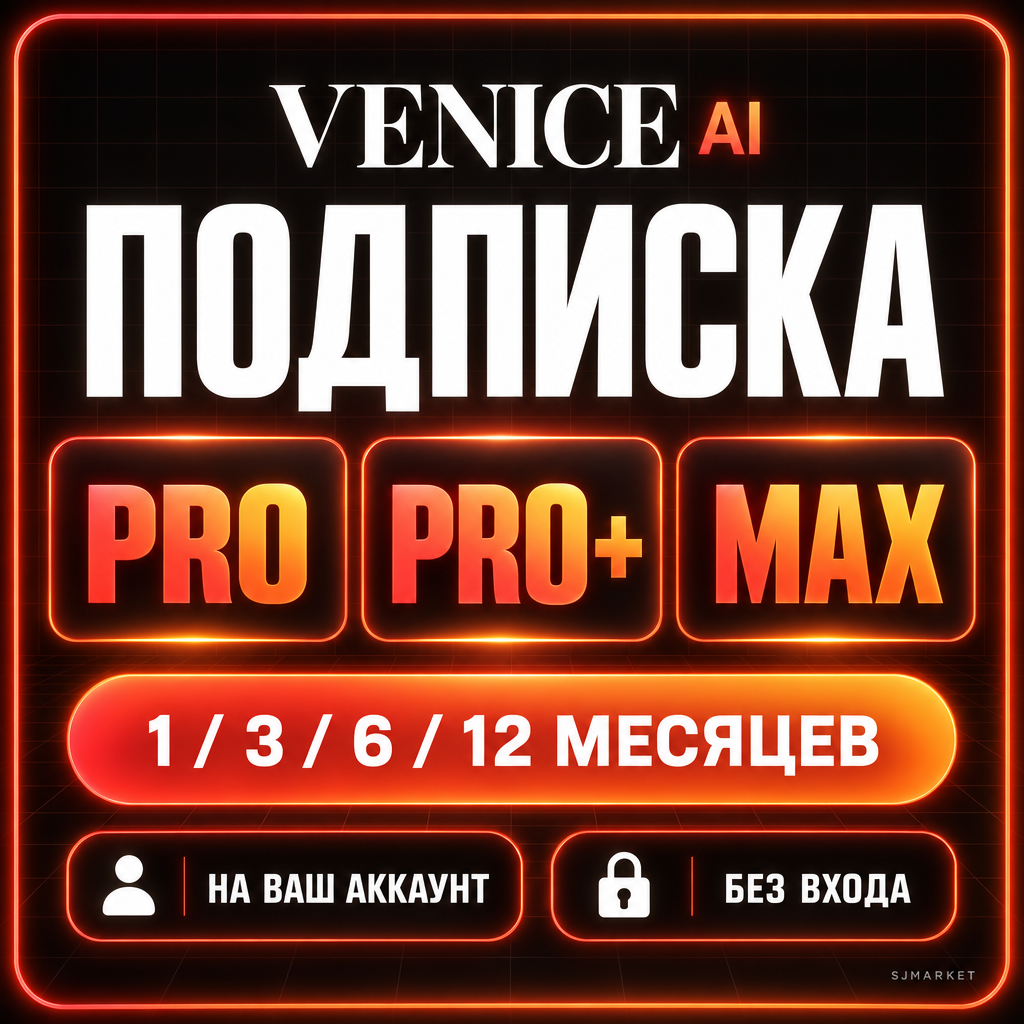
VENICE AI | Pro / Pro+ / Max subscription and credits | 1-12 months | Veniceai
- Price in currencies:
- 9.64 $ · 476 RUB
- Category:
- Others
- Item:
- text information
- Sales:
- 57
- Refunds:
- 0
- Seller:
- SjMarket · about the seller and their products
DESCRIPTION
VENICE AI | Pro / Pro+ / Max subscription and credits | 1-12 months | Veniceai
⏰ Automatic delivery 24/7. After payment, open the delivery page and confirm payment of your link.
🔐 No login, password or API key: the subscription or credits go to your account through your own link
🔁 No auto-renewal: the subscription ends at the end of the paid term
━━━━━━━━━━━━━━━━━━━━
Plans
✅ Pro: all Pro models, unlimited text prompts, 1,000 images per day, image upscaling and editing, custom characters, extended context windows, 100 credits per month
✅ Pro+: everything in Pro, higher image limits, 7,500 credits per month, unused credits roll over for 2 months
✅ Max: everything in Pro+, the highest image limits, 22,500 credits per month, credits roll over for 3 months
Credits are spent on video, music, premium models and API. 100 credits = $1.
━━━━━━━━━━━━━━━━━━━━
How to create the link
1. Sign in at venice.ai and open venice.ai/pricing.
2. Click the button of your plan: Upgrade to Pro, Get Plus or Get Max.
3. Under PAYMENT METHOD choose USDC, Coinbase · prepaid.
⛔ Do not choose USDC, Stripe · recurring: that link will not work.
4. Under PREPAID TERM choose the term: 1, 3, 6 or 12 months.
5. Accept Venice´s terms and click Continue to Coinbase.
6. Do not connect a wallet or pay there. Copy the link from the address bar, it must start like this: payments.coinbase.com/payment-sessions/
7. Paste it into the order form and choose the same plan and term.
━━━━━━━━━━━━━━━━━━━━
How to create a link for a credit top-up
1. In your Venice profile, select Purchase Venice Credits.
2. Enter the amount for your pack: $5, $10, $20, $30, $40 or $50 for 500, 1000, 2000, 3000, 4000 or 5000 credits, respectively.
3. Click Continue and choose USDC or USDT · via Coinbase. Open the Coinbase page and copy its URL into the order form.
━━━━━━━━━━━━━━━━━━━━
After payment
1. Open the delivery page after payment.
2. Check the link amount and click "Confirm link and pay".
3. The subscription or credits appear in your Venice account.
━━━━━━━━━━━━━━━━━━━━
Important
⚠️ The link amount must exactly match the selected plan and term or credit pack.
⚠️ The link is valid for 24 hours. If it expires, create a new one and enter it on the delivery page.
⚠️ If you change your mind or enter wrong details, the refund is partial (−25%) and only while the link is unpaid.
⚠️ Once the link is paid, no refund is possible.
Additional information:
Automatic delivery: create a Coinbase payment link for the selected subscription or credit pack. After purchase, open the delivery page, check the amount and confirm payment.
REVIEWS
Reviews: (0)
No customer reviews yet.
DISCOUNTS
Discounts:
Discount for regular customers! If the total of your purchases from the seller SjMarket exceeds:
- $50000 discount 3%
- $5000 discount 2%
- $3000 discount 1%