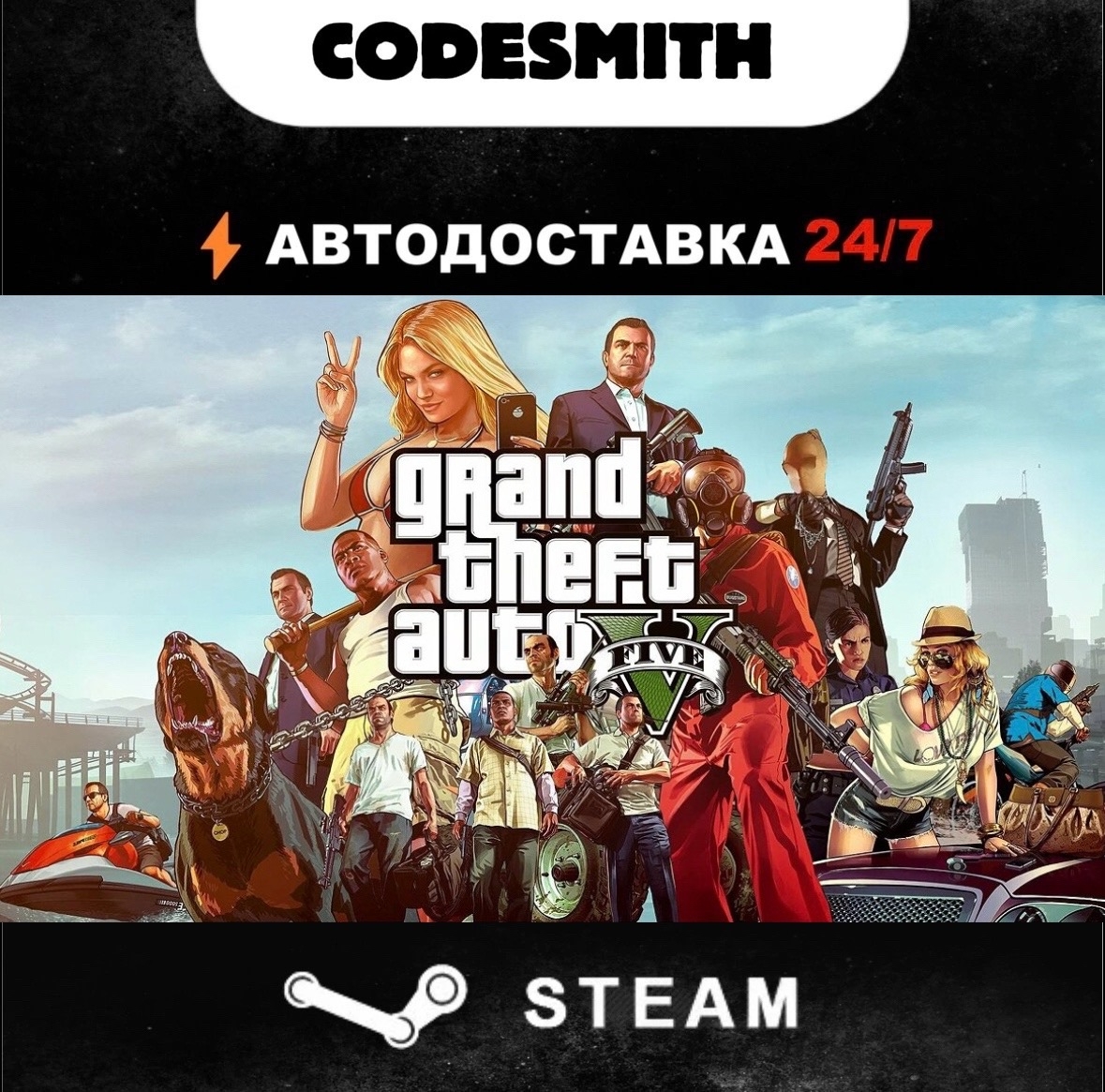
Grand Theft Auto V Enhanced + Legacy + Online (GTA 5) || Global + CIS || Auto-deliver
- Price in currencies:
- 36.19 $ · 2686 RUB
- Category:
- Keys
- Item:
- text information
- Sales:
- 1
- Refunds:
- 0
- Seller:
- CodeSmith · about the seller and their products
DESCRIPTION
Grand Theft Auto V Enhanced + Legacy + Online (GTA 5) || Global + CIS || Auto-deliver
🌍 Important Info About Steam Regions
❗️ 🇷🇺 Russia and 🇰🇿 Kazakhstan are separate regions with their own currencies. They are not part of the CIS region (Armenia, Azerbaijan, Belarus, Georgia, Kyrgyzstan, Moldova, Tajikistan, Turkmenistan, Uzbekistan). ❗️
⭐ Instant delivery of Steam gifts (Gifts) 24/7
🤖 Fully automated process
No need to wait after payment. Simply paste the invitation link into the form, and the bot will instantly send the game.
⏱ Speed of delivery: 1–3 minutes (in rare cases longer — due to force majeure events).
📲 How to Receive Your Game:
1. Pay for your order.
2. Go to the claims page.
3. Enter your quick invite link (to learn how to get it — see below).
4. Click on ´Claim Gift.´
5. The bot sends the game → You accept it → It appears immediately in your library.
🔗 Where to Get the Invitation Link?
👉 https://clck.ru/3RNQuP
📜 More Information About the Product
👉 https://store.steampowered.com/app/271590
🔍 Check the Country of Your Account
👉 https://store.steampowered.com/account
📝 Can´t Find the Product You´re Looking For? Write to Us!
We can add almost any game from Steam upon request.
❗️ Once you have already received the gift, no returns are possible. Any return due to your mistake incurs a 20% fee. If the refund is caused by our error, you will receive the full amount you paid. If the price changes, the refund will also be complete.
🕐 Support Hours: 11:00–23:30 Moscow Time
Additional information:
The link https://s.team/p/... is a shortened Steam invitation link for quickly adding friends.
It is designed to be sent to someone, who can then add you as a friend without having to manually send a request.
🛠️ How to create such a link
There are two simple ways:
Via browser:
Go to the "Friends" → "Add Friend" page in Steam: https://steamcommunity.com/my/friends/add (you must be logged in).
Find the "Invite Friend" section.
Click "Create New Link".
Copy the ready-made link that starts with s.team/p/....
Via the Steam client:
Click on "Friends" in the top menu.
Select "Add Friend".
Click "Create New Link".
REVIEWS
Reviews: (0)
No customer reviews yet.
DISCOUNTS
Discounts:
Discount for regular customers! If the total of your purchases from the seller CodeSmith exceeds:
- $500 discount 3%
- $200 discount 2%
- $50 discount 1%